Accelo provides cloud-based Professional Services Automation (PSA) software designed to unify and streamline client, project, resource, and financial management for service-based businesses. By centralizing operations into a single, intuitive platform, Accelo eliminates the need for fragmented tools, delivering a comprehensive solution that improves efficiency, transparency, and collaboration across teams. Serving industries such as consulting, engineering, architecture, IT…
N/A
Forecast
Score10 out of 10
N/A
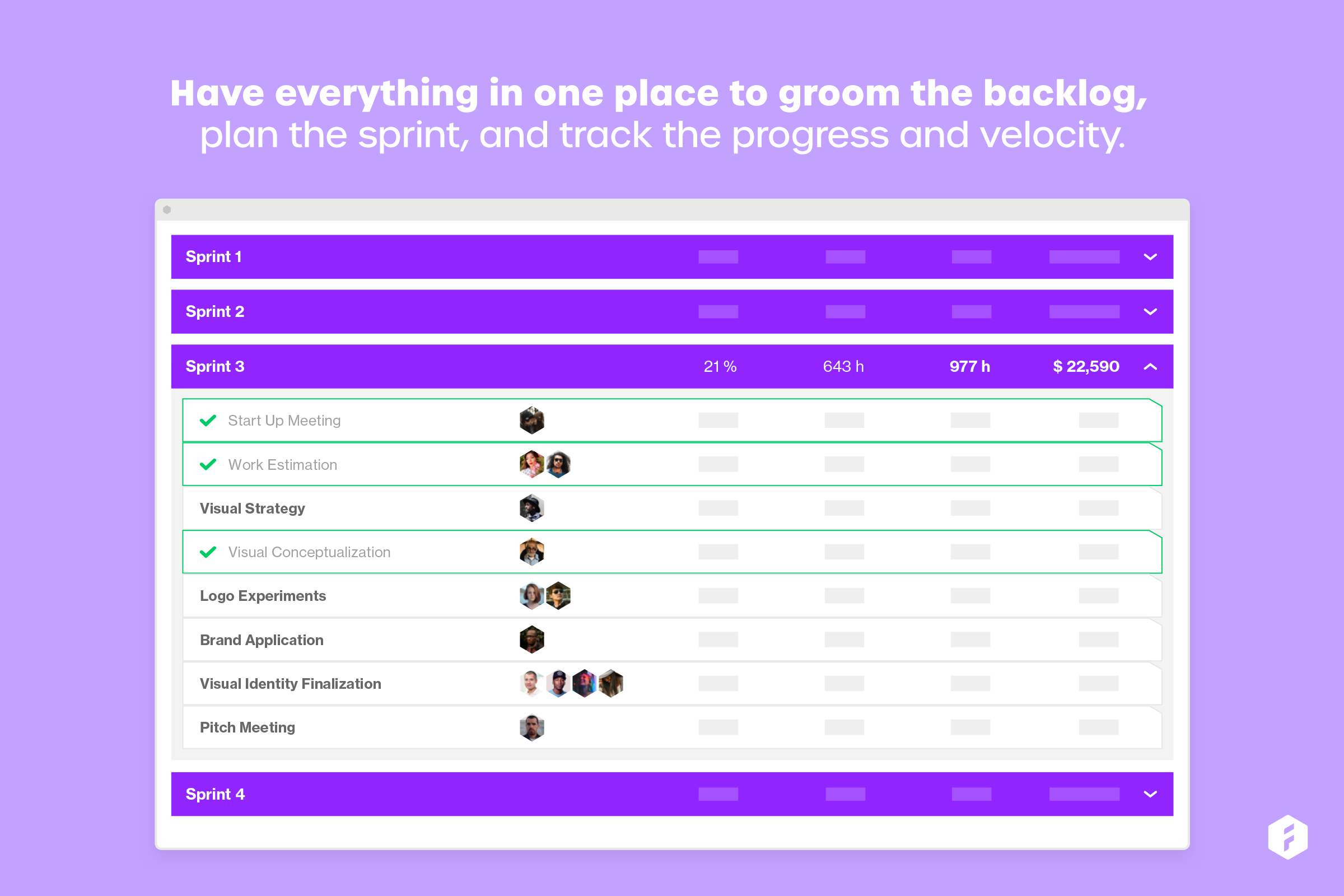
Forecast.it is a project portfolio management solution built around features such as resource planning and time tracking, budget estimating, and analytics and reporting, with key third-party integrations.
Accelo is a system that can do it all. It's extremely sophisticated. Depending on the sophistication of your organization, or specifically the abilities of the people you put in charge of the implementation, it can almost be too sophisticated. It all just depends on your situation. The more you use it, the more data you give it, the more you'll be able to see and do. It's incredibly powerful. But it's definitely not a tool that would be appropriate for smaller boutique type organizations that have only basic needs.
A de minimis incentive was given to thank the reviewer for their time. The incentive was not used to bias or drive a particular response, nor was the incentive contingent on a positive endorsement. More Info
Forecast is well suited for tracking schedules, especially if it is only being controlled by a single department. When it comes to using Forecast in a larger ecosystem with more "cooks in the kitchen" it would be helpful to have the software more easily integrated with other software.
A de minimis incentive was given to thank the reviewer for their time. The incentive was not used to bias or drive a particular response, nor was the incentive contingent on a positive endorsement. More Info
A de minimis incentive was given to thank the reviewer for their time. The incentive was not used to bias or drive a particular response, nor was the incentive contingent on a positive endorsement. More Info
A de minimis incentive was given to thank the reviewer for their time. The incentive was not used to bias or drive a particular response, nor was the incentive contingent on a positive endorsement. More Info
A de minimis incentive was given to thank the reviewer for their time. The incentive was not used to bias or drive a particular response, nor was the incentive contingent on a positive endorsement. More Info
Not as intuitive as its companion software, Harvest. This software takes longer to learn when on-boarding new staff. It is also difficult to view time notes without needing to physically open them up. This could be improved by expanding the "on hover" functionality. Personally, having spent as little time in workflow software is really important, as it gives me more time to code.
Because we use this software to plan schedules, items often fall through the cracks. I would like to see some more sophisticated syncing with not only Harvest but also with Asana.
Lack of integration with Asana. It would be nice to pull data from forecast and display it in Asana. This would be helpful for understanding how much time I have to spend on a project rather than bounce back and forth between web apps.
A de minimis incentive was given to thank the reviewer for their time. The incentive was not used to bias or drive a particular response, nor was the incentive contingent on a positive endorsement. More Info
From the beginning the Accelo team has been very invested in ensuring our success and overall happiness with the platform. The initial implementation specialists and trainers did a fairly good job of learning our company and needs, and tried to tailor the trainings accordingly. However, once we made the formal switch to the platform, meaning we no longer were using our legacy systems, we found that we had a lot of questions....and a lot of ideas and recommendations. The support team is extremely responsive and seemingly happy to receive our continual feedback. And if we encounter an issue that seems to be a system issue, they work diligently to fix it (we've actually had an engineer join a call with us to learn of the issue - and subsequently fix it)
A de minimis incentive was given to thank the reviewer for their time. The incentive was not used to bias or drive a particular response, nor was the incentive contingent on a positive endorsement. More Info
A de minimis incentive was given to thank the reviewer for their time. The incentive was not used to bias or drive a particular response, nor was the incentive contingent on a positive endorsement. More Info
Accelo doesn't really exceed any competitors in any one area of their product, but in 2015 when we made the move this was the best option that included all the tools we wanted. However, user adoption was low in some areas due to the UI, so we scaled back Accelo and added other tools.
A de minimis incentive was given to thank the reviewer for their time. The incentive was not used to bias or drive a particular response, nor was the incentive contingent on a positive endorsement. More Info
I have not used any other scheduling software other than Forecast. The company selected Forecast because it is used in conjunction with Harvest. The pair of web apps can be used to pull detailed data. This is very important to our agency, and making data-driven decisions is exceptionally important to our agency mission.
A de minimis incentive was given to thank the reviewer for their time. The incentive was not used to bias or drive a particular response, nor was the incentive contingent on a positive endorsement. More Info
A de minimis incentive was given to thank the reviewer for their time. The incentive was not used to bias or drive a particular response, nor was the incentive contingent on a positive endorsement. More Info
A de minimis incentive was given to thank the reviewer for their time. The incentive was not used to bias or drive a particular response, nor was the incentive contingent on a positive endorsement. More Info