FocuSee vs. Markup Hero

Overview
ProductRatingMost Used ByProduct SummaryStarting Price
FocuSee
Score 0.0 out of 10
N/A
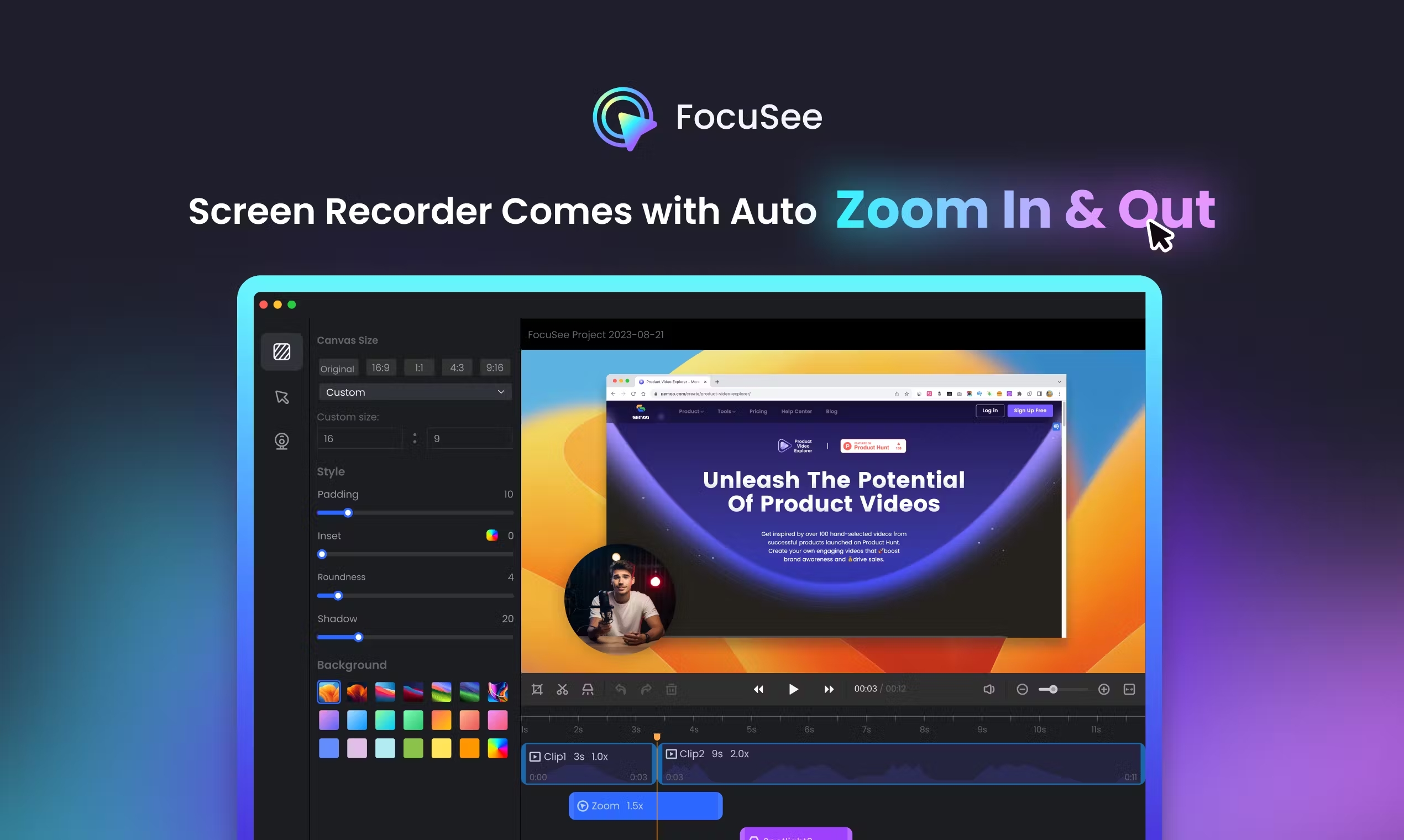
FocuSee is a screen recording tool with automatic zoom effects, various cursor styles, and click effects. With its interface, FocuSee allows for the creation of captivating Demo/Tutorials/Promo/Launch/Pitch/Sales videos without manual editing. FocuSee can be used to create professional-looking videos in minutes, with the goal of capturing an audience's attention, as well as save hours and extra effort on video editing.
$19.99
per month one computer (Win/Mac)
Markup Hero
Score 9.0 out of 10
Small Businesses (1-50 employees)
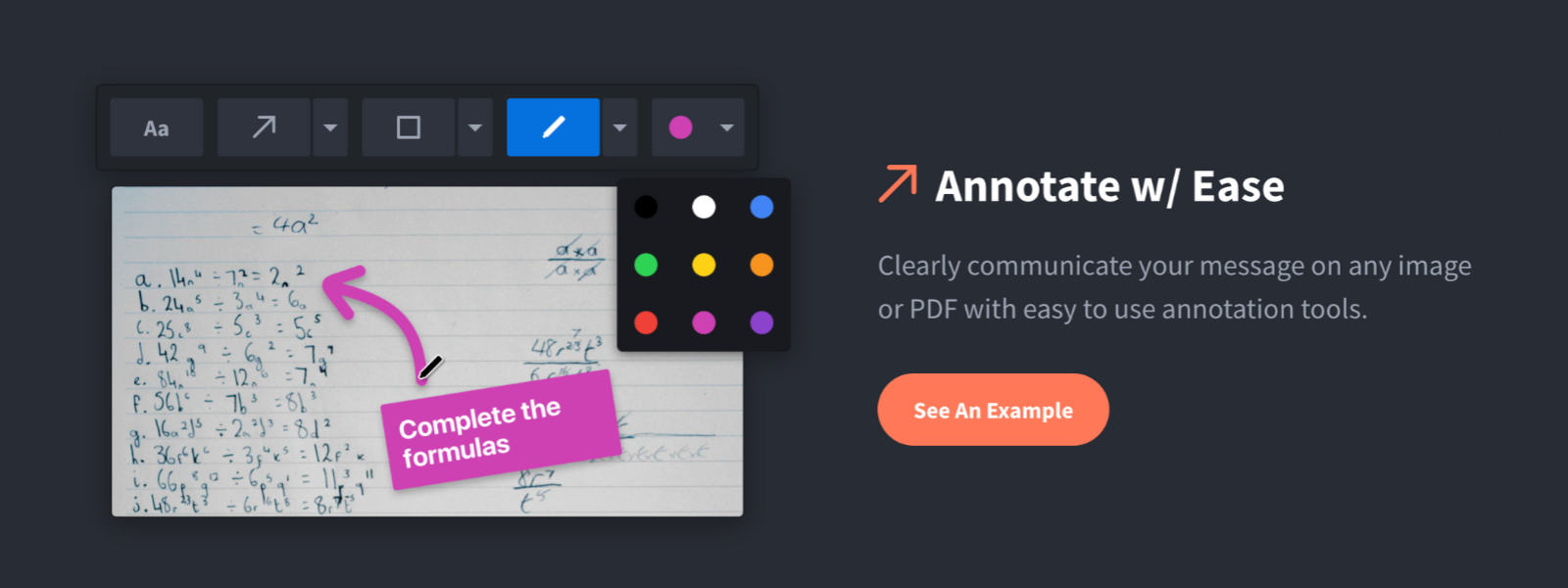
Screenshot, Annotate & Share Markup Hero is an annotation and screenshot tool designed to allow users to capture ideas, communicate clearly, and save time. Features Include: Screenshots Desktop app for Mac, Windows & Linux Works on any device including mobile Chrome extension Annotate screenshots, PDF's, images and URL's Always editable - annotations do not flatten permanently Arrow, text, rectangle, oval,…
$5
all features, unlimited markups, unlimited storage, unlimited bandwidth
Pricing
FocuSeeMarkup Hero
Editions & Modules
FocuSee
$19.99
per month one computer (Win/Mac)
FocuSee
$69.99
one-time fee one computer (Win/Mac)
FocuSee
$95.99
one-time fee two computers(Win/Mac)
FocuSee
$179.99
one-time fee five computers(Win/Mac)
Superhero
$5/month
all features, unlimited markups, unlimited storage, unlimited bandwidth
Hero
FREE
10 markups per month, 3 days editing history
Offerings
Pricing Offerings
FocuSeeMarkup Hero
Free Trial
YesYes
Free/Freemium Version
NoYes
Premium Consulting/Integration Services
NoNo
Entry-level Setup FeeNo setup feeNo setup fee
Additional Details
More Pricing Information
Community Pulse
FocuSeeMarkup Hero
Best Alternatives
FocuSeeMarkup Hero
Small Businesses
Sendspark
Sendspark
Score 10.0 out of 10
Sendspark
Sendspark
Score 10.0 out of 10
Medium-sized Companies
Snagit
Snagit
Score 9.3 out of 10
Snagit
Snagit
Score 9.3 out of 10
Enterprises
Snagit
Snagit
Score 9.3 out of 10
Snagit
Snagit
Score 9.3 out of 10
All AlternativesView all alternativesView all alternatives
User Ratings
FocuSeeMarkup Hero
Likelihood to Recommend
-
(0 ratings)
9.6
(0 ratings)
User Testimonials
FocuSeeMarkup Hero
Likelihood to Recommend
No answers on this topic
Markup Hero is great for sharing quick notes and adding callouts to images of PDFs. I use Markup Hero to share and store all my screenshots too. Markup Hero is not suited for in depth design feedback and iterations like Invision or full graphic design edits like Canva (although it's getting close!)
Read full review
Pros
No answers on this topic
  • Quickly adding annotations
  • Sharing links to screenshots or marked up PDFs
  • Always editable and accessible from any device
Read full review
Cons
No answers on this topic
  • Teams is basic right now; looking forward to more permissions and team folders
  • Love the insert image, but would like to be able to make my own library of images
  • Needs rotate when uploading from my iPhone - they're sideways right now
Read full review
Alternatives Considered
No answers on this topic
Snagit is more powerful in some respects, but it's just overwhelming. I have Snagit too, but I only need the extra features like (unlimited colors, 50 different arrow shapes, etc.) like 1% of the time. I'd rather have simplicity and speed. Droplr was a good tool, but they haven't updated it in years it seems CloudApp is nice because it's a bit faster to take screenshots, but for me I like the web based annotating because I'm jumping between computers and devices a lot and want my markups everwhere.
Read full review
Return on Investment
No answers on this topic
  • Productivity - Save at least 30 mins per day per employee
  • Organization - No more hunting through emails finding content I sent to someone
  • Communication - My clients better understand our suggested properties when I add annotations.
Read full review
ScreenShots

FocuSee Screenshots

Screenshot of the screen recording tool with automatic zoom effects, various cursor styles, and click effects.Screenshot of the export and sharing options.Screenshot of online sharing with interactive elements.

Markup Hero Screenshots

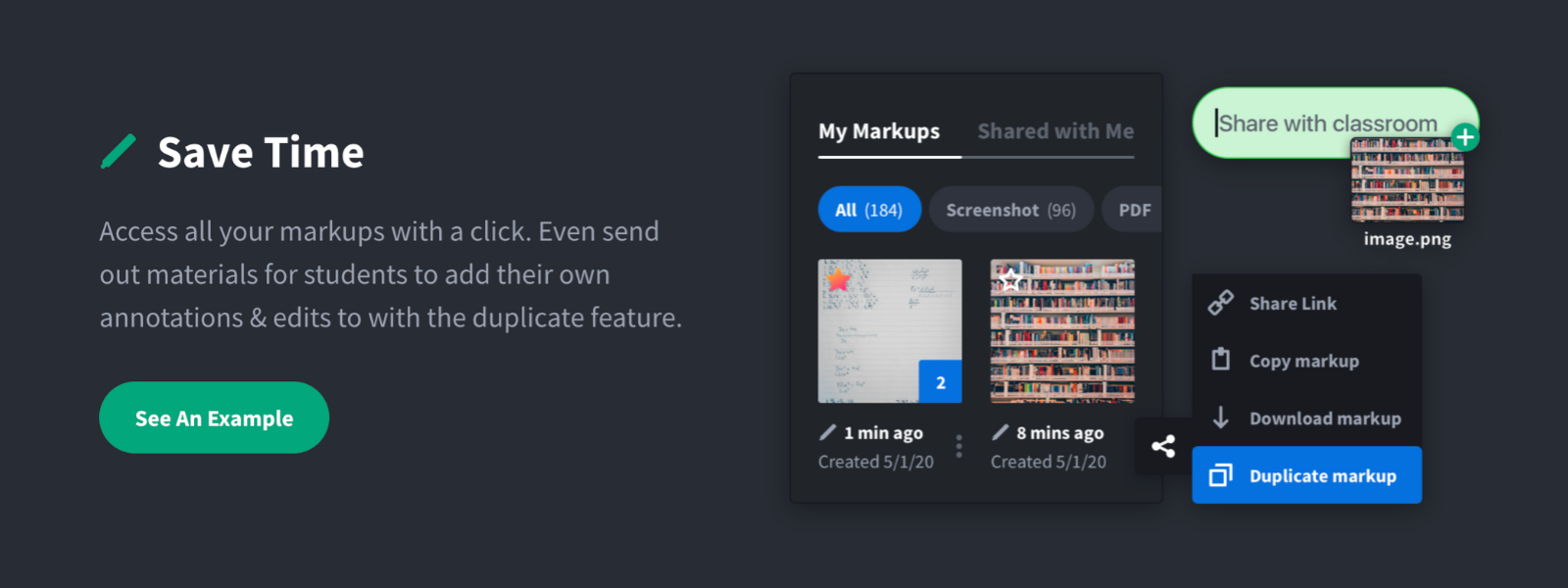
Screenshot of Annotate and markup just about anything from almost anywhere.Screenshot of Always editable, saved in your history, set permissions and share with a click.Screenshot of Keep track with tags and never lose a past markup.Screenshot of Upload images, PDF's, website URL's, Google Docs and annotate away!Screenshot of Tons of annotation tools like arrows, text, blur, crop, highlight and more.Screenshot of Super simple user interface that you'll love coming back to again and again.