Firmex Virtual Data Room vs. Onehub

Overview
ProductRatingMost Used ByProduct SummaryStarting Price
Firmex Virtual Data Room
Score 6.0 out of 10
N/A
Firmex in Toronto offers a Virtual Data Room touting bank level security and customizable DRM, as well as two-factor password access and authentication and compliance with strict international privacy laws (e.g. HIPAA, SOC 2, UK Data Protection Act, etc). Beyond this the VDR offers tracking and versioning, dynamic watermarking, and other security and collaboration features.N/A
Onehub
Score 8.0 out of 10
N/A
Onehub is a secure file storage and sharing service built for businesses of any size. Users can maintain existing folder and file structure with secure online document sharing and collaboration, and remain hyper-organized while able to access files from anywhere. Bank-level encryption as well as its granular, role-based permission structure means users can control who has access to content and share critical business files with confidence. Onehub’s security features include role…
$29.95
3 paid users included per month
Pricing
Firmex Virtual Data RoomOnehub
Editions & Modules
No answers on this topic
Team
$29.95
3 paid users included per month
Business
$99.95
5 paid users included per month
Enterprise
Call for details
Offerings
Pricing Offerings
Firmex Virtual Data RoomOnehub
Free Trial
NoYes
Free/Freemium Version
NoNo
Premium Consulting/Integration Services
NoNo
Entry-level Setup FeeNo setup feeNo setup fee
Additional DetailsTeam Plan - $10 per additional user Business Plan - $15 per additional user
More Pricing Information
Community Pulse
Firmex Virtual Data RoomOnehub
Features
Firmex Virtual Data RoomOnehub
File Sharing & Management
Comparison of File Sharing & Management features of Product A and Product B
Firmex Virtual Data Room
-
Ratings
Onehub
7.7
Ratings
9% below category average
Versioning00 Ratings7.00 Ratings
Document collaboration00 Ratings8.00 Ratings
Access control00 Ratings8.00 Ratings
File search00 Ratings7.80 Ratings
Cloud Storage Security & Administration
Comparison of Cloud Storage Security & Administration features of Product A and Product B
Firmex Virtual Data Room
-
Ratings
Onehub
8.5
Ratings
2% below category average
User and role management00 Ratings8.00 Ratings
File organization00 Ratings9.00 Ratings
Cloud Storage Platform
Comparison of Cloud Storage Platform features of Product A and Product B
Firmex Virtual Data Room
-
Ratings
Onehub
9.3
Ratings
9% above category average
Performance00 Ratings8.50 Ratings
Reliability00 Ratings10.00 Ratings
Best Alternatives
Firmex Virtual Data RoomOnehub
Small Businesses
M‑Files
M‑Files
Score 8.9 out of 10
SugarSync
SugarSync
Score 5.8 out of 10
Medium-sized Companies
M‑Files
M‑Files
Score 8.9 out of 10
Druva Security Cloud
Score 9.7 out of 10
Enterprises
M‑Files
M‑Files
Score 8.9 out of 10
Druva Security Cloud
Score 9.7 out of 10
All AlternativesView all alternativesView all alternatives
User Ratings
Firmex Virtual Data RoomOnehub
Likelihood to Recommend
10.0
(0 ratings)
8.0
(0 ratings)
Likelihood to Renew
-
(0 ratings)
10.0
(0 ratings)
User Testimonials
Firmex Virtual Data RoomOnehub
Likelihood to Recommend
Great for transactions involving file sharing where large amounts of documents need to be shared between multiple parties at different organizations. I could also see its utility as a document management site for an entity going through a reorganization or transition. It is not appropriate as a permanent document management system.
Read full review
We love the tool
Read full review
Pros
  • Status updates
  • Visual display
  • Organization capabilities
Read full review
  • Able to customize the pages where you keep files and documents, helping to keep organized.
  • Uploading files is an easy process.
  • Has reliable security for keeping documents safe. Uses a 2-factor authentication process.
Read full review
Cons
  • This is a bit of a stretch, because as far as I know, no data room provides this, but I think it would be interesting if they added a feature to manage supplemental due diligence requests. In almost every transaction I've been involved with, the buyer has supplemental due diligence requests, either because the seller did not want to provide a document or because they did not think it was sufficiently material (or they just forgot!). These supplemental requests get handled separately, using a Word or Excel document, but I think it would be nice if it could be handled directly in the data room. The reason this would be handy is that you could include dynamics links in the questions (Page 2 is missing from Document 1.1.2 - and then there is a link right to Document 1.1.2) and in the answers (See Document 3.3.4 for the missing financial statements - and then there is a link right to the missing document).
  • This is partly on the users, but I do not like it when a data room allows you to delete a document without there being an ongoing reference to the deleted document. It makes it hard for the other side (the purchaser) to keep straight the numbering of the due diligence documents. At a minimum, the software should just keep the numbering of the documents the same with an "Intentionally Deleted" next to the deleted document.
Read full review
  • Design
  • Sharing Portal
Read full review
Likelihood to Renew
No answers on this topic
Our clients and staff enjoy the security level when sending sensitive financial data back and forth.
Read full review
Usability
No answers on this topic
Again we love the tool
Read full review
Alternatives Considered
I think Firmex stacks up well with Merrill DatasiteOne, and I do not really have a preference between the two. Likewise, there are other data room services out there, and the good ones generally work pretty much the same, and I do not really have a favorite (this coming from someone who has a favorite on most things). Firmex does work much better for complex transactions than Dropbox Business, OneDrive and other cloud base file-sharing services because those services are designed for (1) more general uses, and (2) collaborating across organizations. Firmex is better for due diligence on corporate transactions because of things like the ability to print a complete data room index of 1000s of documents (this makes it easier to tell individuals in the organization who has to review what documents) and strong protections on what people who download documents can do with them (ie: watermarks, locked PDFs so they cannot manipulate the documents). Firmex is optimized for due diligence review, rather than collaboration.
Read full review
Onehub has the better security, but Evernote is more user friendly and more compatible with other programs the department uses. Onehub is good for sending documents to externals/clients and then having the document reviewed, but like the flow of other programs better. Onehub is more user friendly than OneNote and has the ability to collaborate with members outside of the department. OneNote is used more for internal collaboration where security is not as big of an issue, Onehub is better for shared outside of the department.
Read full review
Return on Investment
  • Positive impact on conducting due diligence efficiently.
  • Positive impact on being responsive to fast-moving transactions because of the e-mail updates when new documents get uploaded.
Read full review
  • Assuring clients of record keeping
  • Client interest
Read full review
ScreenShots

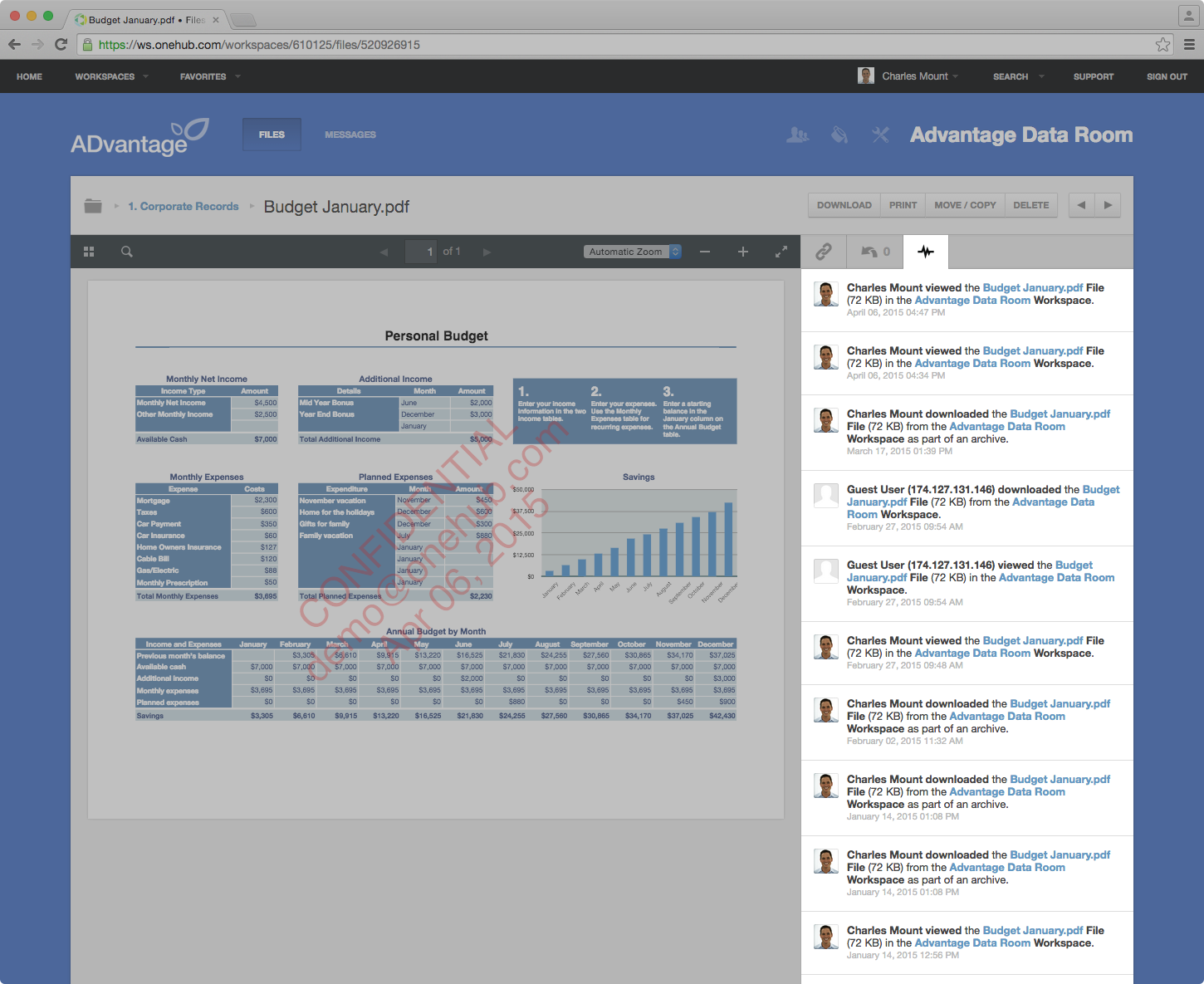
Onehub Screenshots

Screenshot of Onehub Workspace homeScreenshot of Data Room ActivityScreenshot of Custom Branded WorkspaceScreenshot of Mobile AccessScreenshot of User Permission Controls