Filestack vs. ShareBase (discontinued)

Overview
ProductRatingMost Used ByProduct SummaryStarting Price
Filestack
Score 10.0 out of 10
N/A
Filestack is a developer service for uploading files from anywhere onto the user's application. Filestack allows software developers to integrate more than 25 of the world’s leading cloud drives with just a few lines of code. End users can upload content from websites and mobile apps like Facebook, Instagram, and Dropbox or wherever that content is stored. Filestack enables developers to upload and store large files, transform and manipulate images and other file types, and deliver that…
$69
per month
ShareBase (discontinued)
Score 9.3 out of 10
N/A
ShareBase is a cloud-based, enterprise file sync and share solution from Hyland, that provides a simple experience to store, search for and share content securely. Going forward Hyland will no longer offer the product.N/A
Pricing
FilestackShareBase (discontinued)
Editions & Modules
Start
$69
per month
Grow
$199
per month
Scale
$379
per month
No answers on this topic
Offerings
Pricing Offerings
FilestackShareBase (discontinued)
Free Trial
YesNo
Free/Freemium Version
YesNo
Premium Consulting/Integration Services
NoNo
Entry-level Setup FeeNo setup feeNo setup fee
Additional DetailsFilestack pricing tiers are based off of the number of API calls for file uploads, file transformations, and outbound bandwidth. Start for free, and contact the vendor regarding custom pricing.
More Pricing Information
Community Pulse
FilestackShareBase (discontinued)
User Ratings
FilestackShareBase (discontinued)
Likelihood to Recommend
10.0
(0 ratings)
10.0
(0 ratings)
User Testimonials
FilestackShareBase (discontinued)
Likelihood to Recommend
The integration is airy and the performance is amazing. Initially, we used our photo file uploader and it worked, but as our needs grew the developmental effort to support new needs took a lifetime. As a development manager, this was a big red flag because uploading files had become a hindrance and time-consuming away from other purposes.
Read full review
Sometimes, there are professors and teachers that need to share with other people of the same department certain information to help them to improve their classes or just to communicate something that might be easily uploaded there than in other platforms or software. Also, it can help people of different departments to be aware of the contents that students are seeing constantly in classes.
Read full review
Pros
  • An e-commerce platform wants users to upload product images from their Google Drive. Filestack’s file picker allows seamless integration without users manually downloading and re-uploading files.
Read full review
  • It has a great capacity.
  • Allows you to collaborate and share with others.
  • Take care of privacy.
Read full review
Cons
  • Pricing for High Usage – Costs can scale quickly for businesses with heavy file processing needs. A more flexible pricing model would be helpful.
  • Advanced Feature Learning Curve – Some of the more complex functionalities, like custom processing workflows, require deeper technical knowledge. More intuitive UI or guided setups would be great.
  • More Customization for UI Components – The default file picker is useful but could offer more styling and branding options without requiring extra coding.
Read full review
No answers on this topic
Usability
I rate Filestack highly because it delivers fast, reliable file handling, powerful real-time transformations, and seamless integrations that save time and enhance user experience. While pricing and the learning curve can be challenges, the overall value in scalability, automation, and performance makes it a great investment for businesses managing large volumes of media
Read full review
No answers on this topic
Alternatives Considered
Offers smart CDN and real-time processing, but pricing can be high.
Read full review
I think that there is important to understand that there are some software or platforms that more than stacking up between them, complement each other to have a great diversity of tools and instruments for creating and presenting information in different ways. In this case, ShareBase is completely different than most of these pages and that makes it a valuable tool.
Read full review
Return on Investment
  • Decreased Development Load/Enabled Developer Bandwidth
  • Ease of Integration into CMS
  • Cost/Time Efficiency Boost
Read full review
  • Collaborating processes are benefitted.
  • Makes smaller the time of sharing documents and files.
  • Allows everyone to protect their information while communicating with others.
Read full review
ScreenShots

Filestack Screenshots

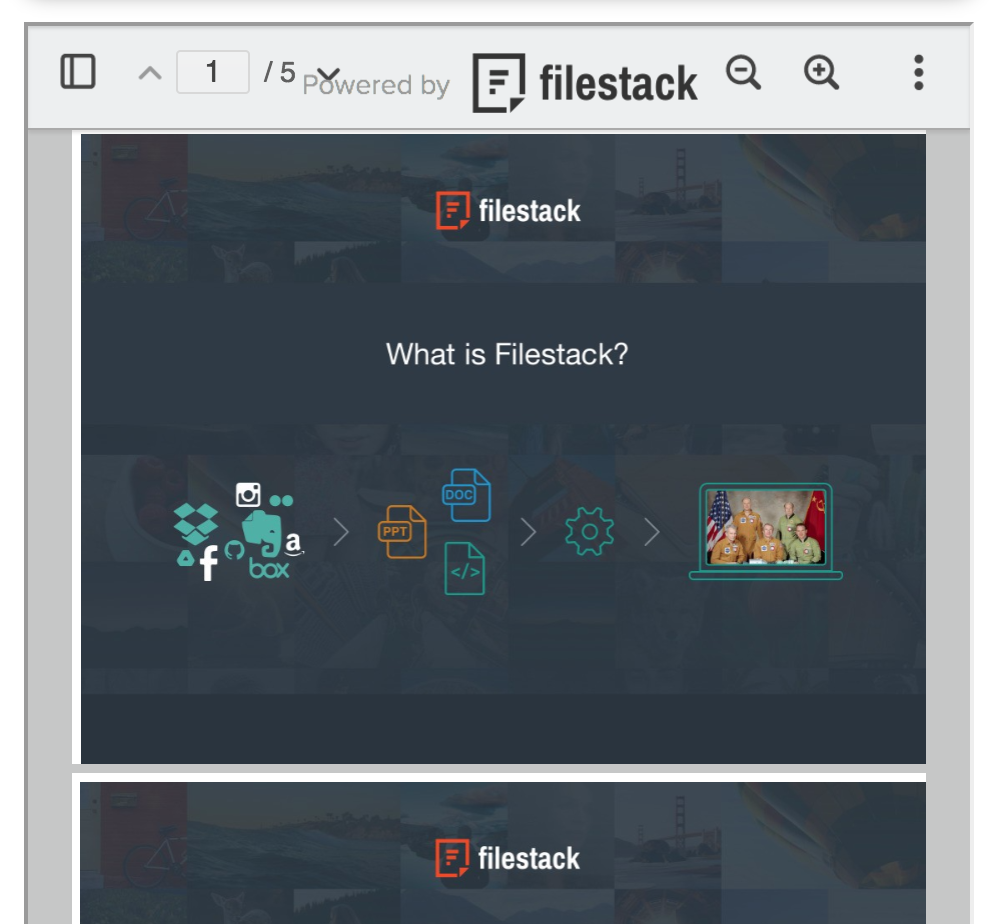
Screenshot of The powerful file uploader to connect your users to 20+ cloud drives for fast, reliable uploading.Screenshot of Filestack Document Viewer to embed PDFs, PowerPoints, Excel Files and more directly on your website, without any heavy plugins.Screenshot of Only 2 lines of code to implement Filestack in your application.

ShareBase (discontinued) Screenshots

Screenshot of ShareBase offers a Guided Uploads option for securely capturing the types of documents necessary to support a transaction within a business process intuitively and optimized for mobile devices without requiring a app to be downloaded.Screenshot of Link shares can be a single document share or a folder of documents, including any sub-folders within the parent folder.  Each link share includes the appropriate rights (download, modify, view-only) as well as how long the link will stay active, with both items able to be controlled by an Administrator.Screenshot of The majority of link share recipients use ShareBase on mobile devices so the link share experience has been designed and optimized for those devices without requiring an additional app to be downloaded on their devices.Screenshot of ShareBase allows organizations to brand the user experience when securely sharing and receiving content with individuals outside of their organization.