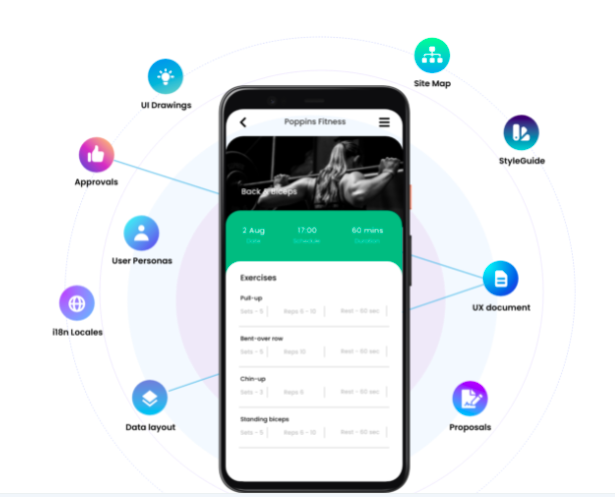
Figma is a solid design tool to craft the UX design concepts/solutions for digital products. For printed marketing materials such as brochures, marketing flyers, press releases, etc, other design tools such as Adobe Illustrator, Photoshop, or InDesign might make more sense to use for those use case scenarios.
MockFlow is a great tool for low-fidelity wireframing for quick validation & contextualization of UX & UI hypotheses. It is not a substitute for full-fledged designing tools such as Figma or Adobe XD.
Tappable overlaid layers - bugs on fixed components, such as an app navigation footer in a prototype
Swapping a component but retaining inputted copy or imagery.
Performance on prototypes to work better in UserZoom - having to delete hidden layers manually, optimize images, and streamline the file, in general, is time-consuming
Folder structures - larger teams need multiple layers of folder structure to help find things.
Branch performance - we need better, more user-friendly solutions to get designs to merge better.
Branch performance - branching with the option to choose which pages you want in the branch without deleting each page you don't need.
Default sharing options need improvement.
Responsive ratios' in prototyping without having to recreate pages.
Better collaboration with Jira to bring in links in the design mode not just dev mode.
Figma is a pretty cool tool in many areas. My team almost uses it on daily basis, such as, brainstorming on product/design topics, discussing prototypes created by designers. We even use it for retrospectives, which is super convenient and naturally keeps records of what the team discusses every month. Furthermore, I do see the potential of the product - currently we mainly use it for design topics, but it seems it is also a good fit for tech diagrams, which we probably will explore further in the future.
It's easy to use for designers who are familiar with design terms and functions from Photoshop and Illustrator. However, non-tech and non-designer collaborators have a hard time figuring out how to leave comments and apply changes, compared to other online design tools like Canva and Squarespace. Even simple drag-and-drops and rearrangement of certain blocks become too complicated due to uncommon functions like Hug and Lock.
I haven't used their support lately but in the past, they had a chat that I used often. They often responded in a few hours and were able to give a satisfactory solution. I would imagine it's less personal now but the community has expanded drastically so there are more resources out there to self serve with a bit of Google magic.
In-person training has its own benefits - 1. It helps in resolving queries then and there during the training. 2. I find classroom or in-person training more interactive. 3. Classroom or in-person training could be more practical in nature where participants can have an hands on experience with tools and clarify their doubts with the trainer.
Online training has its own merits and demerits - 1. Sometimes we may face issues with connectivity or the training content 2. The way training is being delivered becomes very important because not everyone is comfortable taking online training and learning by themselves. 3. With the advancement of technology online training has become popular but there is a segment of people who still prefer class-room training over online one.
I learned UX Design using Sketch and my team was using Sketch when I joined. We no longer use Sketch, and therefore I cannot compare its current functionality to Figma, but at the time of our switch, Figma just had more advanced capabilities- better collaboration, auto-layout tools, prototyping, etc. From what I can tell, it remains best in class for UX Design tools.
Figma is a high-fidelity designing tool and provides too many features which would be overkill if we are looking for basic prototyping. Also, if you are not a designer and just want to create basic wires or prototypes as a Business Analyst or Product Manager, MockFlow would suffice your needs. But if you are focusing on pixel-perfect designs then I would suggest going for Figma. The ease of usability with MockFlow is very convenient as there would be a steep learning curve for Figma. Balsamiq is very similar to MockFlow but the wires created in it look a bit sketchy & clumsy.