FigJam vs. InVision

Overview
ProductRatingMost Used ByProduct SummaryStarting Price
FigJam
Score 8.0 out of 10
N/A
FigJam is an online interactive whiteboard from Figma headquartered in San Francisco, presently in beta (2021) but available to the public in a free trial. The vendor states that in 2022, FigJam will have plans for $0, $8, and $15 per editor, per month.
$36
per year per editor
InVision
Score 5.8 out of 10
N/A
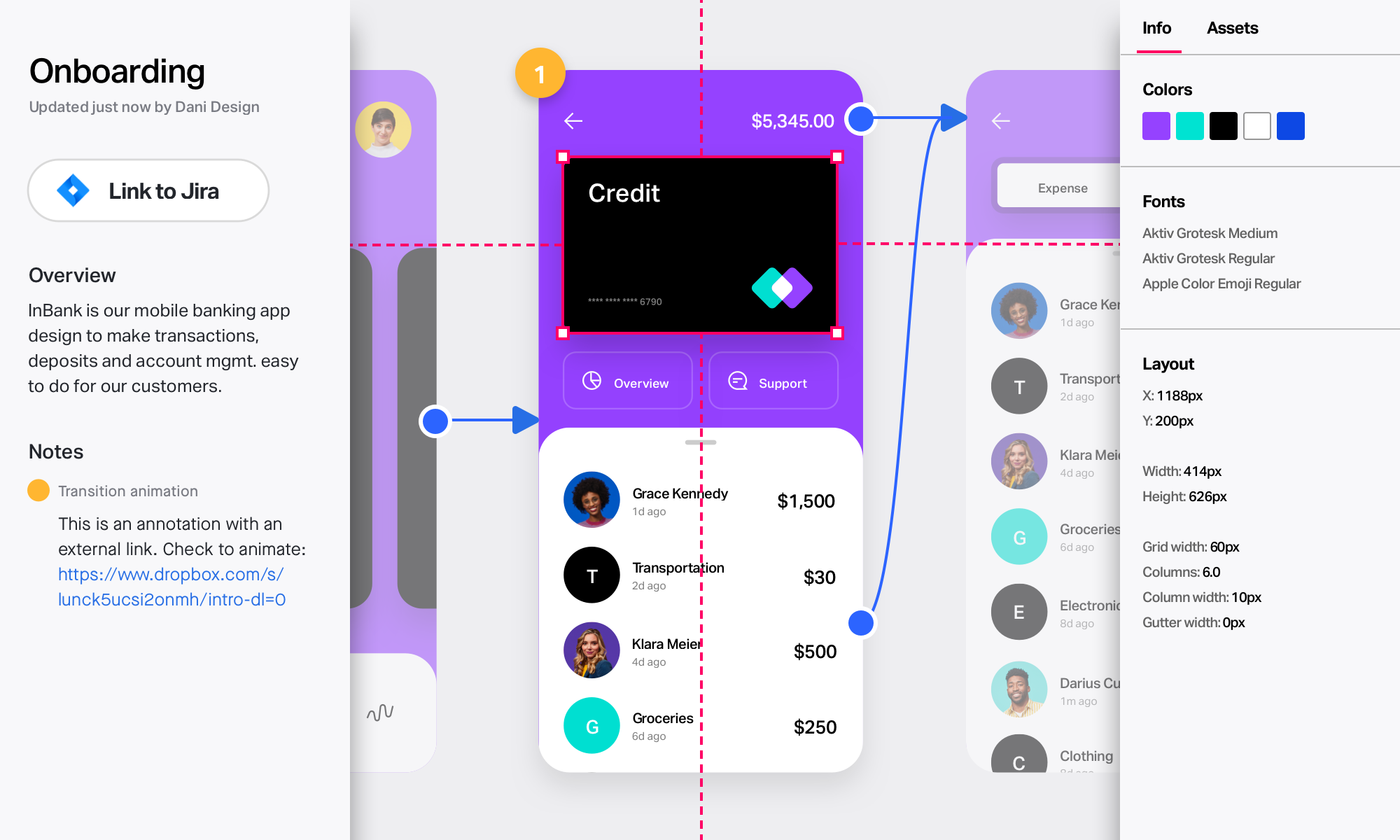
InVision is a collaborative design and prototyping platform with features such as freehand drafting mode and interactive mockups, collaboration, idea management, user testing, and integration with Slack and other collaboration tools. According to the vendor, 1 million designers are using the free version.
$0
Pricing
FigJamInVision
Editions & Modules
FigJam Professional
$36
per year per editor
FigJam Organization
$60
per year per editor
Free
$0
Pro
$7.75
per user/per month
Enterprise
Contact Sales
Offerings
Pricing Offerings
FigJamInVision
Free Trial
YesNo
Free/Freemium Version
YesNo
Premium Consulting/Integration Services
NoNo
Entry-level Setup FeeNo setup feeNo setup fee
Additional Details
More Pricing Information
Community Pulse
FigJamInVision
Best Alternatives
FigJamInVision
Small Businesses
Canva
Canva
Score 9.1 out of 10
OmniGraffle
OmniGraffle
Score 9.1 out of 10
Medium-sized Companies
Canva
Canva
Score 9.1 out of 10
OmniGraffle
OmniGraffle
Score 9.1 out of 10
Enterprises
Whimsical
Whimsical
Score 8.5 out of 10
OmniGraffle
OmniGraffle
Score 9.1 out of 10
All AlternativesView all alternativesView all alternatives
User Ratings
FigJamInVision
Likelihood to Recommend
8.0
(0 ratings)
8.0
(0 ratings)
Likelihood to Renew
-
(0 ratings)
8.0
(0 ratings)
Usability
8.6
(0 ratings)
9.0
(0 ratings)
Support Rating
-
(0 ratings)
8.8
(0 ratings)
User Testimonials
FigJamInVision
Likelihood to Recommend
FigJam is perfect for the early stages of a project, where every member from cross-functional teams can participate, because it’s intuitive and has a very low entry barrier.
Read full review
InVision is well suited for design reviews and immersing yourself in the experience of an app-to-be. As a Product Manager, it's difficult to take abstract concepts, user pain points, and business needs, and produce a vision for an app without a visual aid to communicate a vision. InVIsion offers PMs, designers, and developers the opportunity to sketch a vision, communicate about it with inline commenting, and shareable with other stakeholders.
Read full review
Pros
  • One file, auto updated, no need to get latest
  • Easy to preview
  • Lack of client is benefit to some (not me)
Read full review
  • Very easy to export Sketch files (where prototypes are actually created) into Invision and preserve the interactivity.
  • Additional interactivity can be added in InVision. Like scrolling with locked footer.
  • Clients, designer and developers can collaborate - leave notes and respond to notes made by others.
Read full review
Cons
  • love to see it kept feature light ... already seeing the little creeping features like timing clocks, AI help, etc ...
Read full review
  • Designs can be very slow to load on mobile devices, particularly when they include many screens.
  • There isn’t an offline version of the full app, which feels less-than-ideal for many of our teammates who live in areas with more spotty internet.
  • There are limited functionalities to portray animations and transitions. This hasn’t been a huge issue, but it makes the app feel a little out of date, considering the range of such functionalities in other apps.
Read full review
Likelihood to Renew
No answers on this topic
it does what we bought it for, so would buy again :)
Read full review
Usability
I don't use it often, because the organization I work in uses a different environment on a commo basis. This is rather used between the designers, who prototype the solutions in Figma - they just have it as a workbook/notebook for their ideas. However, if those need to be shared with stakeholders or other organization members, the designers are expected to use a different environment.
Read full review
The interface is well designed, but I had a hard time figuring out how the various pieces of software integrate together.
Read full review
Support Rating
No answers on this topic
I didn't need to contact InVision support, as I've never needed it. They have an intuitive UI, and most of the questions are answered in their help portal or in tutorials online. Since many people use it, there a great resources available on for example YouTube. No problems so far with InVision.
Read full review
Alternatives Considered
It is similar, but it provides more usable solutions for brainstorming sessions and presentation purposes. Now empowered with AI and some new cool stuff, it may be the most dangerous competitor to FigJam. However, it will win the race if FigJam is more responsive and gets more attached to Figma, where the prototyping takes place.
Read full review
[InVision] provides the ability to iterate really quickly, in fact, it is so intuitive that can be applied on live wireframe designing, while the ideas are being scratched and stormed from the team in a single discovery session, as well as allowing and giving access to the whole organization to the final outcome

Read full review
Return on Investment
  • It helps us conduct design tests faster, saving designers time specially because its easy to interact with FigJam
  • It helps discuss ideas faster
  • It helps us share ideas with partners more effectively
Read full review
  • For the price it is well worth it. It improves collaboration and efficiency which can be easily attributed to cost savings or improved margins.
  • It also adds an element of professionalism and sophistication to the process and presentation of the work, which in turns aids in brand favorability.
Read full review
ScreenShots

InVision Screenshots

Screenshot of Take designs from ideas to development in one unified platformScreenshot of Collaborate in real time on an endless digital whiteboard. Start fast with a blank canvas or pre-built templates.Screenshot of Create rich, interactive prototypes. Import from Sketch, then gather feedback from any device.Screenshot of Involve your developers early and often. Collect input and provide detailed specs to keep builds on track.