TrustRadius: an HG Insights company

Save this comparison

Save this comparison

Add Product

Recommended Comparisons

    Overview
    ProductRatingMost Used ByProduct SummaryStarting Price

    Fielda Inc

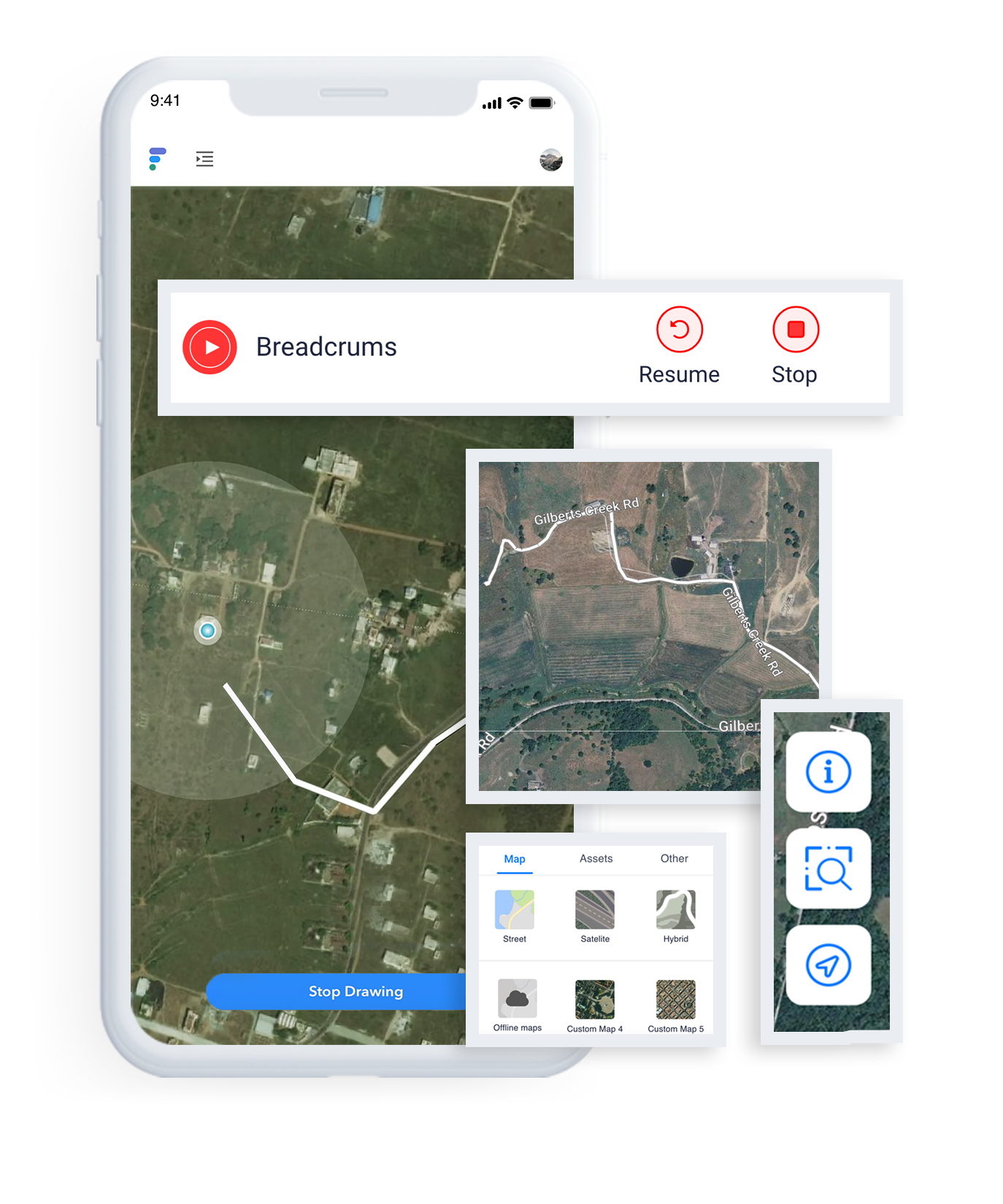
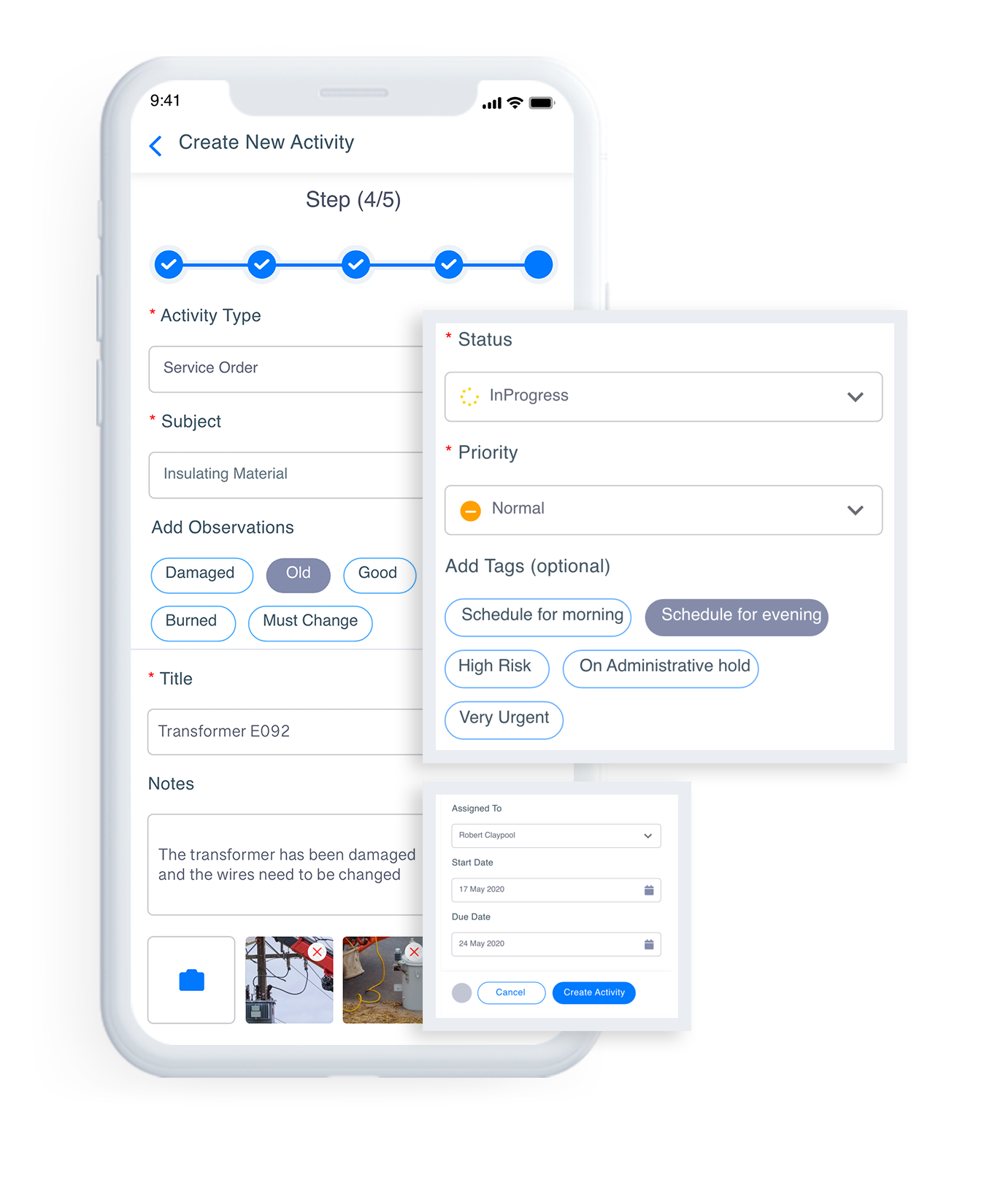
    N/AN/AFielda is a Low-Code Mobile Data Collection and Workflow management platform built specifically for field activity. Whether an organization is doing Field Asset inspection, Device Installation projects, or simple data collection, Fielda helps users stay on schedule, share data, eliminate errors, and maintain inspection compliance. Its proprietary Geospatial Software (GIS) Maps can speed up mobile data collection and provide in-depth insights. A host of features, including a no-code form…

    $20

    per month per user

    Fulcrum

    Score7 out of 10
    Small Businesses (1-50 employees)
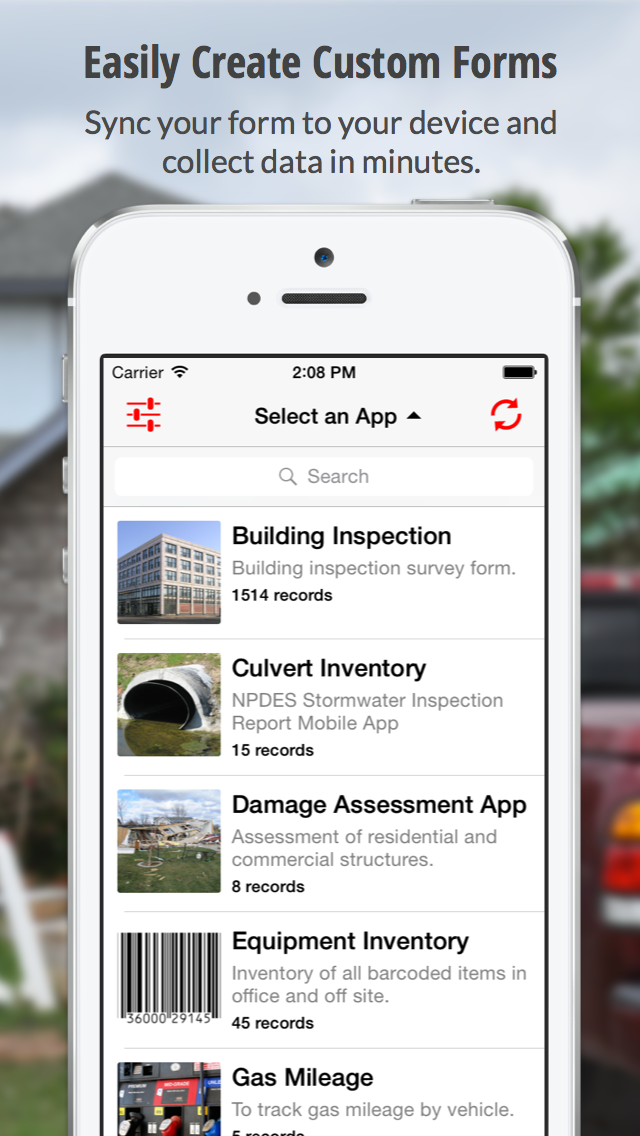
    Fulcrum is a hosted mobile forms platform that enables users to build custom apps for capturing information from the field. Users can design forms using the intuitive, web-based drag-and-drop designer and deploy to their mobile workforce for gathering information like Text, Photos, SpatialVideo, SpatialAudio, Signatures, Barcodes, GPS Location, and more.

    $15

    per month per user

    Pricing
    Fielda IncFulcrum
    Editions & Modules
    Enterprise
    $0
    Individual
    $20
    per month per user
    Teams
    $24
    per month per user
    Starter
    $15
    per month per user
    Professional
    $46
    per month per user
    Enterprise
    Contact Sales
    Offerings
    Pricing Offerings
    Fielda IncFulcrum
    Free Trial
    YesYes
    Free/Freemium Version
    NoNo
    Premium Consulting/Integration Services
    NoYes
    Entry-level Setup FeeOptionalNo setup fee
    Additional DetailsDiscount for annual pricing.
    More Pricing Information
    User Ratings
    Fielda IncFulcrum
    Likelihood to Recommend
    -
    (0 ratings)
    9.5
    (2 ratings)
    User Testimonials
    Fielda IncFulcrum
    Likelihood to Recommend
    Fielda Inc
    No answers on this topic
    Fulcrum (Spatial Networks, Inc)
    We use Fulcrum to record information about vehicles and our product in the field to ensure we have clean and organized records of work completed and issues encountered. This has unlocked immense value for us. It allows managers to review work to maintain high quality. Using Fulcrum has also allowed for large amounts of field data to be gathered and quickly transferred from our field team to our engineering team when necessary.
    Incentivized
    Read full review
    Pros
    Fielda Inc
    No answers on this topic
    Fulcrum (Spatial Networks, Inc)
    • Notation of photographs.
    • Consistency between field staff observations.
    • Reduces report writing time.
    • Near real time sharing of notes between field and office staff.
    Incentivized
    Read full review
    Cons
    Fielda Inc
    No answers on this topic
    Fulcrum (Spatial Networks, Inc)
    • Advanced features are not extremely intuitive for less technical audience.
    • Must reassign records to a different user to discontinue an account.
    Incentivized
    Read full review
    Return on Investment
    Fielda Inc
    No answers on this topic
    Fulcrum (Spatial Networks, Inc)
    • Manual data entry of collected field information is no longer required saving anywhere from 1 to 10 hours of tedious work and eliminating human error.
    • Clients are impressed with our ability to use digital field notes and our ability to communicate in near real time which helps ensure client retention and expanding our envelope of work with them.
    • Instead of spending time trying to find out what, why, where, and when a picture was taken the guess work is removed as photos are georeferenced and can be annotated in the field.
    Incentivized
    Read full review
    ScreenShots

    Fielda Inc Screenshots

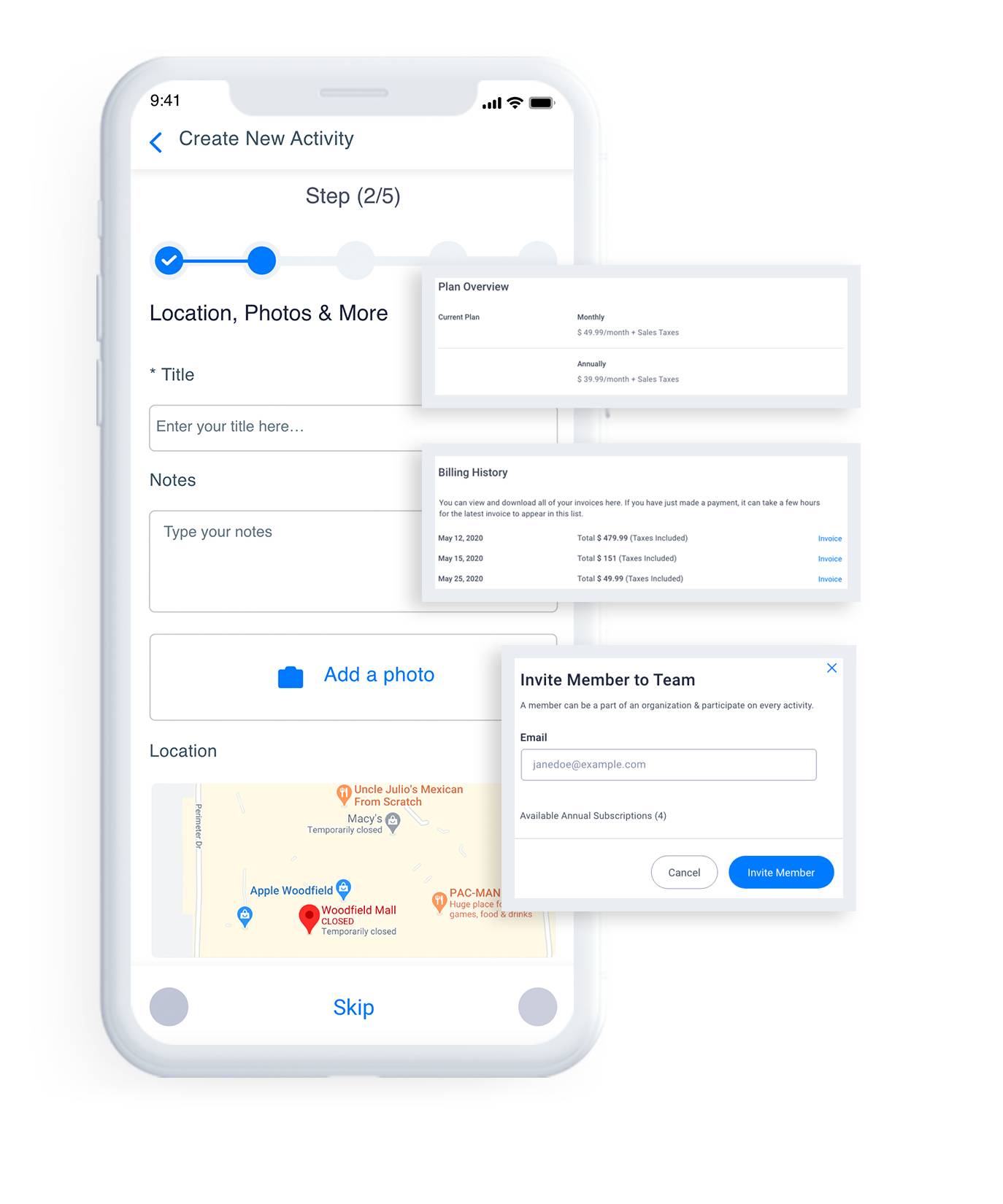
    Screenshot of Create Forms/Checklist without any codeScreenshot of DashboardScreenshot of GIS MapsScreenshot of Activity ManagementScreenshot of Easy Integrations

    Fulcrum Screenshots

    Screenshot of Create Custom FormsScreenshot of Capture The DetailsScreenshot of Replacing Paper Forms