
Fenêtre Capture Tool vs. Wistia Record
| Product | Rating | Most Used By | Product Summary | Starting Price |
|---|---|---|---|---|
 Fenêtre Capture Tool | N/A | N/A | The Fenêtre Capture Tool offers features to use in making professional screenshots and screen recordings. It is presented as ideal for anyone, but especially for people who are looking for an advanced function oriented Capture Tool, and because it can be connected with Microsoft Teams it is also functional in the office as well. Features of the Fenêtre Capture Tool include: Screenshot annotation Precise recording areas by pixels Arrow with text… | $0 |
 Wistia Record | Score5.1 out of 10 | N/A | Wistia Record (formerly Soapbox) is a free Chrome extension that provides screen and video capture and sharing designed to produce quick walkthrough and explanatory videos, content marketing vids or vlogs, or customer stories, with additional features on paid plans, and integration with Wistia for Marketing. | $300 per user/per year |
| Fenêtre Capture Tool | Wistia Record | |||||||||||||||
|---|---|---|---|---|---|---|---|---|---|---|---|---|---|---|---|---|
| Editions & Modules | No answers on this topic |
| ||||||||||||||
| Offerings |
| |||||||||||||||
| Entry-level Setup Fee | No setup fee | No setup fee | ||||||||||||||
| Additional Details | The Capture Tool is free to use software | — | ||||||||||||||
| More Pricing Information | ||||||||||||||||
| Fenêtre Capture Tool | Wistia Record | |
|---|---|---|
| Small Businesses |  Sendspark Score10 out of 10 | Sendspark Score10 out of 10 |
| Medium-sized Companies |  Snagit Score9.3 out of 10 | Snagit Score9.3 out of 10 |
| Enterprises | Snagit Score9.3 out of 10 | Snagit Score9.3 out of 10 |
| All Alternatives | View all alternatives | View all alternatives |
| Fenêtre Capture Tool | Wistia Record | |
|---|---|---|
| Likelihood to Recommend | - | 8.5 |
| Support Rating | - | 8.5 |
| Fenêtre Capture Tool | Wistia Record | |
|---|---|---|
| Likelihood to Recommend | No answers on this topic |
|
| Pros | No answers on this topic |
|
| Cons | No answers on this topic |
|
| Support Rating | No answers on this topic |
|
| Alternatives Considered | No answers on this topic |
|
| Return on Investment | No answers on this topic |
|
| ScreenShots | Fenêtre Capture Tool Screenshots 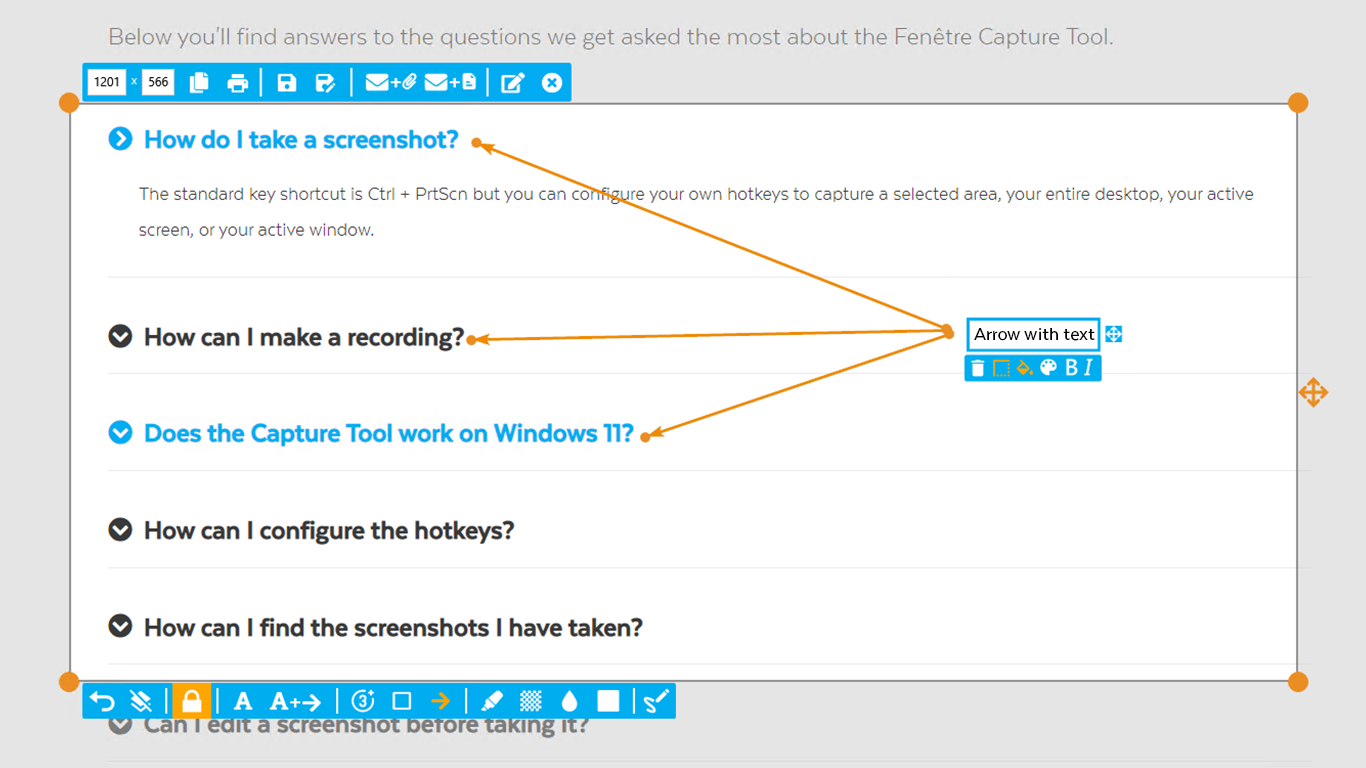 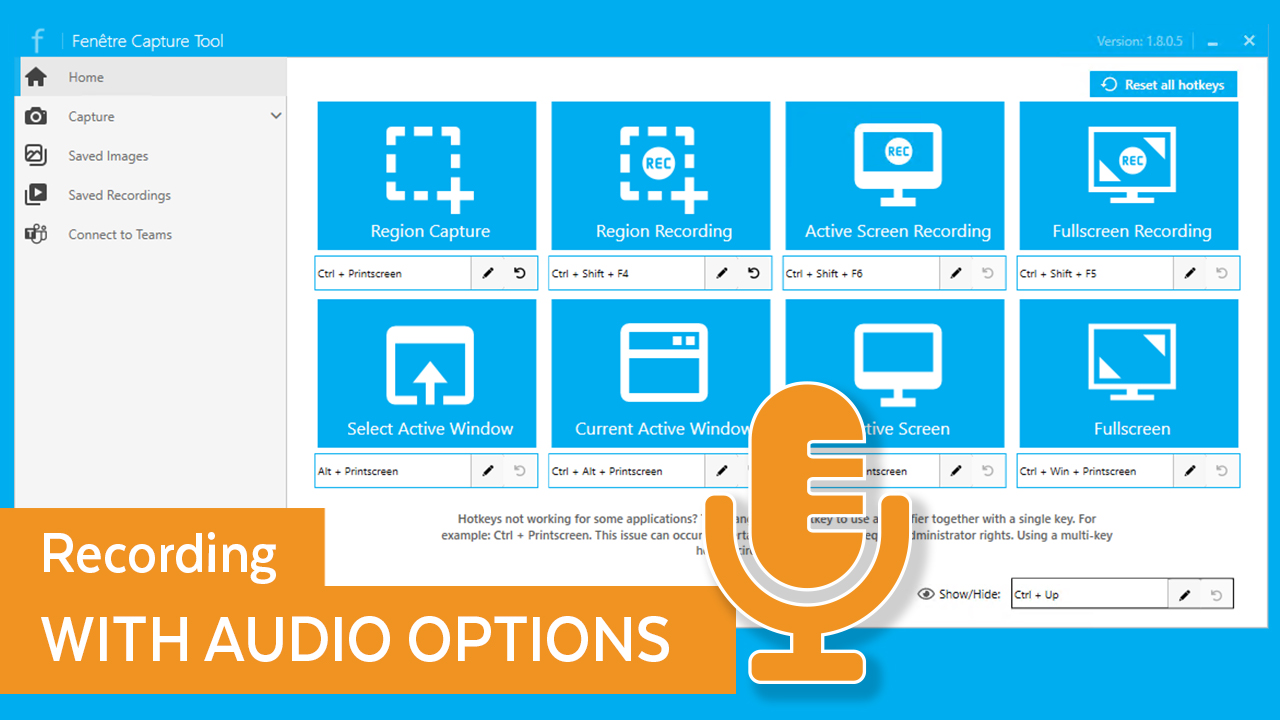 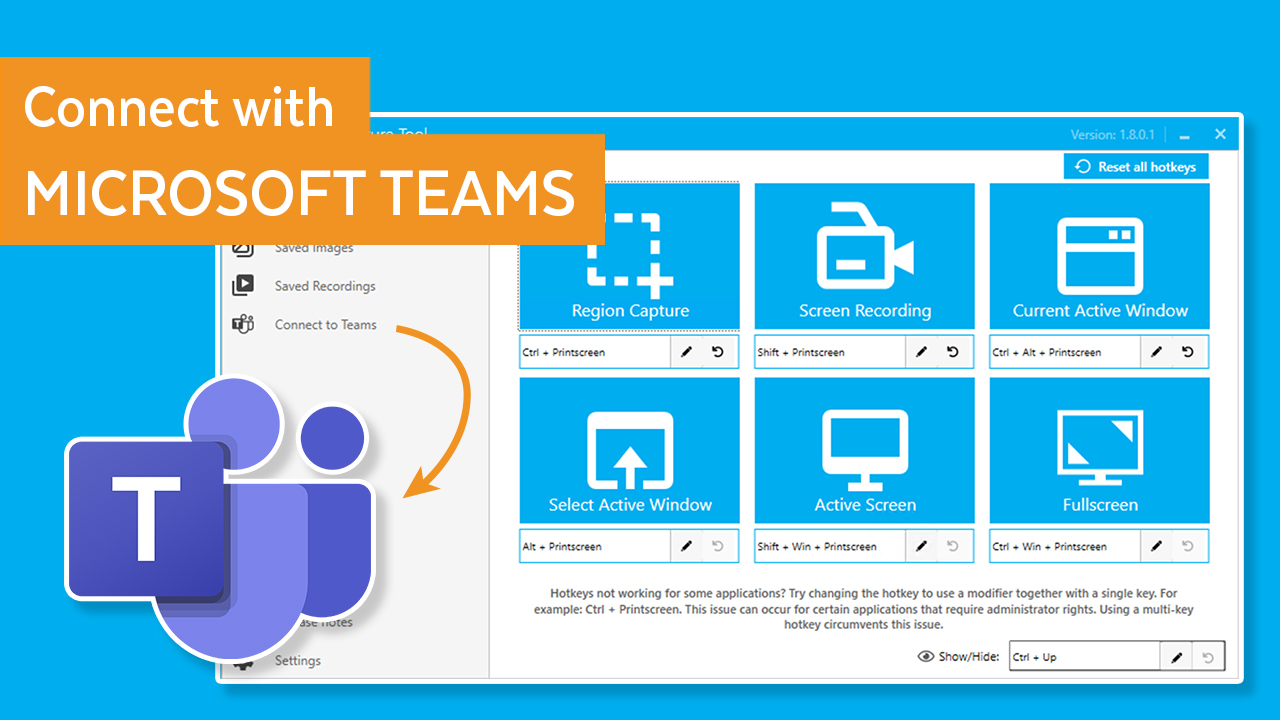  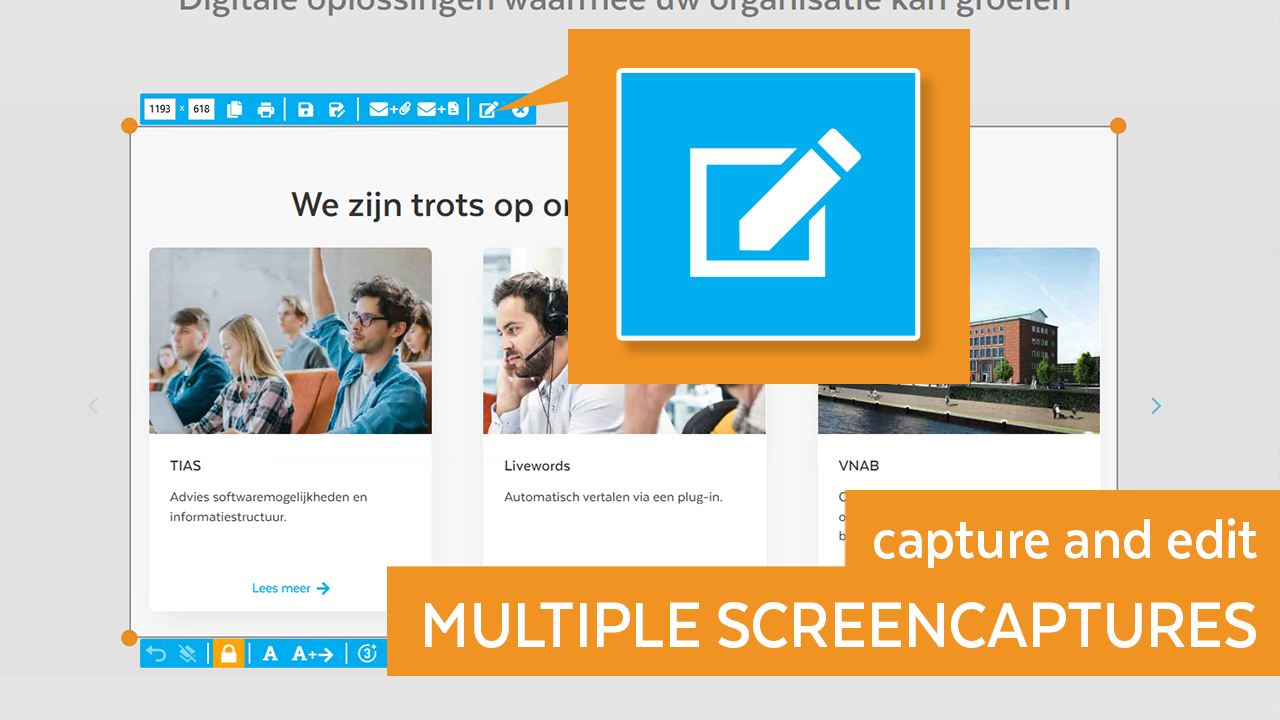 |
