FastPass IVM (Identity Verification Manager) vs. Onfido

Overview
ProductRatingMost Used ByProduct SummaryStarting Price
FastPass IVM (Identity Verification Manager)
Score 0.0 out of 10
N/A
FastPass IVM (Identity Verification Manager) is a security enhancement tool, designed for IT help desk security. This solution is essential for Chief Information Security Officers (CISOs) in protecting enterprise user accounts and thwarting identity theft within their organizations. FastPass IVM introduces a comprehensive system for authenticating user identities, particularly critical for password reset and MFA reset requests at IT help desks. It utilizes a variety of techniques, including…N/A
Onfido
Score 8.0 out of 10
N/A
Onfido simplifies identity verification with a platform used by over 900 businesses with the goal of navigating KYC and AML requirements, stopping fraud, and delivering exceptional onboarding experiences.N/A
Pricing
FastPass IVM (Identity Verification Manager)Onfido
Editions & Modules
No answers on this topic
Offerings
Pricing Offerings
FastPass IVM (Identity Verification Manager)Onfido
Free Trial
NoYes
Free/Freemium Version
NoNo
Premium Consulting/Integration Services
NoNo
Entry-level Setup FeeOptionalNo setup fee
Additional Details
More Pricing Information
User Ratings
FastPass IVM (Identity Verification Manager)Onfido
Likelihood to Recommend
-
(0 ratings)
7.3
(0 ratings)
User Testimonials
FastPass IVM (Identity Verification Manager)Onfido
Likelihood to Recommend
Having had attempts to break though the Help Desk calling as a fake user aking for a new password - the benefit is to keep social engeneering away from the Help Desk. IVM counters that issue.
Read full review
Onfido is well suited for integrations within a mobile app for automated document processing and validation e.g. driver's licenses, passports etc. Onfido is less well suited for web applications since the quality and accuracy of the checks is very dependent on the quality of the image captured which in general is less high quality from a webcam.
Read full review
Pros
  • FastPass IVM (Identity Verification Manager) enable users to securely reset their passwords by verifying their identity using multi factor authentication
  • An employee forgets their Active Directory password. Instead of calling the IT helpdesk, they go through a self-service portal where they verify themselves via an OTP
Read full review
  • Facial recognition of driver's license information
  • Easy to integrate SDK
  • Certified by governing bodies e.g soc 2 type 2 compliant
Read full review
Cons
No answers on this topic
  • Dashboard - current analytics are very high level pass, consider, fail - would like a more detailed breakdown of reasons why consider / fail aggregated in an easy to view format.
  • Speed consistency - sometimes Onfido checks are very fast, sometimes it takes a lot longer
  • OCR - we had issues with OCR data quality and had to add a step for users to verify information captured via OCR from Driver's Licenses.
Read full review
Usability
Basically we have had a good implementation and it works
Read full review
No answers on this topic
Alternatives Considered
No answers on this topic
Ultimately went with Onfido due to previous experience with applications & products that had worked with Onfido and from research Onfido appeared to be one of the main providers in the space providing reassurance internally on use of relatively new technology. Onfido security and compliance was also standout helping pass internal audits by cybersecurity and legal. Downside with Onfido is that the pricing model is complex and relies on accurate predictions of platform/user growth to secure the best price-per-check which is challenging in a startup environment.
Read full review
Return on Investment
No answers on this topic
  • Strong ROI compared to manual alternatives
  • Slightly unclear how Onfido ROI would be better/worse than competitors in the space - a lot of similar offerings out there
Read full review
ScreenShots

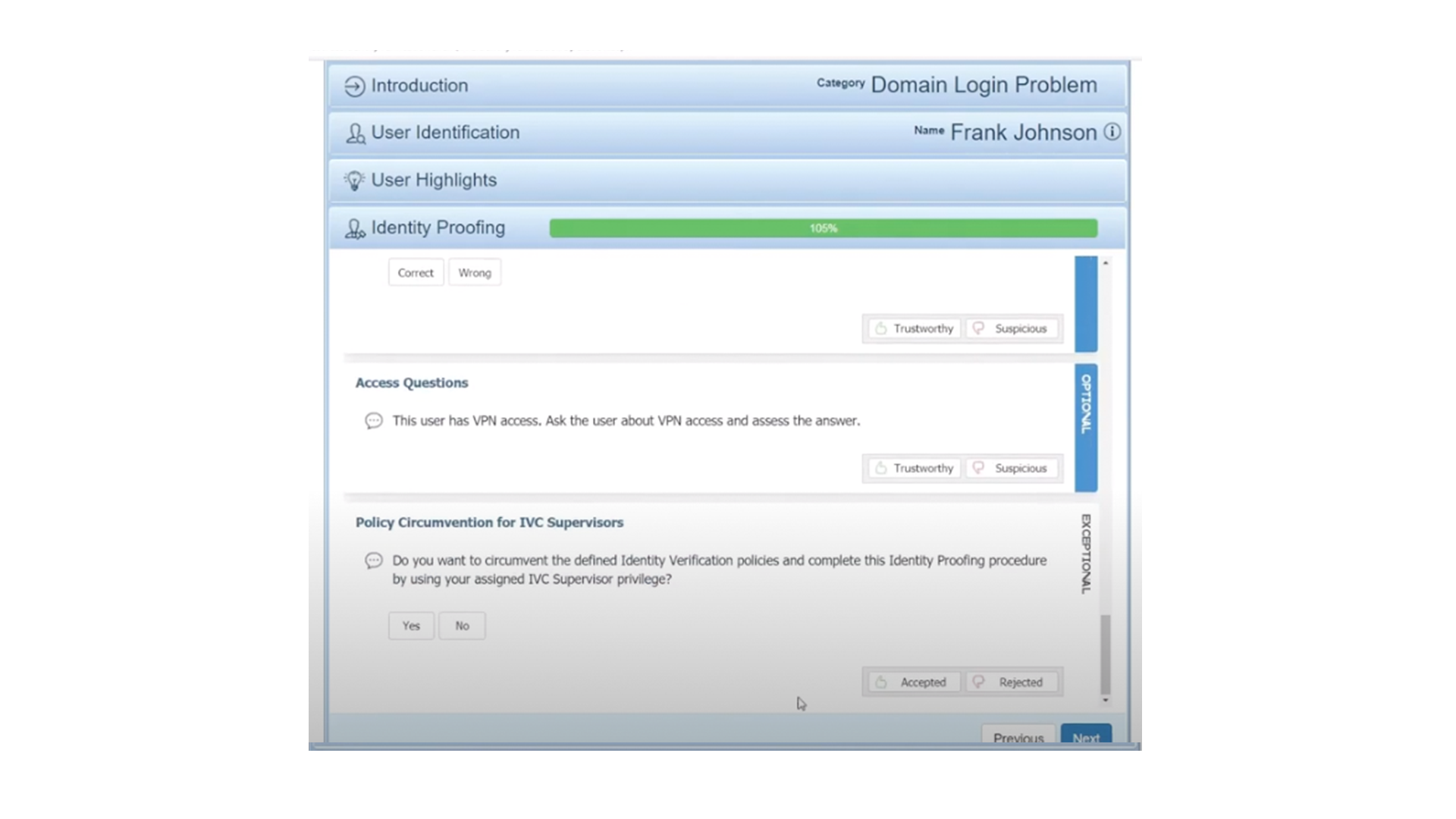
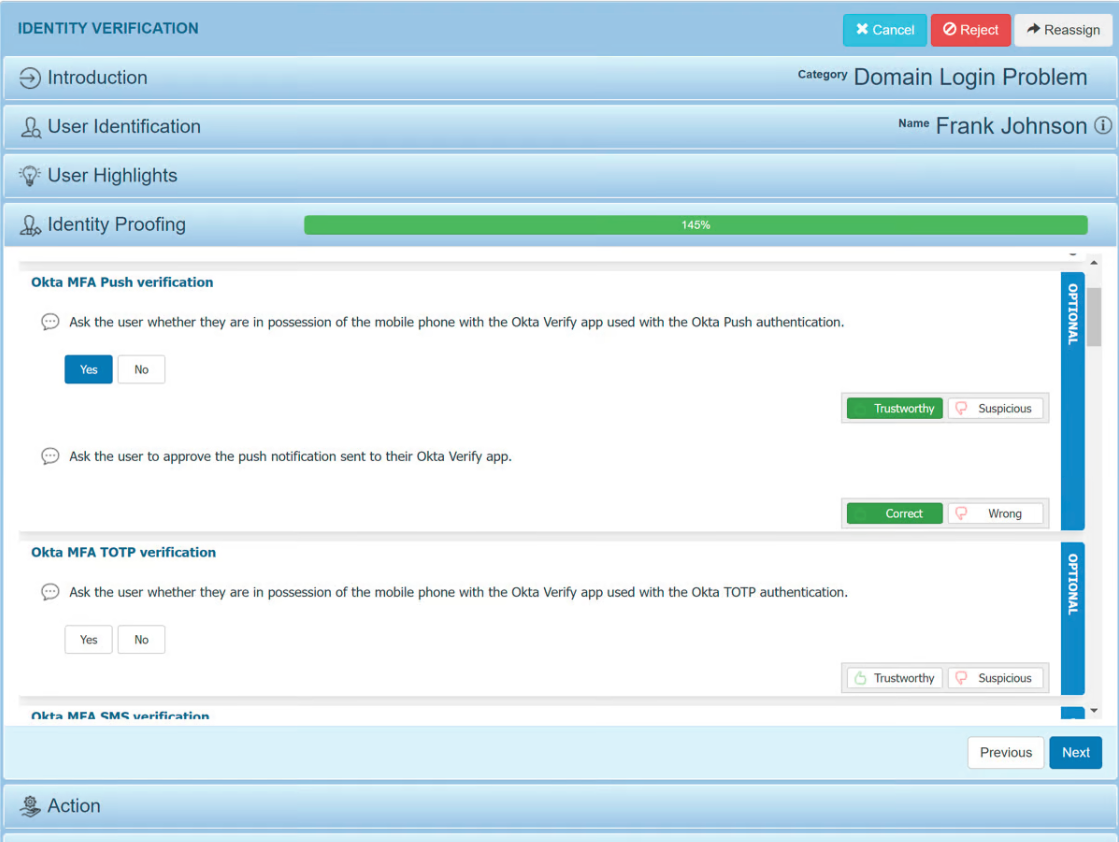
FastPass IVM (Identity Verification Manager) Screenshots
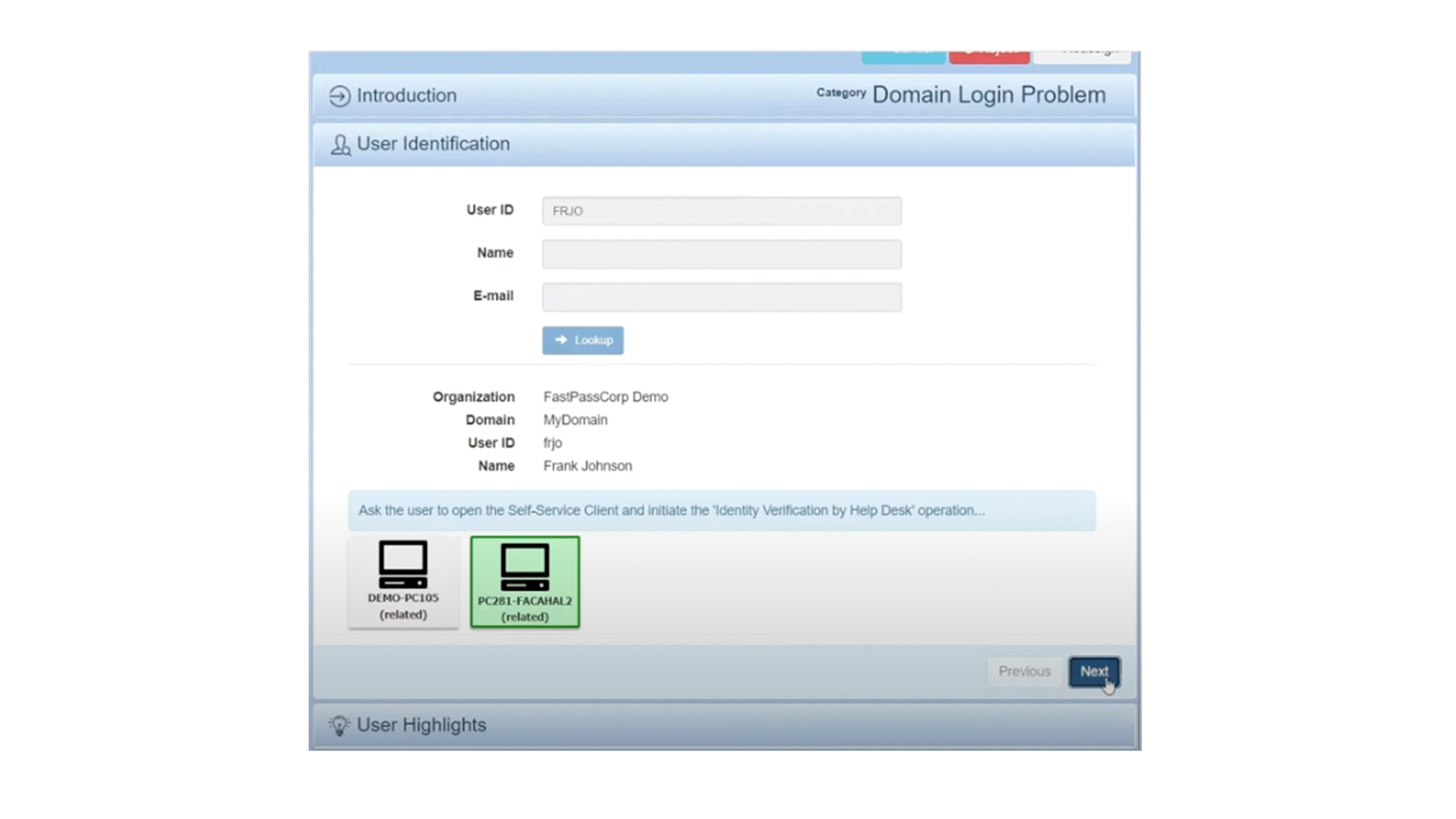
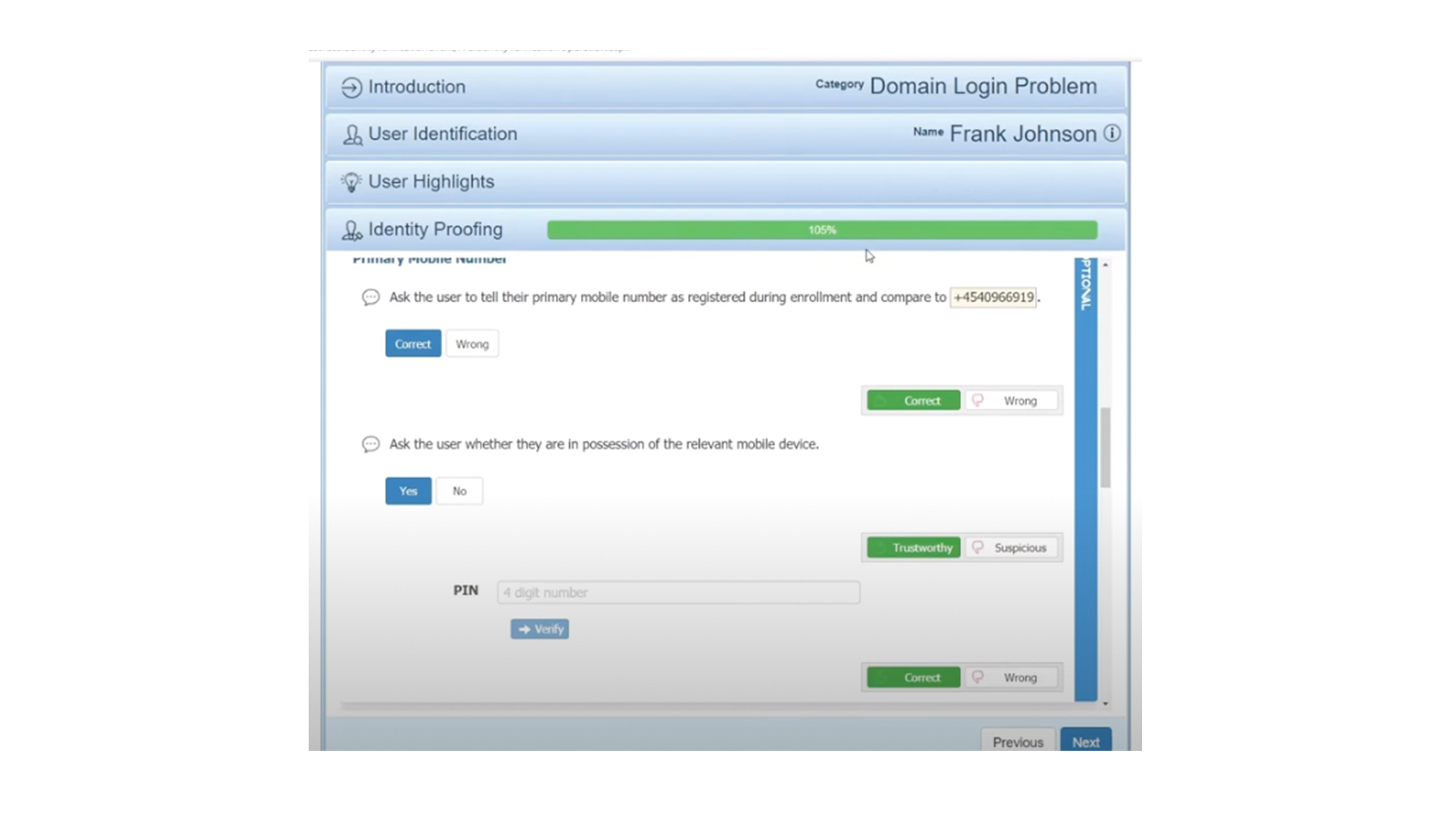
Screenshot of Screenshot of Screenshot of Screenshot of