F5 Networks provides the SSL Orchestrator, a high-performance decryption, analysis, and re-encryption tool for SSL/TLS traffic across the network to locate threats or data exfiltration efforts concealed in encrypted traffic.
N/A
ManageEngine NetFlow Analyzer
Score 8.7 out of 10
N/A
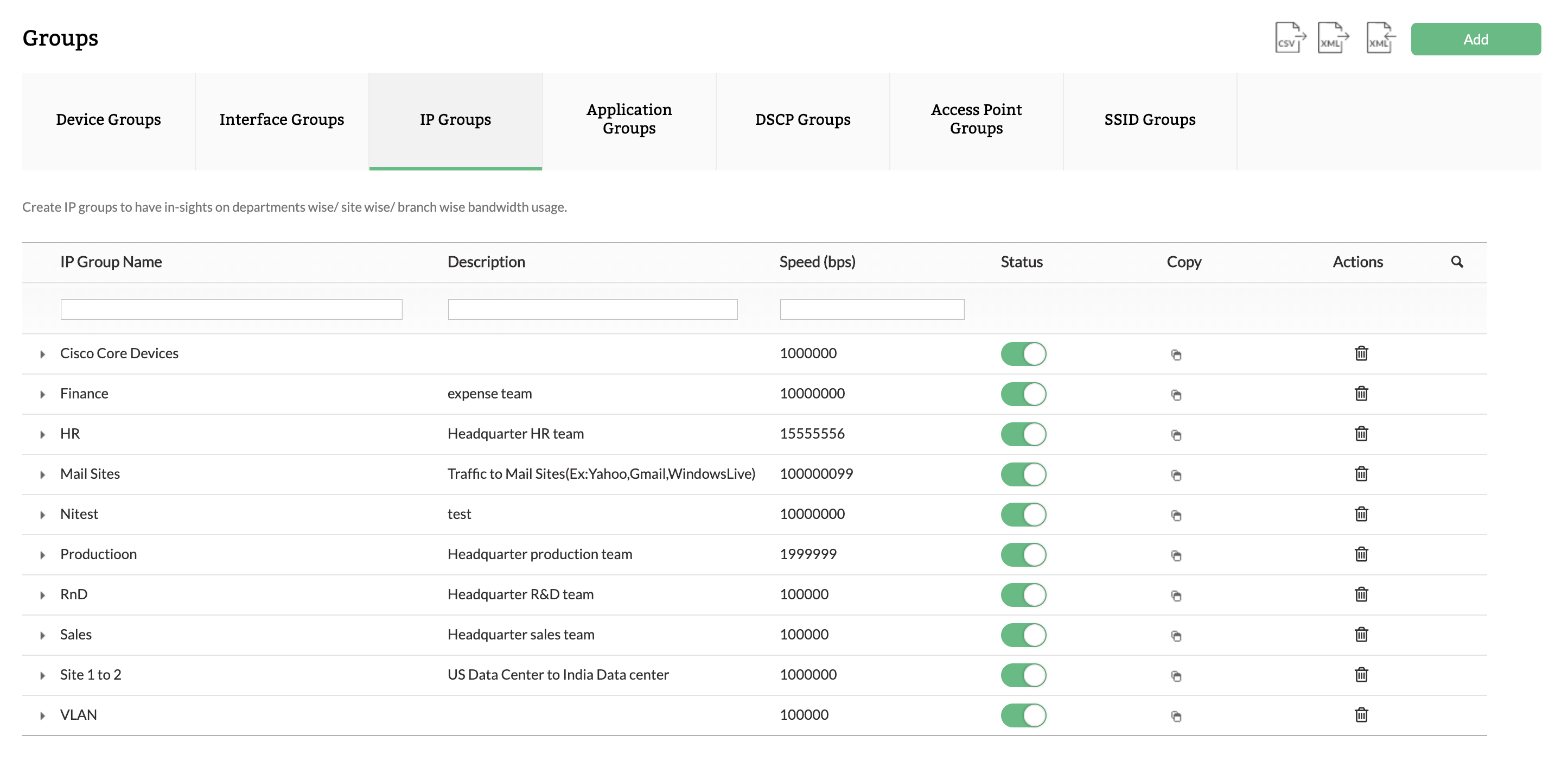
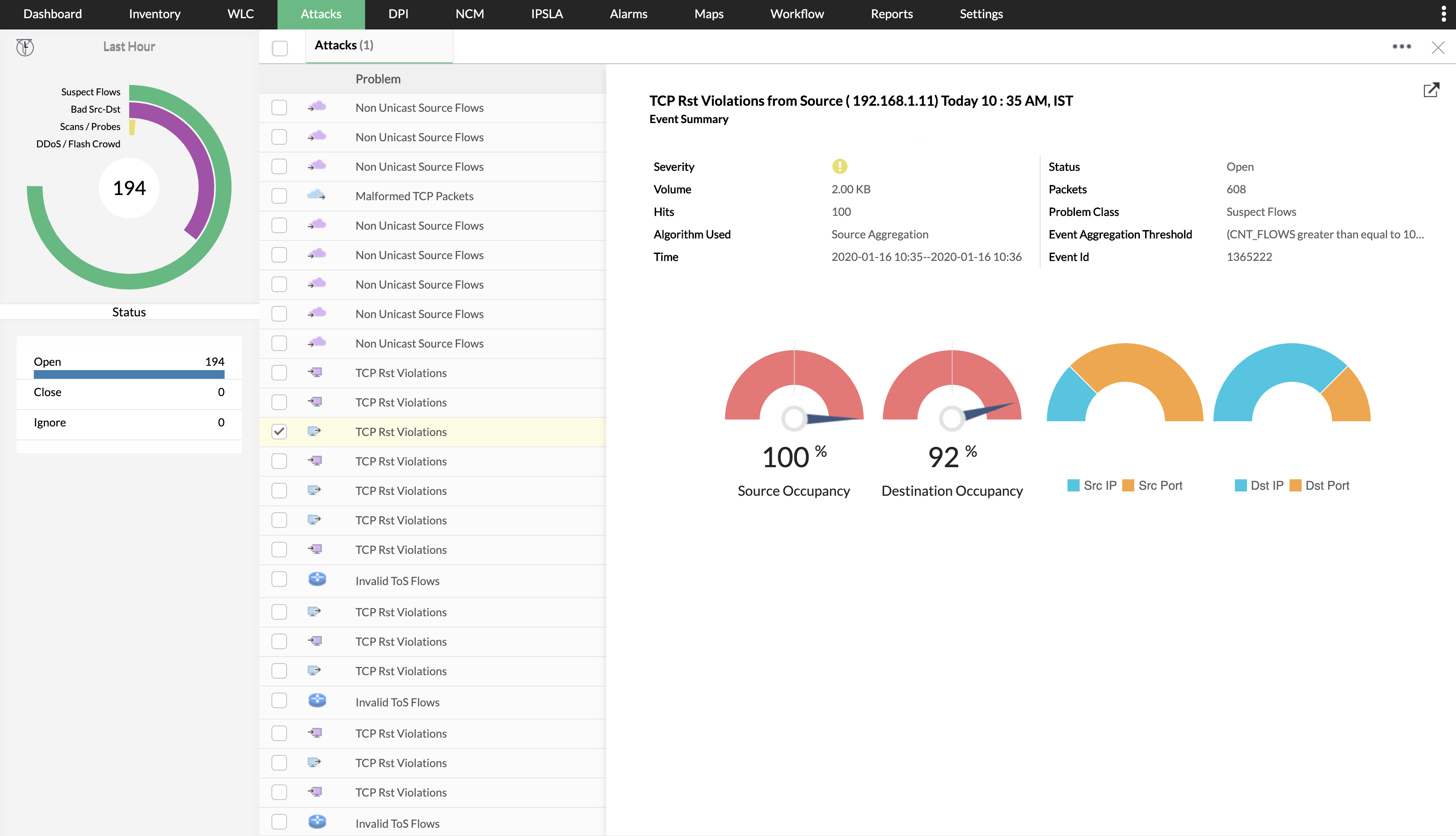
NetFlow Analyzer is a complete bandwidth monitoring tool that utilizes flow technology to monitor and analyze network bandwidth usage. It helps users identify and avoid bandwidth delays and bottlenecks with customized reports, and set threshold-based email and SMS alerts to help understand the severity of an issue. This analytics tool detects, diagnoses, and troubleshoots network anomalies and zero-day intrusions, and plans future bandwidth needs based on application growth to…
If you need to monitor traffic, this is a good choice of application for the price. It does that very well. If you need to take a deep deep dive into the traffic, you will have to use something else but that is just standard with network troubleshooting... it takes multiple applications to get a complete picture... or a lot of money on 1 application. Beyond that, this application does what it is designed to do and does it very well. So to answer this question directly, this application is well suited for time when you need a high-level view of traffic and not suited well for times when you need to see more detailed information of what exactly is being sent.
It is a software with a somewhat complex documentation so when you are in doubt it is difficult to solve it through its documentation.
A good knowledge is required in the management of the software, because although its implementation is flexible, carrying it out in the appropriate way guarantees good operation.
Its price can be somewhat high if it is a small company, however considering its high versatility the investment is worth it.
Learning curve somewhat steep, but you can count on the support of your support team.
The support is always on point, fast, reliable, and their employees go above and beyond to help when we need it. I have yet to call them on any product we use and not get the issue resolved in a fast and timely manner. Also, they are also very pleasant while on the phone and/or in teh email chain. Overall I just couldn't ask for better.
OpenSSL is a simple software to use, with a complete documentation and an easy installation and ideal for encrypting and decrypting and making certificates, however F5 SSL Orchestrator can be implemented in different ways, it provides a high visibility of the traffic which does not miss any threat It wants to hide in encrypted traffic, but its biggest advantage is that it helps to better manage and does not provide static but dynamic devices so it is possible to decrypt once or encrypt once, it is for all these powerful features that F5 SSL Orchestrator was chosen.
Each of these solutions does what they aim to do. Based off of cost and need, ManageEngine fit better with our organization. We already use multiple ManageEngine products so bundling was a no brainer.
By providing a high vision of inbound and outbound traffic, we manage to avoid the entry of threats and the exposure or loss of data from our business infrastructure.
Its policy based management is very helpful, since it is much simpler to manage SSL traffic and to be aware of any attack coming from it and to apply security controls to all business traffic.