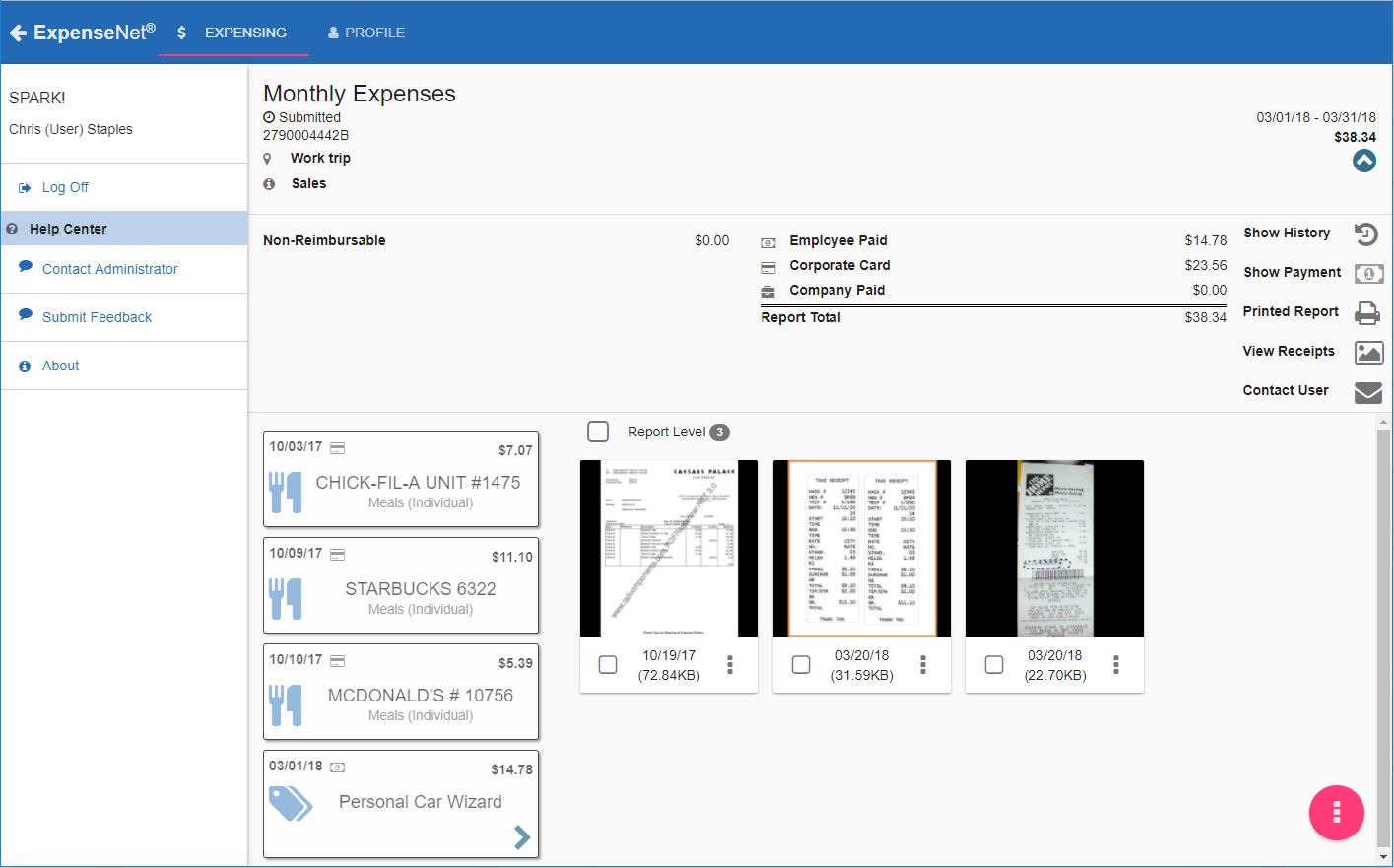
InterpIX ExpenseNet 8.0 offers expense reporting for enterprises. The product is compatible with nearly all global languages and currencies, and aims to significantly reduce the time it takes to complete the expense reporting process. According to the vendor, ExpenseNet 8.0 is the next generation of expense reporting.
N/A
Zoho Invoice
Score 8.7 out of 10
N/A
Zoho Invoice is a cloud-based invoicing solution designed to help small businesses with invoicing, tracking expenses, and accepting online payments. Key features include project billing, time tracking, reporting, customizable templates, and a client portaI. Teams using Zoho Invoice can track estimates, convert them to invoices, and send reminders to clients to complete their outstanding payments. Additionally, users can create tasks, collect advance payments for projects, and keep…
$0
Per Organisation, Per Month
Pricing
ExpenseNet
Zoho Invoice
Editions & Modules
No answers on this topic
Free
$0
Per Organisation, Per Month
Offerings
Pricing Offerings
ExpenseNet
Zoho Invoice
Free Trial
No
No
Free/Freemium Version
No
Yes
Premium Consulting/Integration Services
No
No
Entry-level Setup Fee
Required
Required
Additional Details
We offer a complete solution for automating your Expense Reporting process for the lowest cost on the market. The BEST value in Expense Reporting.
Zoho Invoice is a completely free product. It has no contracts, no ads, and no hidden fees
ExpenseNet is well suited to a large organization with many travelers or purchasing cards holders. It allows the entire expense reporting process to be done electronically. For employees who are not based on site or not based at the same site as their manager and accounting, it really streamlines the process compared to having paper or even e-mailed expense reports. The wholly electronic process also enables easier reporting and auditing. ExpenseNet would likely be less appropriate for small organizations with few travelers.
Zoho Invoice is well suited for any business, regardless of size, that needs to have a way to create invoices with hourly or flat rates. It's easy to create and archive projects. It also integrates into their other tools, including Zoho Projects. Zoho is great for businesses who want to accept online payments.You can use PayPal, Stripe, and a few others. Clients can also pay via ACH. It lets you know when a payment is processing AND when it clears. I believe that it would not be well suited in instances where a company creates lots of credit notes (because from the invoice screen the credit will appear to grow, but when you check active credit notes, it is the right amount) or estimates (I can't figure out how to use this feature)
Time tracking. Zoho invoice makes it super easy to track time and hours against specific clients and specific tasks.
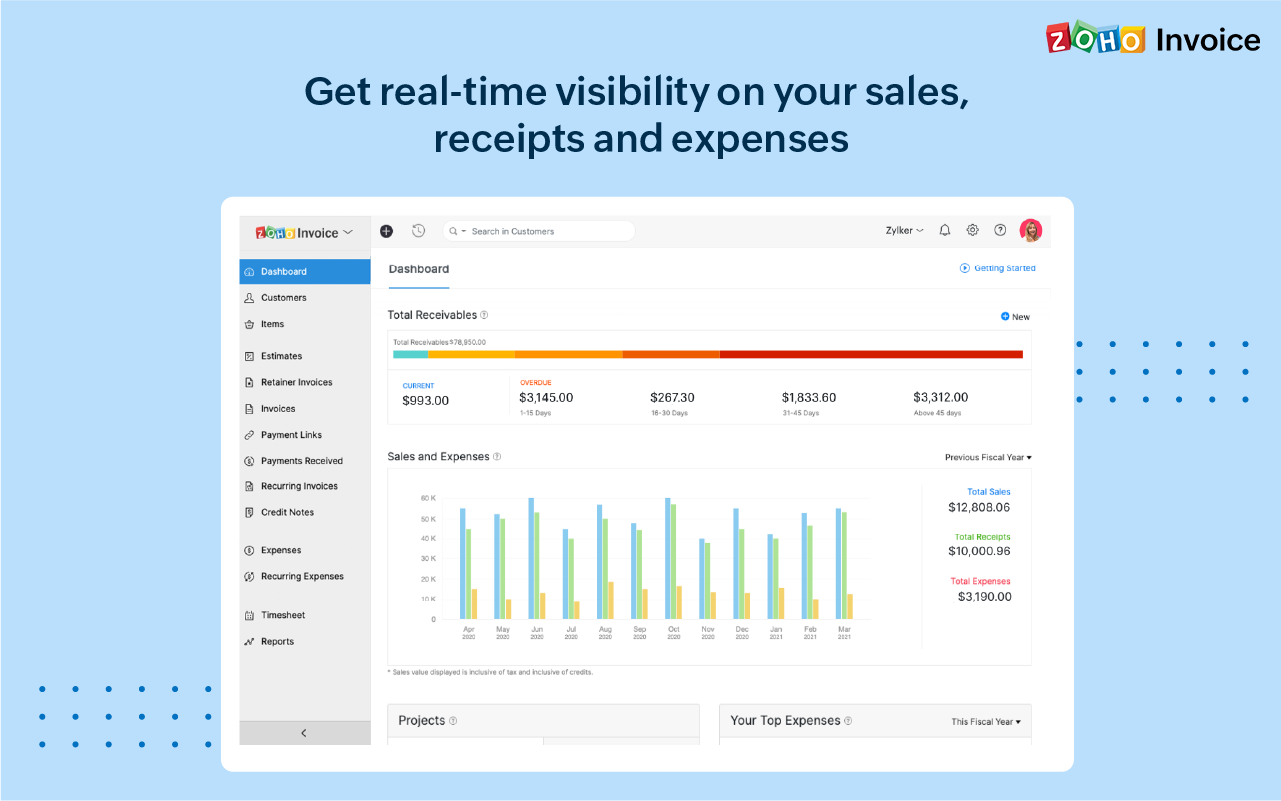
Unbilled / billed time reporting. Zoho Invoice gives a dashboard view of hours yet to be billed, which helps keep on top of invoicing so nothing is missed.
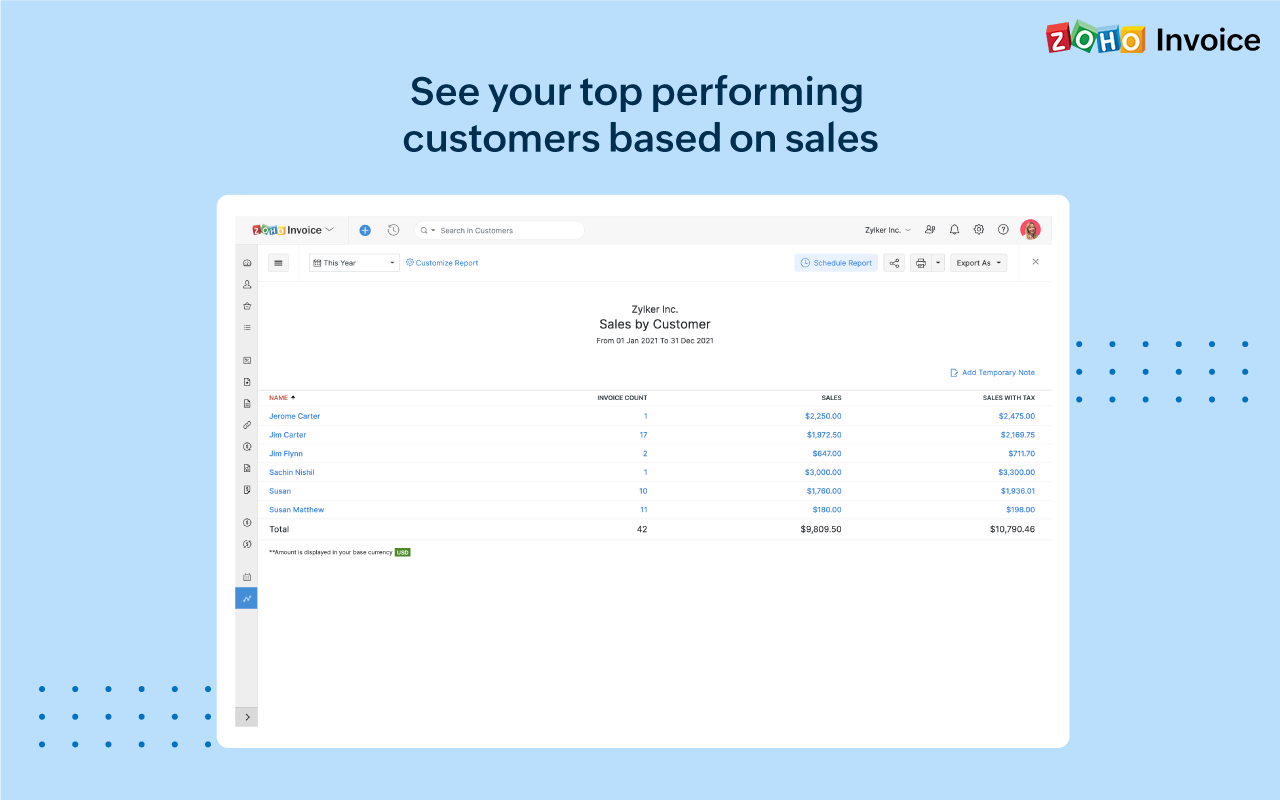
Reporting. Zoho Invoice offers a robust reporting module for the price point. Canned reports can be customized easily.
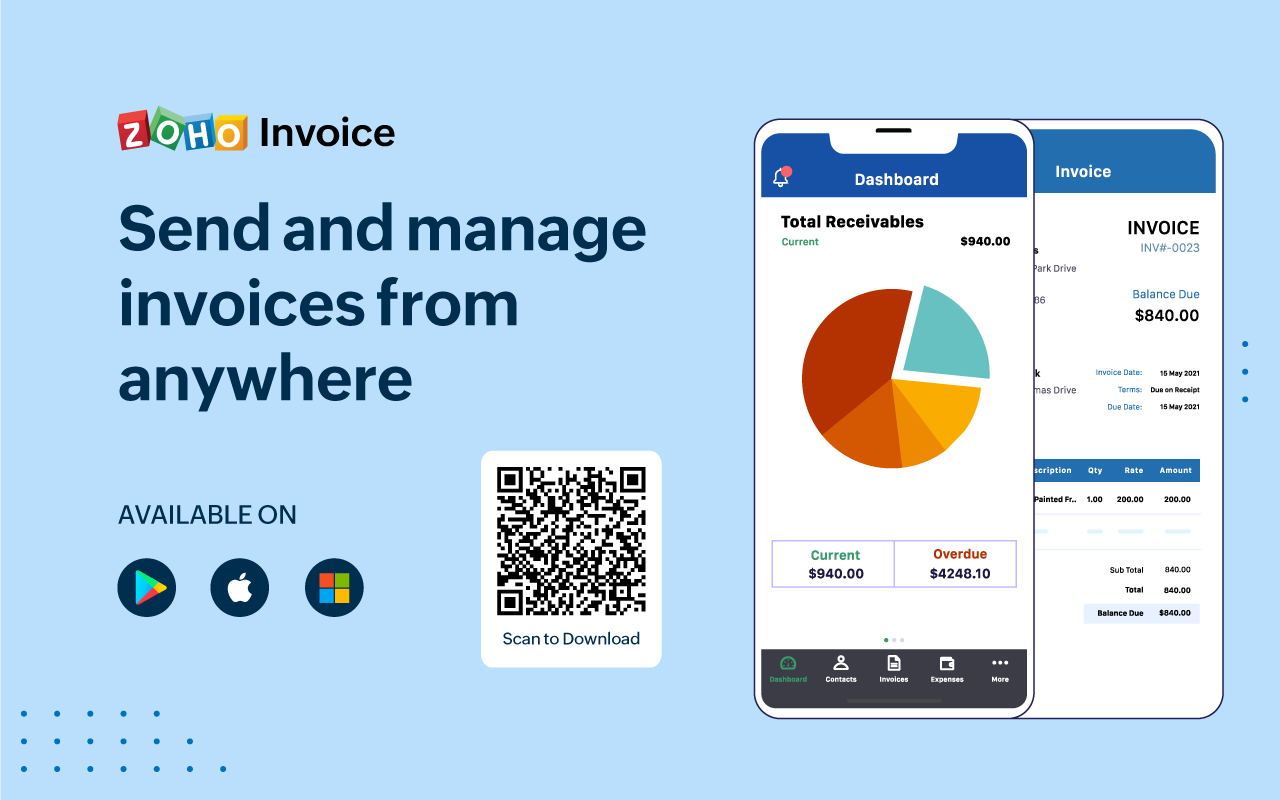
Invoice sending and tracking. Zoho Invoice makes it easy to create and send invoices. Invoices are easy to clone, which makes creating regular, repeatable invoices a snap.
Overall the look and feel is dated and the navigation is clunky. Even employees who travel a lot will only go into the system once a month to do their expense report. A more user-friendly interface would take some of the chore out of it.
The feature to take a picture of a receipt and then e-mail it to your ExpenseNet account is great, but it does not always work, which can be frustrating to redo
It would be handy if just as the charges from the corporate card are imported, the statement could be as well. This would eliminate the need for the employee to go into their corporate card account to download and save the statement and then attach it in ExpenseNet.
It is senseless that once you add a receipt to the queue, you cannot delete it until after you have submitted the given report. Sometimes, a duplicate receipt will be loaded or a receipt will be loaded in error. To have to work around it in the queue is rather annoying.
Ease of access of using the dashboard the buttons I mean like if it is taught in 10th I would have worked it. Simple and minimal hi give good entry to be more transparent and sharable to clients in seconds. The client also get shocked by saying it's fast.
Zoho Invoice streamlines bill creation and sending by personalizing invoices with logos, identities, and terms. It offers detailed payment reports, an integrated payment system, and payment summaries for tracking success. It automates invoicing and payment tasks, saving time and money for companies. Zoho Invoice integrates with Stripe Payments, enhancing settlement processes and promoting digital payment adoption.
The biggest ROI for my business is that Zoho Invoice reduced the cost of invoicing so much, that I was able to invest that savings back into the business development allowing us to grow.
Zoho Invoice provides the option of giving your clients a client portal through which they have access to their own accounts and can see and print their own reports as needed. That helps to create a transparency that our clients love.
Zoho Invoice has been dependable. I have not had one issue with using the platform or its functions since I switched to it a few years ago.