
Evernote Skitch vs. Fenêtre Capture Tool
Evernote Skitch vs. Fenêtre Capture Tool
| Product | Rating | Most Used By | Product Summary | Starting Price |
|---|---|---|---|---|
 Skitch | N/A | Skitch is an app from Evernote designed to allow users to get points across with fewer words using annotation, shapes and sketches, so that ideas become reality faster, available at the Mac App Store. Skitch was acquired by Evernote in 2011. | N/A | |
 Fenêtre Capture Tool | N/A | The Fenêtre Capture Tool offers features to use in making professional screenshots and screen recordings. It is presented as ideal for anyone, but especially for people who are looking for an advanced function oriented Capture Tool, and because it can be connected with Microsoft Teams it is also functional in the office as well. Features of the Fenêtre Capture Tool include: Screenshot annotation Precise recording areas by pixels Arrow with text… | $0 |
| Evernote Skitch | Fenêtre Capture Tool | |||||||||||||||
|---|---|---|---|---|---|---|---|---|---|---|---|---|---|---|---|---|
| Editions & Modules | No answers on this topic | No answers on this topic | ||||||||||||||
| Offerings |
| |||||||||||||||
| Entry-level Setup Fee | No setup fee | No setup fee | ||||||||||||||
| Additional Details | — | The Capture Tool is free to use software | ||||||||||||||
| More Pricing Information | ||||||||||||||||
| Evernote Skitch | Fenêtre Capture Tool |
|---|
| Evernote Skitch | Fenêtre Capture Tool | |
|---|---|---|
| Likelihood to Recommend | 9.0 (1 ratings) | - (0 ratings) |
| Evernote Skitch | Fenêtre Capture Tool | |
|---|---|---|
| Likelihood to Recommend | Evernote
 Matthew Stanley Senior Product Manager | Fenêtre Online Solutions No answers on this topic |
| ScreenShots | Fenêtre Capture Tool Screenshots 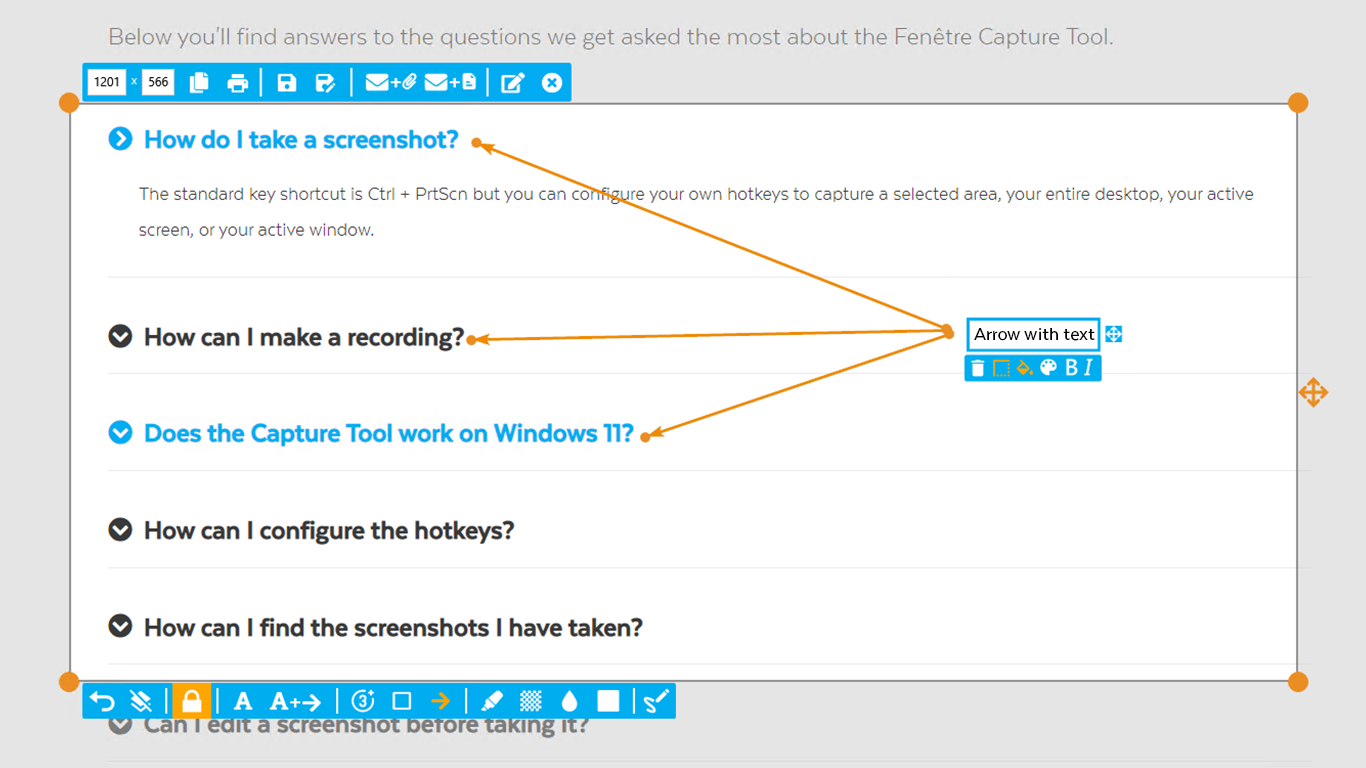 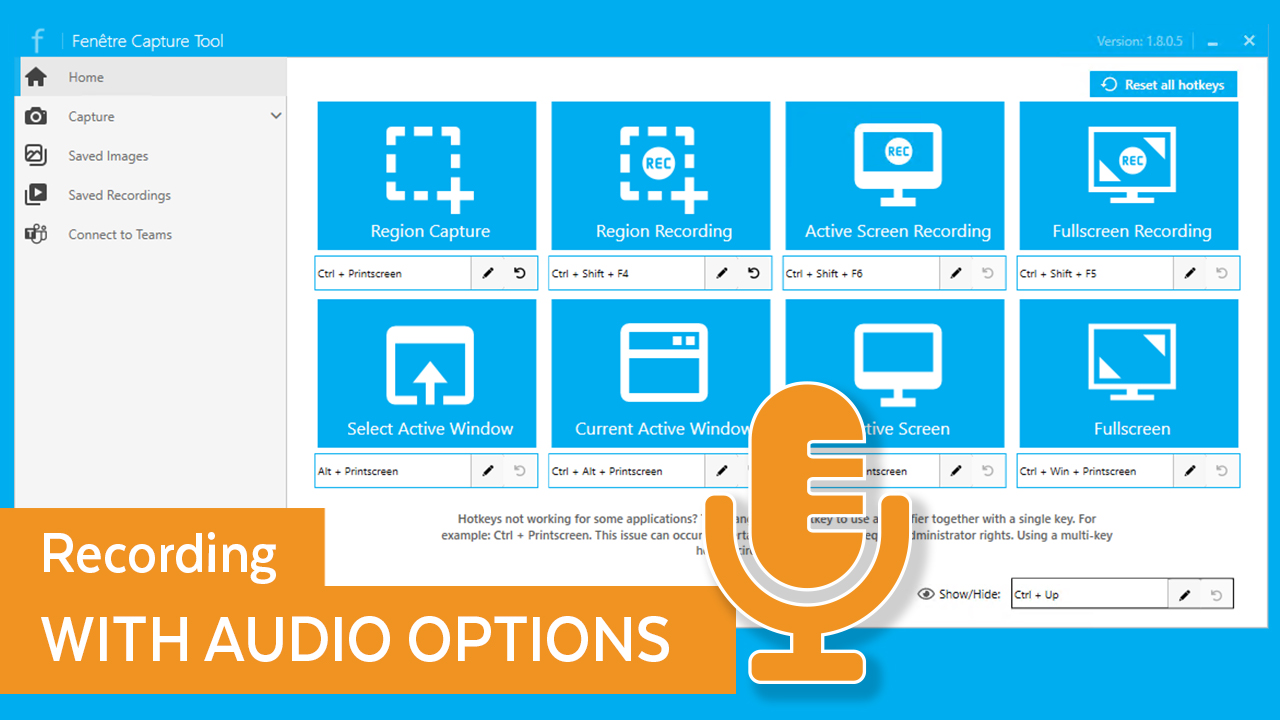 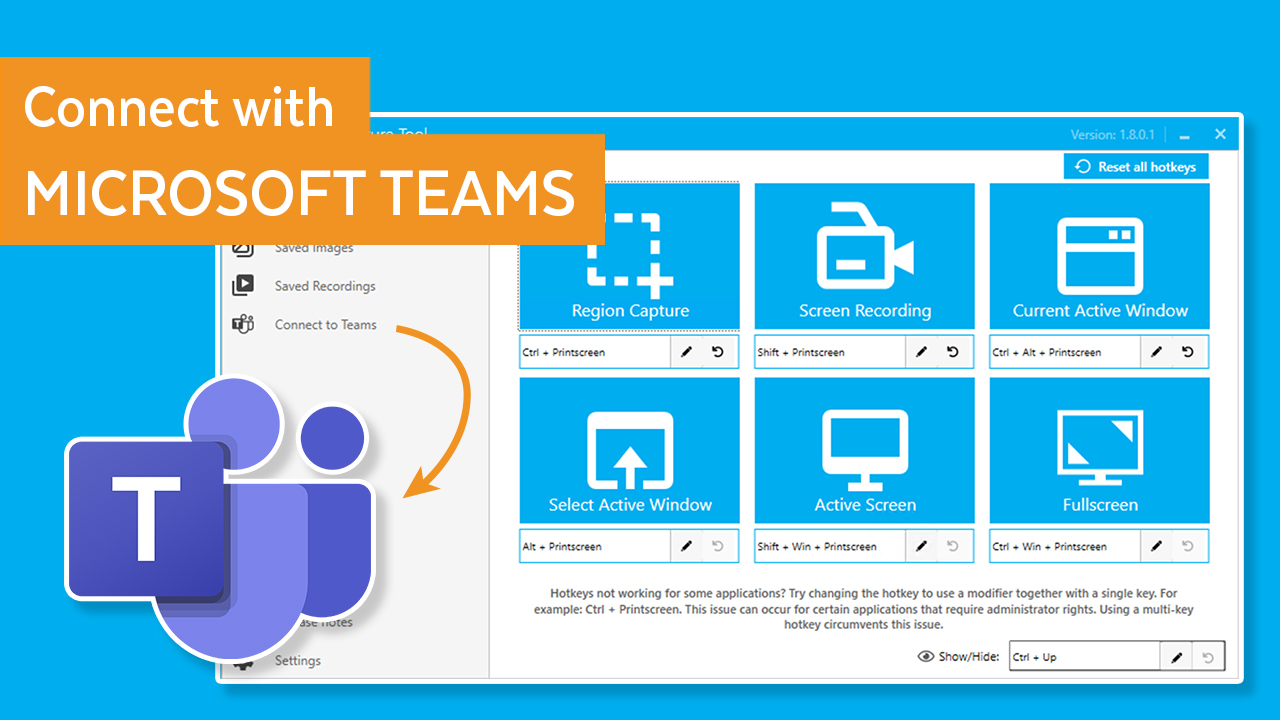  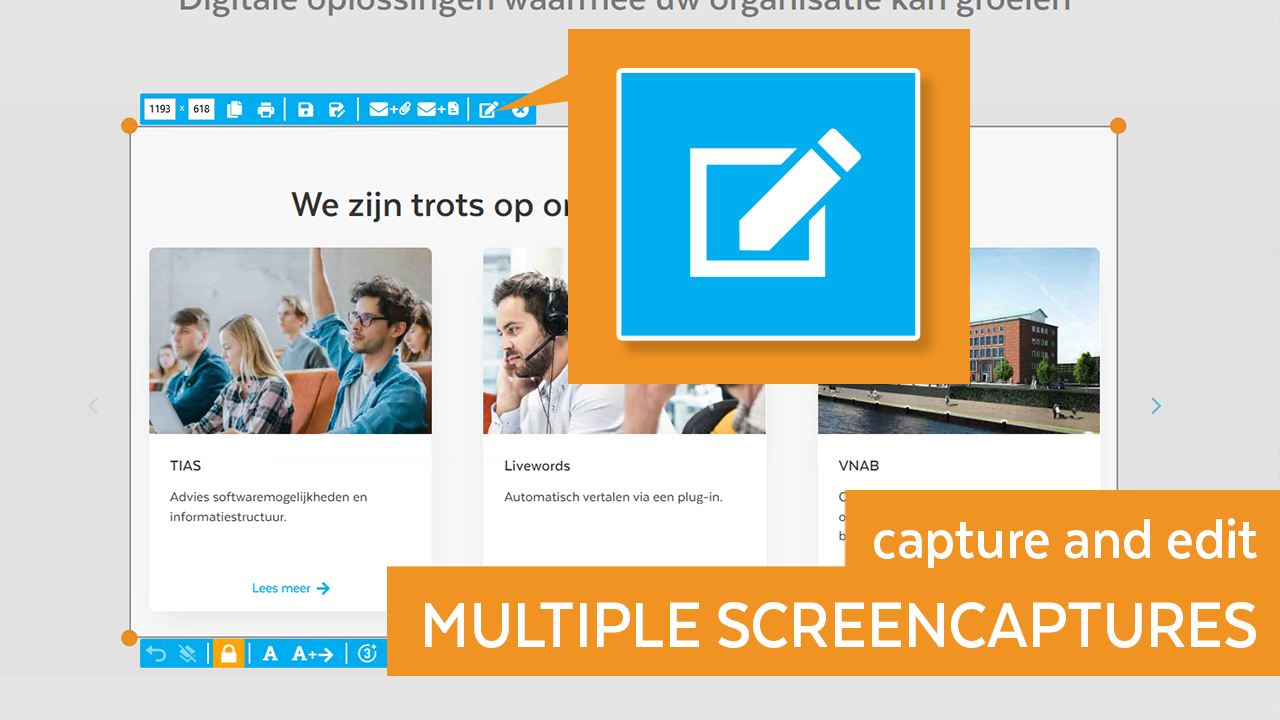 |