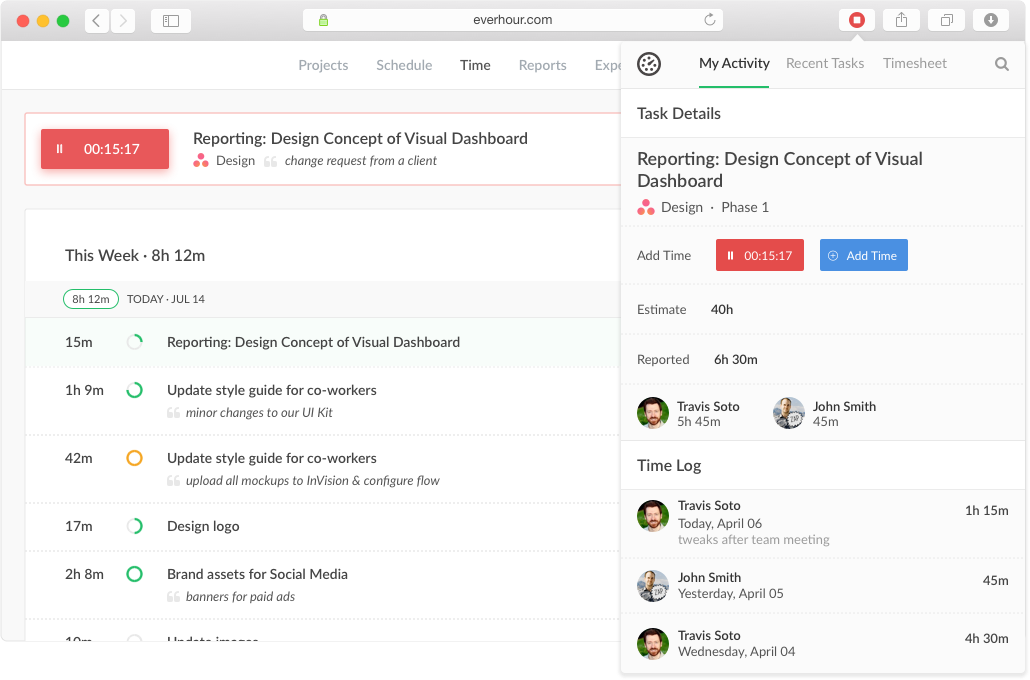
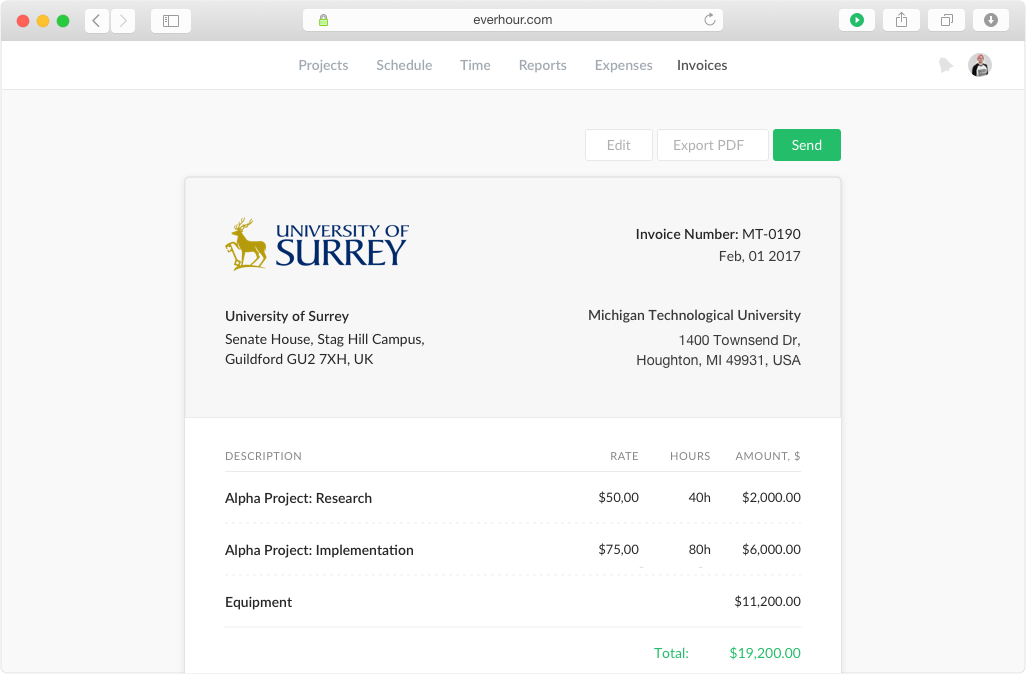
Everhour is a time tracker equipped with project & team management features. Everhour integrates with project management apps so users can track time on tasks right from its interface: Asana, Basecamp, Trello, Jira, ClickUp, Basecamp, Notion, Todoist, GitHub, GitLab, etc. Its time tracking features provide options for timekeeping and time management. It helps to facilitate a team's time tracking experience by adding reminders, auto stop timers, start and stop timers, and…
$0
Time Doctor
Score8.8 out of 10
N/A
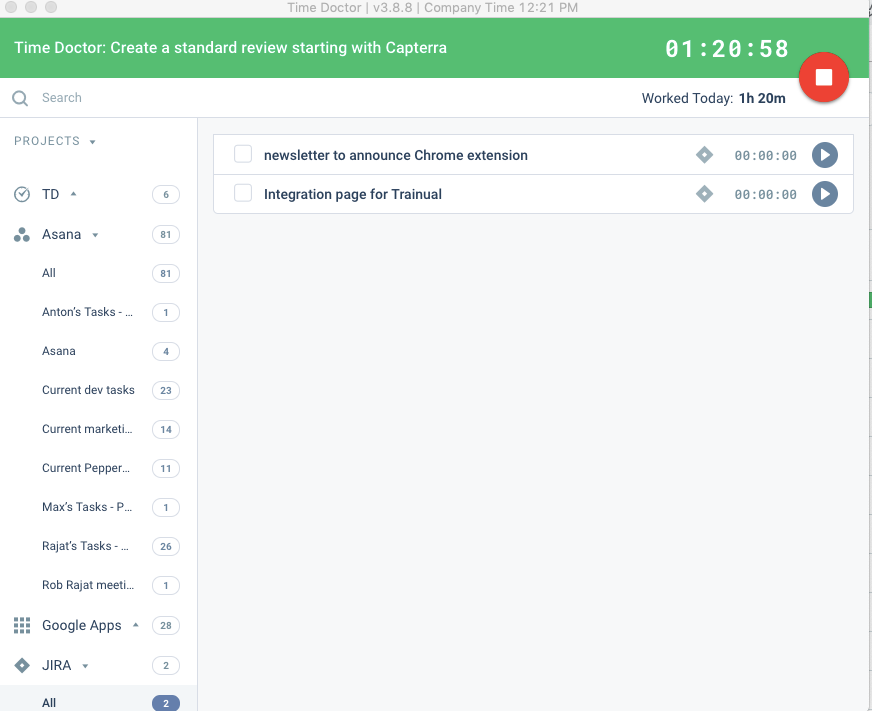
Time Doctor offers in-depth productivity analytics, giving business owners insight on how to improve performance and scale. Going beyond tracking and monitoring, Time Doctor’s suite of tools put data-driven improvement front and center, helping to ensure that teams of all sizes are actively working on the right things while also offering actionable insights to maximize performance and efficiency. Time Doctor tracks the collective hours a team puts in. But it also provides a…
It's great when you need precise billable hour tracking across multiple clients with different rates, integrated invoicing, and detailed project breakdowns. I would have liked to see regular security audits and/or a SOC report given the nature of the information that's being documented in the product. However, that may not be a huge deal depending on your organization.
A de minimis incentive was given to thank the reviewer for their time. The incentive was not used to bias or drive a particular response, nor was the incentive contingent on a positive endorsement. More Info
Time Doctor is well suited for certain businesses where some or many of the employees are now working remotely due to the pandemic and post-pandemic times. It is a good way for the employer to keep track of activity and (more or less) keep people honest. For businesses and employees where there are a lot of site visits, travel, etc., Time Doctor is a little impractical since it requires the employee to manually enter in whatever time was spent on tasks performed away from the computer. If an employer is hoping to track that activity, they still need to rely on the employees' honor systems to enter in times and tasks.
A de minimis incentive was given to thank the reviewer for their time. The incentive was not used to bias or drive a particular response, nor was the incentive contingent on a positive endorsement. More Info
Integration with project management tools, like Trello, that makes the project management easier to do because you have metrics and statistics grouped on just one site.
Metrics of expended time per user and per project makes decisions easier You can have all the data to support changes or decisions in the company, like rentability of certain type of products offered.
The Everhour team is always evolving, so they always ask how you feel about everything and if anything is not working as expected. You are always surprised with new improvements that you didn't think could be useful but that end up adding value to your business.
A de minimis incentive was given to thank the reviewer for their time. The incentive was not used to bias or drive a particular response, nor was the incentive contingent on a positive endorsement. More Info
Expenses tracking system - if it will allow to track all fixed INs and OUTs inside the project (and track invoices based not only on time tracking but generated manually) it can replace our financial tool or make it more automated
One thing I would love to see is integration with my cell phone. Time Doctor already has an app, but I want it to automatically capture the time I spend on my phone with clients. For now I have to manually enter in this time and must note when the call started and when it ended.
Integration into Wave apps where I generate my invoices. I'd like to be able to select a project from Time Doctor in my invoice and have it automatically populate the time I spent on it and the dates I worked on the project rather than manually finding and entering this information.
A de minimis incentive was given to thank the reviewer for their time. The incentive was not used to bias or drive a particular response, nor was the incentive contingent on a positive endorsement. More Info
A de minimis incentive was given to thank the reviewer for their time. The incentive was not used to bias or drive a particular response, nor was the incentive contingent on a positive endorsement. More Info
Everhour's overall usability is definitely one of its key strengths. The UI is intuitive and clean, making time tracking feel less "technical" than other solutions we've tried. Our entire team, including less tech-savvy contractors, found it easy to use.
A de minimis incentive was given to thank the reviewer for their time. The incentive was not used to bias or drive a particular response, nor was the incentive contingent on a positive endorsement. More Info
A de minimis incentive was given to thank the reviewer for their time. The incentive was not used to bias or drive a particular response, nor was the incentive contingent on a positive endorsement. More Info
In the almost 2 1/2 years we have had to contact support 1 time and it really was for a feature request. Their support team responded quickly and told us that the feature was going to be added in the next few months. We have had no support issues ever. I have never had a time tracking solution that has had no issues until Everhour.
The support was terrible! They never responded in sufficient time and their assistance was always super vague. I never felt like they had an actual solution to my concerns. They were nice, but I don't feel like they were trained in their own system. It felt like I was talking to a wall.
A de minimis incentive was given to thank the reviewer for their time. The incentive was not used to bias or drive a particular response, nor was the incentive contingent on a positive endorsement. More Info
A de minimis incentive was given to thank the reviewer for their time. The incentive was not used to bias or drive a particular response, nor was the incentive contingent on a positive endorsement. More Info
Originally, I was using Harvest and really liked its features. However, the Harvest invoicing system only pushes data into QBO, but doesn't check / sync invoice numbers or update for payment status, so it was resulting in duplicate invoice numbers and extra effort to update status in both places. So, I started looking for another solution. I tried a LOT of products. Everhour addressed the following issues I encountered from various other services:
Bi-directional sync of invoices so records in QBO & Everhour always match (without having to load a bunch of extraneous records to either system)
Start-stop timer
Set budgets by project and client to easily monitor project status & profitability
Allow all team members to track to projects they're following, even if not assigned to them
Clean, modern interface (if I'm using it every day, it better be pretty and easy to use)
Ability to edit time, and limit others' ability to edit their time (though we don't restrict time editing for our users)
Doesn't require use of Projects in QBO in order to sync properly
Doesn't try to take over invoicing or break QBO functionality
A de minimis incentive was given to thank the reviewer for their time. The incentive was not used to bias or drive a particular response, nor was the incentive contingent on a positive endorsement. More Info
I still use Rescue Time for different reasons. I review my stats once a week by email. I think it's a totally different product. My egg timer keeps me more on task, but it doesn't record my times
A de minimis incentive was given to thank the reviewer for their time. The incentive was not used to bias or drive a particular response, nor was the incentive contingent on a positive endorsement. More Info
We're more aware on the investement of hours required in a project, not just the estimated hours but the actual time invested by every member of the team
Everhour is a good tool to adequate the pricing to the actual investement of hours needed and to bill the clients when the actual time invested exceeded the estimated time
The members of the team (and i'm speaking for myself too) are now more aware of how much it takes to complete a task. Having this in mind help us to organise our everyday and to know when we are free to take new clients
For a small amount each month I believe I get a huge return on investment in form of traceability of my hours spent. The major factor that made me choose Time Doctor was the price and the value. I don't think I would still be interested if it was more expensive.
A de minimis incentive was given to thank the reviewer for their time. The incentive was not used to bias or drive a particular response, nor was the incentive contingent on a positive endorsement. More Info