
Espresso vs. Swiftify
Espresso vs. Swiftify
| Product | Rating | Most Used By | Product Summary | Starting Price |
|---|---|---|---|---|
 Espresso | N/A | Espresso is a test framework used to write Android UI tests, and part of the Android SDK. The Espresso API encourages test authors to think in terms of what a user might do while interacting with the application - locating UI elements and interacting with them. At the same time, the framework prevents direct access to activities and views of the application because holding on to these objects and operating on them off the UI thread is a major source of test flakiness. | N/A | |
 Swiftify | Small Businesses (1-50 employees) | When Apple rolled out Swift back in 2014, Objective-C was set to be replaced. Even nowadays, however, there are plenty of apps and projects that still use Objective-C, and developers are faced with the prospect of either starting again from scratch or attempting to convert them to Swift. Swiftify for Xcode is designed to automate much of the conversion process, handling the task of replacing syntax while letting you focus on other aspects of migrating your project to… | $5 per file |
| Espresso | Swiftify | |||||||||||||||
|---|---|---|---|---|---|---|---|---|---|---|---|---|---|---|---|---|
| Editions & Modules | No answers on this topic |
| ||||||||||||||
| Offerings |
| |||||||||||||||
| Entry-level Setup Fee | No setup fee | No setup fee | ||||||||||||||
| Additional Details | — | — | ||||||||||||||
| More Pricing Information | ||||||||||||||||
| Espresso | Swiftify |
|---|
| Espresso | Swiftify | |
|---|---|---|
| Small Businesses | Swiftify Score 9.0 out of 10 |  Jotform Score 8.5 out of 10 |
| Medium-sized Companies | Swiftify Score 9.0 out of 10 | Jotform Score 8.5 out of 10 |
| Enterprises | Swiftify Score 9.0 out of 10 |  ServiceNow Now Platform Score 9.1 out of 10 |
| All Alternatives | View all alternatives | View all alternatives |
| Espresso | Swiftify | |
|---|---|---|
| Likelihood to Recommend | 8.0 (0 ratings) | 8.2 (0 ratings) |
| Support Rating | - (0 ratings) | 8.3 (0 ratings) |
| Espresso | Swiftify | |
|---|---|---|
| Likelihood to Recommend | 
 Nikhil Puniyani Senior Software Engineer In Test | 
|
| Pros |
Nikhil Puniyani Senior Software Engineer In Test |
 Pedro Soria Martínez Technical Support |
| Cons |
Nikhil Puniyani Senior Software Engineer In Test |
 Yuriy Yarosh Applications Engineer |
| Support Rating | No answers on this topic |
|
| Alternatives Considered |
Nikhil Puniyani Senior Software Engineer In Test |
|
| Return on Investment |
Nikhil Puniyani Senior Software Engineer In Test |
|
| ScreenShots | Swiftify Screenshots 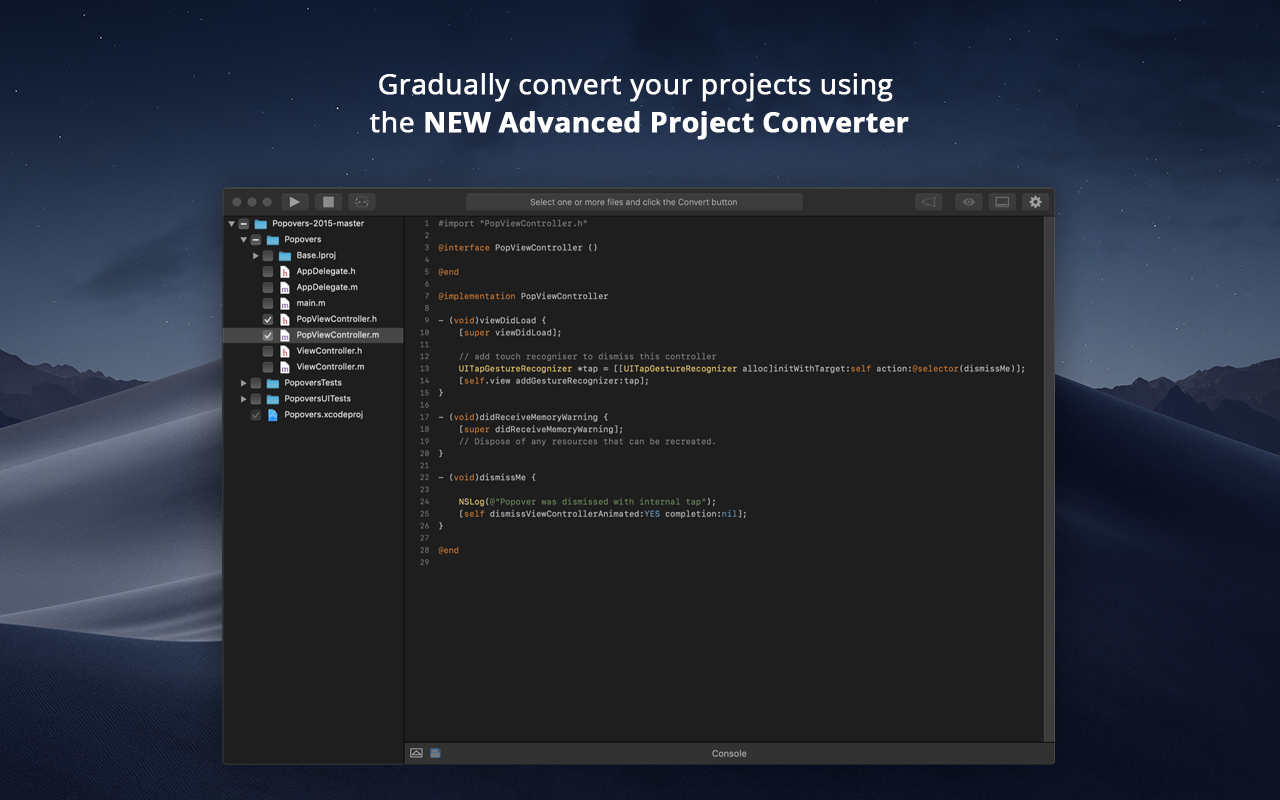     |