
erwin Data Modeler vs. SAS Data Management
| Product | Rating | Most Used By | Product Summary | Starting Price |
|---|---|---|---|---|
 erwin Data Modeler | Score10 out of 10 | N/A | erwin Data Modeler by Quest is a data modeling tool used to find, visualize, design, deploy and standardize high-quality enterprise data assets. It can discover and document any data from anywhere for consistency, clarity and artifact reuse across large-scale data integration, master data management, metadata management, Big Data, business intelligence and analytics initiatives, accomplishing this whil esupporting data governance and intelligence efforts. | N/A |
 SAS Data Management | Score8 out of 10 | N/A | A suite of solutions for data connectivity, enhanced transformations and robust governance. Solutions provide a unified view of data with access to data across databases, data warehouses and data lakes. Connects with cloud platforms, on-premises systems and multicloud data sources. | N/A |
| erwin Data Modeler | SAS Data Management | |||||||||||||||
|---|---|---|---|---|---|---|---|---|---|---|---|---|---|---|---|---|
| Editions & Modules | No answers on this topic | No answers on this topic | ||||||||||||||
| Offerings |
| |||||||||||||||
| Entry-level Setup Fee | Optional | No setup fee | ||||||||||||||
| Additional Details | — | — | ||||||||||||||
| More Pricing Information | ||||||||||||||||
| erwin Data Modeler | SAS Data Management | |
|---|---|---|
| Considered Both Products | No answer on this topic | No answer on this topic |
| Key User Insights | ||
| Would buy again | ||
No answers on this topic | 100% Would buy again 5 Answers | |
| Delivers good value for the price | ||
No answers on this topic | 80% Delivers good value for the price 4 Answers | |
| Happy with the feature set | ||
No answers on this topic | 100% Happy with the feature set 5 Answers | |
| Lived up to sales and marketing promises | ||
No answers on this topic | 100% Lived up to sales and marketing promises 5 Answers | |
| Implementation went as expected | ||
No answers on this topic | No answers on this topic | |
| erwin Data Modeler | SAS Data Management | |||||||||||||||||||
|---|---|---|---|---|---|---|---|---|---|---|---|---|---|---|---|---|---|---|---|---|
| Data Source Connection |
| |||||||||||||||||||
| Data Transformations |
| |||||||||||||||||||
| Data Modeling |
| |||||||||||||||||||
| Data Governance |
| |||||||||||||||||||
| erwin Data Modeler | SAS Data Management | |
|---|---|---|
| Small Businesses | No answers on this topic |  Skyvia Score9.9 out of 10 |
| Medium-sized Companies |  ER/Studio Data Architect Score9.9 out of 10 |  IBM InfoSphere Information Server Score8 out of 10 |
| Enterprises | ER/Studio Data Architect Score9.9 out of 10 |  SolarWinds Task Factory Score8.2 out of 10 |
| All Alternatives | View all alternatives | View all alternatives |
| erwin Data Modeler | SAS Data Management | |
|---|---|---|
| Likelihood to Recommend | 6.1 | 7.6 |
| Likelihood to Renew | - | 9.0 |
| Usability | 9.0 | 6.0 |
| Performance | - | 9.0 |
| Support Rating | 9.0 | 7.7 |
| erwin Data Modeler | SAS Data Management | |
|---|---|---|
| Likelihood to Recommend |
|
|
| Pros |
|
|
| Cons |
|
|
| Likelihood to Renew | No answers on this topic |
|
| Usability |
|
|
| Performance | No answers on this topic |
|
| Support Rating |
|
|
| Alternatives Considered |
|
|
| Return on Investment |
|
|
| ScreenShots | erwin Data Modeler Screenshots  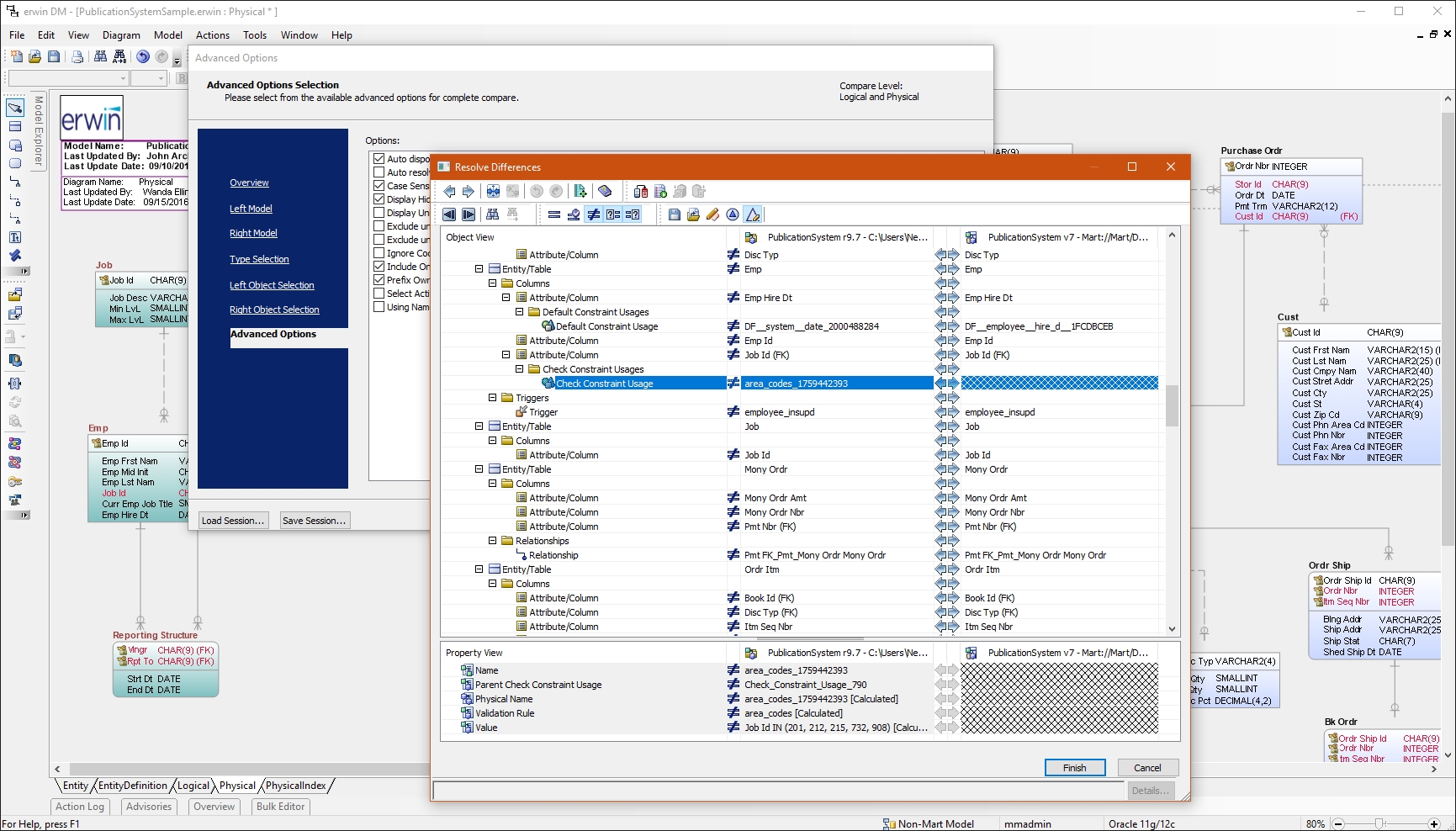 |





