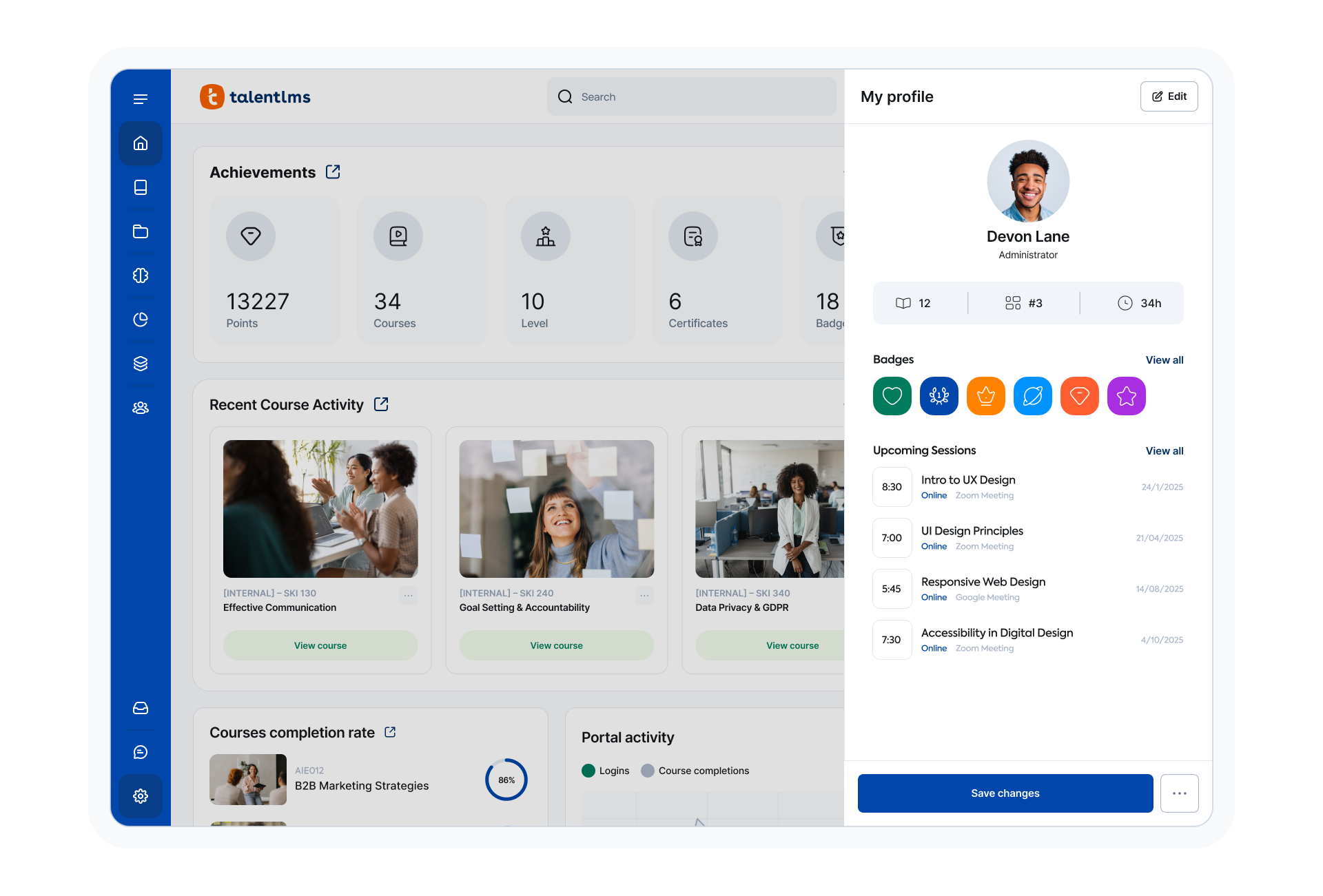
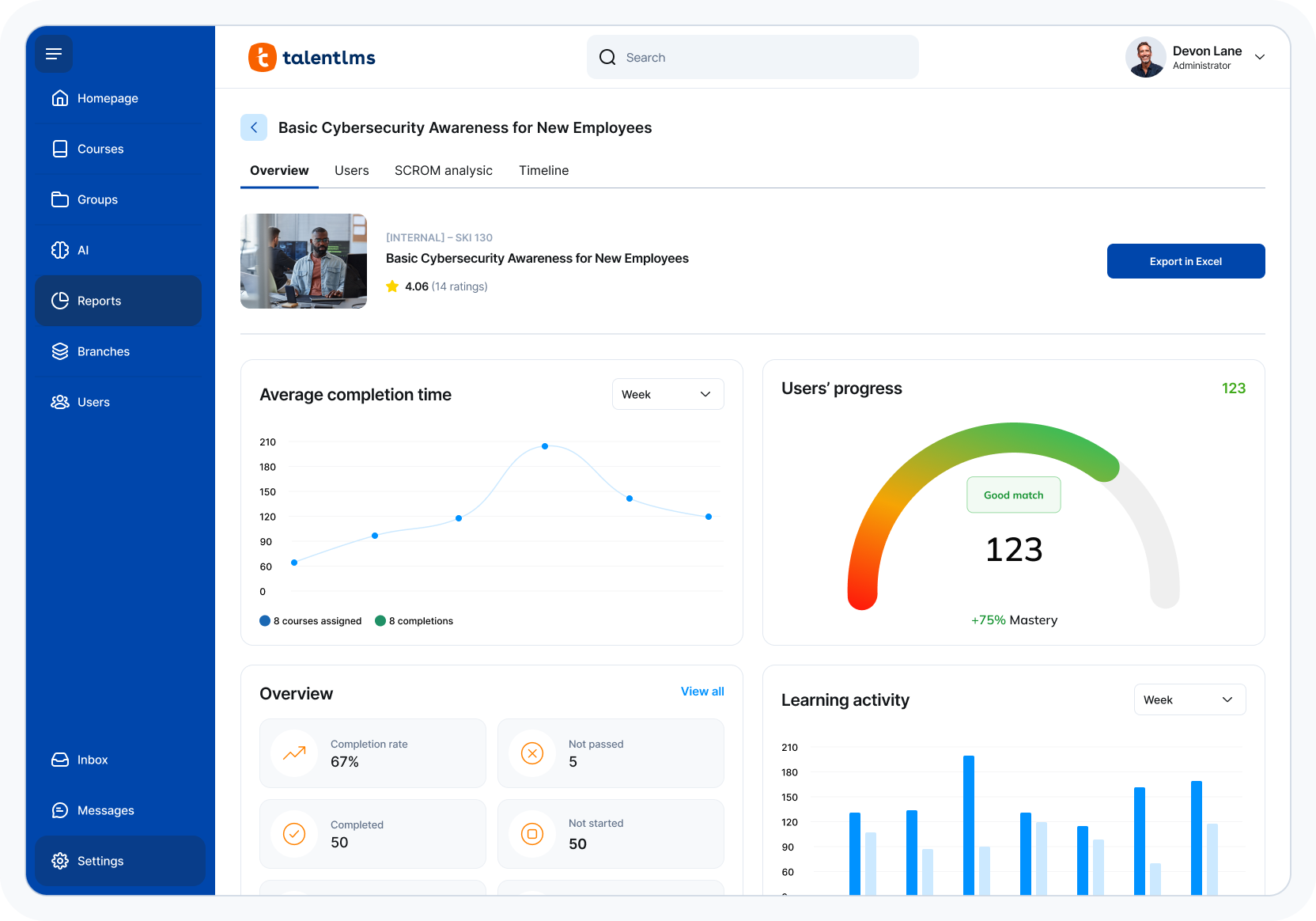
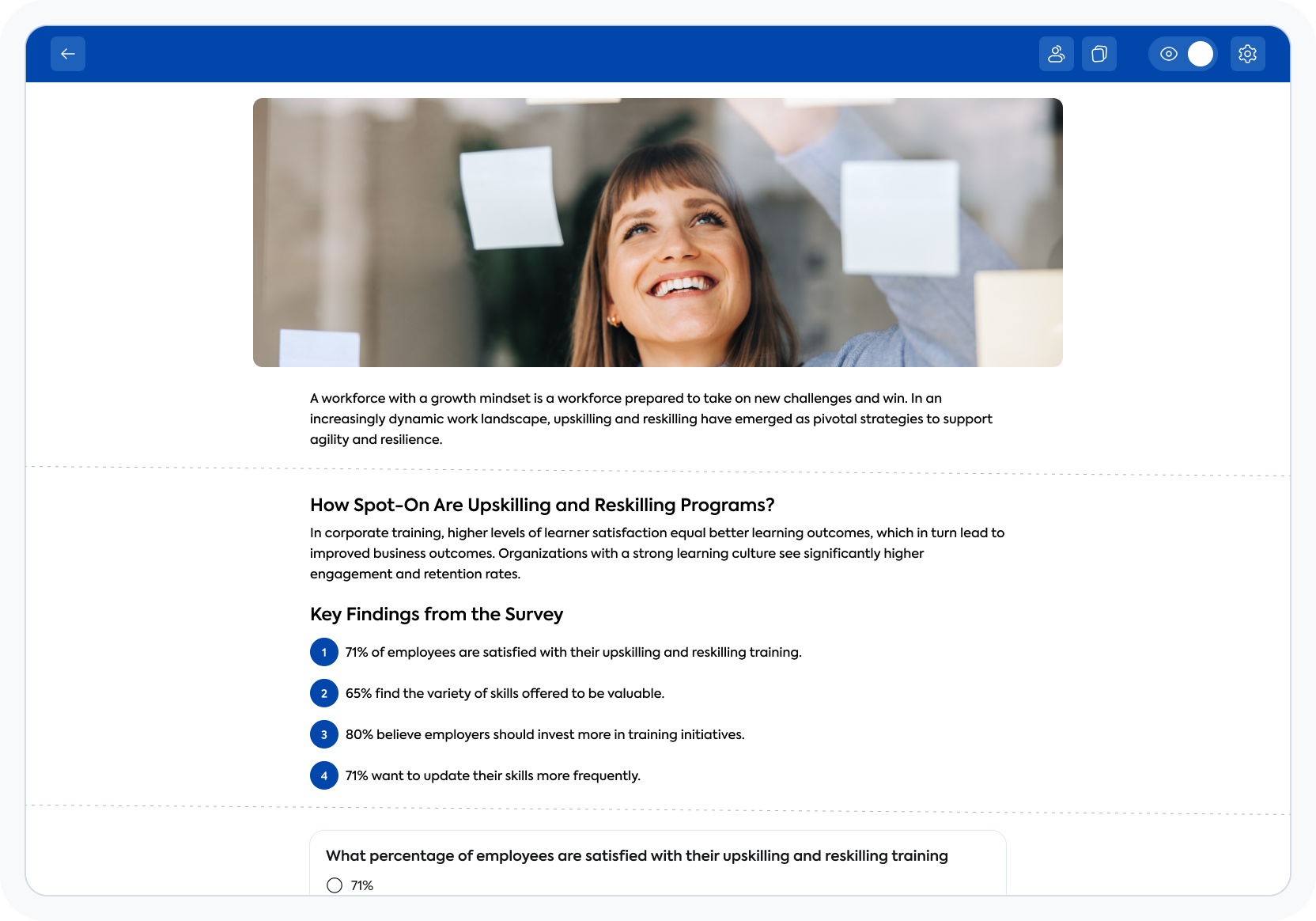
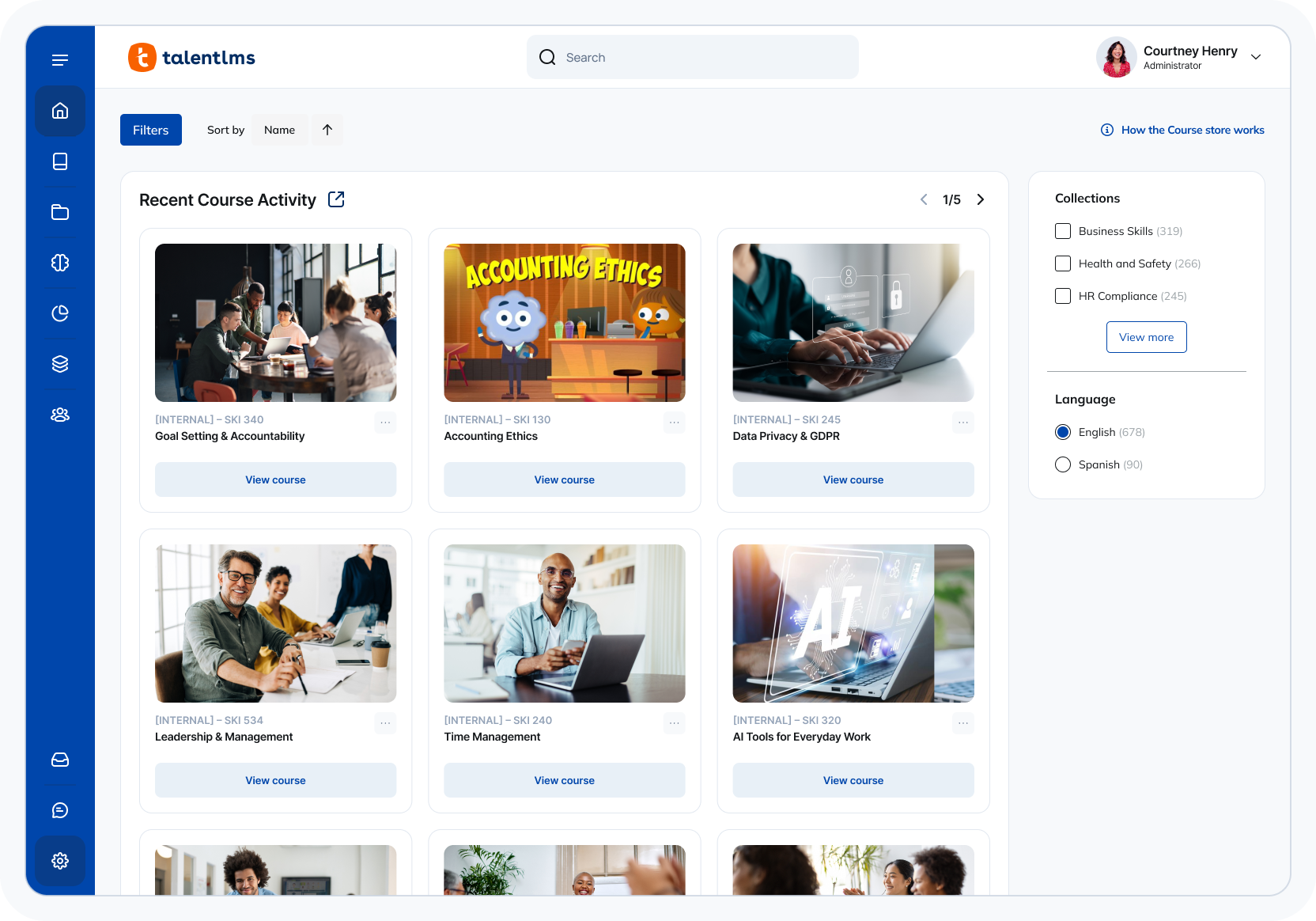
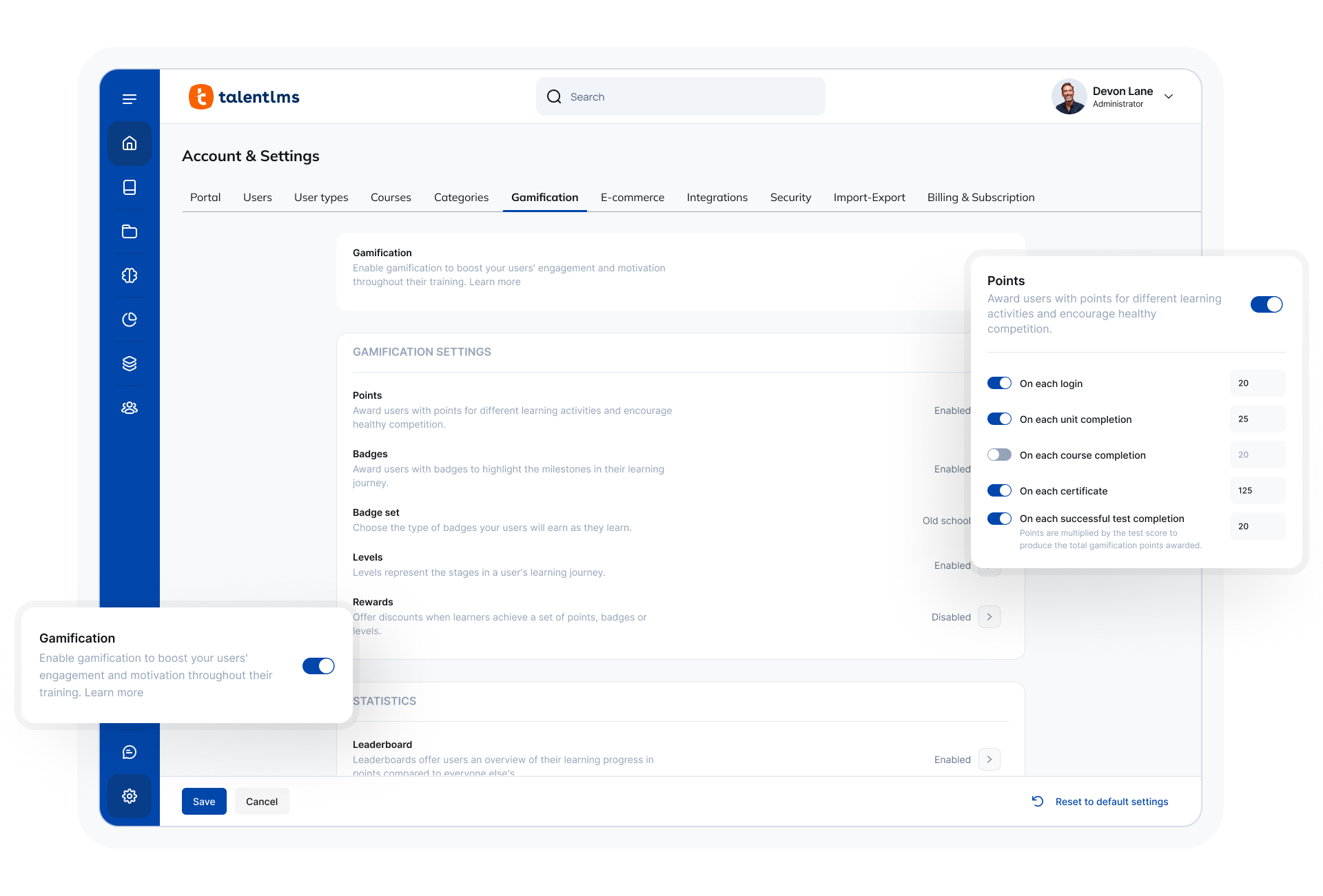
TalentLMS is an LMS built for training success, presented as fully customizable and easy to manage, so that teams embrace training while feeling right at home. It is used to provide the right training to any team and every use, while giving expert guidance and support every step of the way.
$149
per month 1-40 users
Studio 360 (discontinued)
Score8.8 out of 10
N/A
Studio 360 for PowerPoint, or formerly Articulate Studio, was a PowerPoint plugin used to develop elearning course content. It has been discontinued and is no longer receiving support.
N/A
Pricing
TalentLMS
Studio 360 (discontinued)
Editions & Modules
Core
$149
per month 1-40 users
Grow
$299
per month 1-70 users
Pro
$579
per month 1-100 users
Enterprise (Custom plan)
Custom
annual plan Starts at 1000 users
No answers on this topic
Offerings
Pricing Offerings
TalentLMS
Studio 360 (discontinued)
Free Trial
No
No
Free/Freemium Version
Yes
No
Premium Consulting/Integration Services
No
No
Entry-level Setup Fee
No setup fee
No setup fee
Additional Details
Users can stay on the Forever Free plan and upgrade, or downgrade or cancel at any time. Higher volume plans available at additional cost. Discount available for annual billing, and for nonprofits.
TalentLMS is user-friendly enough for someone new to LMS management can get a site up and running in a relatively quick manner. It is rather intuitive to operate. My needs have been a rather small scale of 400 learners and TalentLMS more than meets the need to produce a professional-looking and operational website to send customers and staff. The point here is that although I do not know how well it can be up-scaled, it certainly delivers for small to medium organizations to need to get content online
A de minimis incentive was given to thank the reviewer for their time. The incentive was not used to bias or drive a particular response, nor was the incentive contingent on a positive endorsement. TR verified that a representative sample of customers was invited. More Info
Articulate Studio is constantly surprising in terms of what it can do. It is like a "Swiss Army Knife" of functionality. I've used it to build portfolios, whole interactive websites, authoring videos and I often discover novel ways to make it useful on a pretty regular basis. What would be a situation where you would not want to use Articulate Studio? Well, even though you can use it to author video and to publish websites, it's not a replacement for a video editing package or a web platform like WordPress, but there are times when it will do certain things in an astoundingly simple way superior to other tools.
A de minimis incentive was given to thank the reviewer for their time. The incentive was not used to bias or drive a particular response, nor was the incentive contingent on a positive endorsement. More Info
A de minimis incentive was given to thank the reviewer for their time. The incentive was not used to bias or drive a particular response, nor was the incentive contingent on a positive endorsement. More Info
They made it very easy to understand how to add new content to the courses, including images, videos or audio, of course, you are still able to do text-based content as well.
Creating quizzes has never been easier. The ability to add controls to each question and what actions each answer creates, whether an additional question or passing to the next section. Customizing these actions are very easy to learn and add to your course.
Being able to use your own scoring mechanism is awesome! I like SCORM but there are many options to use including a custom one of your own. This ability allows you to pass your students over to a proprietary system that enrolls them in the next course, or use the built-in utilities to provide the next course or quiz, the choice is yours!
A de minimis incentive was given to thank the reviewer for their time. The incentive was not used to bias or drive a particular response, nor was the incentive contingent on a positive endorsement. More Info
Email notifications have arbitrary limits on what information can be included. For example, you cannot include the user password in any notification email regarding course enrollment, group enrollment, etc.
Notification emails are not sent out in a reasonable time frame. Sometimes, it takes over 20 minutes for a new user to get their registration email.
It would be nice to get reports in the base domain containing customer user fields from various branches.
A de minimis incentive was given to thank the reviewer for their time. The incentive was not used to bias or drive a particular response, nor was the incentive contingent on a positive endorsement. TR verified that a representative sample of customers was invited. More Info
The audio editor is awful. Sometimes when you cut a section, it actually takes a different section that you selected. Especially when in zoom mode. You have to then undo the action, and re-do. Also, scrubbing through the audio is difficult. If you're exporting audio, it can glitch during the process. I avoid using the audio editor whenever I can.
After all these years, it's still a buggy program. You can be doing your recordings, and a sudden message appears saying that something went wrong and needs to close. I've done re-installs, contacted support, and I constantly clear the temp folder. Still happens. Also, it's a good idea to export your audio, and there have been times the program freezes up on me, and the audio file (in the .ppta file) gets corrupted and all audio is permanently lost.
The program can get slow when publishing, previewing or opening the audio editor.
The included Engage program is pretty good, but it needs more customization options. And I think they can add more modules that provide a little more engagement.
A de minimis incentive was given to thank the reviewer for their time. The incentive was not used to bias or drive a particular response, nor was the incentive contingent on a positive endorsement. More Info
The ease of use, the robustness of the offering, and familiarity. It does everything we need and probably more. We likley don't utilize all the functionality it has as it does what we want it to without having to dig that deep into its tools. Their course library also has saved us some time in terms of saving time from creating some basic courses.
A de minimis incentive was given to thank the reviewer for their time. The incentive was not used to bias or drive a particular response, nor was the incentive contingent on a positive endorsement. More Info
The system is intuitive. It does not have a lot of features that are hidden behind secret menus or elsewhere. There are often multiple ways to get to the same place through different menus without having to go back to the home or root menu. It makes things pretty easy. Additionally, if there is something I can't figure out, there is documentation available to help with that.
This is very useable software even for novice eLearning authoring users. People with some PowerPoint experience should be fine with this software and even Excel!
A de minimis incentive was given to thank the reviewer for their time. The incentive was not used to bias or drive a particular response, nor was the incentive contingent on a positive endorsement. More Info
Quick answer, comprehensive, and customized. I sent an email with multiple questions and feedback about their new UI, and the agent addressed all of them directly and honestly no sugar-coating and no call center lingo. Most questions can also be addressed directly in their UI with a really good help center widget.
A de minimis incentive was given to thank the reviewer for their time. The incentive was not used to bias or drive a particular response, nor was the incentive contingent on a positive endorsement. TR verified that a representative sample of customers was invited. More Info
I've never really had any major issues with the product (Other than the registration loop error)and my ten out of ten rating is based on the assistance I got when we initially set up the extension in Power Point. I found the support folks to be professional, helpful and friendly
A de minimis incentive was given to thank the reviewer for their time. The incentive was not used to bias or drive a particular response, nor was the incentive contingent on a positive endorsement. More Info
Implementation was relatively easy. When we set up a second branch, we needed a little help. But the support area is well-detailed. My clients had no experience with an LMS and their digital skills were limited. We had a long way to go. Nevertheless, it was relatively easy. It was rather quick!
A de minimis incentive was given to thank the reviewer for their time. The incentive was not used to bias or drive a particular response, nor was the incentive contingent on a positive endorsement. TR verified that a representative sample of customers was invited. More Info
Both are good, but the pricing and general value proposition of Talent LMS are better than Trainual in my opinion. Trainual is a bit more modern and cleaner looking from a user interface perspective, but it comes at a higher cost. Both platforms provide very similar features in the way of general functionality and user experience, but Talent LMS wins because of its better pricing model.
A de minimis incentive was given to thank the reviewer for their time. The incentive was not used to bias or drive a particular response, nor was the incentive contingent on a positive endorsement. More Info
Articulate Studio is very much a leader in the e-learning space. It stacks up well against other tools designed to quickly and easily build and update CBTs by managers and super-users versus needing to invest time and effort in dedicated e-learning developers. Process improvement initiatives and cross-functional departments are empowered to develop their trainings themselves and identify areas for future development.
A de minimis incentive was given to thank the reviewer for their time. The incentive was not used to bias or drive a particular response, nor was the incentive contingent on a positive endorsement. More Info
A de minimis incentive was given to thank the reviewer for their time. The incentive was not used to bias or drive a particular response, nor was the incentive contingent on a positive endorsement. TR verified that a representative sample of customers was invited. More Info
I only see positive impact since it is a very easy to use tool for rapid learning. The only point is to know what is possible to develop using this tool to avoid any kind of frustration afterwards.
Another positive impact is that we don't need a diversified development team. There is no need of technical professionals, and a creative instructional designer is enough to develop effective learning content using Studio.
The third positive impact is that Studio makes possible to realize short-term projects, mainly when there's already a PowerPoint presentation.
A de minimis incentive was given to thank the reviewer for their time. The incentive was not used to bias or drive a particular response, nor was the incentive contingent on a positive endorsement. More Info