Endeca was a business intelligence platform for analyzing unstructured data, acquired by Oracle and since discontinued.
N/A
SAP Crystal
Score7.5 out of 10
N/A
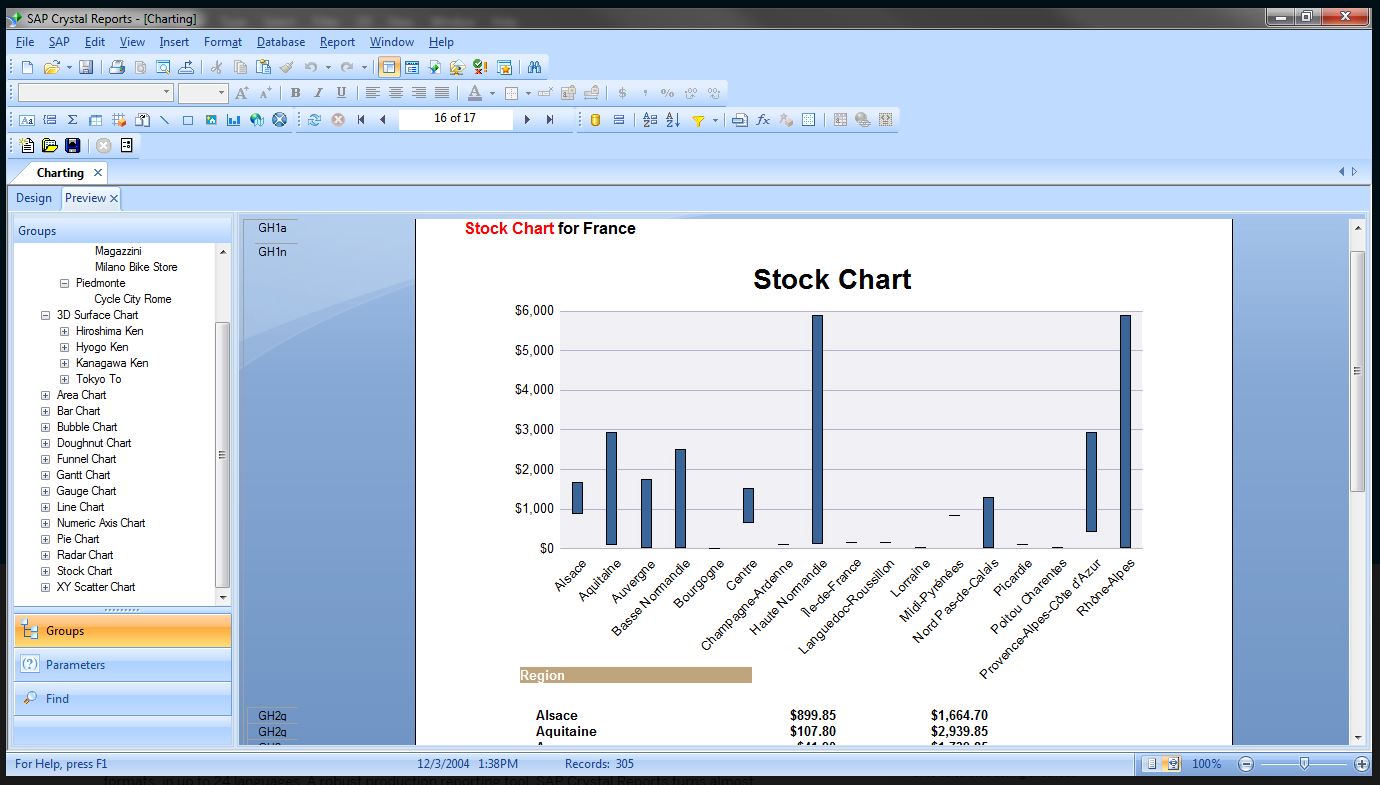
SAP Crystal is an analytics and reporting software solution for SMBs. SAP Crystal comprises Crystal Reports for pixel-perfect reporting, and SAP Crystal Server for automated distribution and self-service access to reports, dashboards and data exploration.
$295
per single user license
Pricing
Endeca (discontinued)
SAP Crystal
Editions & Modules
No answers on this topic
Upgrade Version to SAP Crystal Reports 2020
$295
per single user license
SAP Crystal Reports 2020 64-Bit
$495
per single user license
SAP Crystal Reports 2016 32-Bit
$495
per single user license
SAP Crystal Server 2020 1 NUL
$869
per user license + first year maintenance to be added
SAP Crystal Server 2020 5 CAL
$8,744
5 concurrent users + first year maintenance to be added
Offerings
Pricing Offerings
Endeca (discontinued)
SAP Crystal
Free Trial
No
Yes
Free/Freemium Version
No
Yes
Premium Consulting/Integration Services
No
Yes
Entry-level Setup Fee
No setup fee
Optional
Additional Details
—
* SAP Crystal Reports 2020 Viewer allows you to view static data within a SAP Crystal Reports file.
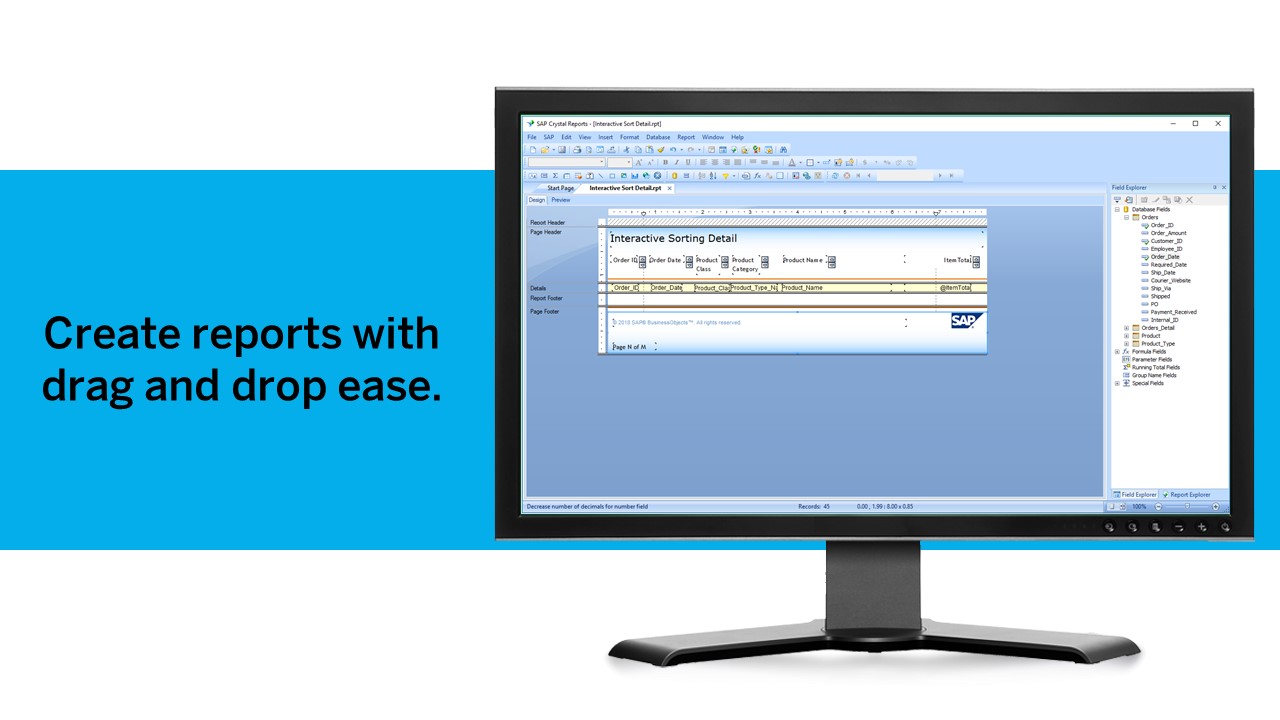
* SAP Crystal Reports 2020 - Full version allows you to create powerful, richly formatted, and dynamic reports from virtually any data source, delivered in dozens of formats, in up to 28 languages. If you already have an older version of Crystal Reports, buy a license for SAP Crystal Reports 2020 - Upgrade at a discounted, upgrade price.
* SAP Crystal Server 2020, 1 NUL includes 1 license of: SAP Crystal Reports 2020 - SAP Crystal Server 2020.
* As an add-on to SAP Crystal Server 2020 1 NUL, SAP Crystal Server 2020 5 CAL allows you to support a wider, intermittent audience of end users, up to five logged on at the same time.
Best fit for this product: - Advanced or Sophisticated Enterprise Search platform: If you spend effort on your search capabilities, Endeca is the tool. - If you are looking for capabilities to search and navigate similar to a relational-database system, then Endeca is not the best fit. - If you are spending effort to drive customer experience, especially around customer interaction with your web application, Endeca can help with that in a multichannel environment.
Generation of templated reports is the strong suit of SAP Crystal. Allows users to change formats in templates bases on requirement with minimal effort. Automated report delivery requires the user to be aware of sql which cannot be expected from all users. Should support more document export formats and improve the UI for SAP B1 Users
A de minimis incentive was given to thank the reviewer for their time. The incentive was not used to bias or drive a particular response, nor was the incentive contingent on a positive endorsement. More Info
Provides exact, correct counts of items in its dimensions.
Allows for flexible, out-of-the-box boosting of content (based on combo of any/all of: user profile, date, dimension being browsed and search keyword).
It has a reasonably good admin interface for the administration of boosting/promotion rules for the business user.
Crystal Reports allows us to create a consistent template for all of our reports.
Crystal Reports and Server allows us to house a repository for all of our reports to make them easy to find and update when necessary.
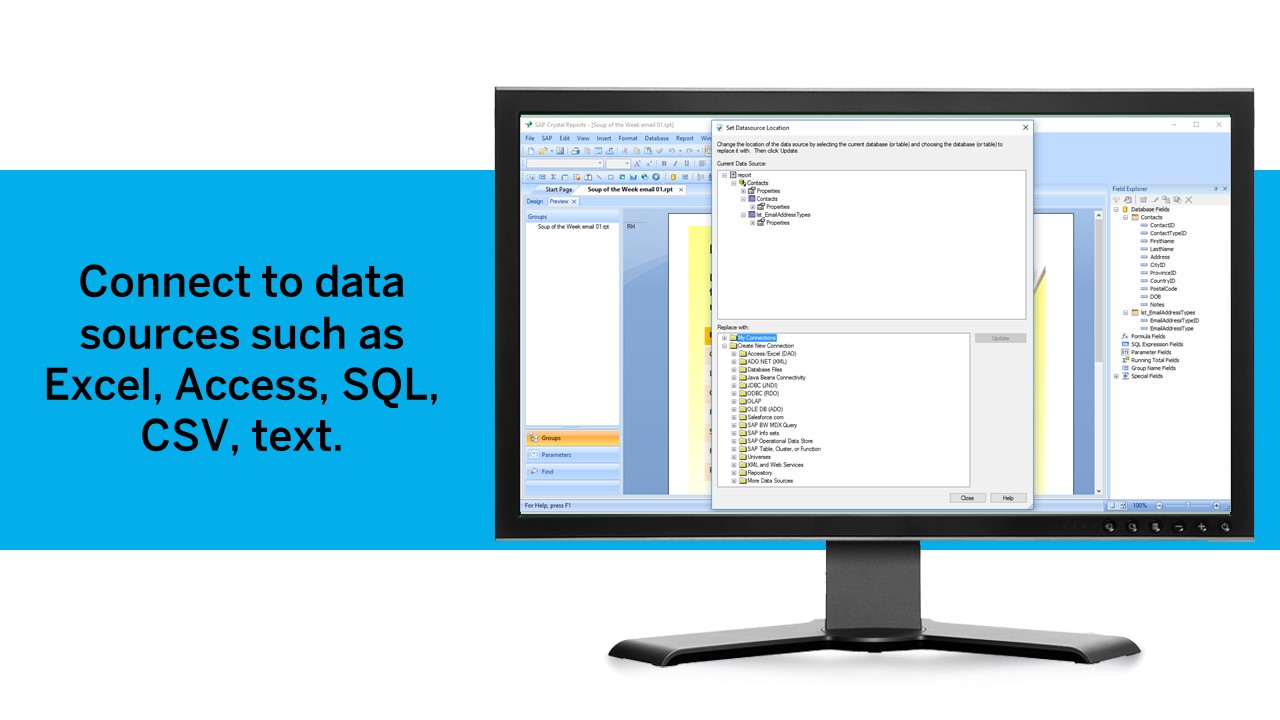
Crystal Reports can connect to a wide variety of data sources.
Crystal Reports can be a little daunting when first implementing. There are a lot of nuances in learning how to truly master this software and it can be frustrating at times.
A de minimis incentive was given to thank the reviewer for their time. The incentive was not used to bias or drive a particular response, nor was the incentive contingent on a positive endorsement. TR verified that a representative sample of customers was invited. More Info
A de minimis incentive was given to thank the reviewer for their time. The incentive was not used to bias or drive a particular response, nor was the incentive contingent on a positive endorsement. TR verified that a representative sample of customers was invited. More Info
A de minimis incentive was given to thank the reviewer for their time. The incentive was not used to bias or drive a particular response, nor was the incentive contingent on a positive endorsement. TR verified that a representative sample of customers was invited. More Info
If the solution is implemented well and the business understands the purpose of the Endeca stack, it offers a great way for a business to explore and benefit from its existing data. From my experience, the Endeca solution has exposed data patterns to a business that were not thought about or explored before because of the lack of available tools to properly expose these patterns
We have been using this product for so many years and it has truly become a cornerstone to our business processes when it comes to developing and distributing information via reports. We currently have over 500 reports developed to date over about 30 systems and that will continue to grow as user needs change.
The system itself is very usable, and with proper training is very sensible in its organization and method of operation. There are some downsides in initial setup in the way things are imported (or not in some cases) in setting up properties and dimensions. Overall however it's amazingly flexible in terms of the content it can index and make available for search.
Crystal is very robust, but not always easy to use. It create wonderful looking reports, and so deserves a high rating. However, I have to take a couple of points off for the simple fact that I cannot hand it to a user and expect them to be able to do development with it.
A de minimis incentive was given to thank the reviewer for their time. The incentive was not used to bias or drive a particular response, nor was the incentive contingent on a positive endorsement. TR verified that a representative sample of customers was invited. More Info
Support has been very good, and the trainers for the various Endeca courses have all been very willing to help long after the classes have been completed, so in the instances where we're waiting on support from Oracle, it's often that the members of their training arm can help us out as well.
The support community can be difficult to navigate. I've also run into issues with my login. The SAP system has a bizarre mechanism for validating users that requires users to have what is called an S-ID. A basic ID may not give you access to all the features in the portal. The limitation may include not being able to perform a simple task like downloading patches and updates. This isn't a big deal for single user license but for teams it can be a pain.
A de minimis incentive was given to thank the reviewer for their time. The incentive was not used to bias or drive a particular response, nor was the incentive contingent on a positive endorsement. TR verified that a representative sample of customers was invited. More Info
The training is actually really good, and absolutely necessary - although this is software that has great documentation, the documentation itself is so vast, that it would be difficult to learn haphazardly, not to mention being incredibly time consuming to do so. Online training probably would have been fine except for the fact that having someone look over your shoulder to see where you're going wrong is helpful. This also allowed our team to sit in a single room and converse about functionality, etc. that would have been difficult to facilitate via an online class.
A de minimis incentive was given to thank the reviewer for their time. The incentive was not used to bias or drive a particular response, nor was the incentive contingent on a positive endorsement. TR verified that a representative sample of customers was invited. More Info
We did some online Q&A with the Oracle team, but I would definitely recommend doing an in person class if you have a large team that will be attending - there's definitely no replacements for a large class of technically oriented staff members who can drive conversation about specific topics that might surface.
There were some features we were hoping to get implemented in this particular release of Endeca, but were unable to facilitate those requirements due mostly to timeline. Having seen several other implementations, we will definitely have future iterations to add functionality and improve upon our implementation of Endeca. For the time being, we are satisfied with our implementation as it turned out.
Just like any other implementation: When designing the differing reports, get end users' input, make sure to design the reports so that they display the information that the company requires, in the best and clearest way possible.
Test, test, test, revise when needed, and, particularly, do sufficient training so users are comfortable using Crystal Reports!
A de minimis incentive was given to thank the reviewer for their time. The incentive was not used to bias or drive a particular response, nor was the incentive contingent on a positive endorsement. TR verified that a representative sample of customers was invited. More Info
Oracle Endeca was the best option that we evaluated by far. It gave us the most flexibility and ability to meet our objectives and had features that were not offered by the competing products we evaluated, but which we very much wanted, and this was why we decided to go with Oracle Endeca versus another platform
A de minimis incentive was given to thank the reviewer for their time. The incentive was not used to bias or drive a particular response, nor was the incentive contingent on a positive endorsement. More Info
Crystal reports is useful in case we want to import data from data base . We can write queries in it but Google Charts require to be implemented in our application using code so crystal reports is better than Google Charts.
A de minimis incentive was given to thank the reviewer for their time. The incentive was not used to bias or drive a particular response, nor was the incentive contingent on a positive endorsement. TR verified that a representative sample of customers was invited. More Info
It is a searching tool, and hard to estimate its impact on conversion.
It does its job regarding better searching; In terms of efficiency, it's hard to say: it has big learning curve. It requires a dedicated Endeca developer to work on it.
It is a decent buy for specific departments in terms of reporting capabilities but updates and cost (frequent) demands are higher with the benefits offered.
So long as the requirements are not ever changing, with scheduling functionality, it's a handsome tool.
A de minimis incentive was given to thank the reviewer for their time. The incentive was not used to bias or drive a particular response, nor was the incentive contingent on a positive endorsement. TR verified that a representative sample of customers was invited. More Info