
Employment Hero vs. OnPay
| Product | Rating | Most Used By | Product Summary | Starting Price |
|---|---|---|---|---|
 Employment Hero | Score7.4 out of 10 | N/A | Employment Hero is an end-to-end human resources management software designed for small to medium sized businesses, that covers every aspect of the employee lifecycle, from recruitment and onboarding to engagement, productivity, and success. | $80 per month 10 employees (minimum) |
 OnPay | Score9.9 out of 10 | N/A | OnPay's payroll and HR is designed for people who want to spend more time running their business, and less on back-office tasks. The application aims to enable users to: • Run payroll • Automate taxes • Let employees do more themselves • Simplify HR processes • Offer benefits in any state OnPay is $49 plus $6 per person each month. The monthly fee includes integrations with QuickBooks, Xero, and time-tracking software, as well as all quarterly and year-end… | $49 per month +$6 per month, per person |
| Employment Hero | OnPay | |||||||||||||||
|---|---|---|---|---|---|---|---|---|---|---|---|---|---|---|---|---|
| Editions & Modules |
| No answers on this topic | ||||||||||||||
| Offerings |
| |||||||||||||||
| Entry-level Setup Fee | Optional | No setup fee | ||||||||||||||
| Additional Details | *Pricing is per employee/month. $80 minimum spend. | First month free, then $49 + $6 per employee each month. | ||||||||||||||
| More Pricing Information | ||||||||||||||||
| Employment Hero | OnPay | |
|---|---|---|
| Considered Both Products | No answer on this topic | No answer on this topic |
| Key User Insights | ||
| Would buy again | ||
No answers on this topic | 98% Would buy again 54 Answers | |
| Delivers good value for the price | ||
No answers on this topic | 98% Delivers good value for the price 54 Answers | |
| Happy with the feature set | ||
No answers on this topic | 98% Happy with the feature set 54 Answers | |
| Lived up to sales and marketing promises | ||
No answers on this topic | 98% Lived up to sales and marketing promises 53 Answers | |
| Implementation went as expected | ||
No answers on this topic | 100% Implementation went as expected 54 Answers | |
| Employment Hero | OnPay | |||||||||||||||||||
|---|---|---|---|---|---|---|---|---|---|---|---|---|---|---|---|---|---|---|---|---|
| Payroll Management |
| |||||||||||||||||||
| Employment Hero | OnPay | |
|---|---|---|
| Small Businesses |  Zoho People Score8.4 out of 10 |  Patriot Payroll Score9.7 out of 10 |
| Medium-sized Companies | Zoho People Score8.4 out of 10 |  APS Score1.4 out of 10 |
| Enterprises |  PeopleStrong Score10 out of 10 |  ADP Streamline Payroll Score6.4 out of 10 |
| All Alternatives | View all alternatives | View all alternatives |
| Employment Hero | OnPay | |
|---|---|---|
| Likelihood to Recommend | - | 9.9 |
| Likelihood to Renew | - | 9.1 |
| Usability | - | 9.2 |
| Availability | - | 9.1 |
| Performance | - | 9.1 |
| Support Rating | - | 8.8 |
| Implementation Rating | - | 9.1 |
| Configurability | - | 9.1 |
| Contract Terms and Pricing Model | - | 9.1 |
| Ease of integration | - | 9.1 |
| Product Scalability | - | 9.1 |
| Vendor post-sale | - | 9.1 |
| Vendor pre-sale | - | 9.1 |
| Employment Hero | OnPay | |
|---|---|---|
| Likelihood to Recommend | No answers on this topic |
|
| Pros | No answers on this topic |
|
| Cons | No answers on this topic |
|
| Likelihood to Renew | No answers on this topic |
|
| Usability | No answers on this topic |
|
| Reliability and Availability | No answers on this topic |
|
| Performance | No answers on this topic |
|
| Support Rating | No answers on this topic |
|
| Implementation Rating | No answers on this topic |
|
| Alternatives Considered | No answers on this topic |
|
| Scalability | No answers on this topic |
|
| Return on Investment | No answers on this topic |
|
| ScreenShots | Employment Hero Screenshots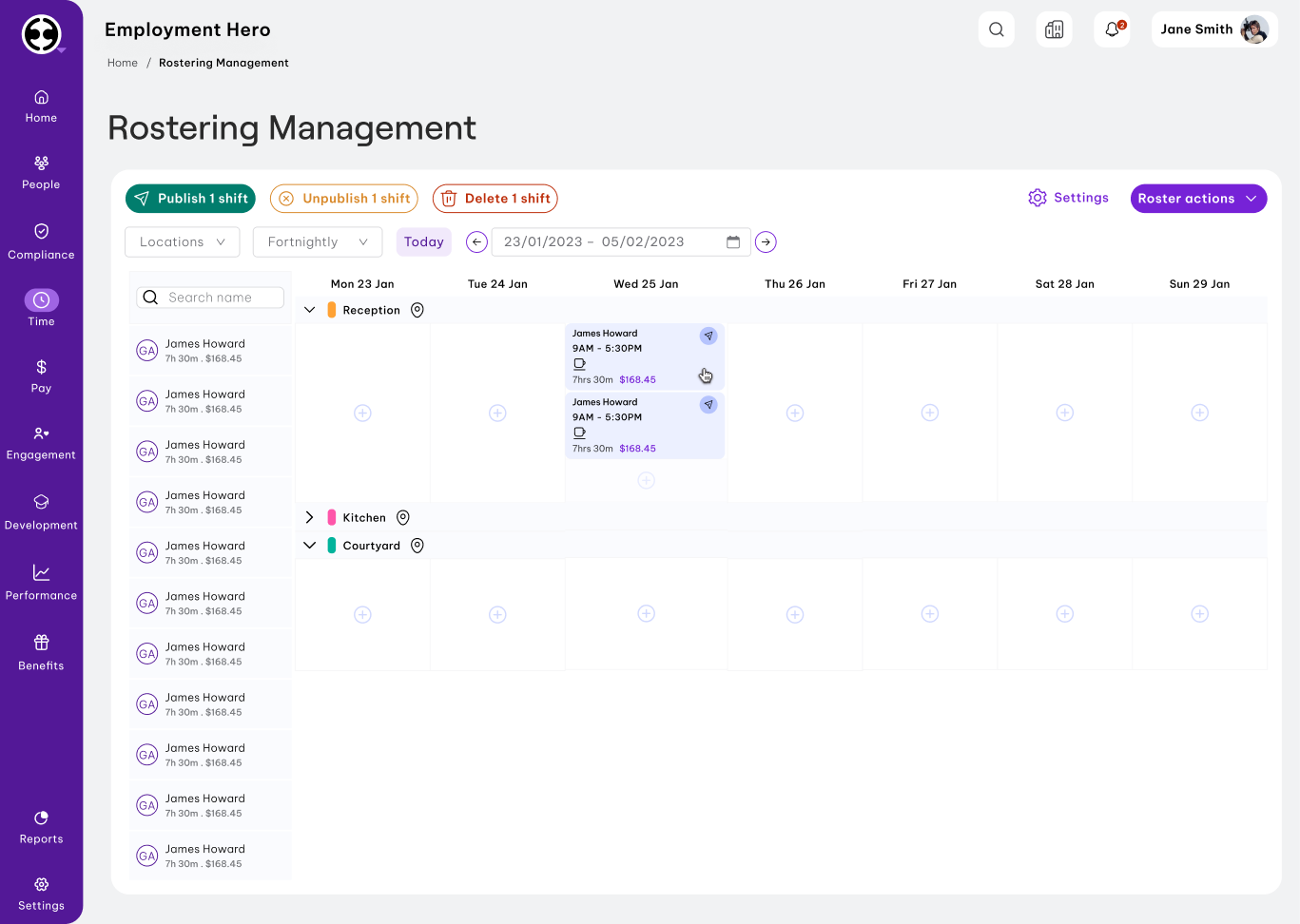 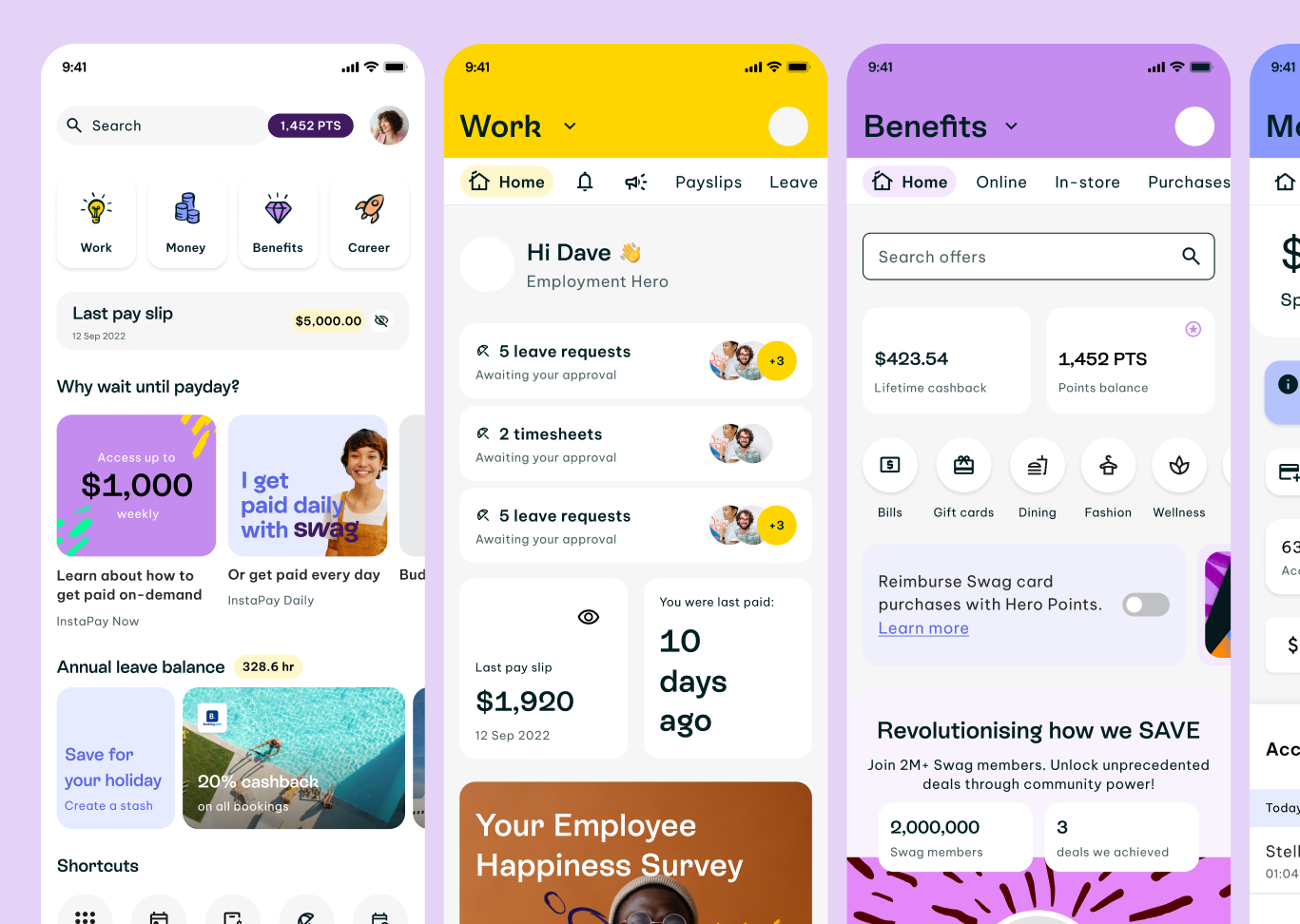 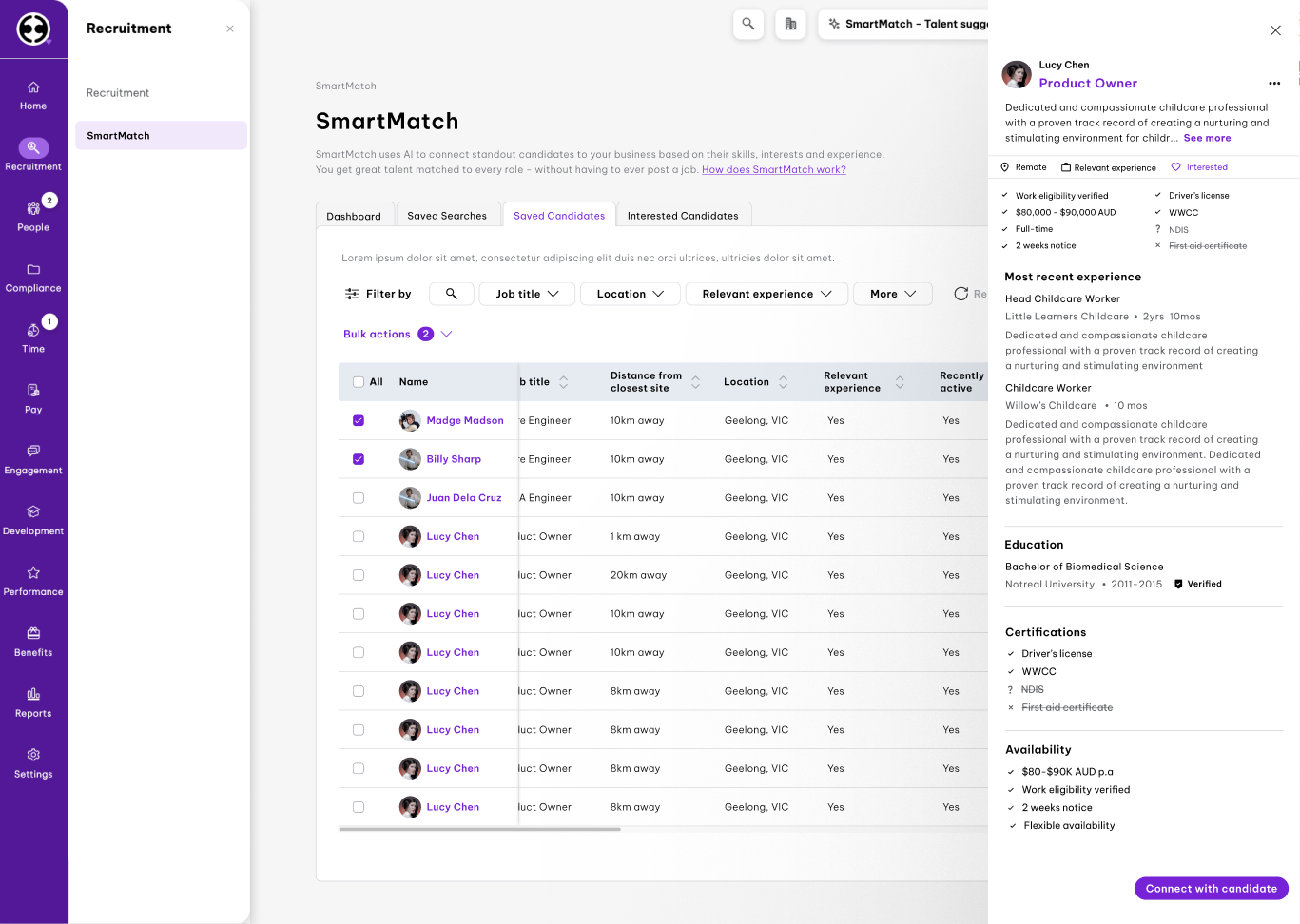 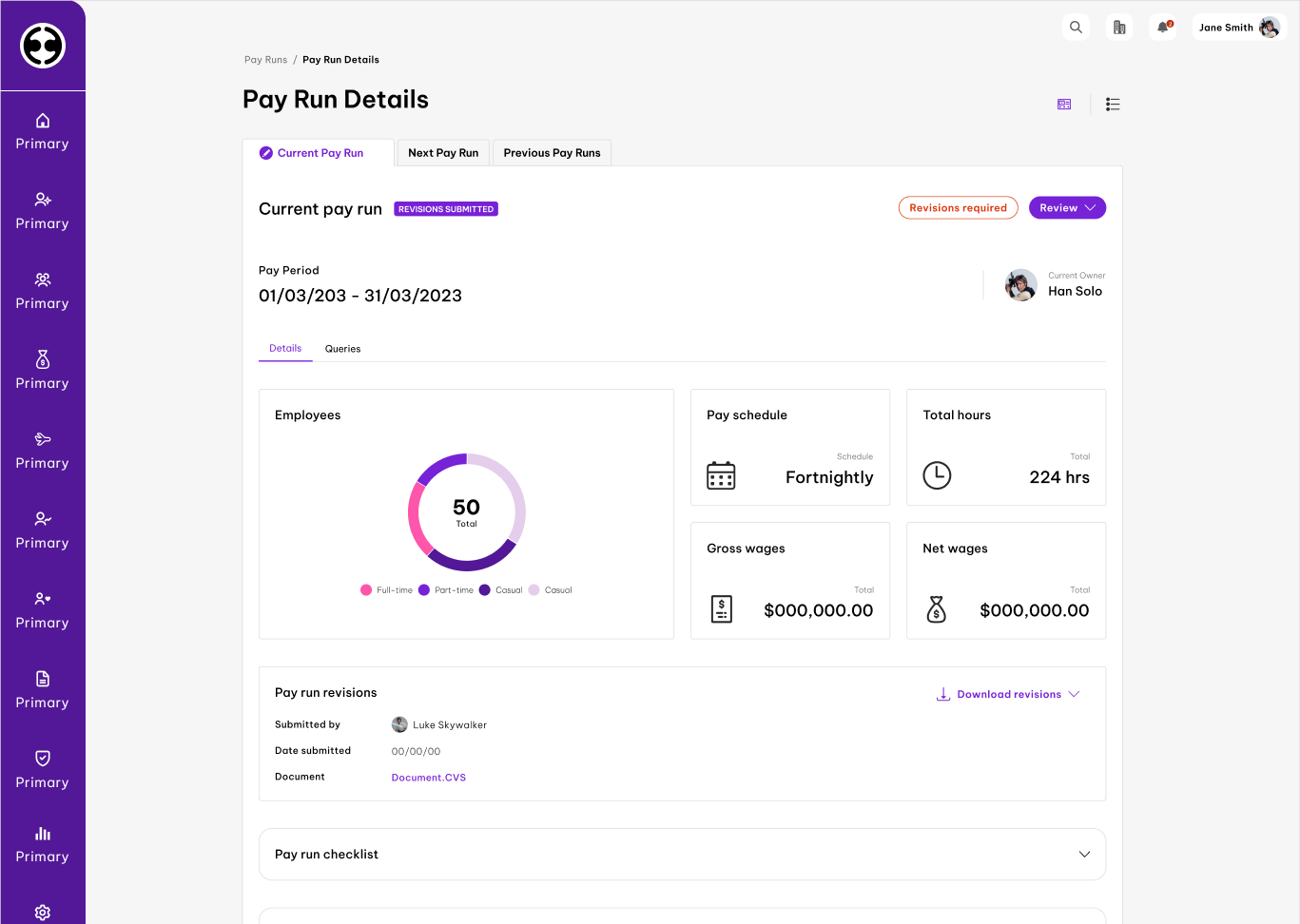 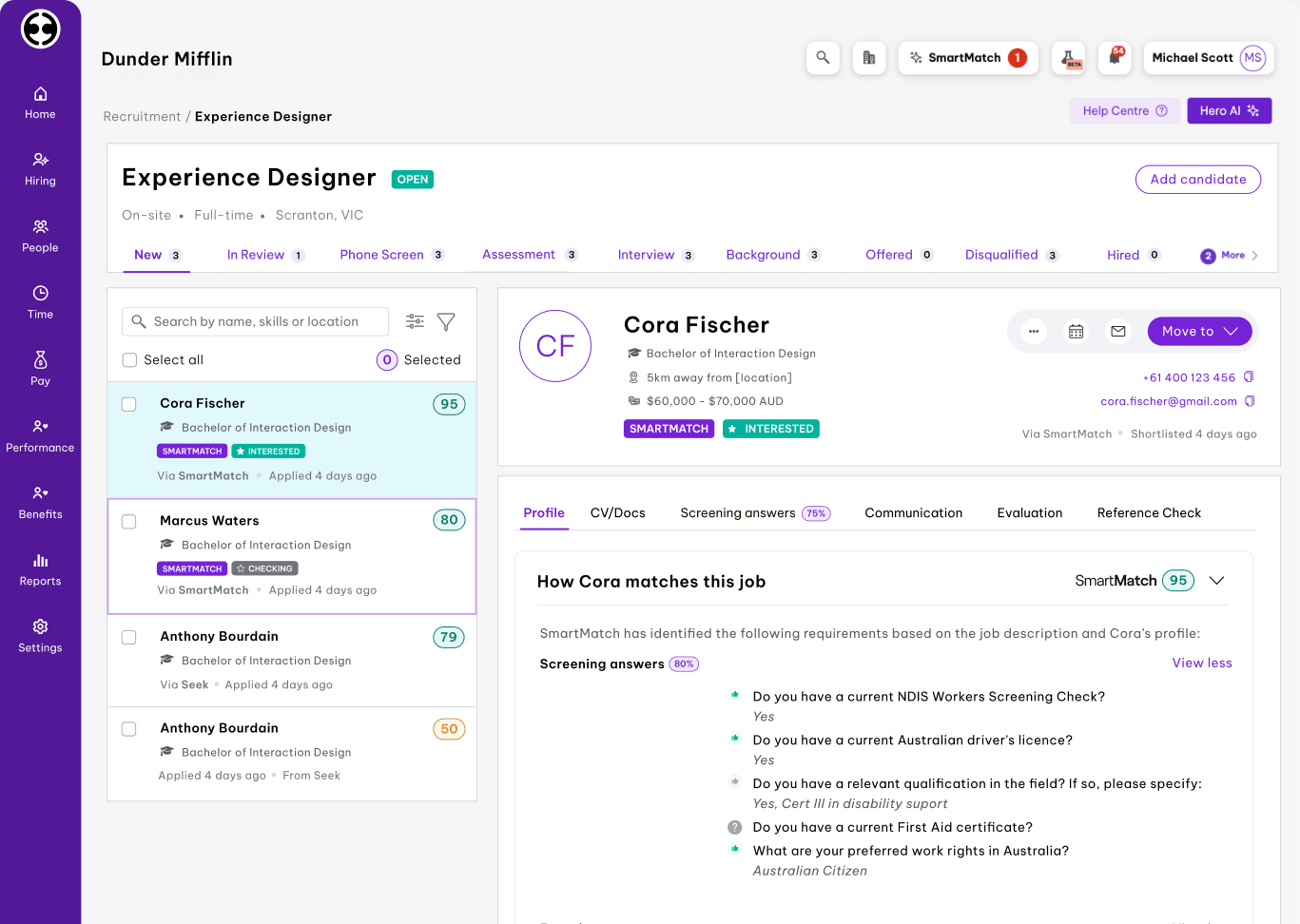 | OnPay Screenshots      |


