AWeber is an email marketing and automation solution. It provides support for mobile-friendly HTML email newsletters, autoresponder campaigns, subscriber segmentation and management, RSS-to-email features, signup forms for websites or blogs, and more.
$15
per month Starting at
Emma by Marigold
Score 9.4 out of 10
N/A
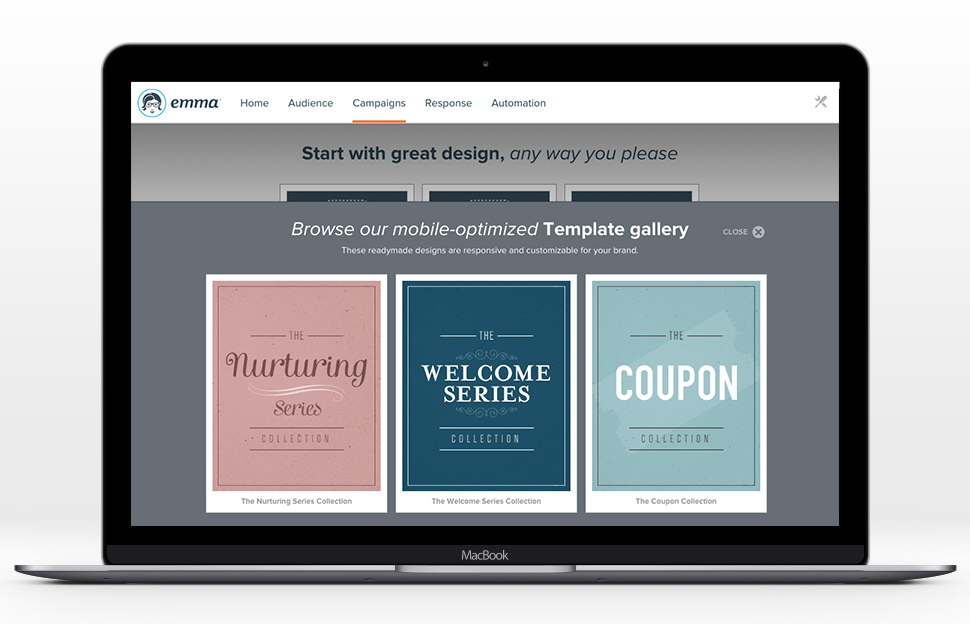
Emma by Marigold is an email marketing solution. Its key features include mobile-ready design templates, email automation, audience segmentation, and dynamic content. The software includes integration with third-party CRM solutions, ecommerce platforms, and social networks.
$500
per year per user
Pricing
AWeber
Emma by Marigold
Editions & Modules
AWeber Lite
$15
per month Starting at
AWeber Plus
$30
per month Starting at
Done For You Email
$30
per month Starting at
Unlimited
$899
per month
Basic
$500
per year per user
Offerings
Pricing Offerings
AWeber
Emma by Marigold
Free Trial
Yes
Yes
Free/Freemium Version
Yes
No
Premium Consulting/Integration Services
No
No
Entry-level Setup Fee
$79 one-time fee
No setup fee
Additional Details
AWeber offers usage-based pricing starting at $15/month. Plans scale based on the number of subscribers and features needed. Options include:
Lite Plan – Core tools like email automation, landing pages, sign-up forms, and AI Writing Assistant.
Plus Plan – Advanced features including split automation paths, behavioral triggers, analytics, A/B testing, ecommerce, and custom branding.
Done For You – A fully built email marketing system (emails, landing pages, and automations) delivered in 7 days, with 30 days of unlimited edits.
All plans include 24/7 support. 14-day free trial available.
—
More Pricing Information
Community Pulse
AWeber
Emma by Marigold
Features
AWeber
Emma by Marigold
Email & Online Marketing
Comparison of Email & Online Marketing features of Product A and Product B
AWeber
7.7
Ratings
3% below category average
Emma by Marigold
9.1
Ratings
14% above category average
WYSIWYG email editor
8.90 Ratings
8.00 Ratings
Dynamic content
7.00 Ratings
9.00 Ratings
Landing pages
6.00 Ratings
00 Ratings
A/B testing
8.00 Ratings
9.00 Ratings
Mobile optimization
7.00 Ratings
9.00 Ratings
Email deliverability reporting
8.00 Ratings
10.00 Ratings
List management
8.00 Ratings
10.00 Ratings
Triggered drip sequences
8.90 Ratings
9.00 Ratings
Ability to test dynamic content
00 Ratings
9.00 Ratings
Reporting & Analytics
Comparison of Reporting & Analytics features of Product A and Product B
AWeber
8.6
Ratings
11% above category average
Emma by Marigold
10.0
Ratings
26% above category average
Dashboards
8.90 Ratings
10.00 Ratings
Standard reports
8.90 Ratings
9.90 Ratings
Custom reports
7.90 Ratings
10.00 Ratings
Pre-Send Testing
Comparison of Pre-Send Testing features of Product A and Product B
AWeber is an excellent email marketing solution for small to mid-sized businesses, especially those that are just starting with email marketing campaigns. AWeber is also good for bloggers. But it's not perfect for an affiliate marketer who wants to make a landing page on AWeber. Businesses that require advanced segmentation options may need to consider other email marketing platforms.
Using Emma for weekly templated email use with minimal changes is awesome. If you want you can create a master and make minor graphic edits quickly and easily from your smartphone. Any edit is possible as long as the artwork is on the online server. Only time I hit a bump in the road is when I was asked to change the style sheet and did not know that the pricing plan I was on did not include this feature. Client had to wait to send new format until Emma performed the requested changes.
Aweber's email deliverability is among the best in the industry. I have used other email services and Aweber is superior in deliverability.
It is easy to setup an autoresponder sequence, a series of time delayed emails delivered over a period of time. This makes it super easy to follow up with leads and customers.
Aweber's blog broadcast features makes it easy to notify subscribers of new content on your blog. It can be setup to broadcast when ever you make a new post or summarize posts on a periodic basis.
Drag and Drop Interface - I love the drag-and-drop interface used to design campaigns. It makes it easy for creative types to get the look they want, and it helps less technically and aesthetically adept users to create campaigns that still look great. After using both Constant Contact and Mailchimp, I think Emma comes out on top in terms of ease of template design.
Master Admin Account - Having a master admin account controlled by one person allows us to deploy brand assets to each sub-account, and we're also able to push out templates for users who aren't ready or don't have the time to design their own.
Dynamic Content - Dynamic content has proven so useful to us, especially in our Admissions Office. Making it possible for regular users to easily create emails using dynamic content is a VERY strong feature that, in my experience, is unique to Emma.
Great Tutorials - Emma does a great job taking care of its users. The support folks are always kind and helpful, but Emma publishes an array of tutorials and resources to help with just about anything its users encounter, from how to use custom merge fields to advice on creating the best campaigns.
Double opt-in requirements. While I understand the rationale for double opt-in, I wish Aweber did not require double opt-in when importing email addresses from the client's existing client database as I feel we end up losing a good number of people who are existing customers and have given the business permission to email them but who either don't notice or don't take the extra step to confirm their subscription to the Aweber list.
The user interface when designing and setting up html newsletters is not as clearcut and obvious as Constant Contact; it takes more time to get the newsletters to "look right" using Aweber's existing templates.
I wish Aweber made it easier to embed a video message simply by inserting the video link or embed code into the email body. The process it seems to require (the last time I tried) was to create a screenshot of the video or insert the video thumbnail image and then link to the video in the right column link section .. it's a 2 step process and would be nice if it were a one click process. Not a deal breaker but I just feel like it could be faster and more efficient to embed video messages in an email.
Setup of users - We used to be able to setup a user and send them our own welcome email. Emma has since set up the ability to add users where they send the welcome email. It's a great new feature, but it doesn't always work. We've had some users who never receive these emails and then we need to reach out to support anyway.
The code to set up a configurable email is cumbersome. It's great that it is so customizable, but there is a learning curve.
AWeber is easy and intuitive for me use. I really like the simplicity and the structure of the work flow as it saves me time. AWeber also integrates with all the other programs, systems and gateways that I use on a daily basis (WordPress, Paypal, LeadPages, Facebook and more) and if I have any questions or have trouble the AWeber customer service technicians are very helpful.
Easy to use and gets the job done without too many "extras" (ex. we didn't need a full marketing automation platform so Emma had what we needed to send email marketing communications without having to pay for the stuff we didn't need)
See previous answers ... the design / customization interface could be more intuitive and elegant .. for example, for me it has been difficult to easily figure out how to place pictures / images to the right, left or center of text.
While every WYSIWYG software will experience glitches, Emma handles them well. Keep in mind they rarely happen, but they do, it can be of annoyance. Regardless, Emma allows my organization to create seamless email campaigns using fresh data. Emma makes coming up with strategic decisions very easy. The list segmentation that Emma feature allows us to easily manage a large list without issues. Overall, Emma is extremely usable with nearly no learning curve!
I have always received prompt phone or live chat support that has resolved my issues on the first call in a competent, knowledgeable and friendly manner. By contrast MailChimp offers no live chat or phone support; they only offer email support and the response time for MailChimp is slow by comparison to AWeber.
I hate that to get support I have to submit a question to a public forum and wait for a response. I just want the ability for a quick live chat to answer my simple help questions quickly or at the very least submit a ticket via email and get a status update.
MailChimp is a great "starter" email service, especially for consumer businesses. AWeber offers a bit more power and sophistication, especially for B2B companies, while still being easy to use and price competitive. Constant Contact had seemed to lag in features for a while though it has now largely caught up. However, it's got a more complex pricing model and is less attractive for users who send multiple messages per month to a smaller list.
Emma had a more robust multi-level account structure which empowered individual locations to participate at the ground-level. Additionally corporate was able to maintain oversight, template creation, marketing automation, and data reporting. The goal is to provide the locations with the ability to send their own marketing messages, saving corporate marketing time, and providing more genuine, locally-focused email campaigns. Emma was very effective at making that happen.
Aweber has been a great way to introduce clients to the process of online marketing and publishing. Many of them have never used the web or email to truly nurture their customer relationships. The combination of dependable features and low price make Aweber a good "toe in the water" of internet marketing.
Aweber has helped my clients raise awareness of their products and services through targeted email campaigns and regular publishing. It's a great way to deliver coupons and special offers directly to a customer's inbox.
Awber has helped me teach my clients that a collection of names and email addresses is only worthwhile if you use it to communicate what matters to your customers. Many businesses collect contact information at live events or through other means, but rarely do they actually do anything with it. By using Aweber to reach out to their customer base, they are able to see through the analytics how valuable that conversation can be.