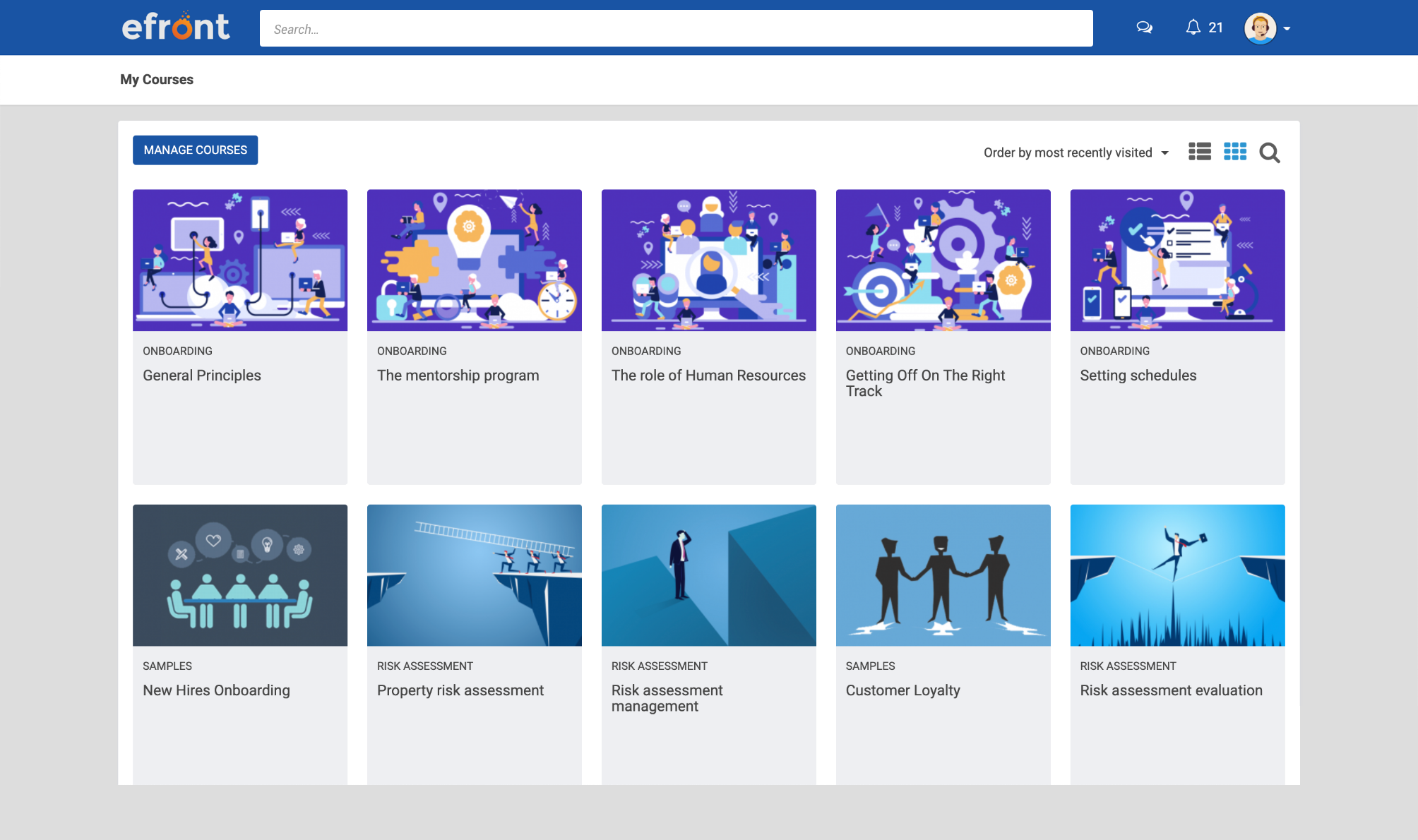
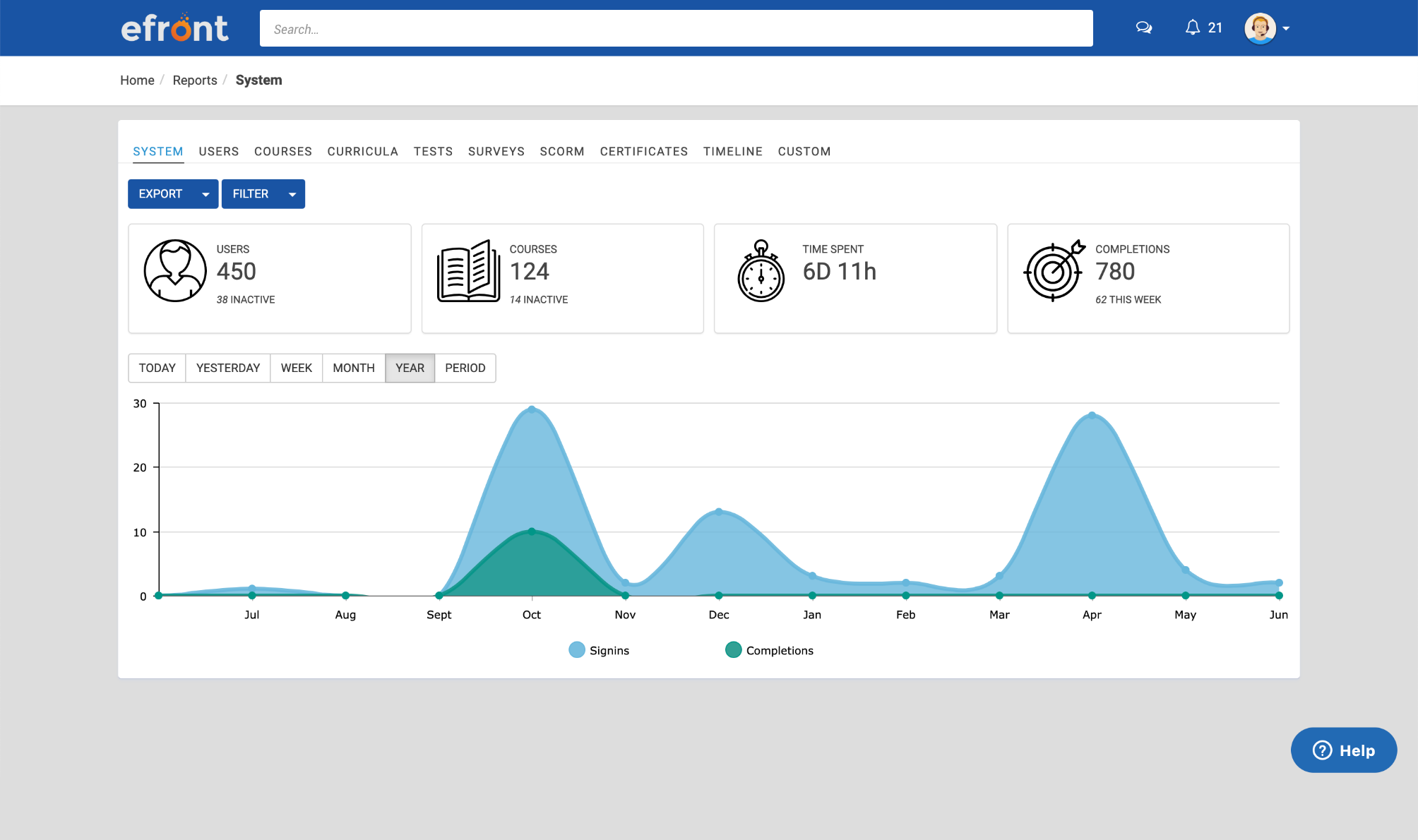
eFront is a flexible LMS platform for enterprises that need advanced security measures and extensive customization to train masses of employees, partners, and customers. According to the vendor, eFront is designed to be an adaptable enterprise LMS, and gives users complete control over their virtual training environment and data. Additionally, the vendor says it blends well with any other infrastructure. The vendor’s value proposition is that eFront helps the user’s business grow…
$1,000
per month
Sage HRMS
Score 9.8 out of 10
N/A
Sage HRMS is an HR management solution that integrates payroll, benefits, recruiting, employee self-service, and analytics capabilities.
N/A
Pricing
eFront Learning
Sage HRMS
Editions & Modules
Business
$1,000.00
per month
Enterprise
$1,500.00
per month
No answers on this topic
Offerings
Pricing Offerings
eFront Learning
Sage HRMS
Free Trial
No
No
Free/Freemium Version
No
No
Premium Consulting/Integration Services
No
No
Entry-level Setup Fee
No setup fee
No setup fee
Additional Details
—
—
More Pricing Information
Community Pulse
eFront Learning
Sage HRMS
Features
eFront Learning
Sage HRMS
Learning Management
Comparison of Learning Management features of Product A and Product B
eFront Learning
8.7
Ratings
7% above category average
Sage HRMS
-
Ratings
Course authoring
9.00 Ratings
00 Ratings
Course catalog or library
8.70 Ratings
00 Ratings
Player/Portal
8.90 Ratings
00 Ratings
Mobile friendly
7.60 Ratings
00 Ratings
Progress tracking & certifications
8.80 Ratings
00 Ratings
Assignments
8.60 Ratings
00 Ratings
Compliance management
9.60 Ratings
00 Ratings
Learning administration
9.00 Ratings
00 Ratings
Learning reporting & analytics
8.40 Ratings
00 Ratings
Human Resource Management
Comparison of Human Resource Management features of Product A and Product B
eFront Learning
-
Ratings
Sage HRMS
5.5
Ratings
35% below category average
Employee demographic data
00 Ratings
8.00 Ratings
Employment history
00 Ratings
8.00 Ratings
Job profiles and administration
00 Ratings
1.30 Ratings
Workflow for transfers, promotions, pay raises, etc.
00 Ratings
7.90 Ratings
Organizational charting
00 Ratings
6.00 Ratings
Organization and location management
00 Ratings
6.00 Ratings
Compliance data (COBRA, OSHA, etc.)
00 Ratings
1.20 Ratings
Payroll Management
Comparison of Payroll Management features of Product A and Product B
eFront Learning
-
Ratings
Sage HRMS
4.8
Ratings
50% below category average
Pay calculation
00 Ratings
6.10 Ratings
Support for external payroll vendors
00 Ratings
4.00 Ratings
Off-cycle/On-Demand payment
00 Ratings
6.90 Ratings
Benefit plan administration
00 Ratings
2.10 Ratings
Direct deposit files
00 Ratings
8.00 Ratings
Salary revision and increment management
00 Ratings
3.00 Ratings
Reimbursement management
00 Ratings
3.20 Ratings
Leave and Attendance Management
Comparison of Leave and Attendance Management features of Product A and Product B
eFront Learning
-
Ratings
Sage HRMS
1.2
Ratings
148% below category average
Approval workflow
00 Ratings
1.20 Ratings
Balance details
00 Ratings
1.20 Ratings
Annual carry-forward and encashment
00 Ratings
1.00 Ratings
Employee Self Service
Comparison of Employee Self Service features of Product A and Product B
eFront Learning
-
Ratings
Sage HRMS
3.9
Ratings
70% below category average
View and generate pay and benefit information
00 Ratings
4.10 Ratings
Update personal information
00 Ratings
4.20 Ratings
View company policy documentation
00 Ratings
1.10 Ratings
Employee recognition
00 Ratings
6.00 Ratings
View job history
00 Ratings
4.00 Ratings
Asset Management
Comparison of Asset Management features of Product A and Product B
eFront Learning
-
Ratings
Sage HRMS
7.0
Ratings
14% below category average
Tracking of all physical assets
00 Ratings
7.00 Ratings
HR Reporting
Comparison of HR Reporting features of Product A and Product B
eFront Learning
-
Ratings
Sage HRMS
3.7
Ratings
68% below category average
Report builder
00 Ratings
2.00 Ratings
Pre-built reports
00 Ratings
1.20 Ratings
Ability to combine HR data with external data
00 Ratings
8.00 Ratings
Onboarding
Comparison of Onboarding features of Product A and Product B
eFront Learning
-
Ratings
Sage HRMS
7.0
Ratings
12% below category average
New hire portal
00 Ratings
7.00 Ratings
Manager tracking tools
00 Ratings
7.00 Ratings
Performance and Goals
Comparison of Performance and Goals features of Product A and Product B
eFront Learning
-
Ratings
Sage HRMS
7.3
Ratings
8% below category average
Corporate goal setting
00 Ratings
8.00 Ratings
Individual goal setting
00 Ratings
7.00 Ratings
Line-of sight-visibility
00 Ratings
8.00 Ratings
Performance tracking
00 Ratings
6.00 Ratings
Performance Management
Comparison of Performance Management features of Product A and Product B
eFront Learning
-
Ratings
Sage HRMS
7.8
Ratings
0% below category average
Performance plans
00 Ratings
9.00 Ratings
Performance improvement plans
00 Ratings
8.00 Ratings
Review status tracking
00 Ratings
7.00 Ratings
Review reminders
00 Ratings
8.00 Ratings
Multiple review frequency
00 Ratings
7.00 Ratings
Succession Planning
Comparison of Succession Planning features of Product A and Product B
eFront Learning
-
Ratings
Sage HRMS
8.5
Ratings
8% above category average
Create succession plans/pools
00 Ratings
9.00 Ratings
Candidate ranking
00 Ratings
8.00 Ratings
Candidate search
00 Ratings
8.00 Ratings
Candidate development
00 Ratings
9.00 Ratings
Recruiting / ATS
Comparison of Recruiting / ATS features of Product A and Product B
It is great to always be able to learn new concepts through great software portals, such as eFront Learning. The best aspect of the software is that it is very easily customizable in every way. If the company deals with various portfolios, this system offers great features to utilize for everyone in the organization.
Sage HRMS might be great for a smaller company under 1,000 employees. I would not recommend it for larger companies. It becomes too burdensome because many processes still have to be manual and reports take forever to process if you have too many records in your system
Reporting - there are three levels of reporting - 1. Standard Reports 2. Query Tool - users can create very simple list with some filtering functionality 3. Crystal Reports - user can create very simple to complex report pulling data from multiple table, calculated fields, etc.
Benefit Tracking - benefit plans are setup utilizing rate tables therefore rate changes are updated globally
Payroll - everyday payroll processing and tax filing that is very user friendly
It is sometimes hard to identify parts of competency/compensation history. We built tables to store this data but it is not laid out well on the screen.
Sometimes, even when you tell the system to "Add to History" it doesn't update so there is history missing. This impacts someone that relies on history for troubleshooting and reports.
Familiarity and efficiency of using the tool factor in to my rating. It has helped us over the three years of being used to identify multiple risks and it has led to us eliminate those risks in an efficient manner.
I do not work with this software anymore, and I am not involved with the renewal of it. However, if I were, I would still suggest using it unless something better was introduced
For most situations, it is extremely easy to learn and use. There are ergonomic issues that seem a bit tedious, but overall, we are seeing a very high success rate with new registrants. They are learning the material and earning their certificates at a rapid pace. This is a good program once it is properly installed by a knowledgeable systems architect.
Two disadvantages: 1. Many staffers who respond don't know how to solve the problem using the User Interface - they want to work from the back end, to which I have no access. 2. The support staff are in Europe and I am in California, so there is an overnight delay in getting a response.
I'm not the most technical person, so some of the training didn't make sense to me. It wasn't a complete training - it was more topical. The people working at EFront were happy to answer my questions later when I resorted to learning it by doing. This was very valuable to me.
It's important to have a robust course catalog before launching. Courses should be QC'ed to be sure there are no errors or other problems. Don't let engineers write quiz questions! Remember that well-formed quiz questions are not designed to trick or fool the user - they are used to reinforce learning through repetition of important concepts. The "grade" isn't as important as the assurance the information has stuck.
Sage HRMS is popular and it's used in most organizations due to the reputation of Sage in coming up with popular and reliable business softwares. The software is not that expensive and after learning how to use it, everything becomes smooth and perfect. It's ultimate strength lies in payroll management and helping in applicant tracking capabilities