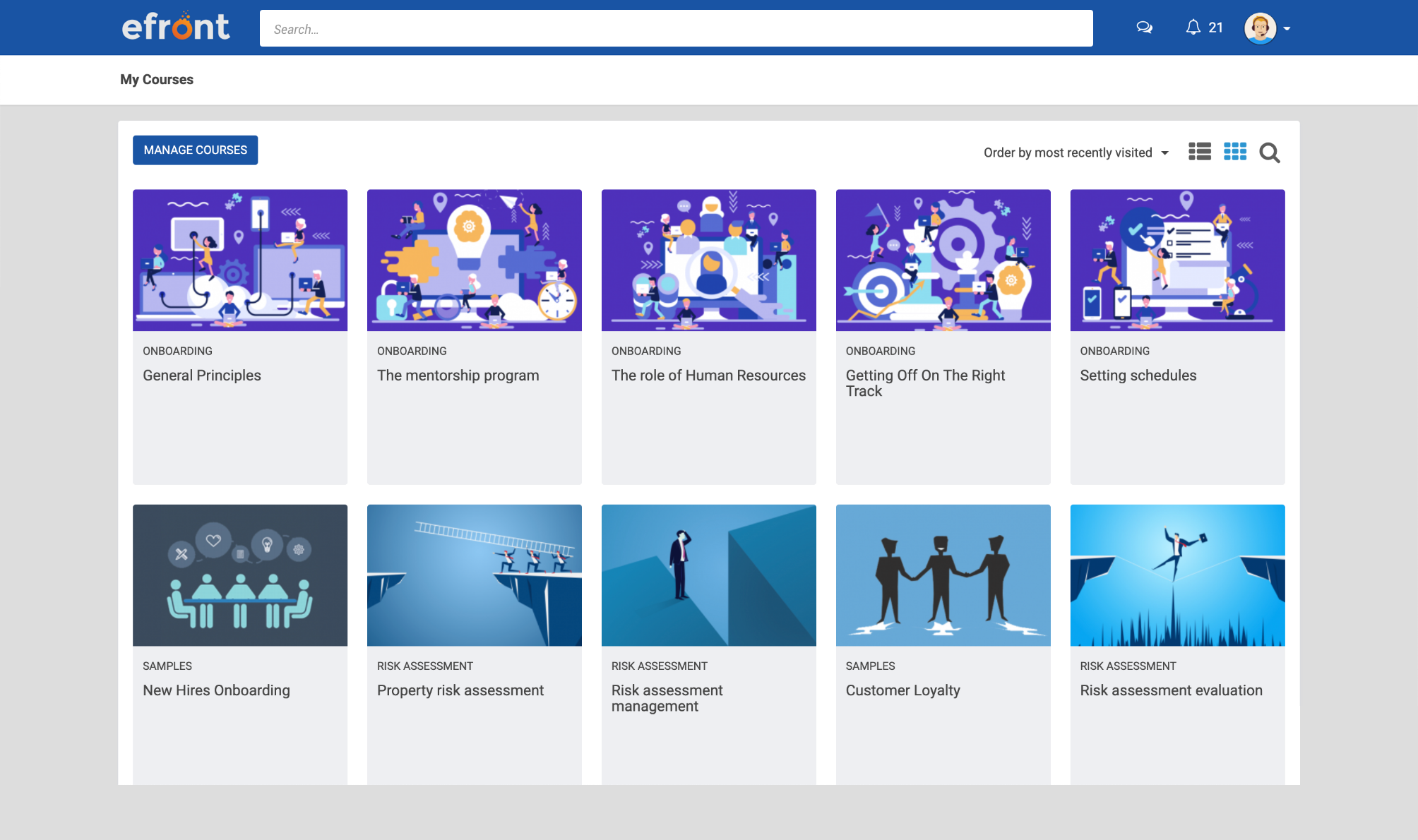
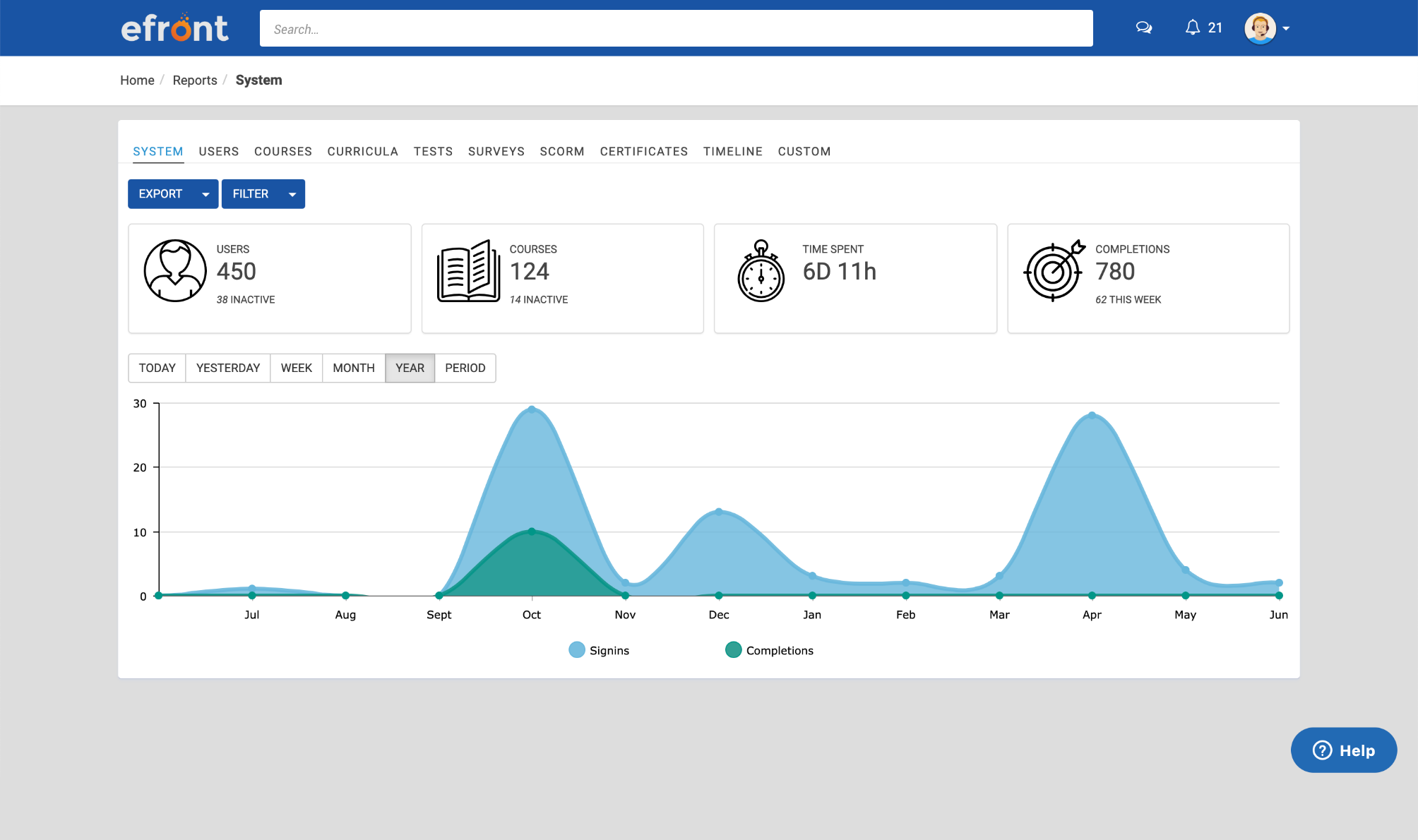
eFront is a flexible LMS platform for enterprises that need advanced security measures and extensive customization to train masses of employees, partners, and customers. According to the vendor, eFront is designed to be an adaptable enterprise LMS, and gives users complete control over their virtual training environment and data. Additionally, the vendor says it blends well with any other infrastructure. The vendor’s value proposition is that eFront helps the user’s business grow…
$1,000
per month
MadCap Xyleme
Score7 out of 10
N/A
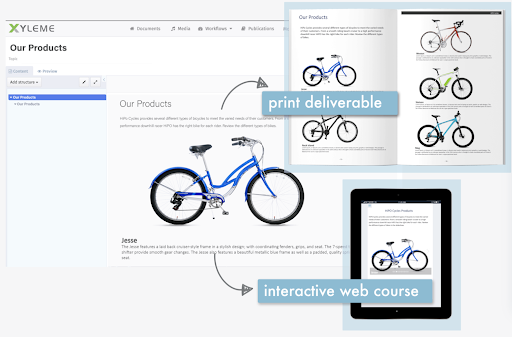
Xyleme is a robust Component and Learning Content Management Solution dedicated to providing users with an easy and safe way to create and disseminate learning materials and other business-related content. It comes equipped with several features that focus on creating a central, single source of truth for an organization’s content.
N/A
Pricing
eFront Learning
MadCap Xyleme
Editions & Modules
Business
$1,000.00
per month
Enterprise
$1,500.00
per month
No answers on this topic
Offerings
Pricing Offerings
eFront Learning
MadCap Xyleme
Free Trial
No
No
Free/Freemium Version
No
No
Premium Consulting/Integration Services
No
No
Entry-level Setup Fee
No setup fee
No setup fee
Additional Details
—
—
More Pricing Information
Features
eFront Learning
MadCap Xyleme
Learning Management
Comparison of Learning Management features of eFront Learning and MadCap Xyleme
You must have an IT staff with knowledge of PHP in order to install and maintain the system. This is not a plug and play solution by any means. If you have that staff, this is the greatest thing since sliced bread. It's a very robust system. Once we solved initial bugs caused by our own errors during installation, the support desk requests have dropped to almost zero, with nearly 2,000 users online every day. That's a good, solid program.
A de minimis incentive was given to thank the reviewer for their time. The incentive was not used to bias or drive a particular response, nor was the incentive contingent on a positive endorsement. More Info
Building and keeping up to date modular content (blocks).
Maintaining and updating large content library where meaning team members might be working on the same content but using the content in different context (e.g. learning and internal comms).
Creating learning content by new/recently onboarded team members.
Create simple learning courses with some level of interactively, medium interactivity (tabs, image maps, slider reveal images), create different types of knowledge checks/assessments from multiple choice to drag and drop activities); embed videos and other HTML elements .
Integrate with LMS, apply SCORM rules etc
Better to use in combination with other media creation tools like Vyond, Storyline. Some things can get tricky (compatibility).
Less appropriate: 1. If you need to build highly interactive learning experience 2. When you don't have a team member you can dedicate specifically to customize templates in Xyleme for your organizational needs (looks, functionality etc.) or and to train team members on this software. You'd need someone on your team to collaborate with Xyleme closely to customize functions for your organization's needs. 3. When #2 and you want a modern/in trend looking output and not willing to compromise on what it looks and feels.
A de minimis incentive was given to thank the reviewer for their time. The incentive was not used to bias or drive a particular response, nor was the incentive contingent on a positive endorsement. More Info
A de minimis incentive was given to thank the reviewer for their time. The incentive was not used to bias or drive a particular response, nor was the incentive contingent on a positive endorsement. More Info
A de minimis incentive was given to thank the reviewer for their time. The incentive was not used to bias or drive a particular response, nor was the incentive contingent on a positive endorsement. More Info
A de minimis incentive was given to thank the reviewer for their time. The incentive was not used to bias or drive a particular response, nor was the incentive contingent on a positive endorsement. More Info
several features advertised as device agnostic or mobile friendly do not work properly on mobile
finicky in many ways, sometimes you need to tinker with details for to long to make things work properly
many UI solutions/elements that are not intuitive at all (even using the tool almost every day you need to make effort to remember how things are done)
A de minimis incentive was given to thank the reviewer for their time. The incentive was not used to bias or drive a particular response, nor was the incentive contingent on a positive endorsement. More Info
I'm not sure what else is out there that has the ability to do what our organization needs. We've come across things we didn't like about it, but due to costs of switching and possibly lack of other options, we'd probably renew with eFront. Also, we've invested a lot of time in the software and it seems to be satisfactory at this point.
A de minimis incentive was given to thank the reviewer for their time. The incentive was not used to bias or drive a particular response, nor was the incentive contingent on a positive endorsement. More Info
For most situations, it is extremely easy to learn and use. There are ergonomic issues that seem a bit tedious, but overall, we are seeing a very high success rate with new registrants. They are learning the material and earning their certificates at a rapid pace. This is a good program once it is properly installed by a knowledgeable systems architect.
A de minimis incentive was given to thank the reviewer for their time. The incentive was not used to bias or drive a particular response, nor was the incentive contingent on a positive endorsement. More Info
Two disadvantages: 1. Many staffers who respond don't know how to solve the problem using the User Interface - they want to work from the back end, to which I have no access. 2. The support staff are in Europe and I am in California, so there is an overnight delay in getting a response.
A de minimis incentive was given to thank the reviewer for their time. The incentive was not used to bias or drive a particular response, nor was the incentive contingent on a positive endorsement. More Info
I'm not the most technical person, so some of the training didn't make sense to me. It wasn't a complete training - it was more topical. The people working at EFront were happy to answer my questions later when I resorted to learning it by doing. This was very valuable to me.
A de minimis incentive was given to thank the reviewer for their time. The incentive was not used to bias or drive a particular response, nor was the incentive contingent on a positive endorsement. More Info
It's important to have a robust course catalog before launching. Courses should be QC'ed to be sure there are no errors or other problems. Don't let engineers write quiz questions! Remember that well-formed quiz questions are not designed to trick or fool the user - they are used to reinforce learning through repetition of important concepts. The "grade" isn't as important as the assurance the information has stuck.
A de minimis incentive was given to thank the reviewer for their time. The incentive was not used to bias or drive a particular response, nor was the incentive contingent on a positive endorsement. More Info
Unfortunately I have not had the chance to try other products, however I would think eFront would stack up fairly well against competitors and it provides all the necessary tools to stay compliant and excel at having efficient KICs.
A de minimis incentive was given to thank the reviewer for their time. The incentive was not used to bias or drive a particular response, nor was the incentive contingent on a positive endorsement. More Info
A de minimis incentive was given to thank the reviewer for their time. The incentive was not used to bias or drive a particular response, nor was the incentive contingent on a positive endorsement. More Info
A de minimis incentive was given to thank the reviewer for their time. The incentive was not used to bias or drive a particular response, nor was the incentive contingent on a positive endorsement. More Info