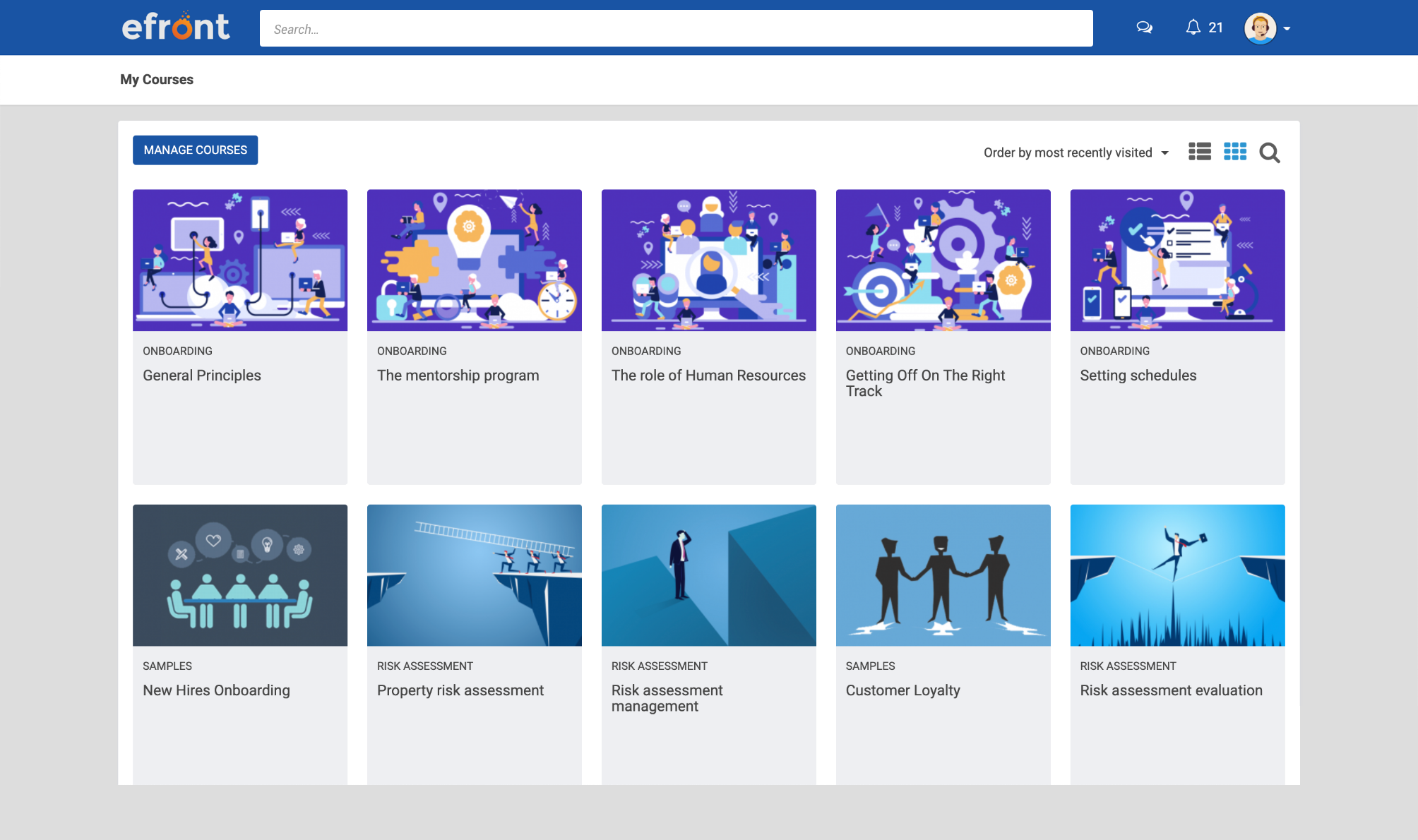
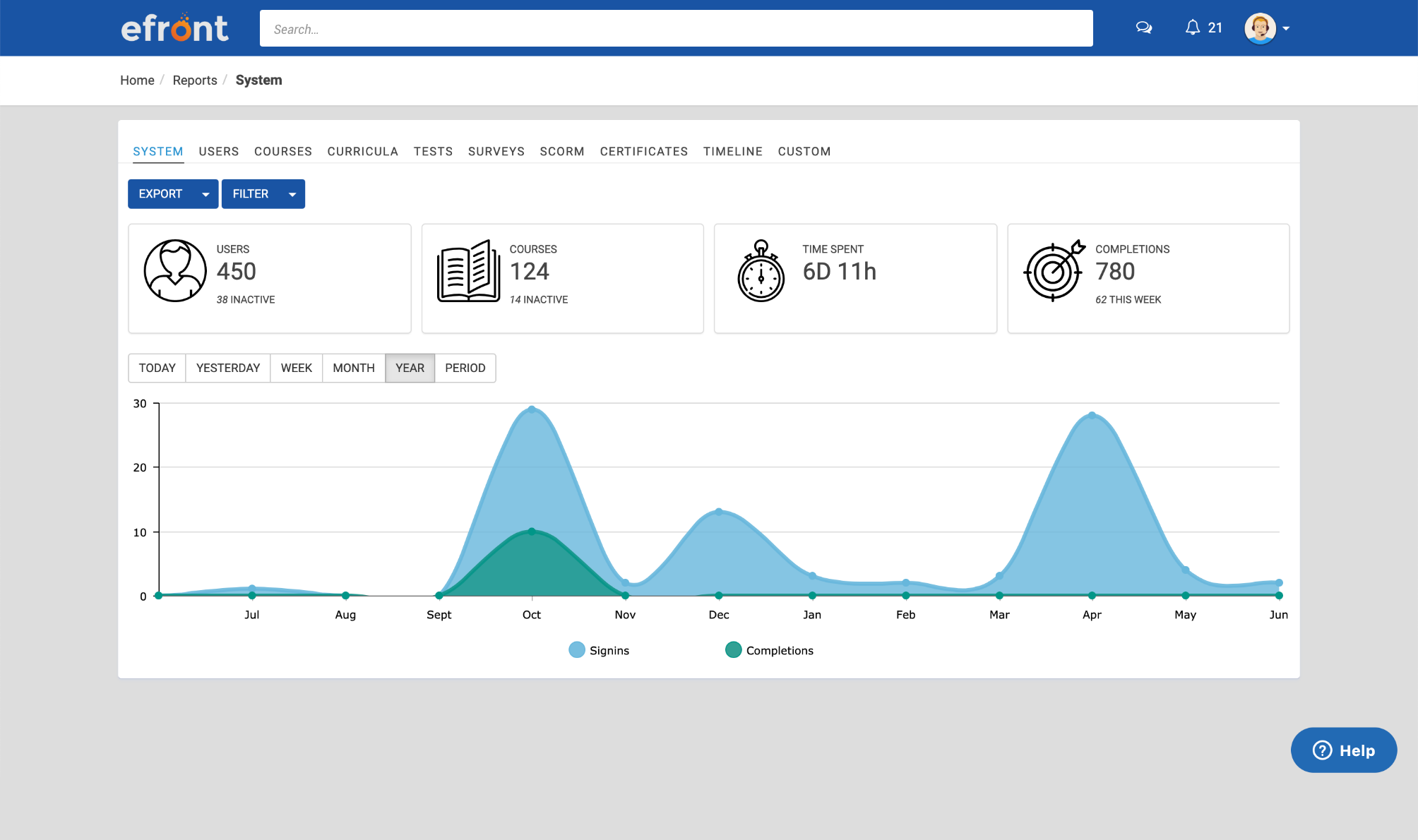
eFront is a flexible LMS platform for enterprises that need advanced security measures and extensive customization to train masses of employees, partners, and customers. According to the vendor, eFront is designed to be an adaptable enterprise LMS, and gives users complete control over their virtual training environment and data. Additionally, the vendor says it blends well with any other infrastructure. The vendor’s value proposition is that eFront helps the user’s business grow…
$1,000
per month
TalentLMS
Score8.7 out of 10
Mid-Size Companies (51-1,000 employees)
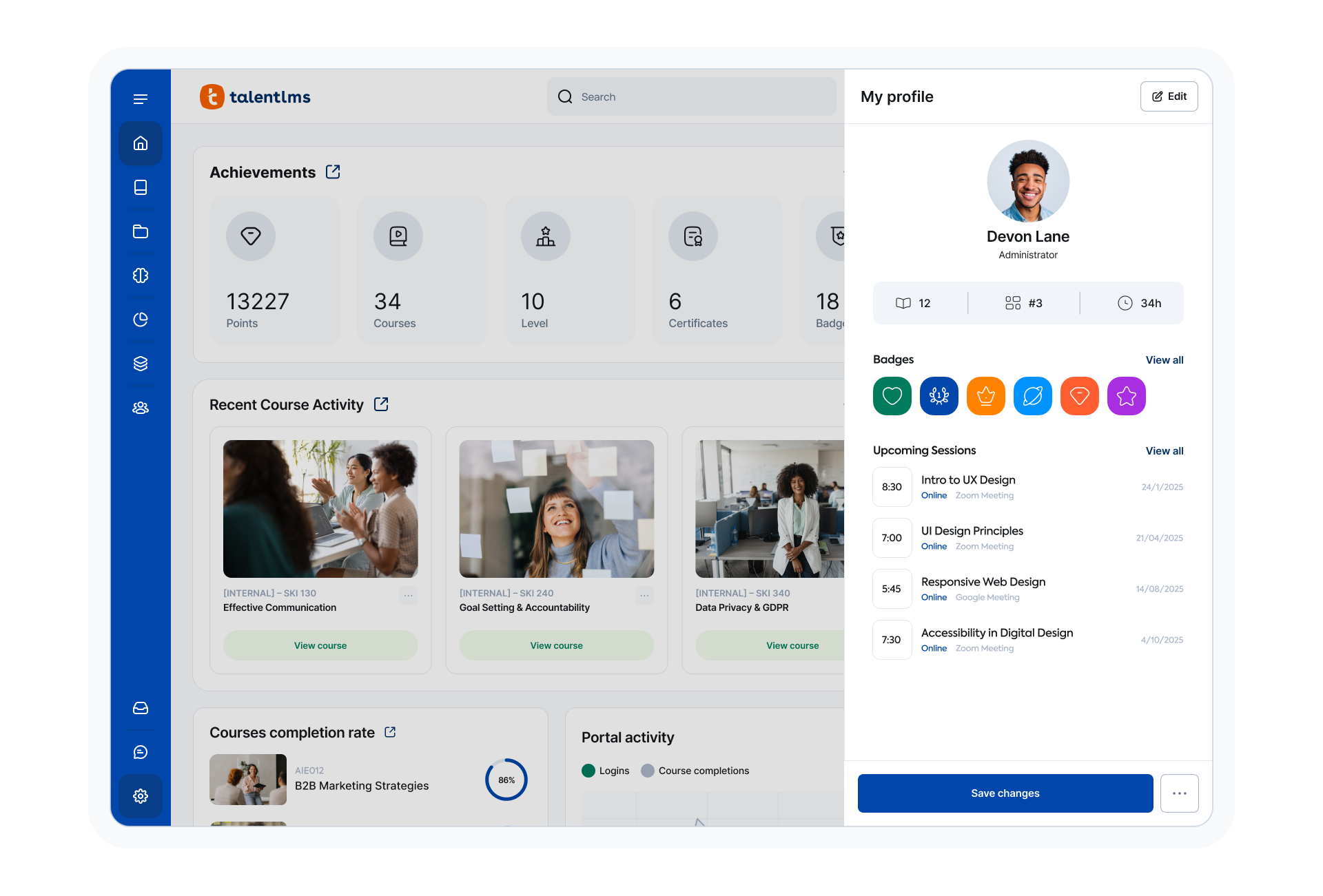
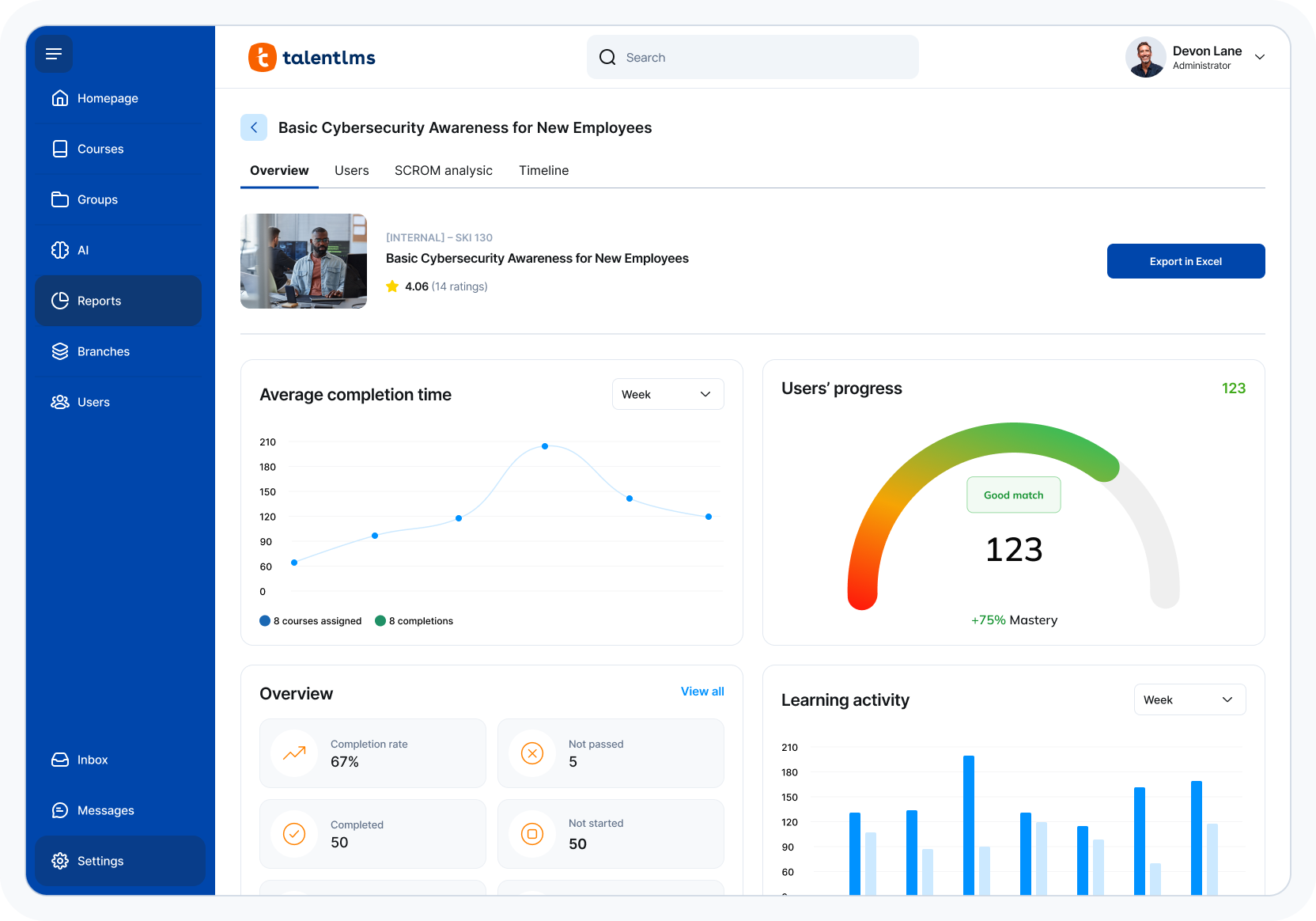
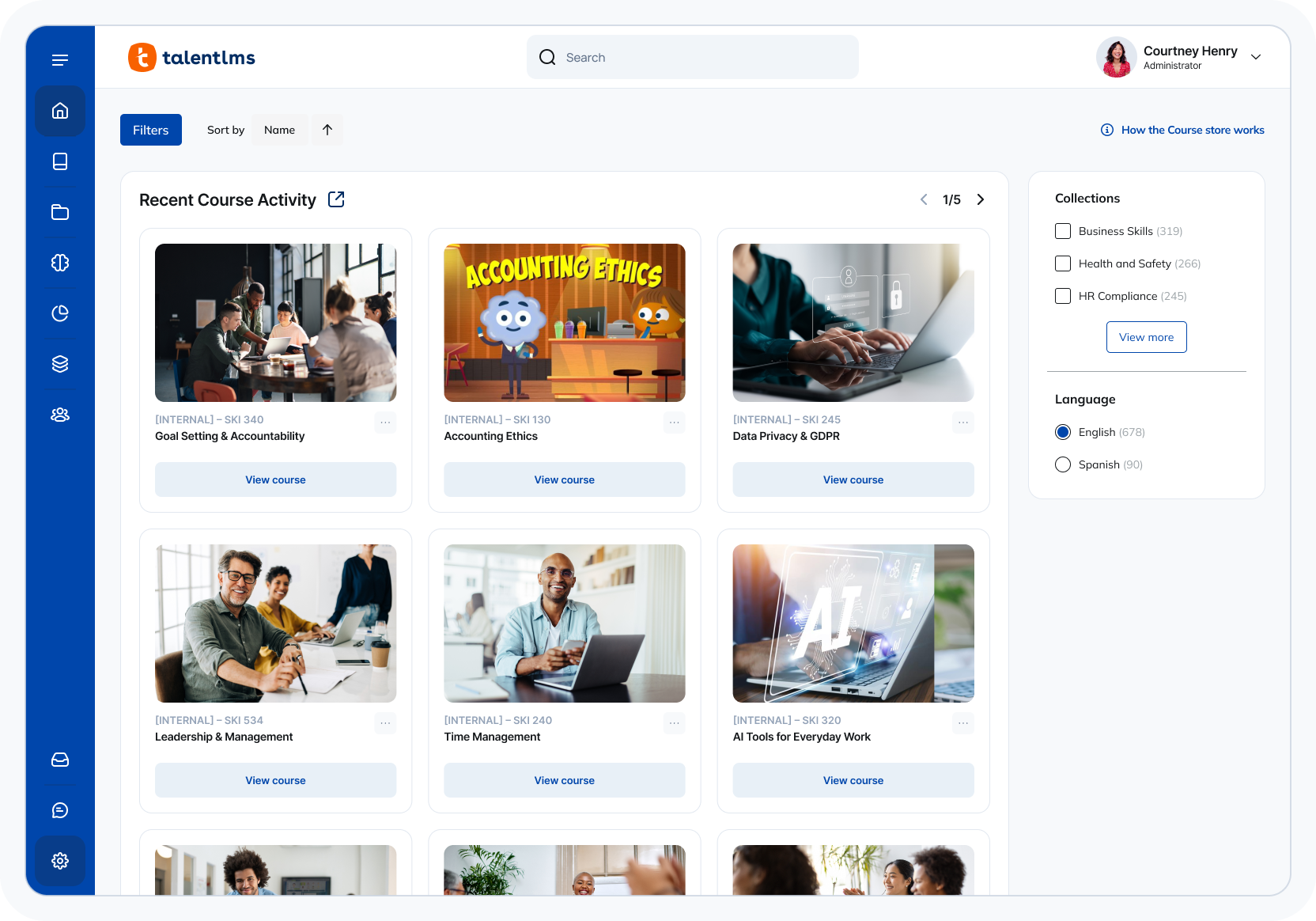
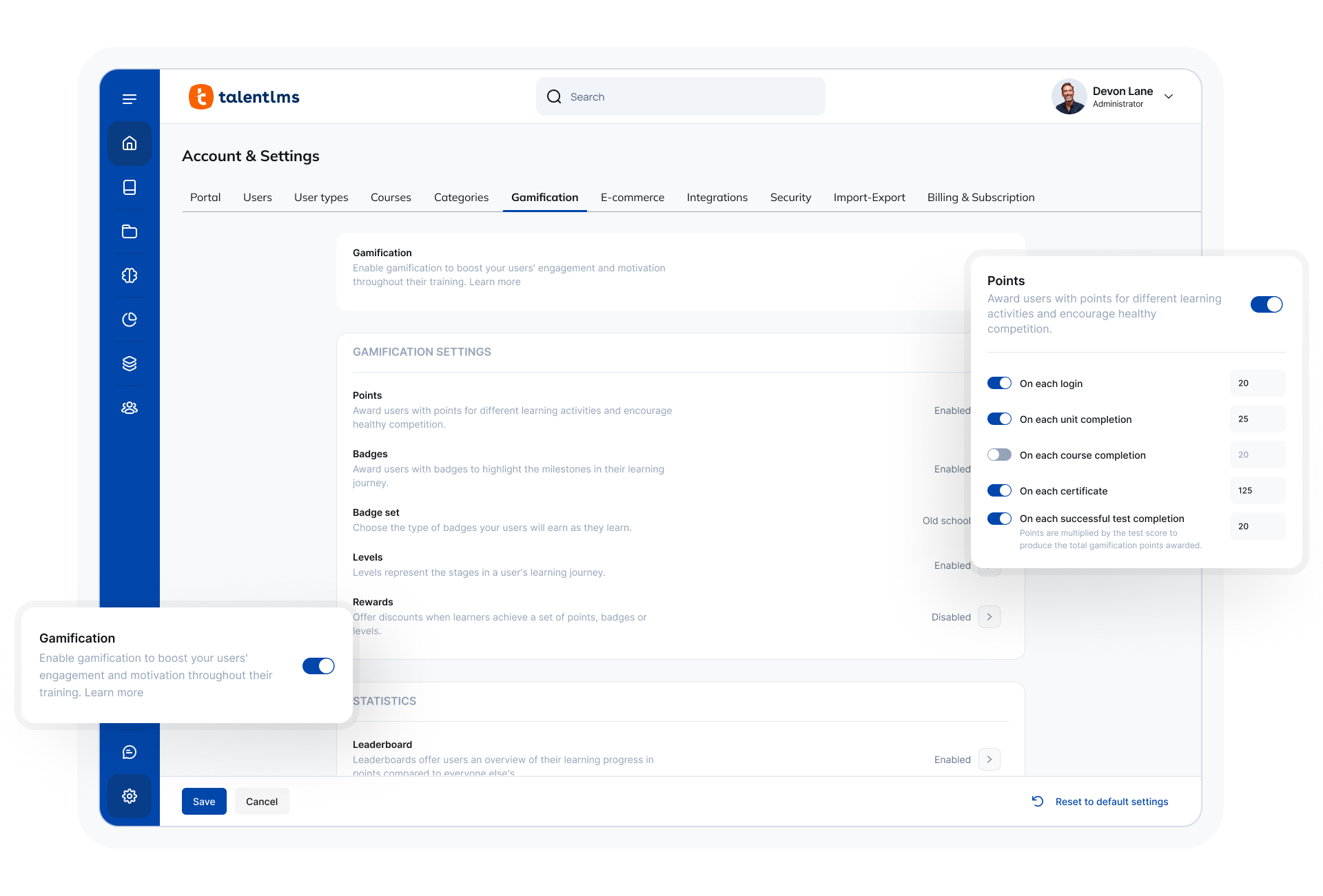
TalentLMS is an LMS built for training success, presented as fully customizable and easy to manage, so that teams embrace training while feeling right at home. It is used to provide the right training to any team and every use, while giving expert guidance and support every step of the way.
$149
per month 1-40 users
Pricing
eFront Learning
TalentLMS
Editions & Modules
Business
$1,000.00
per month
Enterprise
$1,500.00
per month
Core
$149
per month 1-40 users
Grow
$299
per month 1-70 users
Pro
$579
per month 1-100 users
Enterprise (Custom plan)
Custom
annual plan Starts at 1000 users
Offerings
Pricing Offerings
eFront Learning
TalentLMS
Free Trial
No
No
Free/Freemium Version
No
Yes
Premium Consulting/Integration Services
No
No
Entry-level Setup Fee
No setup fee
No setup fee
Additional Details
—
Users can stay on the Forever Free plan and upgrade, or downgrade or cancel at any time. Higher volume plans available at additional cost. Discount available for annual billing, and for nonprofits.
You must have an IT staff with knowledge of PHP in order to install and maintain the system. This is not a plug and play solution by any means. If you have that staff, this is the greatest thing since sliced bread. It's a very robust system. Once we solved initial bugs caused by our own errors during installation, the support desk requests have dropped to almost zero, with nearly 2,000 users online every day. That's a good, solid program.
A de minimis incentive was given to thank the reviewer for their time. The incentive was not used to bias or drive a particular response, nor was the incentive contingent on a positive endorsement. More Info
TalentLMS is user-friendly enough for someone new to LMS management can get a site up and running in a relatively quick manner. It is rather intuitive to operate. My needs have been a rather small scale of 400 learners and TalentLMS more than meets the need to produce a professional-looking and operational website to send customers and staff. The point here is that although I do not know how well it can be up-scaled, it certainly delivers for small to medium organizations to need to get content online
A de minimis incentive was given to thank the reviewer for their time. The incentive was not used to bias or drive a particular response, nor was the incentive contingent on a positive endorsement. TR verified that a representative sample of customers was invited. More Info
A de minimis incentive was given to thank the reviewer for their time. The incentive was not used to bias or drive a particular response, nor was the incentive contingent on a positive endorsement. More Info
A de minimis incentive was given to thank the reviewer for their time. The incentive was not used to bias or drive a particular response, nor was the incentive contingent on a positive endorsement. More Info
A de minimis incentive was given to thank the reviewer for their time. The incentive was not used to bias or drive a particular response, nor was the incentive contingent on a positive endorsement. More Info
Email notifications have arbitrary limits on what information can be included. For example, you cannot include the user password in any notification email regarding course enrollment, group enrollment, etc.
Notification emails are not sent out in a reasonable time frame. Sometimes, it takes over 20 minutes for a new user to get their registration email.
It would be nice to get reports in the base domain containing customer user fields from various branches.
A de minimis incentive was given to thank the reviewer for their time. The incentive was not used to bias or drive a particular response, nor was the incentive contingent on a positive endorsement. TR verified that a representative sample of customers was invited. More Info
I'm not sure what else is out there that has the ability to do what our organization needs. We've come across things we didn't like about it, but due to costs of switching and possibly lack of other options, we'd probably renew with eFront. Also, we've invested a lot of time in the software and it seems to be satisfactory at this point.
A de minimis incentive was given to thank the reviewer for their time. The incentive was not used to bias or drive a particular response, nor was the incentive contingent on a positive endorsement. More Info
The ease of use, the robustness of the offering, and familiarity. It does everything we need and probably more. We likley don't utilize all the functionality it has as it does what we want it to without having to dig that deep into its tools. Their course library also has saved us some time in terms of saving time from creating some basic courses.
For most situations, it is extremely easy to learn and use. There are ergonomic issues that seem a bit tedious, but overall, we are seeing a very high success rate with new registrants. They are learning the material and earning their certificates at a rapid pace. This is a good program once it is properly installed by a knowledgeable systems architect.
A de minimis incentive was given to thank the reviewer for their time. The incentive was not used to bias or drive a particular response, nor was the incentive contingent on a positive endorsement. More Info
The system is intuitive. It does not have a lot of features that are hidden behind secret menus or elsewhere. There are often multiple ways to get to the same place through different menus without having to go back to the home or root menu. It makes things pretty easy. Additionally, if there is something I can't figure out, there is documentation available to help with that.
Two disadvantages: 1. Many staffers who respond don't know how to solve the problem using the User Interface - they want to work from the back end, to which I have no access. 2. The support staff are in Europe and I am in California, so there is an overnight delay in getting a response.
A de minimis incentive was given to thank the reviewer for their time. The incentive was not used to bias or drive a particular response, nor was the incentive contingent on a positive endorsement. More Info
Quick answer, comprehensive, and customized. I sent an email with multiple questions and feedback about their new UI, and the agent addressed all of them directly and honestly no sugar-coating and no call center lingo. Most questions can also be addressed directly in their UI with a really good help center widget.
A de minimis incentive was given to thank the reviewer for their time. The incentive was not used to bias or drive a particular response, nor was the incentive contingent on a positive endorsement. TR verified that a representative sample of customers was invited. More Info
I'm not the most technical person, so some of the training didn't make sense to me. It wasn't a complete training - it was more topical. The people working at EFront were happy to answer my questions later when I resorted to learning it by doing. This was very valuable to me.
A de minimis incentive was given to thank the reviewer for their time. The incentive was not used to bias or drive a particular response, nor was the incentive contingent on a positive endorsement. More Info
It's important to have a robust course catalog before launching. Courses should be QC'ed to be sure there are no errors or other problems. Don't let engineers write quiz questions! Remember that well-formed quiz questions are not designed to trick or fool the user - they are used to reinforce learning through repetition of important concepts. The "grade" isn't as important as the assurance the information has stuck.
A de minimis incentive was given to thank the reviewer for their time. The incentive was not used to bias or drive a particular response, nor was the incentive contingent on a positive endorsement. More Info
Implementation was relatively easy. When we set up a second branch, we needed a little help. But the support area is well-detailed. My clients had no experience with an LMS and their digital skills were limited. We had a long way to go. Nevertheless, it was relatively easy. It was rather quick!
A de minimis incentive was given to thank the reviewer for their time. The incentive was not used to bias or drive a particular response, nor was the incentive contingent on a positive endorsement. TR verified that a representative sample of customers was invited. More Info
Unfortunately I have not had the chance to try other products, however I would think eFront would stack up fairly well against competitors and it provides all the necessary tools to stay compliant and excel at having efficient KICs.
A de minimis incentive was given to thank the reviewer for their time. The incentive was not used to bias or drive a particular response, nor was the incentive contingent on a positive endorsement. More Info
Both are good, but the pricing and general value proposition of Talent LMS are better than Trainual in my opinion. Trainual is a bit more modern and cleaner looking from a user interface perspective, but it comes at a higher cost. Both platforms provide very similar features in the way of general functionality and user experience, but Talent LMS wins because of its better pricing model.
A de minimis incentive was given to thank the reviewer for their time. The incentive was not used to bias or drive a particular response, nor was the incentive contingent on a positive endorsement. More Info
A de minimis incentive was given to thank the reviewer for their time. The incentive was not used to bias or drive a particular response, nor was the incentive contingent on a positive endorsement. More Info
A de minimis incentive was given to thank the reviewer for their time. The incentive was not used to bias or drive a particular response, nor was the incentive contingent on a positive endorsement. TR verified that a representative sample of customers was invited. More Info