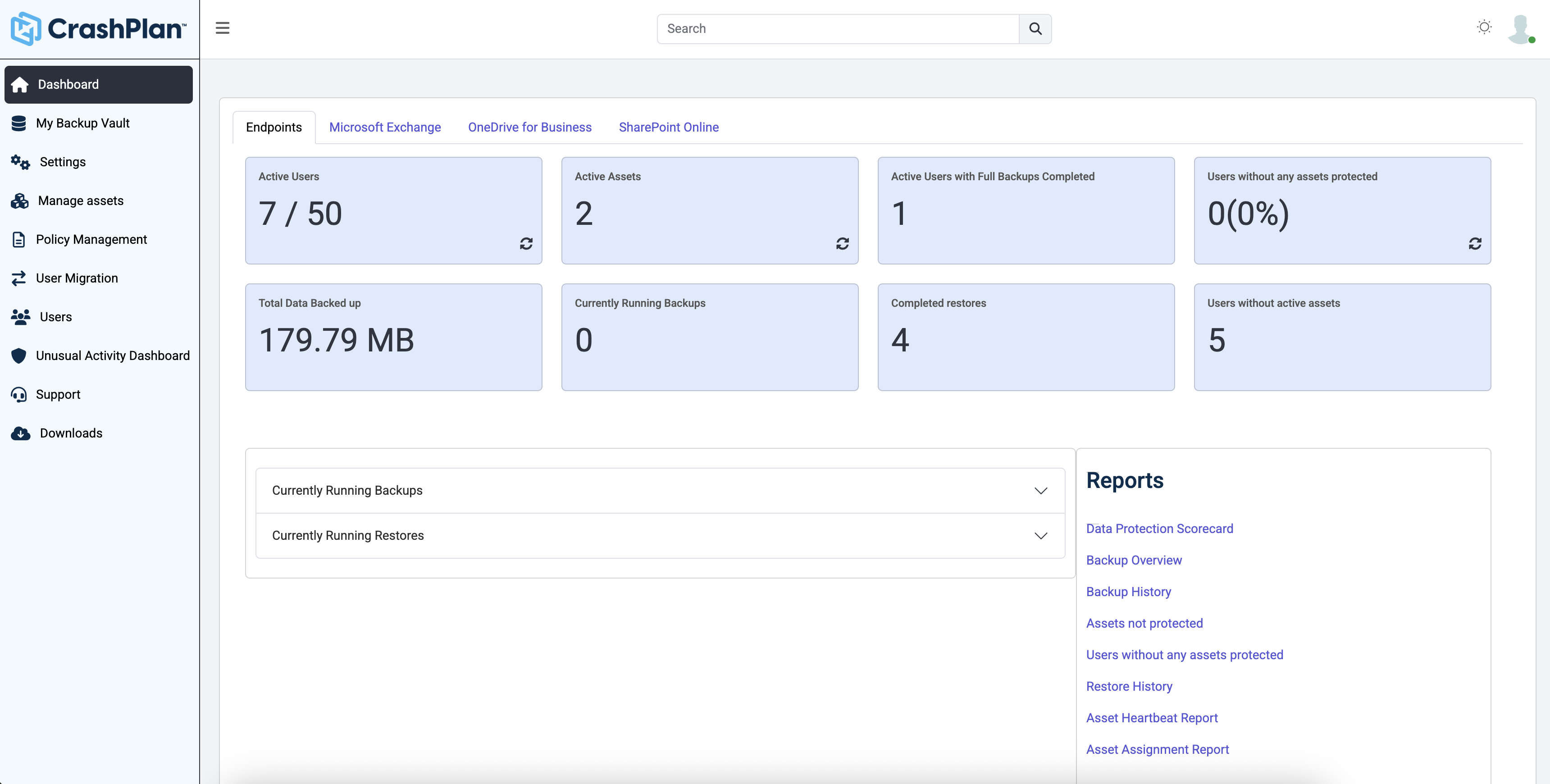
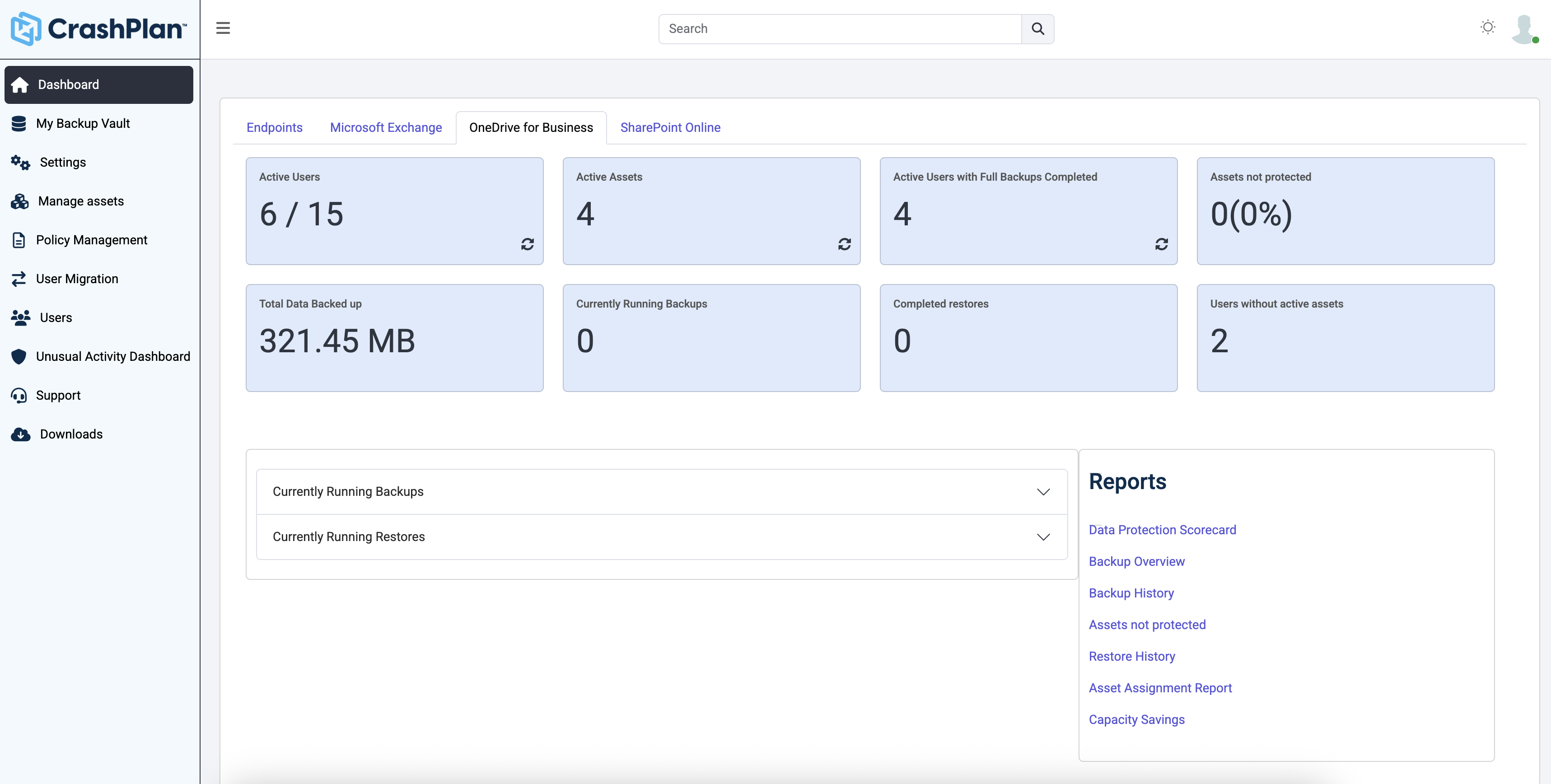
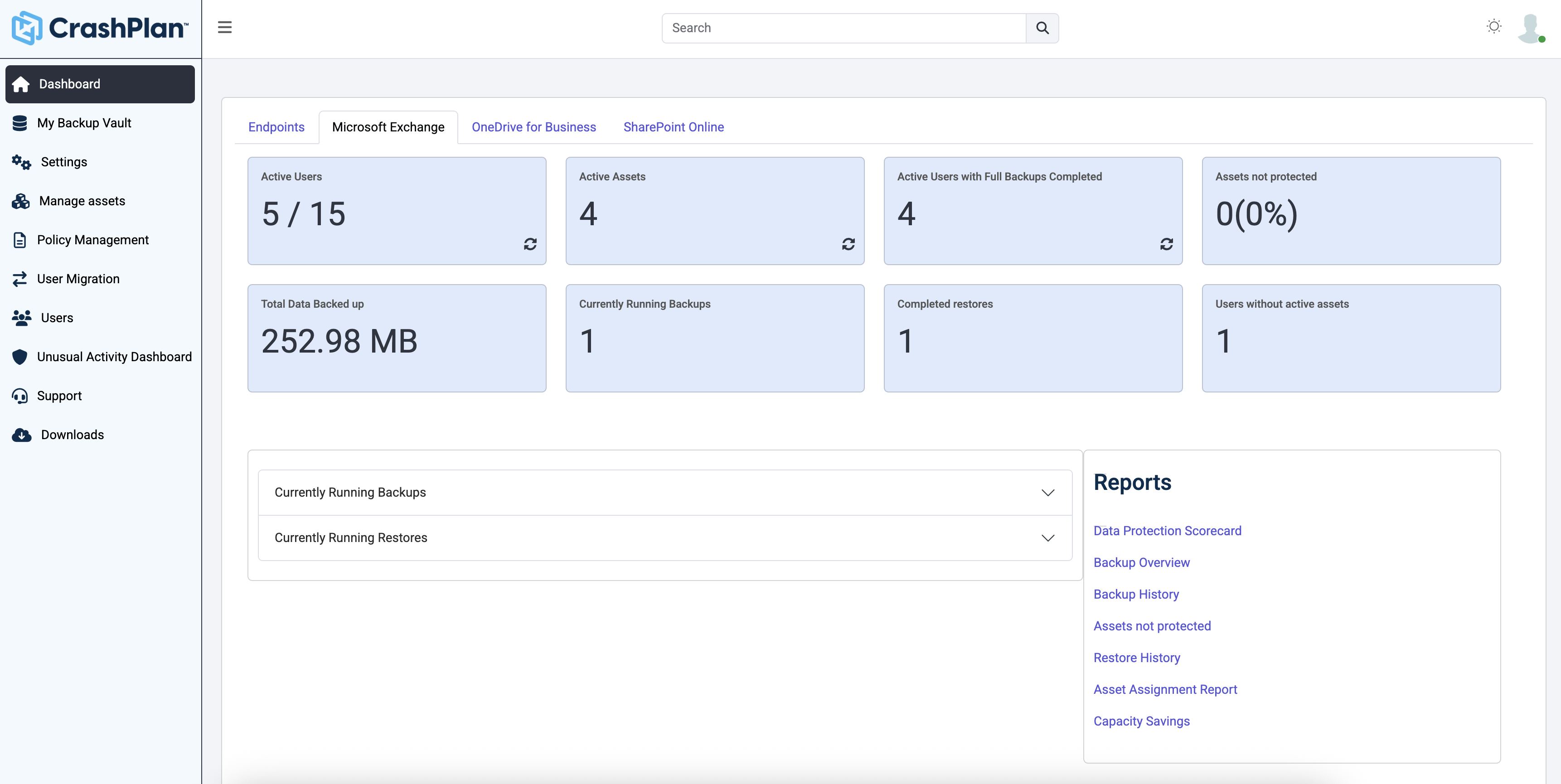
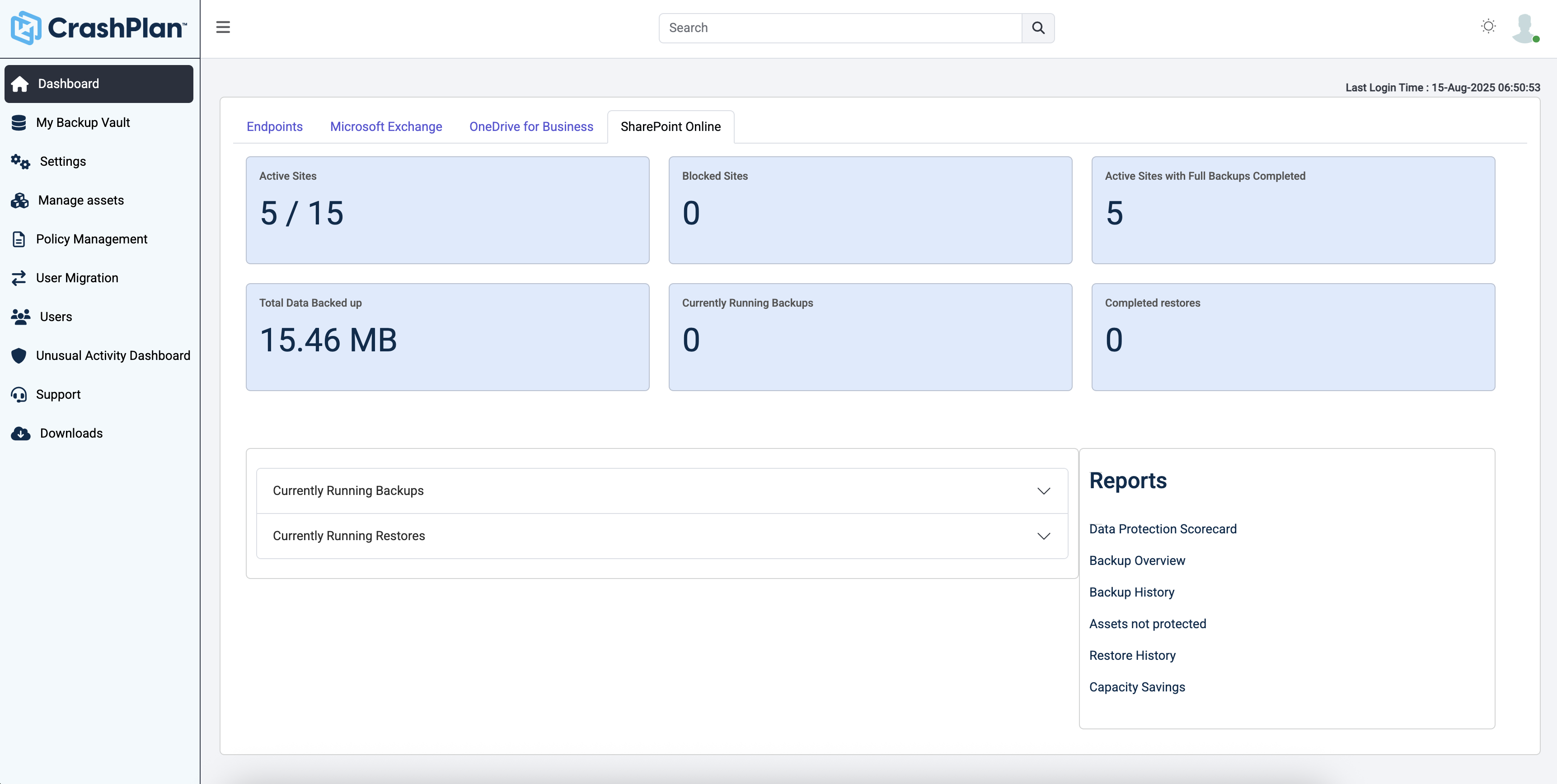
CrashPlan® provides secure, scalable, and straightforward endpoint data backup, to help organizations recover from any worst-case scenario, whether it is a disaster, simple human error, a stolen laptop, ransomware, or an as-of-yet-undiscovered calamity.
$8
per month per user
Druva Security Cloud
Score9.7 out of 10
N/A
Workforce mobility and the rise of cloud
services is an essential part of any business, but it creates a number of
challenges for IT. Data spread across devices and cloud services, unpredictable
schedules, and varied network connections all complicate efforts to protect and
govern enterprise information.
The Druva Cloud Platform (formerly Druva inSync &
Druva Phoenix) provides unified data protection, management, and information
governance across endpoints and cloud…
Senior Systems Analyst in Information Technology at CymSTAR, LLC (Defense & Space, 201-500 employees)
Chose CrashPlan
OneDrive is not a good backup solution for endpoints. It is for storing a few files and sharing those files but not for business backup. Druva is a very good product that we never had any problems with and I'm not exactly sure why we switched from it. Code42 has some extra …
A de minimis incentive was given to thank the reviewer for their time. The incentive was not used to bias or drive a particular response, nor was the incentive contingent on a positive endorsement. More Info
Verified User
Chose CrashPlan
All 3 were viable solutions, CrashPlan better fit our companies needs.
A de minimis incentive was given to thank the reviewer for their time. The incentive was not used to bias or drive a particular response, nor was the incentive contingent on a positive endorsement. More Info
Systems Admin. in Information Technology at UTEX Industries Inc. (Oil & Energy, 501-1000 employees)
Chose CrashPlan
Works better for cloud storage due to Druva using AWS for its offsite storage. AWS limits how many concurrent connections you can have and this results in a possible back log of backups while waiting for the pipe to clear. This could result in lost data.
A de minimis incentive was given to thank the reviewer for their time. The incentive was not used to bias or drive a particular response, nor was the incentive contingent on a positive endorsement. More Info
A de minimis incentive was given to thank the reviewer for their time. The incentive was not used to bias or drive a particular response, nor was the incentive contingent on a positive endorsement. More Info
Senior Helpdesk in Information Technology at Harder Mechanical (Civil Engineering, 501-1000 employees)
Chose Druva Security Cloud
Druva is more cost effective for our environment then crash plan. We are also able to get more of our Junior technicians in the space to help support our staff with backups. crash plan was also difficult to implement and required almost around the clock maintenances and changes …
A de minimis incentive was given to thank the reviewer for their time. The incentive was not used to bias or drive a particular response, nor was the incentive contingent on a positive endorsement. More Info
Director Of Information Technology in Information Technology at Amobee (Marketing & Advertising, 501-1000 employees)
Chose Druva Security Cloud
Druva was superior to all of the other possible software options as it not only had better features but the way that it protects the data in AWS is above and beyond the rest. Druva has a proven track record for being the best of the best and they are only getting better.
A de minimis incentive was given to thank the reviewer for their time. The incentive was not used to bias or drive a particular response, nor was the incentive contingent on a positive endorsement. More Info
Verified User
Chose Druva Security Cloud
We piloted Code42 and currently use OneDrive. We felt that Druva capabilities were better aligned to our needs than Code42. OneDrive unfortunately does not have the version control features that Druva has so that alone makes Druva a far superior tool for our requirements.
A de minimis incentive was given to thank the reviewer for their time. The incentive was not used to bias or drive a particular response, nor was the incentive contingent on a positive endorsement. More Info
Verified User
Chose Druva Security Cloud
It was all about cost and ease of mgmt in choosing Druva over Code42. Druva does have a greater feature set but we don't necessarily take advantage of all the capabilities.
A de minimis incentive was given to thank the reviewer for their time. The incentive was not used to bias or drive a particular response, nor was the incentive contingent on a positive endorsement. More Info
A de minimis incentive was given to thank the reviewer for their time. The incentive was not used to bias or drive a particular response, nor was the incentive contingent on a positive endorsement. TR verified that a representative sample of customers was invited. More Info
A de minimis incentive was given to thank the reviewer for their time. The incentive was not used to bias or drive a particular response, nor was the incentive contingent on a positive endorsement. More Info
Verified User
Chose Druva Security Cloud
I have used the above products in a domestic context, and Druva stacks up against them well. We chose Druva because we can use both InSync and Phoenix. We really chose Druva to replace using Windows native offline files functionality, which is an unending nightmare of failure.
A de minimis incentive was given to thank the reviewer for their time. The incentive was not used to bias or drive a particular response, nor was the incentive contingent on a positive endorsement. TR verified that a representative sample of customers was invited. More Info
A de minimis incentive was given to thank the reviewer for their time. The incentive was not used to bias or drive a particular response, nor was the incentive contingent on a positive endorsement. TR verified that a representative sample of customers was invited. More Info
Service Desk Manager in Information Technology at Freedom Financial Network (Financial Services, 1001-5000 employees)
Chose Druva Security Cloud
We ran POC's for both Code42 and Druva and found that Druva was much easier to deploy on Windows/MAC and was/is more user friendly which is extremely important when working with customers.
A de minimis incentive was given to thank the reviewer for their time. The incentive was not used to bias or drive a particular response, nor was the incentive contingent on a positive endorsement. More Info
Account Executive in Sales at Jamf (Computer Software, 501-1000 employees)
Chose Druva Security Cloud
Druva is much better than CrashPlan. CrashPlan had constant failures. It wouldn't automatically start and unless the end user noticed that and manually opened the app it wouldn't back anything up. Email notifications of backup failure would come so often that end users simply …
A de minimis incentive was given to thank the reviewer for their time. The incentive was not used to bias or drive a particular response, nor was the incentive contingent on a positive endorsement. More Info
Senior Manager in Information Technology at HCL Technologies (Infrastructure Services Division) (Information Technology and Services, 10,001+ employees)
Chose Druva Security Cloud
Druva is better suited than all other vendors in its space for the enterprise such as: CrashPlan, Mozy, EMC or Syncplicity. Druva has been our trusted solution and we recommend it to our customers as well.
A de minimis incentive was given to thank the reviewer for their time. The incentive was not used to bias or drive a particular response, nor was the incentive contingent on a positive endorsement. More Info
Information Systems and Network Systems Administrator in Information Technology at Massachusetts Municipal Association (Non-profit Organization Management, 51-200 employees)
Chose Druva Security Cloud
Code42 stopped supporting Windows servers, so we needed to move to another vendor that could support our Windows server in the cloud ASAP. Druva was able to do so and also cover our on-premise servers. The cost went up slightly to move to Druva, but we added a great deal more …
A de minimis incentive was given to thank the reviewer for their time. The incentive was not used to bias or drive a particular response, nor was the incentive contingent on a positive endorsement. More Info
Individuals (SOHO), families and SMBs, who have a tight budget for offsite critical company data backup are well suited to this product. Especially if you want your data to be hosted locally (Australia in our case). Larger companies, with higher requirements and budgets would be better served elsewhere. Especially when you consider the poor technical support. Although, to be fair, their poor support may just be issues with their Pro/SMB products, as opposed to their enterprise products. However, if that is the case it's a pretty poor show/indicator still.
100% cloud backup solution that was implemented well and easy to use. Great communication from our AE through the process and whenever needed. There is a robust admin web management portal that offers a fairly granular user privilege setup and the ability to add different regions in backup. Druva Security Cloud doesn't require a lot of bandwidth or additional resources for either backups or restores. Users can independently recover their data. We are able to back the files up both individually and at a group level. The support team is 24/7 and easily accessible. Biggest con, in this day and age, is that it would be great to have an admin smartphone application. More details when the backup is running would be nice as well as more customizable reports. Also some cosmetic bugs related to the UX, but nothing huge.
Code42 is the most affordable backup system offering unlimited storage that I could find. I came from SOS Online Backup, which I ultimately decided to drop after my monthly rate for their unlimited plan increased by 20x.
With Code42's unlimited storage option, I don't have to worry about the fact that my backups are significant in space. As a photographer with thousands of images at stake, I need to run large backups often.
Code42 runs continuously and silently in the background of my desktop computer. It is truly "set and go", so I don't have to think about it when I'm away. It runs until the designated drive has been fully backed up to my cloud storage. It will then automatically email me once the backup is complete (or, it will email me if it encounters any errors).
Customer service is above par. Anytime I need help, a chat agent is available (chat is my communication preference), they are always friendly, and go above and beyond to resolve my needs.
A de minimis incentive was given to thank the reviewer for their time. The incentive was not used to bias or drive a particular response, nor was the incentive contingent on a positive endorsement. More Info
The CrashPlan program installed on your computer is Java-based vs. a native application. While this makes development for CrashPlan easier, there are a lot of drawbacks to Java programs including more resources usage, less stability, and overall more clunky interface.
While this was also in the Pros category - CrashPlan is an extremely powerful and flexible program, which adds a great deal of complexity. Setting up CrashPlan isn't always a simple procedure, and depending on the complexity of your backup set, can take a while to tinker around with the settings to get everything to work properly.
The CrashPlan desktop program consists of a Java program front end, as well as a backend service - there are times when the backend service will crash, and the front end Java program will refuse to load. Typically, restarting the service or restarting the computer will resolve the issue, but sometimes more in-depth troubleshooting is required.
Perhaps one of the biggest downsides to CrashPlan is its price - at $10/month/computer CrashPlan is more than double the price of some existing backup services such as Backblaze (priced at $50/year/computer). To add salt to the wound, about a year and a half ago, CrashPlan discontinued their consumer options - which were very reasonably priced at $60/year for a single computer or a family plan priced at $150/year for up to 10 computers. When these options were discontinued, the cost of backing up with CrashPlan was effectively doubled for the same feature set.
Along with the previous example, CrashPlan had the option to back up to a remote machine on a different network with a free Crashplan account. This option was eliminated when the consumer line of services were discontinued.
While the backup service provided by CrashPlan are still first in class, the above two controversial changes have broken some trust between CrashPlan and its clients.
They have more ways to improve in Analytics section and UX.
I recommend to have to integrate with the cloud storages cheaper option to store backups which would be tremendous for customers to save snapshots costs.
Love to see Druva Data Resiliency Cloud have a better rbac policy on who can trigger the DR engine.
This is the second company I've brought to Druva. Just today, I was tasked with recovering a file from a user that last saw it 6 months ago. I was able to restore it in under 5 minutes of getting the request. It's really that easy.
A de minimis incentive was given to thank the reviewer for their time. The incentive was not used to bias or drive a particular response, nor was the incentive contingent on a positive endorsement. More Info
A de minimis incentive was given to thank the reviewer for their time. The incentive was not used to bias or drive a particular response, nor was the incentive contingent on a positive endorsement. More Info
The product is easy to navigate and manage. Setup and configuration is also easy. We did not need to pay for any additional professional services. Our account team worked with use on the integration. It was not complex or difficult to learn how to setup and use. End users also have the ability to log in and manage their own files and emails
A de minimis incentive was given to thank the reviewer for their time. The incentive was not used to bias or drive a particular response, nor was the incentive contingent on a positive endorsement. More Info
Like any service, there are scheduled maintenance periods and unscheduled outages, however outages have been very limited and fortunately have not had any impact on our environment.
A de minimis incentive was given to thank the reviewer for their time. The incentive was not used to bias or drive a particular response, nor was the incentive contingent on a positive endorsement. More Info
Page response in the admin center is acceptable- rarely are we waiting for data to load. Backup speeds seem fine, and restore speeds are OK considering it's likely pulling data from cold storage. It often takes 30-60 seconds for the restore to begin transferring files, but speeds are acceptable thereafter
A de minimis incentive was given to thank the reviewer for their time. The incentive was not used to bias or drive a particular response, nor was the incentive contingent on a positive endorsement. More Info
Friendly and knowledgeable support team available to assist with this product. Code 42 (formerly CrashPlan) offers unlimited storage options for reasonable costs, so you really can't go wrong with this product. They have been a reliable resource for our company, and I would recommend to others looking for an easy setup with unlimited storage.
A de minimis incentive was given to thank the reviewer for their time. The incentive was not used to bias or drive a particular response, nor was the incentive contingent on a positive endorsement. More Info
We had an issue in my first year that took a long time to fix. The support guy was awesome, took screen shots, filled me in, was professional, but it just took so long. I do think that was an anomaly, but it certainly sticks out nonetheless. Beyond that, we've had pretty good support "relationships" with the reps. They're usually pretty prompt at getting back and quite knowledgeable. Just make sure you have your proxies updated, because that's always step 1!
A de minimis incentive was given to thank the reviewer for their time. The incentive was not used to bias or drive a particular response, nor was the incentive contingent on a positive endorsement. More Info
A de minimis incentive was given to thank the reviewer for their time. The incentive was not used to bias or drive a particular response, nor was the incentive contingent on a positive endorsement. TR verified that a representative sample of customers was invited. More Info
Implementation from cloud ranger to Druva Data Resiliency Cloud platform was a seamless integration experience to upgrade the policies and license for continual backup/recovery support. This may be one of the best "set it and forget it" apps for backup solutions, that also allow notifications for failures etc...
A de minimis incentive was given to thank the reviewer for their time. The incentive was not used to bias or drive a particular response, nor was the incentive contingent on a positive endorsement. More Info
Unitrends is our primary backup solution here at my place of employment, and I have no complaints. It does on-prem backups to a storage pool and with that, we chose not to also use Unitrends could storage as the cost was pretty high. Crashplan has a low cost and we were familiar with it. We found a great fit for Crashplan at a remote office with a web server, file share server, and a Domain Controller in addition to the Unitrends solution there. I also set up CrashPlan for a nonprofit org, as well as a Health foods store. I felt like I could stand behind the CrashPlan solution with my experience with it, in places like these where every dollar mattered.
A de minimis incentive was given to thank the reviewer for their time. The incentive was not used to bias or drive a particular response, nor was the incentive contingent on a positive endorsement. More Info
We evaluated VMWare as a provider and found their dependence on IaaS or on-premises setup was a deal breaker. Being all-cloud really required that we have a cloud-native SaaS backup solution. VMWare and other IaaS and on-prem providers really could not match Druva Data Resiliency Cloud's abilities, at least not that we were able to determine.
A de minimis incentive was given to thank the reviewer for their time. The incentive was not used to bias or drive a particular response, nor was the incentive contingent on a positive endorsement. More Info
As the product is cloud based within AWS, scaleability is unlimited. The on-premise units of scale are predictable and allow administrators to scale up / down as needed. In my experience, the flexibility around these appliances, allow organisations to vertically or horizontally scale the environment with confidence and ease. Conversely, it is possible to set thresholds to ensure that organisations do not over commit and manage budgets effectively.
Tremendous cost savings as the amount of data you backup doesn't impact cost. One flat rate!
Implementation time was minimal and requires little to no maintenance. Since installation, I've not had to correct or fix any issues. It just works.
We opted to supplement Code42 with another solution that allowed us to backup data to a local repository due to the amount for data that changes in our firm.
A de minimis incentive was given to thank the reviewer for their time. The incentive was not used to bias or drive a particular response, nor was the incentive contingent on a positive endorsement. More Info
Using Druva has simplified greatly the backup process. Once fully configured to your business needs, Druva provides a fast amount of backups.
Druva has saved a lot of time for the IT team. Usually time is wasted by staff members searching for a missing email. Now, they reach out to us or use their own Druva account to locate a missing email quickly and easily.
A de minimis incentive was given to thank the reviewer for their time. The incentive was not used to bias or drive a particular response, nor was the incentive contingent on a positive endorsement. More Info