Drupal is a free, open-source content management system written in PHP that competes primarily with Joomla and Plone. The standard release of Drupal, known as Drupal core, contains basic features such as account and menu management, RSS feeds, page layout customization, and system administration.
N/A
Paligo
Score9.3 out of 10
N/A
Paligo, headquartered in Stockholm, offers their component content management system (CCMS), supporting the creation and publishing of technical documentation and help systems.
A de minimis incentive was given to thank the reviewer for their time. The incentive was not used to bias or drive a particular response, nor was the incentive contingent on a positive endorsement. More Info
Overall, I would give my rating of Drupal a 7/10 because there is an easy user experience for those without a website background but there is some technology work required to build more website capabilities that aren't as user-friendly. Drupal is specifically well suited to update content (like changing Relationship Manager cards when there is employee turnover), post announcements (putting up a holiday banner to let our customers know the dates we will be closed over Thanksgiving, Christmas, etc., and creating a sophisticated website hierarchy of pages (for our firm, several dropdowns depending on if you're looking for personal banking, business banking, investment banking, about us, etc.).
A de minimis incentive was given to thank the reviewer for their time. The incentive was not used to bias or drive a particular response, nor was the incentive contingent on a positive endorsement. More Info
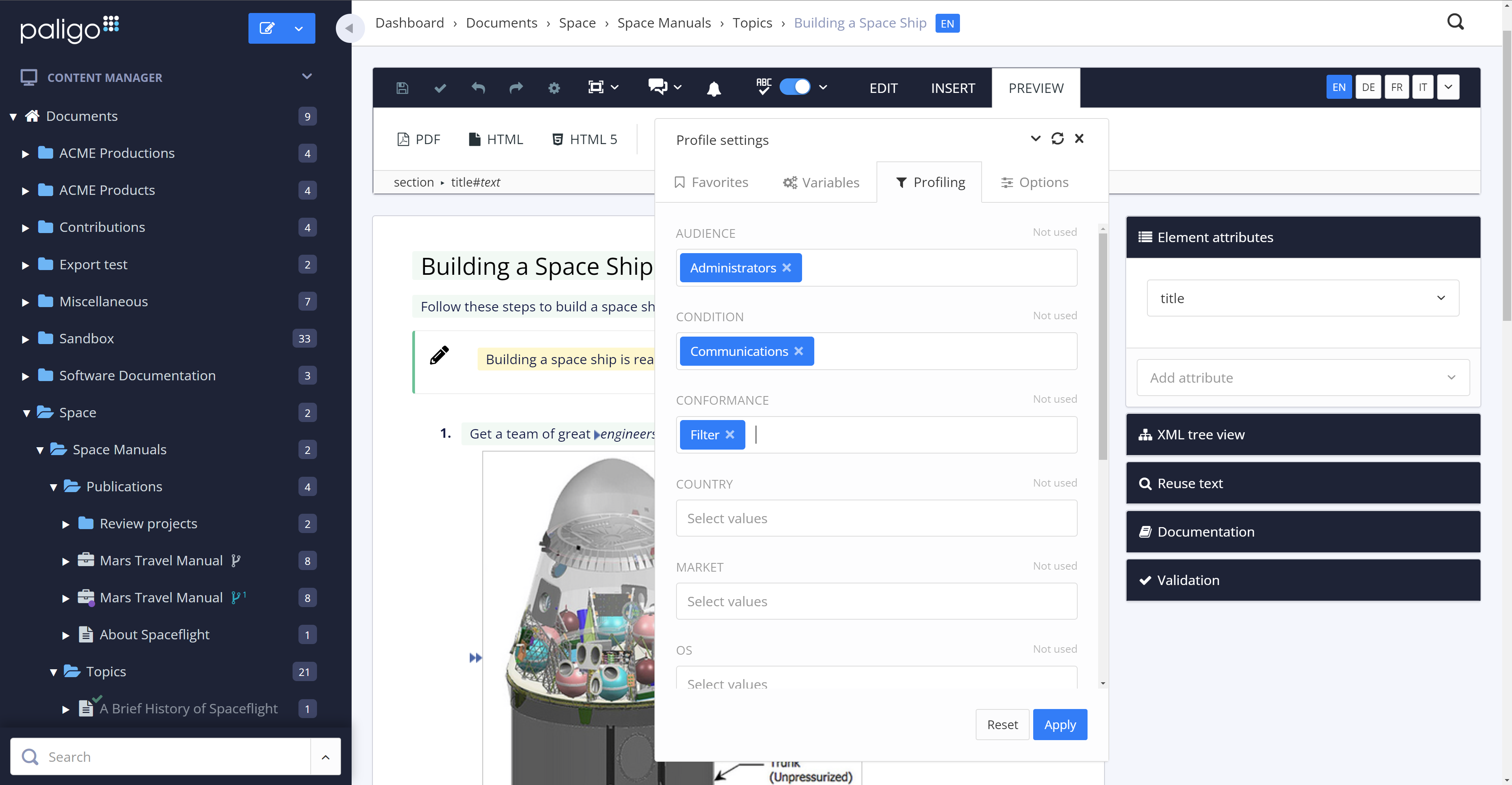
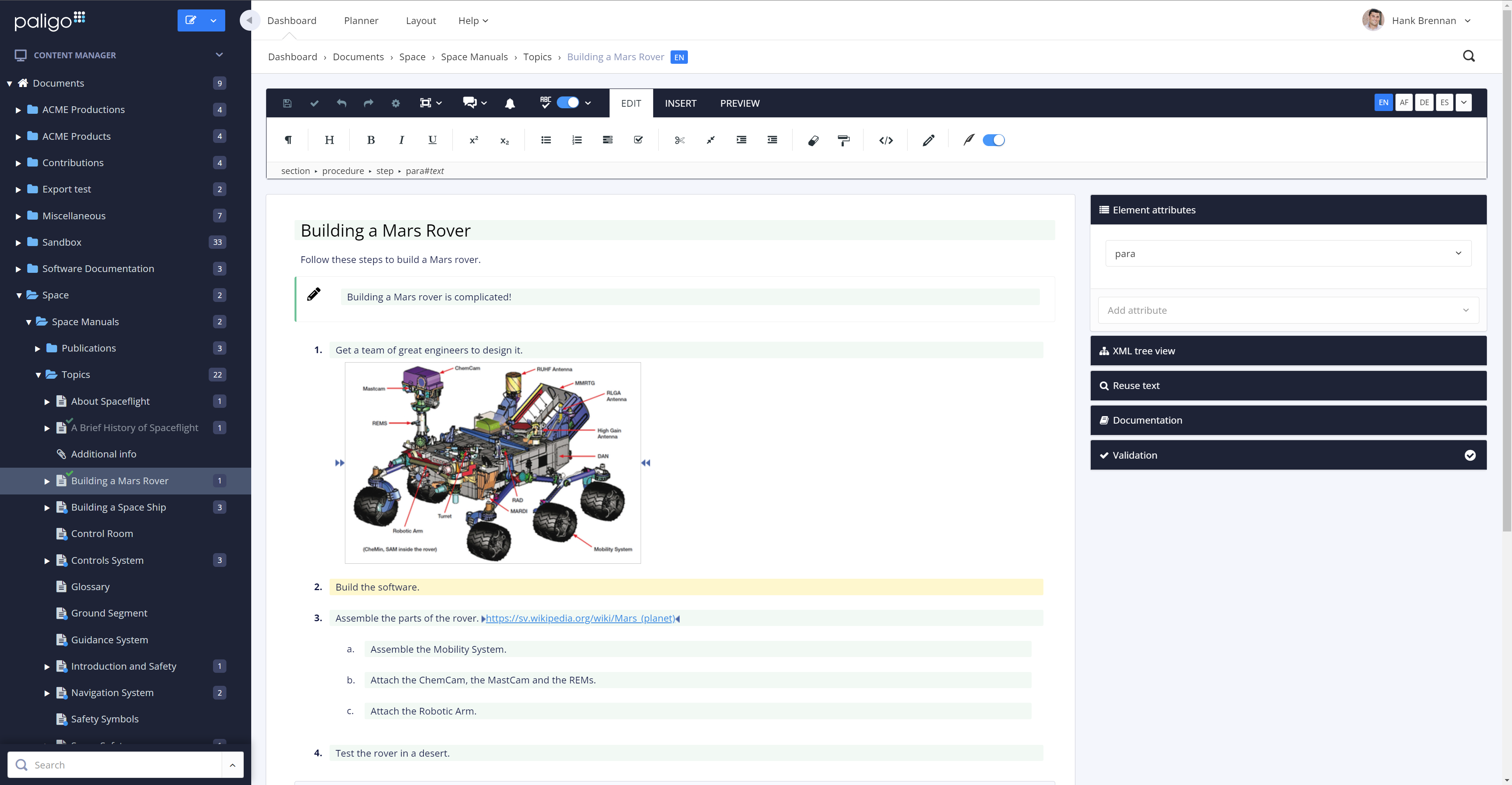
Paligo is particularly well suited for developing similar document sets for multiple products or product lines. It is not a page layout application, so don't expect the same capabilities as popular applications for graphics-heavy documentation. With some up-front time developing good layouts, however, Paligo does manage to create very usable PDF output for customer-facing documents.
A de minimis incentive was given to thank the reviewer for their time. The incentive was not used to bias or drive a particular response, nor was the incentive contingent on a positive endorsement. More Info
It has excellent security features and consistent updates.
It allows for extensive customization with the integrated themes and core code, especially when you first install it. This allows our dev team to get creative with marketing initiatives.
There is a large online community of Drupal users that consistently help answer any questions and issues
A de minimis incentive was given to thank the reviewer for their time. The incentive was not used to bias or drive a particular response, nor was the incentive contingent on a positive endorsement. More Info
The review mode is super convenient. Comparing a snapshot of the previous versions with the current one clearly outlines the respective changes and reduces the necessary content to review tremendously.
The option to reuse text fragments is another handy feature. Text fragments will be updated whenever the original text fragment is altered is also extremely helpful.
Managing a content's structure was never easier. An intuitive drag & drop functionality allows you to design your document's structure however you like.
You can also fork content, in addition to reuse text fragments. This is another helpful option that no longer requires you to create repetetive chapters over and over.
A de minimis incentive was given to thank the reviewer for their time. The incentive was not used to bias or drive a particular response, nor was the incentive contingent on a positive endorsement. More Info
Security and new release notifications are a hassle as they happen too often
Allowing them to write PHP modules is a big advantage, but sometimes integrating them is a small challenge due to the version the developer is working on.
A de minimis incentive was given to thank the reviewer for their time. The incentive was not used to bias or drive a particular response, nor was the incentive contingent on a positive endorsement. More Info
The amount of CSS/JS required to customize a site's appearance can be cumbersome
Product documentation can be lacking, specifically with integrations; in some cases, support offered no real help when trying to solve a problem with an integrated service
Some features require extensive development experience to use, which can sometimes be an obstacle to less-experienced team members
A de minimis incentive was given to thank the reviewer for their time. The incentive was not used to bias or drive a particular response, nor was the incentive contingent on a positive endorsement. More Info
The time and money invested into this platform were too great to discontinue it at this point. I'm sure it will be in use for a while. We have also spent time training many employees how to use it. All of these things add up to quite an investment in the product. Lastly, it basically fulfills what we need our intranet site to do.
A de minimis incentive was given to thank the reviewer for their time. The incentive was not used to bias or drive a particular response, nor was the incentive contingent on a positive endorsement. More Info
As a team, we found Drupal to be highly customizable and flexible, allowing our development team to go to great lengths to develop desired functionalities. It can be used as a solution for all types of web projects. It comes with a robust admin interface that provides greater flexibility once the user gets acquainted with the system.
A de minimis incentive was given to thank the reviewer for their time. The incentive was not used to bias or drive a particular response, nor was the incentive contingent on a positive endorsement. More Info
Generally, I'm very happy with Paligo and the productivity gains that I get from using it. There are a few arbitrary limitations on structure, and when applying conditional formatting, that I don't really understand. Unlinking / editing reused text uses this broadly inscrutible colour-coding that I just hate. It would be nice to double-click a component, make edits, then respond to a popup asking if I want to confirm the edit for all linked content, or unlink this instance. Likewise converting from an informal topic insertion to duplicates of its raw contents.
A de minimis incentive was given to thank the reviewer for their time. The incentive was not used to bias or drive a particular response, nor was the incentive contingent on a positive endorsement. More Info
Drupal itself does not tend to have bugs that cause sporadic outages. When deployed on a well-configured LAMP stack, deployment and maintenance problems are minimal, and in general no exotic tuning or configuration is required. For highest uptime, putting a caching proxy like Varnish in front of Drupal (or a CDN that supports dynamic applications).
Drupal page loads can be slow, as a great many database calls may be required to generate a page. It is highly recommended to use caching systems, both built-in and external to lessen such database loads and improve performance. I haven't had any problems with behind-the-scenes integrations with external systems.
A de minimis incentive was given to thank the reviewer for their time. The incentive was not used to bias or drive a particular response, nor was the incentive contingent on a positive endorsement. More Info
As noted earlier, the support of the community can be rather variable, with some modules attracting more attraction and action in their issue queues, but overall, the development community for Drupal is second to none. It probably the single greatest aspect of being involved in this open-source project.
A de minimis incentive was given to thank the reviewer for their time. The incentive was not used to bias or drive a particular response, nor was the incentive contingent on a positive endorsement. More Info
All the support requests I've submitted have been resolved in one way or another. Sometimes it takes some back and forth, which is to be expected. This is where being on a different continent becomes a drawback. Since we became Enterprise users, we've also had an additional level of help and support from a dedicated account manager in the US, and the resolutions seem to come more quickly
A de minimis incentive was given to thank the reviewer for their time. The incentive was not used to bias or drive a particular response, nor was the incentive contingent on a positive endorsement. More Info
I was part of the team that conducted the training. Our training was fine, but we could have been better informed on Drupal before we started providing it. If we did not have answers to tough questions, we had more technical staff we could consult with. We did provide hands-on practice time for the learners, which I would always recommend. That is where the best learning occurred.
The on-line training was not as ideal as the face-to-face training. It was done remotely and only allowed for the trainers to present information to the learners and demonstrate the platform online. There was not a good way to allow for the learners to practice, ask questions and have them answered all in the same session.
Plan ahead as much you can. You really need to know how to build what you want with the modules available to you, or that you might need to code yourself, in order to make the best use of Drupal. I recommend you analyze the most technically difficult workflows and other aspects of your implementation, and try building some test versions of those first. Get feedback from stakeholders early and often, because you can easily find yourself in a situation where your implementation does 90% of what you want, but, due to something you didn't plan for, foresee, or know about, there's no feasible way to get past the last 10%
A de minimis incentive was given to thank the reviewer for their time. The incentive was not used to bias or drive a particular response, nor was the incentive contingent on a positive endorsement. More Info
A de minimis incentive was given to thank the reviewer for their time. The incentive was not used to bias or drive a particular response, nor was the incentive contingent on a positive endorsement. More Info
Drupal can be more complex to learn, but it offers a much wider range of applications. Drupal’s front and backend can be customized from design to functionality to allow for a wide range of uses. If someone wants to create something more complex than a simple site or blog, Drupal can be an amazing asset to have at hand.
A de minimis incentive was given to thank the reviewer for their time. The incentive was not used to bias or drive a particular response, nor was the incentive contingent on a positive endorsement. More Info
We moved from Flare to Paligo. One of the main reasons was the fact that Paligo is a cloud product. Collaboration with anyone outside of our team was more difficult with Flare. Also, maintaining a server for Flare content was going to become an issue, and overall I felt the Flare desktop product was prone to errors and issues. The flexibility of assigning Paligo licenses was a huge factor, as was the stability of the cloud platform.
A de minimis incentive was given to thank the reviewer for their time. The incentive was not used to bias or drive a particular response, nor was the incentive contingent on a positive endorsement. More Info
Drupal is well known to be scalable, although it requires solid knowledge of MySQL best practices, caching mechanisms, and other server-level best practices. I have never personally dealt with an especially large site, so I can speak well to the issues associated with Drupal scaling.
A de minimis incentive was given to thank the reviewer for their time. The incentive was not used to bias or drive a particular response, nor was the incentive contingent on a positive endorsement. More Info
I am not involved in the financial decisions for my company regarding Paligo; the decision to migrate our content to this environment predates my hiring. However, I know that the migration effort from WordPress to Paligo was an initially heavy lift, but any content migration effort would be. I believe that ultimately, getting our content out of WordPress was a positive move, and I look forward to seeing what Paligo will help us accomplish in the future. Sorry, no hard numbers from me. :)