Droplr is a tool for capturing and sharing screen images.
N/A
Dubb - Video Communication Platform
Score8.9 out of 10
N/A
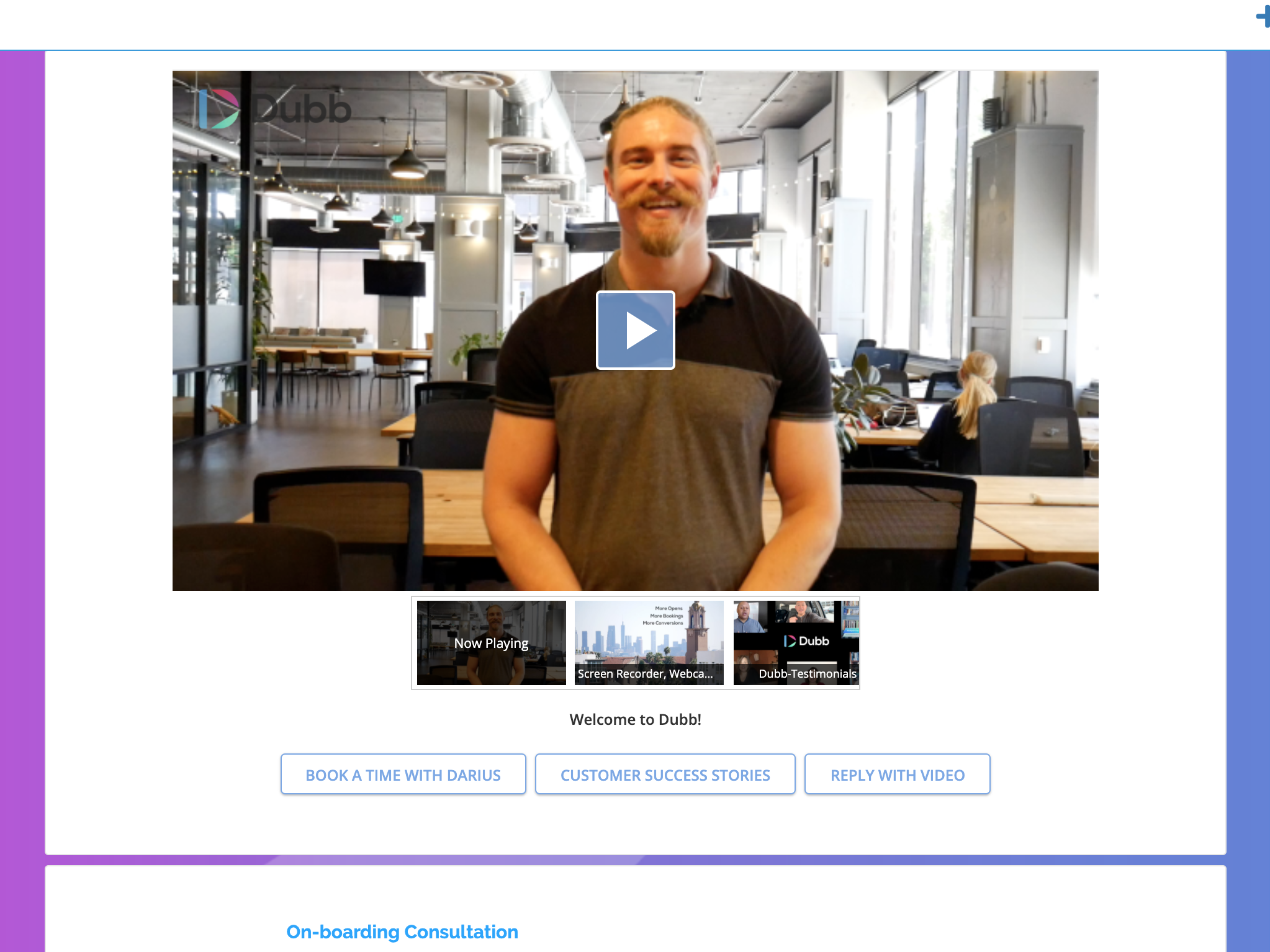
Dubb is a video communication platform that offers business users a platform to send personalized, trackable videos. Based in Los Angeles, the company was founded by technologists with specialties in marketing automation, artificial intelligence, and machine learning. The Dubb platform features a mobile app, Outlook Add-In, website, Slack app, and Chrome Extension (with integrations to LinkedIn, Gmail, and more). The company was built on the premise that everyone should have the ability to share…
Droplr is very useful in any kind of visual work, particularly if there are more people involved and they need to follow the creation process. It allows the team to be on the same page. It is also very useful when dealing with clients without design training since we can show visually what we intend to do. Teachers, instructors, and even technical support people can make good use of Droplr since it makes easier to share screencasts, to capture screens for tutorials and to solve clients' doubts.
A de minimis incentive was given to thank the reviewer for their time. The incentive was not used to bias or drive a particular response, nor was the incentive contingent on a positive endorsement. More Info
Although it is an extremely diverse platform with many use cases, I have found it best suited to creating a message based on a specific marketing strategy and being able to reach people at scale. While it offers adequate CRM functionality in most cases, if you are needing a more robust CRM it might not have the functionality you need.
A de minimis incentive was given to thank the reviewer for their time. The incentive was not used to bias or drive a particular response, nor was the incentive contingent on a positive endorsement. More Info
Very simple to use. When I'm considering a new tool, it has to make my day easier. Not add frustration to my day.
Includes personal branding in multiple places.
I really like the Presets. Before I realized presets were an option, I was spending an additional time adding CTAs. Now I have presets for each category. And I can add specific videos to each preset.
Startup bug (Mac) - Even though I select Droplr not to start up with the computer, it still does. It's been months and they still haven't fixed this. It's very frustrating.
The Windows version doesn't allow me to select an area of my screen to record - one has to record the entire screen.
Though it may look like it in their settings, setting up SSL isn't as easy as clicking the button. I still don't quite understand how to do it.
A de minimis incentive was given to thank the reviewer for their time. The incentive was not used to bias or drive a particular response, nor was the incentive contingent on a positive endorsement. More Info
I don't see how we can easily change the order in which videos are displayed on a showcase. It seems to default to the order in which the videos were uploaded, from oldest to most recent. That being said, I have not brought this up to the Dubb team yet; usually if something makes sense and can be done, the Dubb team figures out how to make it happen.
A de minimis incentive was given to thank the reviewer for their time. The incentive was not used to bias or drive a particular response, nor was the incentive contingent on a positive endorsement. More Info
A de minimis incentive was given to thank the reviewer for their time. The incentive was not used to bias or drive a particular response, nor was the incentive contingent on a positive endorsement. More Info
It's our favorite tool. It continues to get better. It gives us the opportunity to make a passive income for an outstanding product. It makes marketing fun and much easier since talking is much easier and more enjoyable than writing is. Plus the open rate is through the roof. In a world that has become almost completely virtual, it allows us to give a personal, in-person touch.
A de minimis incentive was given to thank the reviewer for their time. The incentive was not used to bias or drive a particular response, nor was the incentive contingent on a positive endorsement. More Info
In 1987 I fell 3 stories and was in rehabilitation and surgeries for 2 years. I broke my arm and type with one finger on my right hand. I love that I can do so much with a video quickly than I can with typing. I still type plenty, however, if I can launch DUbb and record a video I will if I have a choice. Easy to use and makes a huge difference in my life. It's the one solution that has made the most impact on my life as far as my business is concerned
A de minimis incentive was given to thank the reviewer for their time. The incentive was not used to bias or drive a particular response, nor was the incentive contingent on a positive endorsement. More Info
They have three webinars a week for onboarding and Q&A purposes! They have a very active Facebook group, they are very active on email sending quality content for the growth of your initiatives. Only for support, I would get started all over with them
Lightshot Screenshot provides the same screenshot functionality as Droplr, but with no cost. Lightshot Screenshot also allows you to edit a photo and can upload your photo either to the cloud or just paste it in an email/Slack/anything else to your client. There are very little go-betweens and a lot more flexibility.
Droplr was chosen by my company, not me. If I had chosen a screenshot software, in retrospect, I would have chosen Lightshot Screenshot. Droplr was fine. Lightshot Screenshot is killer, though.
A de minimis incentive was given to thank the reviewer for their time. The incentive was not used to bias or drive a particular response, nor was the incentive contingent on a positive endorsement. More Info
Dubb - Video Communication Platform's technology works. The other company's built-in video recording capability resulted in a very low-quality output (video), and Dubb - Video Communication Platform is built for business owners and marketers, which is a better fit for me, personally.
I use Droplr every day and it's been a huge boost for productivity since I never need to think about how a screenshot will be shared. It's just built in and so easy.
A de minimis incentive was given to thank the reviewer for their time. The incentive was not used to bias or drive a particular response, nor was the incentive contingent on a positive endorsement. More Info
I've had challenges with screen recording. In my experience, the audio has cut out numerous times, which results in re-watching my video (which takes time) to see where the audio cuts out and then having to re-record (which takes more time too). I now use a different platform for screen recording because of this experience.