
Dropbox Paper vs. FastReport
Dropbox Paper vs. FastReport
| Product | Rating | Most Used By | Product Summary | Starting Price |
|---|---|---|---|---|
 Dropbox Paper | N/A | Dropbox Paper is a web-based, co-editing tool that includes word processing, document creation and coordination features. The tool is free to use and allows multiple people to collaborate on a document. | N/A | |
 FastReport | N/A | VCL-component set for generating reports and documents. It provides a visual template designer, access to popular datasources, a reporting engine, preview, export filters to 30+formats and deployment to clouds, web, e-mail, and print. FastReport VCL - reporting and documents creation library for Delphi 7-XE8, C++Builder 2005-XE8, Embarcadero RAD Studio 10 Seattle, Embarcadero RAD Studio 10.1 Berlin, Embarcadero RAD Studio 10.2 Tokyo, Embarcadero RAD Studio 10.3 Rio, Embarcadero RAD… | $299 per year per user |
| Dropbox Paper | FastReport | |||||||||||||||
|---|---|---|---|---|---|---|---|---|---|---|---|---|---|---|---|---|
| Editions & Modules | No answers on this topic |
| ||||||||||||||
| Offerings |
| |||||||||||||||
| Entry-level Setup Fee | No setup fee | No setup fee | ||||||||||||||
| Additional Details | — | — | ||||||||||||||
| More Pricing Information | ||||||||||||||||
| Dropbox Paper | FastReport |
|---|
| Dropbox Paper | FastReport | |
|---|---|---|
| Small Businesses |  airSlate WorkFlow Score 7.5 out of 10 | airSlate WorkFlow Score 7.5 out of 10 |
| Medium-sized Companies |  Foxit PDF Editor Score 8.6 out of 10 | Foxit PDF Editor Score 8.6 out of 10 |
| Enterprises |  Conga Composer Score 9.6 out of 10 | Conga Composer Score 9.6 out of 10 |
| All Alternatives | View all alternatives | View all alternatives |
| Dropbox Paper | FastReport | |
|---|---|---|
| Likelihood to Recommend | 7.5 (0 ratings) | - (0 ratings) |
| Dropbox Paper | FastReport | |
|---|---|---|
| Likelihood to Recommend | 
|  No answers on this topic |
| Pros |
 Lori Houser Sales Training & Development | No answers on this topic |
| Cons |
| No answers on this topic |
| Alternatives Considered |
| No answers on this topic |
| Return on Investment |
| No answers on this topic |
| ScreenShots | FastReport Screenshots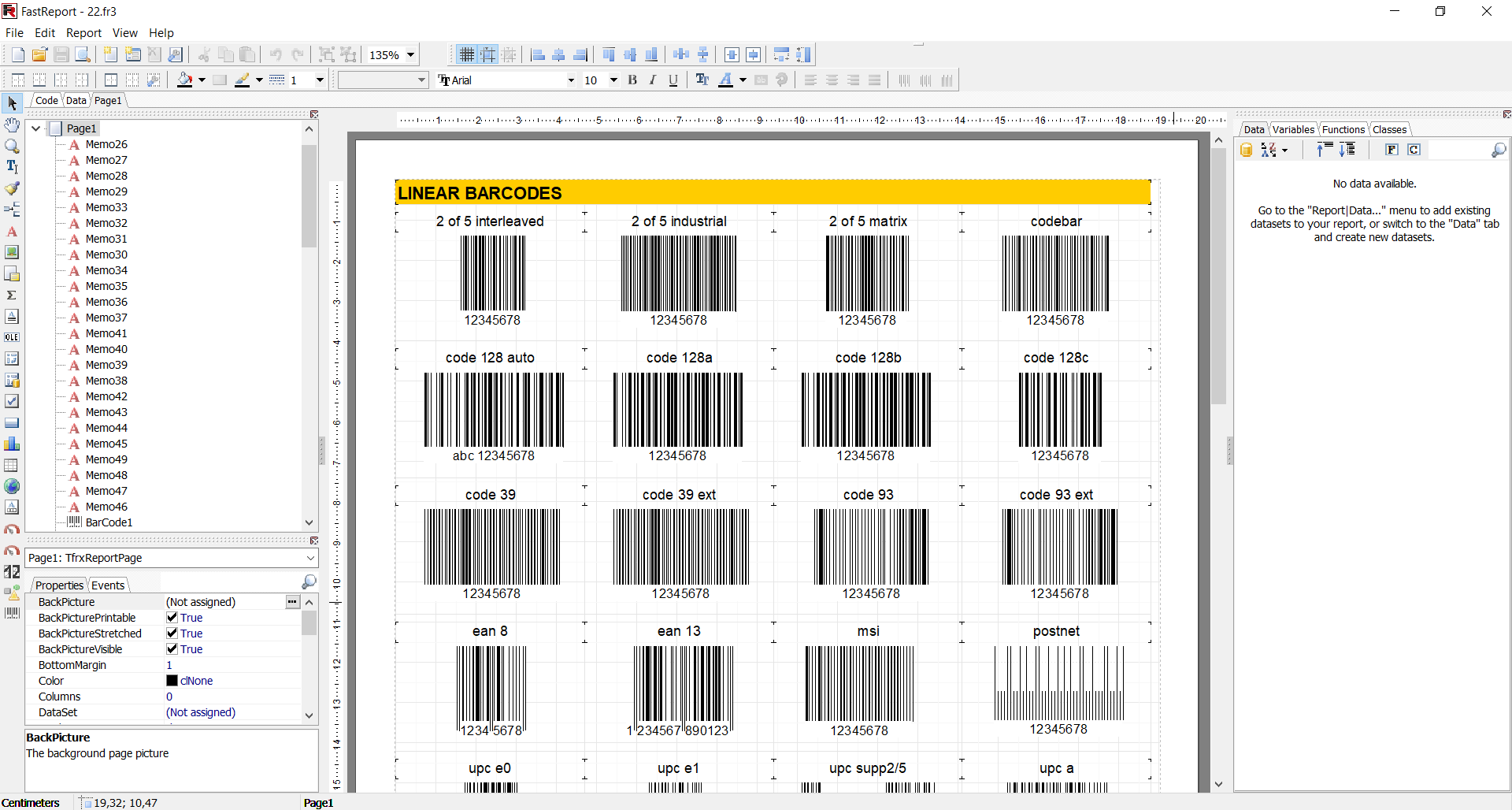 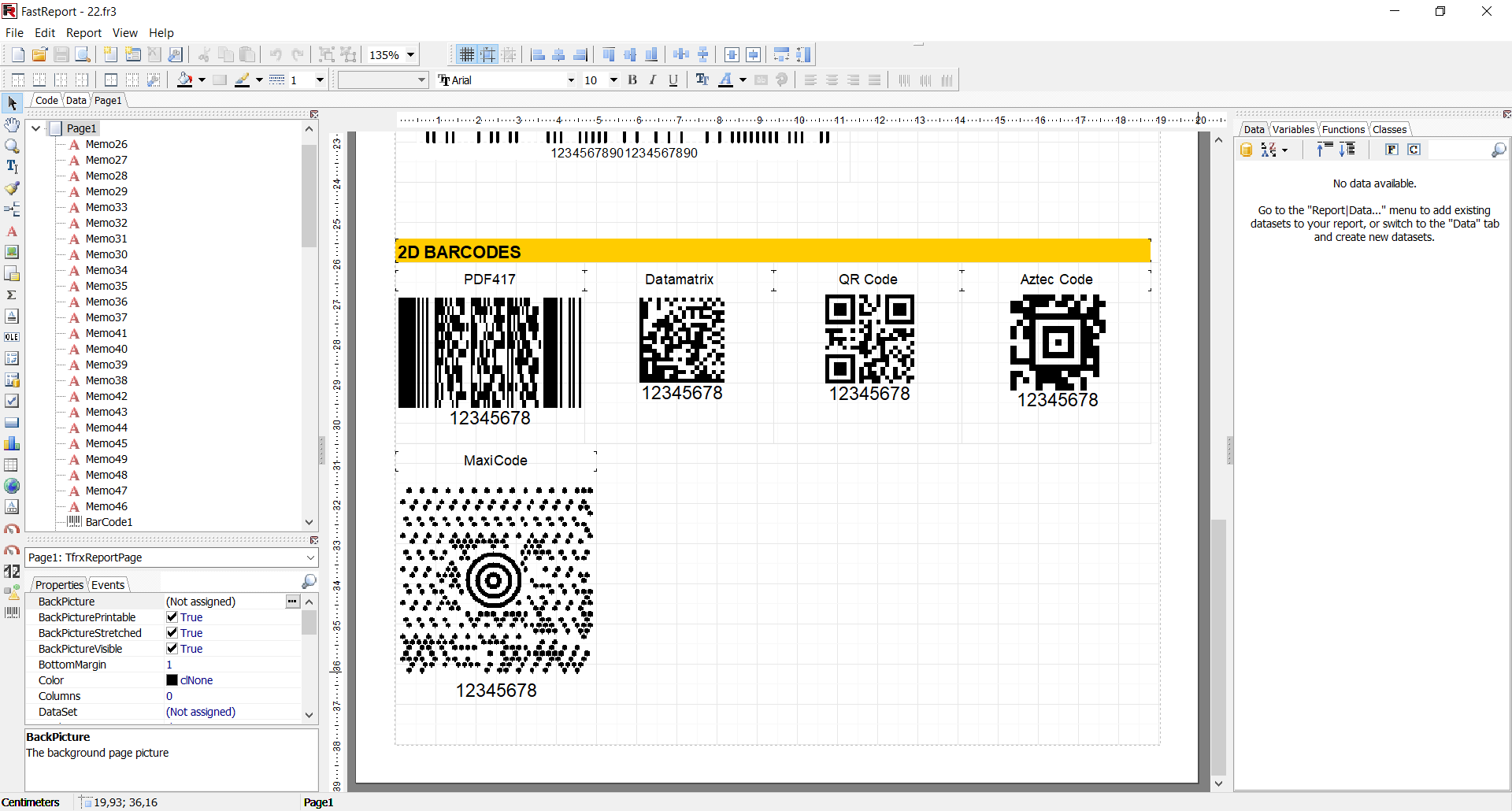 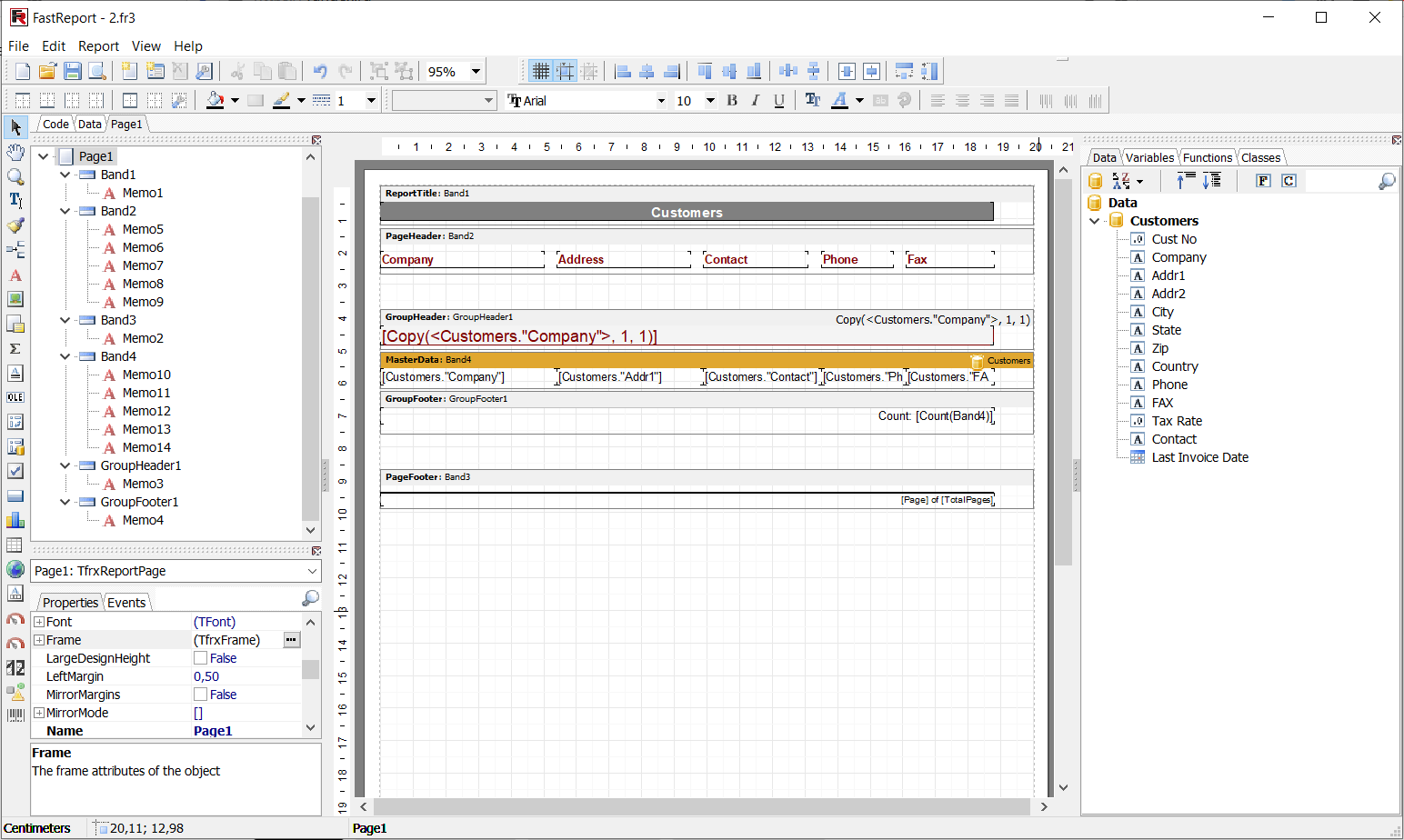 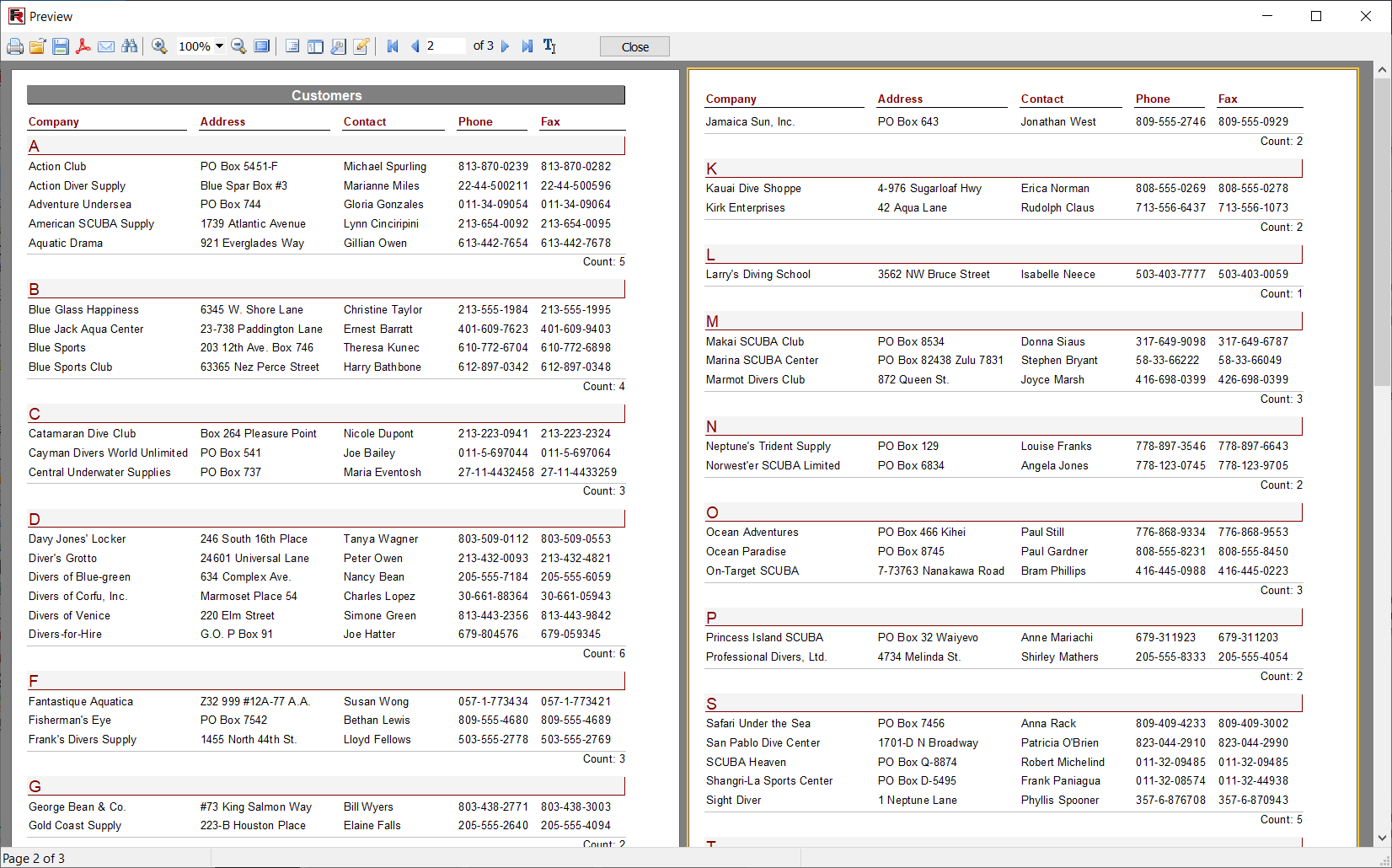  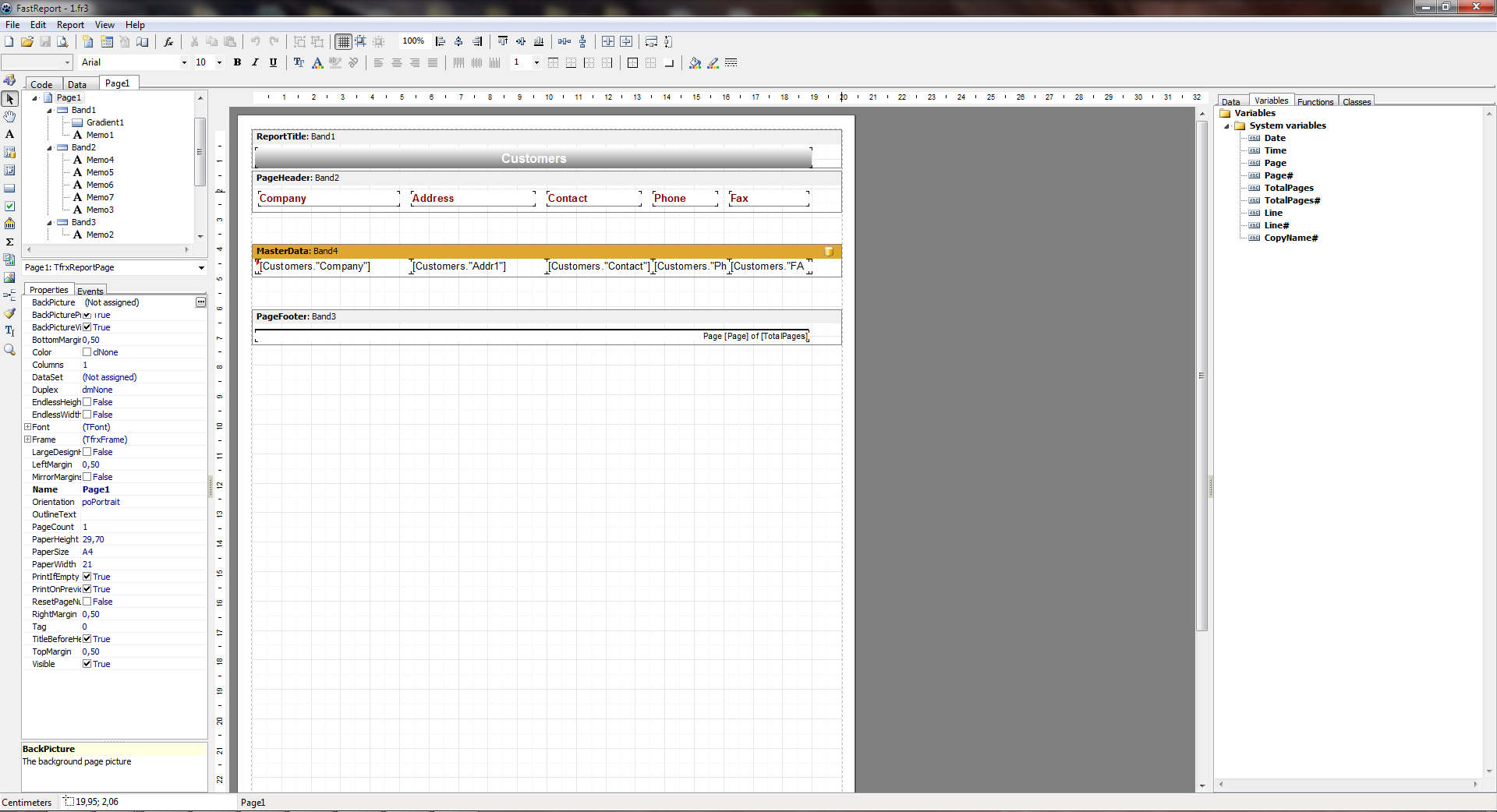 |