Dolby presents the Dolby Voice product line of consisting as software as well as conference phones and video conferencing equipment, able to produce an immersive, natural conferencing experience. It is available in various kits, such as the Dolby Voice Room kit, as well as Dolby Voice Pro (for boardrooms), and Dolby Voice Huddle.
N/A
GlobalMeet Collaboration (discontinued)
Score9.8 out of 10
N/A
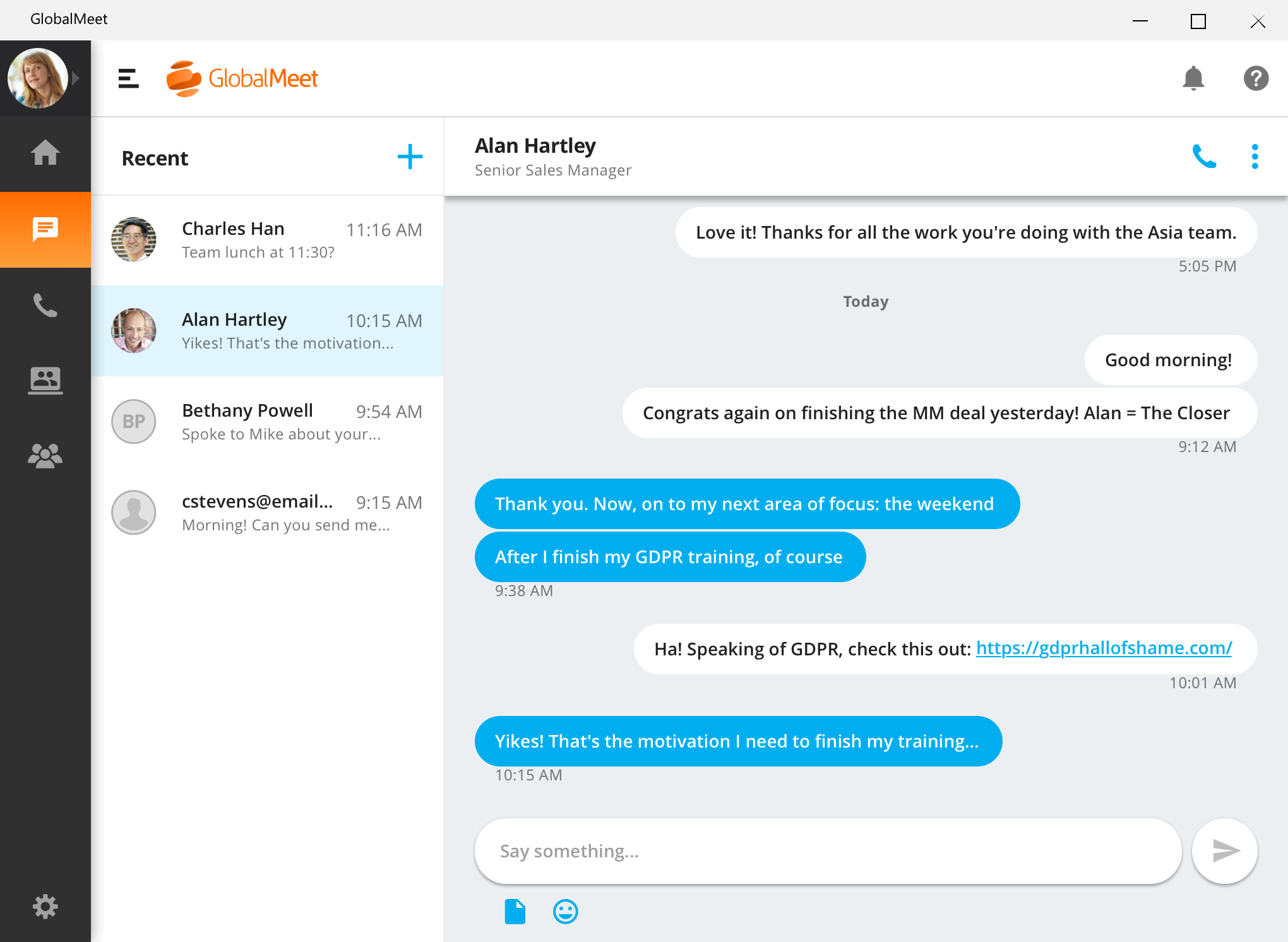
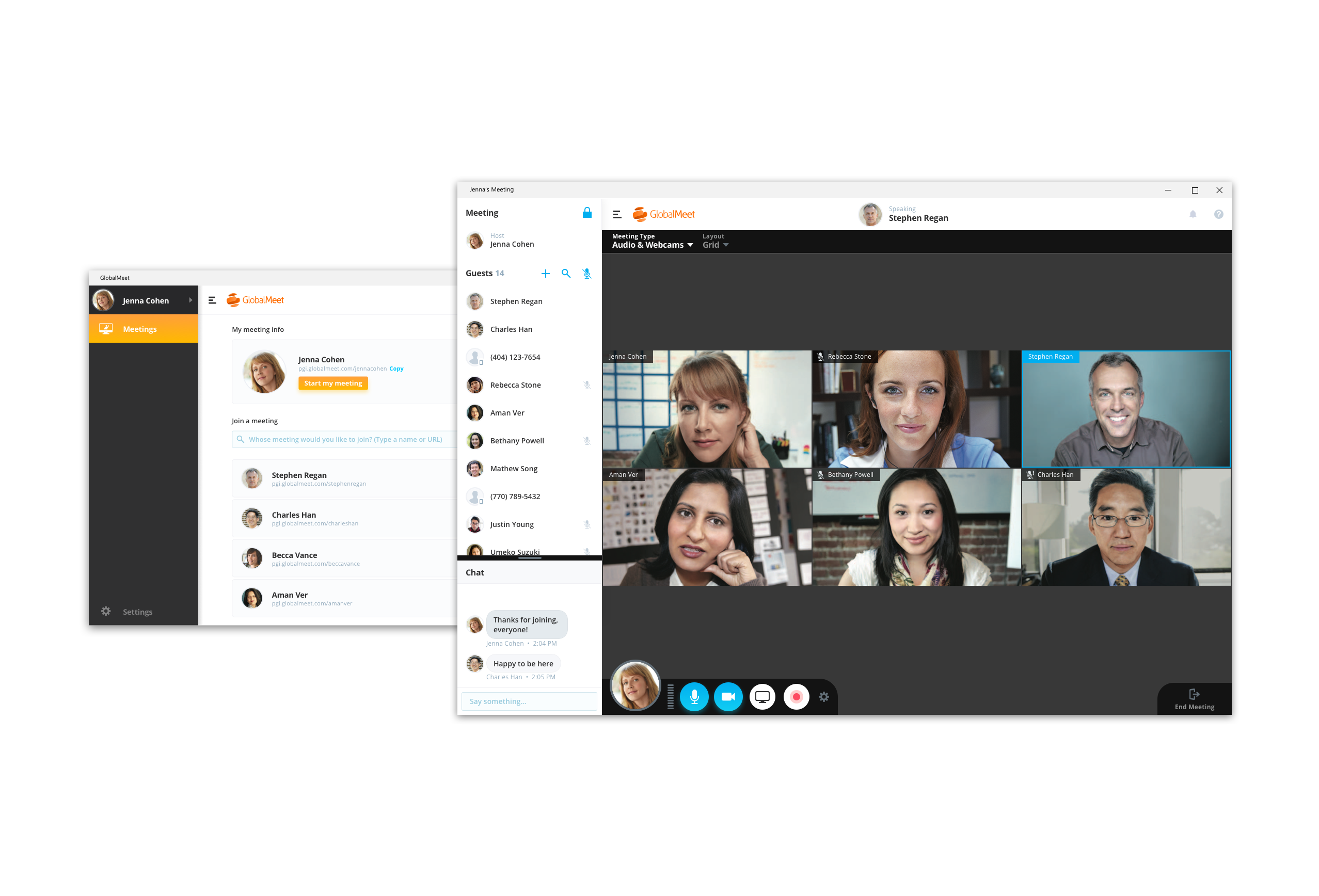
GlobalMeet Collaborationiwas an audio, web and video conferencing solution that is designed to make global communication easy from anywhere using any device. As of 2023 the product has reached EOL and will no longer be sold.
N/A
Pricing
Dolby Conference Phone (Dolby Voice)
GlobalMeet Collaboration (discontinued)
Editions & Modules
No answers on this topic
No answers on this topic
Offerings
Pricing Offerings
Dolby Conference Phone (Dolby Voice)
GlobalMeet Collaboration (discontinued)
Free Trial
No
No
Free/Freemium Version
No
Yes
Premium Consulting/Integration Services
No
No
Entry-level Setup Fee
No setup fee
Optional
Additional Details
—
—
More Pricing Information
Features
Dolby Conference Phone (Dolby Voice)
GlobalMeet Collaboration (discontinued)
Performance & Compatibility of Online Events Software
Comparison of Performance & Compatibility of Online Events Software features of Dolby Conference Phone (Dolby Voice) and GlobalMeet Collaboration (discontinued)
Feature
Dolby Conference Phone (Dolby Voice)
-
Ratings
GlobalMeet Collaboration (discontinued)
7.2
46 Ratings
10% below category average
High quality audio
00 Ratings
7.446 Ratings
High quality video
00 Ratings
6.736 Ratings
Low bandwidth requirements
00 Ratings
7.335 Ratings
Mobile support
00 Ratings
7.313 Ratings
Screen Sharing
Comparison of Screen Sharing features of Dolby Conference Phone (Dolby Voice) and GlobalMeet Collaboration (discontinued)
Feature
Dolby Conference Phone (Dolby Voice)
-
Ratings
GlobalMeet Collaboration (discontinued)
6.0
39 Ratings
28% below category average
Desktop sharing
00 Ratings
7.639 Ratings
Whiteboards
00 Ratings
4.326 Ratings
Online Meetings / Events
Comparison of Online Meetings / Events features of Dolby Conference Phone (Dolby Voice) and GlobalMeet Collaboration (discontinued)
Feature
Dolby Conference Phone (Dolby Voice)
-
Ratings
GlobalMeet Collaboration (discontinued)
6.6
43 Ratings
23% below category average
Calendar integration
00 Ratings
6.034 Ratings
Meeting initiation
00 Ratings
7.040 Ratings
Integrates with social media
00 Ratings
7.23 Ratings
Record meetings / events
00 Ratings
6.735 Ratings
Slideshows
00 Ratings
5.821 Ratings
Online Events Collaboration
Comparison of Online Events Collaboration features of Dolby Conference Phone (Dolby Voice) and GlobalMeet Collaboration (discontinued)
Feature
Dolby Conference Phone (Dolby Voice)
-
Ratings
GlobalMeet Collaboration (discontinued)
6.8
35 Ratings
18% below category average
Live chat
00 Ratings
8.233 Ratings
Audience polling
00 Ratings
4.314 Ratings
Q&A
00 Ratings
8.020 Ratings
Online Events Security
Comparison of Online Events Security features of Dolby Conference Phone (Dolby Voice) and GlobalMeet Collaboration (discontinued)
Implementing these units within our business reduced the number of support requests to our internal IT support desk. This was simply because these units are so simple to use. The user books a video conference meeting within Outlook and includes the meeting room they wish to hold the video conference in. Within five minutes, their meeting is recognized on the Dolby Conference Phone (Dolby Voice). Their meeting is also shown on the TV screen within the meeting room so that other people can see who will be using the room. On entering the room, the user simply touches the Join button next to their meeting on the Dolby Conference Phone (Dolby Voice), normally in the middle of the table, and within a few seconds, the meeting room has joined the video conference meeting.
GlobalMeet Collaboration is great for giving product trainings, presentations and webinars over the phone to a wide number of users remotely. It is well suited for meetings where screens and documents need to be shared live during a conference call for easy collaboration
A de minimis incentive was given to thank the reviewer for their time. The incentive was not used to bias or drive a particular response, nor was the incentive contingent on a positive endorsement. More Info
Something that GlobalMeet does well is distributing a meeting to users. The system integrates well with our Outlook system and allows easy meeting distributions.
GlobalMeet is good at providing an easy way to record web meetings. The feature works well and is easy to download after.
A de minimis incentive was given to thank the reviewer for their time. The incentive was not used to bias or drive a particular response, nor was the incentive contingent on a positive endorsement. More Info
There is a cost for the conferencing services unlike competitors like FreeConferenceCall.com or Skype which have free options. However, you pay for what you get and the audio/connection quality can and has been an issue for us with other vendors.
There are a lot of shortcuts that can be used on the line to mute/unmute lines, record the audio, request operator assistance, etc. However, these are difficult to memorize so we end up forgetting or relying on a print-out of the shortcuts that we keep near our desks. I wish there was an easier way to use these such as voice commands.
In the post-conference email recaps you get the phone numbers of those who dialed in. However, it can be difficult to know who these numbers belong to unless you remember the direct #s for the participants. I wish there was a way to save contact info for certain phone numbers within the system and let GlobalMeet add the names to the numbers for all future post-conference emails.
This rating is given because it is simple for us--a no-brainer to replace these units with a new Dolby video conferencing device. The fact that these units make the room neater and make it very easy for a user to onboard and use, just makes it a must-have item. The Linux version of these units is also easier to use with a little software patching required. For us, we can also use the Microsoft Teams gateway.
GlobalMeet is not a very good tool. There are better web meeting platforms available in the marketplace. The system is clunky, not intuitive, and experiences often technical issues. They have made updates recently but it is too little too late. It may be a good platform for smaller organizations with tighter budgets.
A de minimis incentive was given to thank the reviewer for their time. The incentive was not used to bias or drive a particular response, nor was the incentive contingent on a positive endorsement. More Info
That this unit is so easy for users to use. To join a meeting is a simple one-touch join. If they have not added the meeting room to their invite, then entering the meeting ID into the unit via the touch screen on the flying saucer is very easy. The mute button is on the top of the unit and shows a red LED circle when on mute.
I have provided such a high rating because setting up the meeting only requires a few clicks. Within a couple minutes of telling my team that I will set up a meeting and send an invite, that invitation is already sitting in their inbox. I move at a fast pace and GlobalMeet is keeping up
A de minimis incentive was given to thank the reviewer for their time. The incentive was not used to bias or drive a particular response, nor was the incentive contingent on a positive endorsement. More Info
A de minimis incentive was given to thank the reviewer for their time. The incentive was not used to bias or drive a particular response, nor was the incentive contingent on a positive endorsement. More Info
For the most part GlobalMeet loaded everything quickly. The only problem that we had was when the whole company was on a training at one time, we had a hard time with screen sharing and the pages loading in a timely manner. Everything seemed to slow down when lots of people were on the system at once
A de minimis incentive was given to thank the reviewer for their time. The incentive was not used to bias or drive a particular response, nor was the incentive contingent on a positive endorsement. More Info
When we have asked the question to either BlueJeans or Dolby, we have been given the answer quickly. To be honest, the number of times that we have had to go to support on these units has been very low--maybe once a quarter.
As previously mentioned, I was in charge of facilitating a weekly meeting with 60 attendees. I had major issues with the screenshare crashing repeatedly during the meeting. I got in contact with a GlobalMeet Technician immediately. He was extremely responsive and worked with my technician to resolve all of the issues quickly. After his intervention, I never had the same issue again.
A de minimis incentive was given to thank the reviewer for their time. The incentive was not used to bias or drive a particular response, nor was the incentive contingent on a positive endorsement. TR verified that a representative sample of customers was invited. More Info
We did not have any key issues during the implementation. The units are very easy to configure for BlueJeans. When you first turn on the unit, you select the video conferencing platform that you are using. The wizard will then request various information (e.g., IP address, network) and then look for software updates. Once completed, the unit can be installed in the meeting room. The unit will run off a PoE network lead, so one lead to the unit.
A de minimis incentive was given to thank the reviewer for their time. The incentive was not used to bias or drive a particular response, nor was the incentive contingent on a positive endorsement. More Info
The biggest issue with others that we find is that no one has a simple one-touch method for users to join a video conference meeting. With most others, we found you either have to find your meeting or manually enter your meeting. With Dolby Conference Phone (Dolby Voice), you are straight into the room--one touch and in the meeting.
Our small non-profit organization appreciates the ease of use of the platform for conference call needs. Other platforms can be much more complicated for users unfamiliar with conference call technology. We use it several times a month for committee meetings, regional rep check ins, and meetings with our board of directors.
A de minimis incentive was given to thank the reviewer for their time. The incentive was not used to bias or drive a particular response, nor was the incentive contingent on a positive endorsement. More Info
A de minimis incentive was given to thank the reviewer for their time. The incentive was not used to bias or drive a particular response, nor was the incentive contingent on a positive endorsement. More Info
The price for webinar for GlobalMeet is quite pricey compared to other similar vendors.
GlobalMeet can be used for unlimited free calls and video conferencing, hence in our company with extensive global calls this platform is very cost-effective.
Unlike most conferencing software. Other users don't have to download GlobalMeet App and therefore it is easy to send meeting invite to clients.
Attentively support system that responds fast to queries and this saves time for us.
A de minimis incentive was given to thank the reviewer for their time. The incentive was not used to bias or drive a particular response, nor was the incentive contingent on a positive endorsement. More Info