DocuWare vs. Smallpdf

Overview
ProductRatingMost Used ByProduct SummaryStarting Price
DocuWare
Score 9.2 out of 10
N/A
DocuWare’s document management software delivers digital workflow and document control to boost productivity without the need for IT resources. Its cloud and on-premises products are presented as a best-fit solution for companies seeking to digitize, automate and transform key processes. DocuWare is headquartered in New Windsor, NY, and their solution is presented as a DCM, or lightweight ECM.
$300
per month
Smallpdf
Score 10.0 out of 10
N/A
Made in Switzerland, Smallpdf is a company that offers a suite of document management tools for everyone-for work, for home, for life. Founded in Switzerland in 2013, Smallpdf provides what they describe as a simple, secure, and reliable answer to the world's PDF challenges. Smallpdf boasts serving over a billion users in 24 different languages since 2013, and in every country in the world.
$0
Pricing
DocuWareSmallpdf
Editions & Modules
Base
$300
per month
Enterprise
1,500
per month
Pro
Contact sales team
Large Enterpriser
Contact sales team
Smallpdf Basic
$0.00
Smallpdf Pro
$12.00
per month
Smallpdf Pro
$108.00
per year
Offerings
Pricing Offerings
DocuWareSmallpdf
Free Trial
YesYes
Free/Freemium Version
NoYes
Premium Consulting/Integration Services
NoNo
Entry-level Setup FeeNo setup feeNo setup fee
Additional DetailsDiscounts are available for bulk purchases
More Pricing Information
Community Pulse
DocuWareSmallpdf
Best Alternatives
DocuWareSmallpdf
Small Businesses
Square 9 Softworks
Square 9 Softworks
Score 9.5 out of 10
Square 9 Softworks
Square 9 Softworks
Score 9.5 out of 10
Medium-sized Companies
MSB Docs
MSB Docs
Score 9.4 out of 10
MSB Docs
MSB Docs
Score 9.4 out of 10
Enterprises
M‑Files
M‑Files
Score 8.9 out of 10
M‑Files
M‑Files
Score 8.9 out of 10
All AlternativesView all alternativesView all alternatives
User Ratings
DocuWareSmallpdf
Likelihood to Recommend
9.0
(0 ratings)
8.7
(0 ratings)
Likelihood to Renew
9.0
(0 ratings)
-
(0 ratings)
Usability
7.0
(0 ratings)
9.5
(0 ratings)
Performance
-
(0 ratings)
9.4
(0 ratings)
Support Rating
9.0
(0 ratings)
9.9
(0 ratings)
Ease of integration
-
(0 ratings)
6.8
(0 ratings)
User Testimonials
DocuWareSmallpdf
Likelihood to Recommend
We can use Docuware Cloud as a checks and balances program for our application processing in our data department. This is a time saver and allows us to access information at our multiple locations, as well as we have clients in various states. We can assign documents to others throughout the processing of applications, and this has allowed us to keep better track of our documentation with clients.
Read full review
I would suggest Smallpdf for simple needs in terms of PDFs management that can be [easily] resolved such as: size compression, deleting of pages and file conversions. This tool is very user-friendly and easy to use, it is available online so the user doesn't need to download any software. In case of heavy files compression, the tool isn't appropriate since it doesn't support heavy documents.
Read full review
Pros
  • Control of the flow of online processes
  • Automation of the company processes
  • Online forms and digitization of processing documents
Read full review
  • One of the best things that Smallpdf does is pdf conversion both to and from pdf. It is especially great to transform pdf tables into Excel documents.
  • PDF splitting is really great since allows for cropping large files and just keep the information necessary; something that comes really handy when presenting information to your supervisors.
  • PDF merging also works wonders, it allows for mixing several different pdf documents into just one of them. It is extremely easy to set up.
  • This a really fast pdf reader, it feels really fast compared to other options that tend to feel clunky. Its workspace is super comfortable and well organized so finding a tool you need is always a simple task.
Read full review
Cons
  • No active directory integration, this doubles up user management.
  • No Outlook integration. Would be nice to be able to interact with Docuware from email.
  • No mobile application. We have many remote users that would benefit from this.
Read full review
  • It has everything I'm not sure what I will say. E-sign, Share, convert. You can give an option in upload priorities features which I can see later.
  • Background remover thing also you can add in it. So I can remove the unnecessary thing from an image.
  • You can add a chatbot for help.
Read full review
Likelihood to Renew
Docuware has become a vital part of our organization.
Read full review
No answers on this topic
Usability
Fairly intuitive for average users.
Read full review
Its usability in my work is very important. I have to share various documents with my clients very frequently and most of the documents I send them are in PDF format only. So I use this software very much to convert my Word and Excel files into PDF. And whenever I need to send large file to my clients, I convert them into PDFs and compress them with this tool and then I send those files to my clients.
Read full review
Performance
No answers on this topic
1.- Because it is easy to use and each function is duly indicated so you can not go wrong. 2.- Its service is fast, it takes only a few seconds to transform the files and in less than a minute it is downloaded and you can occupy it without problem. 4.-This IS online so you do not install anything, which is very useful because you can also use it from a tablet or your mobile
Read full review
Support Rating
We use a third-party company to assist in the support process, and they have been great to work with. Quick turn around on issues and almost immediate communication concerning support tickets. They are more than willing to consult with our IT partners as well, which is a must for our business.
Read full review
Everything is so simple and works so well, you shouldn't need support, but on the one occasion in several years that I needed it, support was quick and courteous.
Read full review
Alternatives Considered
We actually moved from DocuWare to Plate IQ because Plate is restaurant specific and shares many item codes, SKU #'s, etc from major vendors. However, we continue to use DocuWare for other data management because it was so useful to us while we used it for AP.
Read full review
As per my understanding, Smallpdf stacks up against the above tool because it is easy to use, the targeted goal only for pdf, handy, and one more thing is that small pdf has created the application for android and iOS. I really found Smallpdf helpful when using it on the fly. Small pdf not only provides for the PDF it also provides the different functions for the other files like excel, HTML, doc, ppt, and many more.
Read full review
Return on Investment
  • Purchasing approval control and monitoring. Allows us to keep tighter hold of the budget.
  • Had to spend considerably more than expected. We needed to hire a developer to build integrations.
Read full review
  • From an initial cost perspective, we've gone from a collection of free and freemium software products that we used in combination to do what we wanted, to paying Smallpdf's per-user license fee.
  • We estimate that creating the same final product with our old method took about 30 minutes per 1-100 page file. We are now down to approximately 10 minutes, if the input material does not require much manipulation.
  • Around 50% of tasks used to require advice from a highly-technical user to fix unexpected errors. With Smallpdf we estimate we are now down to less than 20%.
  • For things that Smallpdf cannot do we find ourselves falling back to old methods which can sometimes create wasted time when we only realize that Smallpdf is not up to the task in the middle of the job.
Read full review
ScreenShots

Smallpdf Screenshots

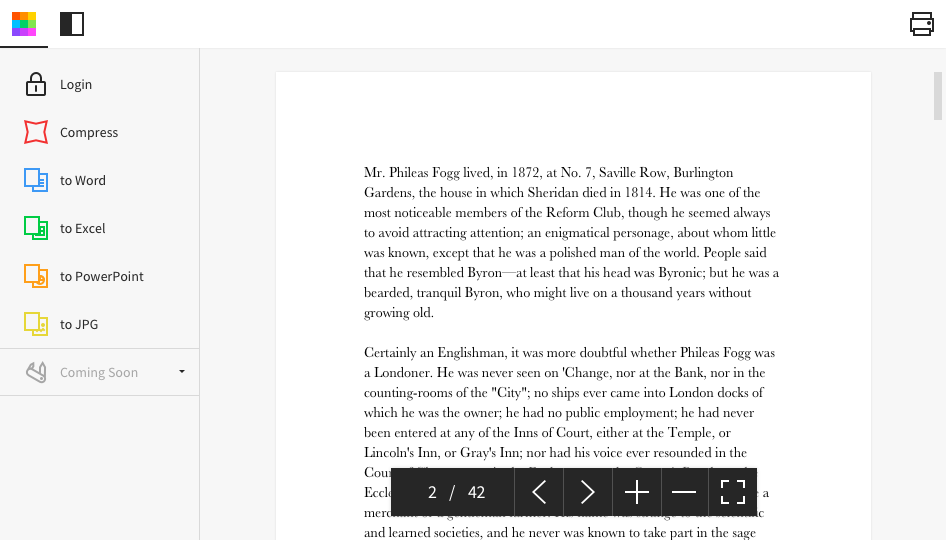
Screenshot of Desktop AppScreenshot of Homepage