TrustRadius: an HG Insights company

Save this comparison

Save this comparison

Add Product

Recommended Comparisons

    Overview
    ProductRatingMost Used ByProduct SummaryStarting Price

    ABBYY FineReader

    Score9 out of 10
    N/AABBYY FineReader is a PDF editor that allows users to convert, edit, share, and collaborate on PDFs. FineReader also converts scanned documents into searchable PDF files.

    $16

    per month per user

    Docutain

    N/AN/ADocutain SDK is a B2B product of INFOSOFT Informations- und Dokumentationssysteme GmbH. INFOSOFT, based in Koblenz, Germany, develops and distributes document management software for corporate customers and private users. In addition, INFOSOFT is also the developer of the Docutain app, which was designed for private users and small businesses for document management. Available since 2018, continuous development is being done on the scan quality, filter functions and text…N/A
    Pricing
    ABBYY FineReaderDocutain
    Editions & Modules
    FineReader PDF Standard for Windows
    $16
    per month per user
    FineReader PDF Corporate for Windows
    $24
    per month per user
    FineReader PDF for Mac®
    $69
    per year per user
    FineReader PDF Standard for Windows
    $99
    per year per user
    FineReader PDF Corporate for Windows
    $165
    per year per user
    No answers on this topic
    Offerings
    Pricing Offerings
    ABBYY FineReaderDocutain
    Free Trial
    YesYes
    Free/Freemium Version
    NoNo
    Premium Consulting/Integration Services
    YesYes
    Entry-level Setup FeeNo setup feeNo setup fee
    Additional DetailsThe composition of the price depends on the following factors and issues, among others: 1. Which functionalities/ packages are needed? 2. For which platforms is the SDK needed? 3. How many products will the SDK be integrated into? 4. How many users work with the product/ the products?
    More Pricing Information
    User Ratings
    ABBYY FineReaderDocutain
    Likelihood to Recommend
    10.0
    (3 ratings)
    -
    (0 ratings)
    User Testimonials
    ABBYY FineReaderDocutain
    Likelihood to Recommend
    ABBYY
    FineReader is critical for any business that handles scanned documents or works with files that need conversion to Excel, PDF, Powerpoint or various other programs. It's ability to automatically process, read documents and suggest tables is impressive. It can take printed documents and convert all of the text to a editable format which is a huge time saver. In regards to tables it can automatically find and identify columns and separate them out for immediate use in Excel
    Incentivized
    Read full review
    INFOSOFT Informations- und Dokumentationssysteme GmbH
    No answers on this topic
    Pros
    ABBYY
    • OCR scanning
    • Refining scanned text
    • Sophisticated and flexible OCR settings/adjustments
    • High-quality editing and document comparison tools
    Incentivized
    Read full review
    INFOSOFT Informations- und Dokumentationssysteme GmbH
    No answers on this topic
    Cons
    ABBYY
    • A versioning system of the work done or the editions that have been saved in the files, or a tracking of changes between one version and another would be fabulous
    • An improvement that would be asked would be as previews or suggestions of the type of file that could be beneficial to use in an edition
    • The redesign of the panels is that of the analyzed document, the edition and the changes in my opinion need a resizing to have a better view of the work
    Incentivized
    Read full review
    INFOSOFT Informations- und Dokumentationssysteme GmbH
    No answers on this topic
    Alternatives Considered
    ABBYY
    While Adobe Reader can identify documents and convert them to some other various formats, it cannot process the documents to identify tables for use in Excel. We only had success by letting Adobe read a file for any identifiable text but it wasn't always accurate. FineReaders ability to handle hundreds of pages at once felt leaps and bounds above Adobe
    Incentivized
    Read full review
    INFOSOFT Informations- und Dokumentationssysteme GmbH
    No answers on this topic
    Return on Investment
    ABBYY
    • ABBYY FineReader is an irreplaceable tool for preparing documents for document management systems and getting the most of them afterward
    • Great time saver in various scenarios related to work with scans and photos of documents
    Incentivized
    Read full review
    INFOSOFT Informations- und Dokumentationssysteme GmbH
    No answers on this topic
    ScreenShots

    ABBYY FineReader Screenshots

    Screenshot of a display of the options: view, edit, and convert PDFs or compare different versions.Screenshot of PDF editing in FineReader, which is almost like a Word document, where users can rewrite text paragraphs, edit the content in tables, or rearrange the layout.Screenshot of the software's collaboration features, with the ablity to comment on, annotate, or mark up documents.Screenshot of PDF to Word document conversion.Screenshot of fillable fields, in a PDFScreenshot of PDF organization options, which include the ability to merge and rearrange pages, or adding Bates numbering and stamps.

    Docutain Screenshots

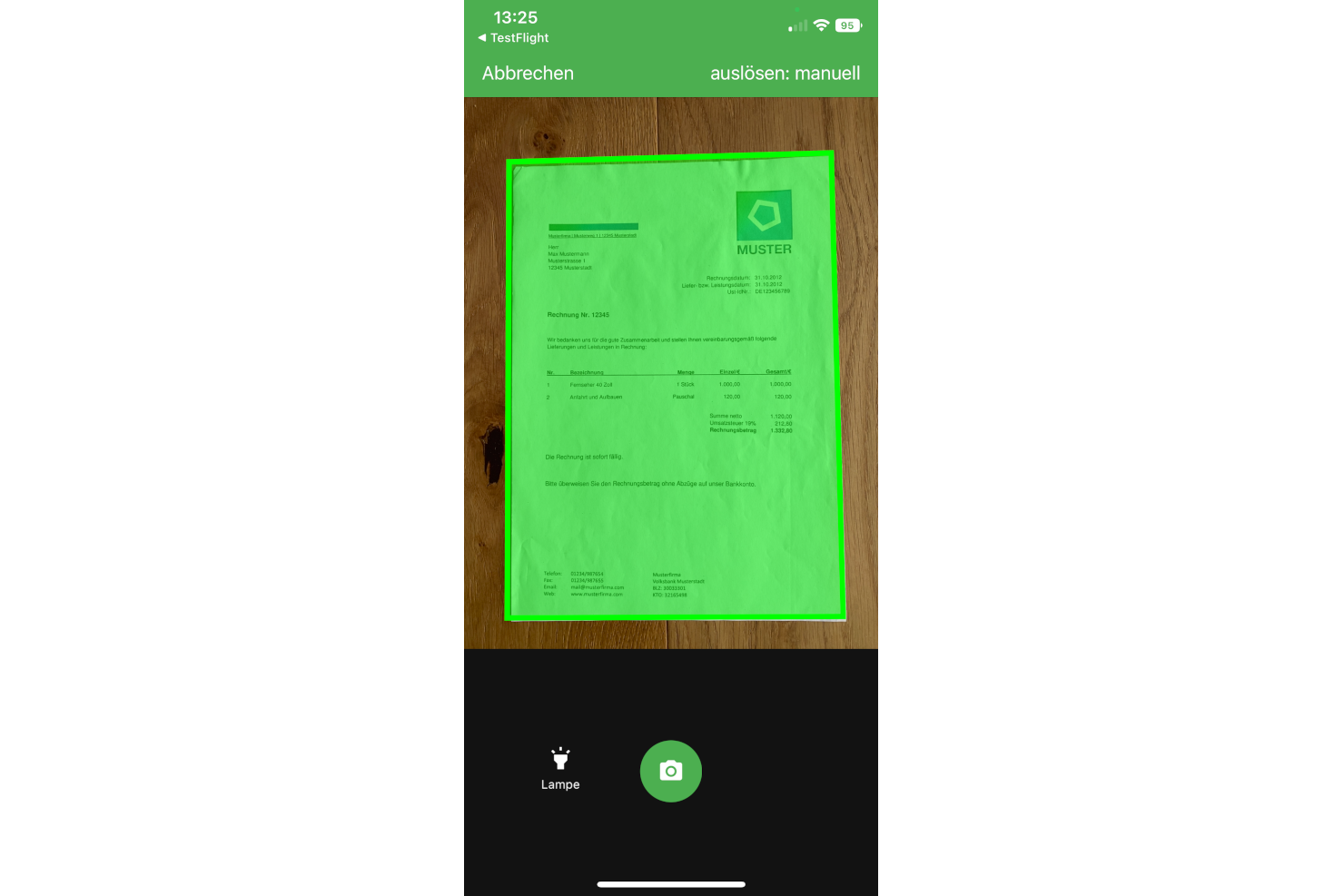
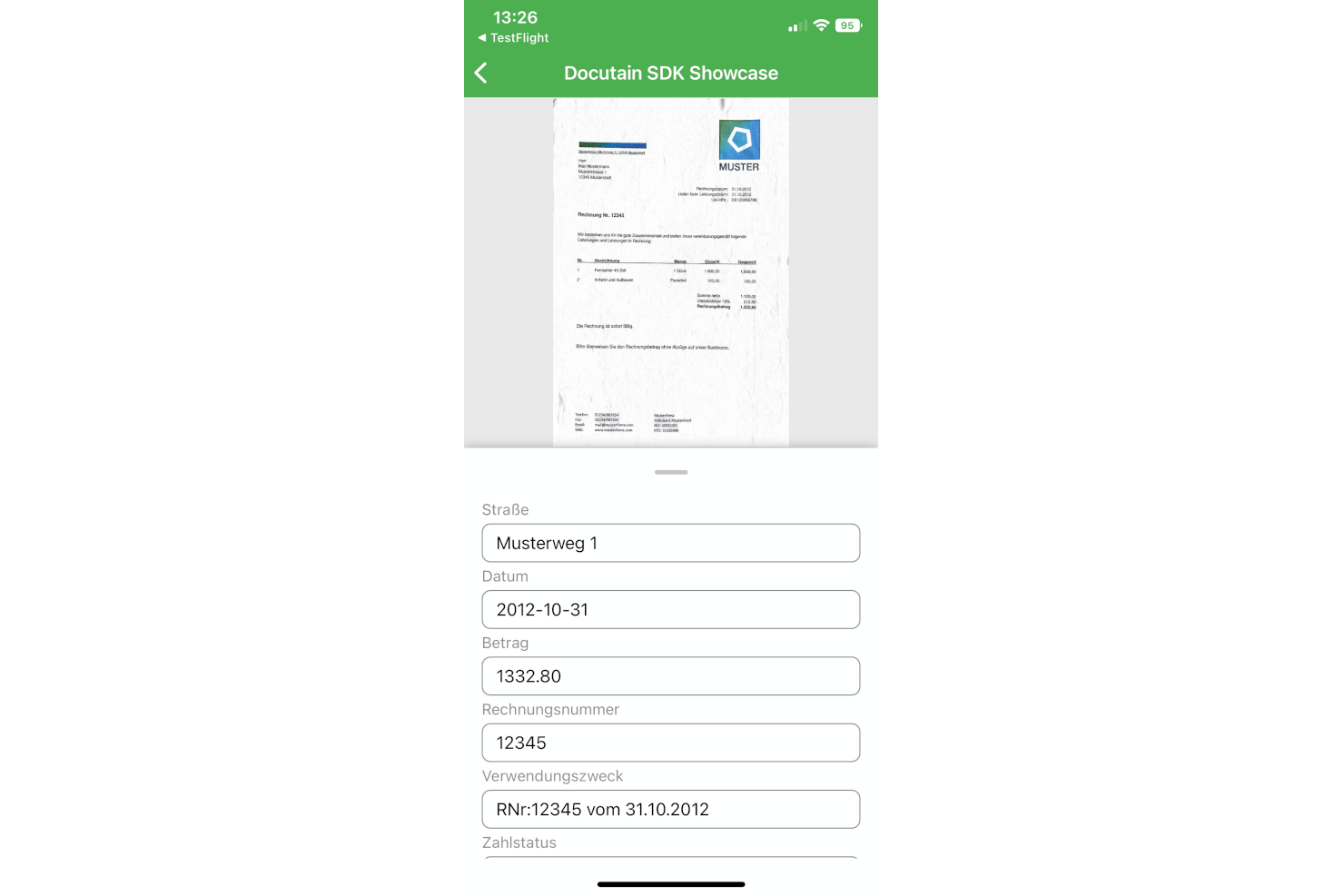
    Screenshot of Scanner SDK ScreenshotScreenshot of Text recognition of scanned document