
Dock Designer vs. Rhino 3D
Dock Designer vs. Rhino 3D
| Product | Rating | Most Used By | Product Summary | Starting Price |
|---|---|---|---|---|
 Dock Designer | N/A | Dock Designer is an online design solution created to be customized as per the specific building process of dock building companies. In a browser, Dock Designer lets users design in 2D, see a dock in 3D with instant access to accurate estimates, parts lists, and blueprints. The solution has AR capabilities, which allow customers to see their dock design in their desired location. Dock Designer also has the capability to integrate with CRM and ERP platforms in addition to offering order… | N/A | |
 Rhino | N/A | Robert McNeel and Associates headquartered in Seattle offers Rhinoceros 3D (or Rhino 3D), a 3D modeling and design application. Rhino can create, edit, analyze, document, render, animate, and translate NURBS curves, surfaces and solids, subdivision geometry (SubD), point clouds, and polygon meshes. | $995 one-time fee |
| Dock Designer | Rhino 3D | |||||||||||||||
|---|---|---|---|---|---|---|---|---|---|---|---|---|---|---|---|---|
| Editions & Modules | No answers on this topic |
| ||||||||||||||
| Offerings |
| |||||||||||||||
| Entry-level Setup Fee | Required | No setup fee | ||||||||||||||
| Additional Details | — | Discount available for students and faculty. | ||||||||||||||
| More Pricing Information | ||||||||||||||||
| Dock Designer | Rhino 3D |
|---|
| Dock Designer | Rhino 3D | |||||||||||||||||||||||||||||||||
|---|---|---|---|---|---|---|---|---|---|---|---|---|---|---|---|---|---|---|---|---|---|---|---|---|---|---|---|---|---|---|---|---|---|---|
| Computer-Aided Design Software |
|
| Dock Designer | Rhino 3D | |
|---|---|---|
| Small Businesses |  Onshape Score 9.9 out of 10 | Onshape Score 9.9 out of 10 |
| Medium-sized Companies | Onshape Score 9.9 out of 10 | Onshape Score 9.9 out of 10 |
| Enterprises | Rhino Score 9.1 out of 10 |  CATIA Score 9.4 out of 10 |
| All Alternatives | View all alternatives | View all alternatives |
| Dock Designer | Rhino 3D | |
|---|---|---|
| Likelihood to Recommend | - (0 ratings) | 8.0 (0 ratings) |
| Support Rating | - (0 ratings) | 7.5 (0 ratings) |
| Dock Designer | Rhino 3D | |
|---|---|---|
| Likelihood to Recommend |  No answers on this topic |
 Antoine Carpentier, E.I.T Structural Engineer |
| Pros | No answers on this topic |
 Bob Householder Director of Engineering |
| Cons | No answers on this topic |
|
| Support Rating | No answers on this topic |
|
| Alternatives Considered | No answers on this topic |
 Stefan Boeykens Guest Professor |
| Return on Investment | No answers on this topic |
|
| ScreenShots | Dock Designer Screenshots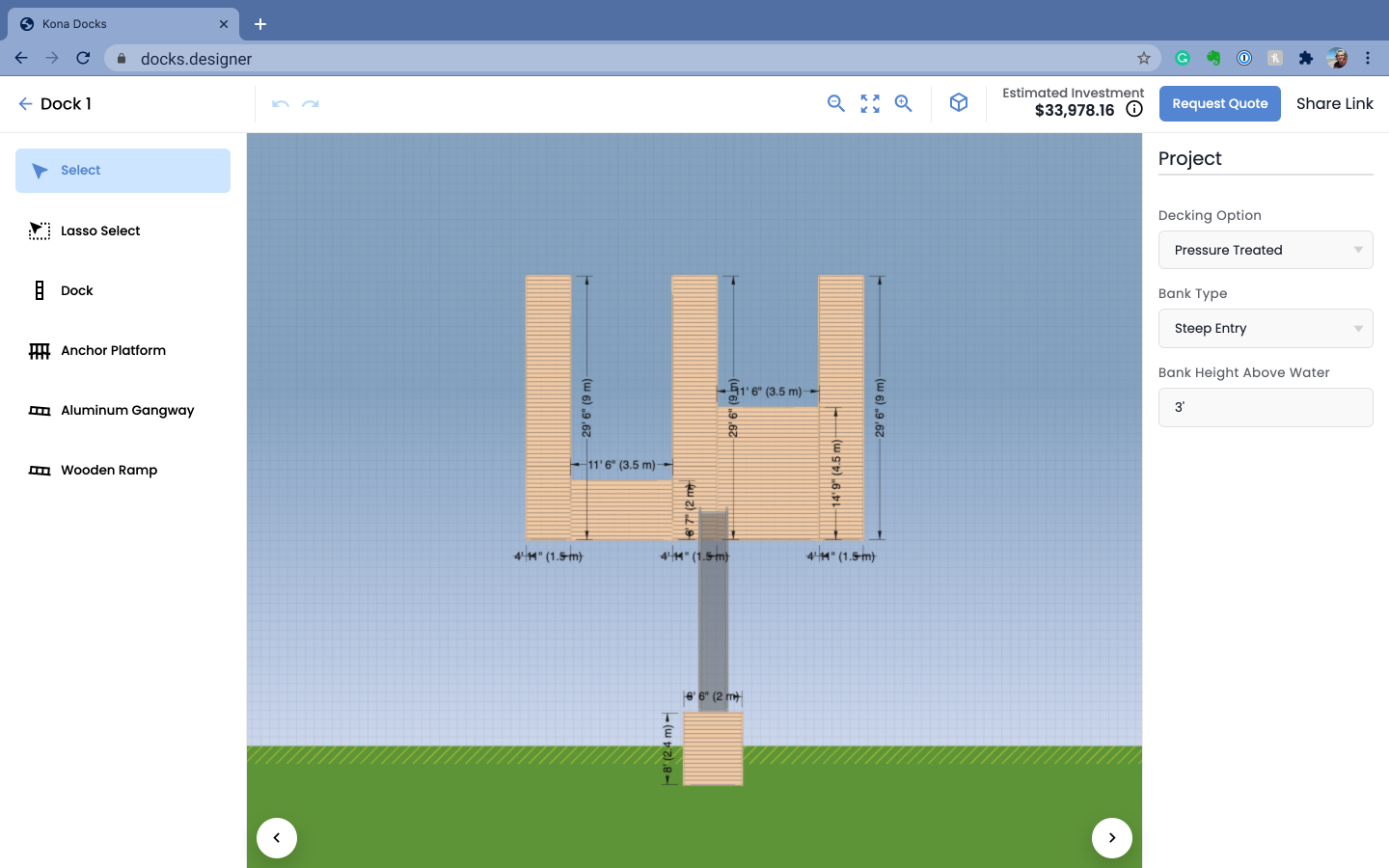  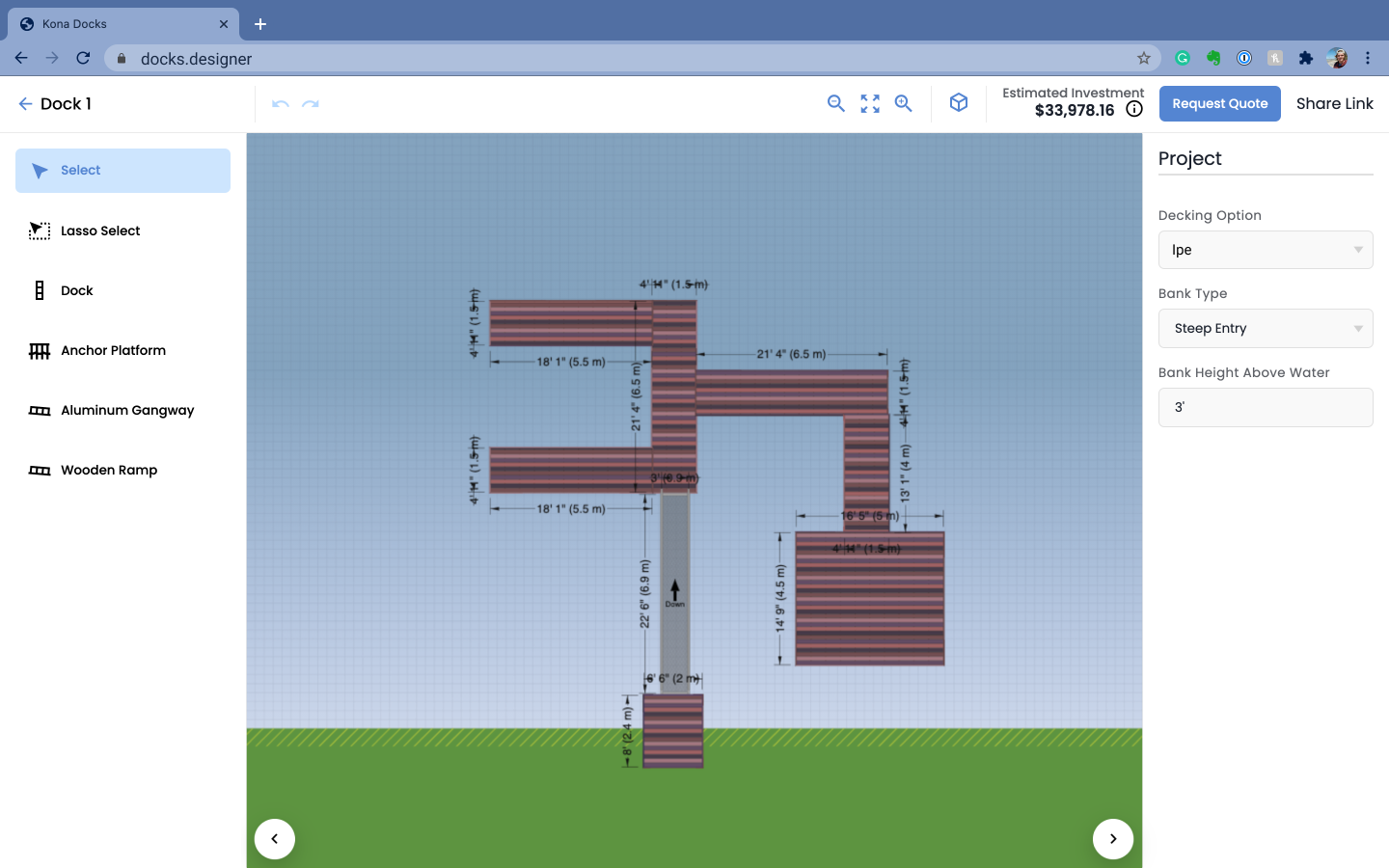 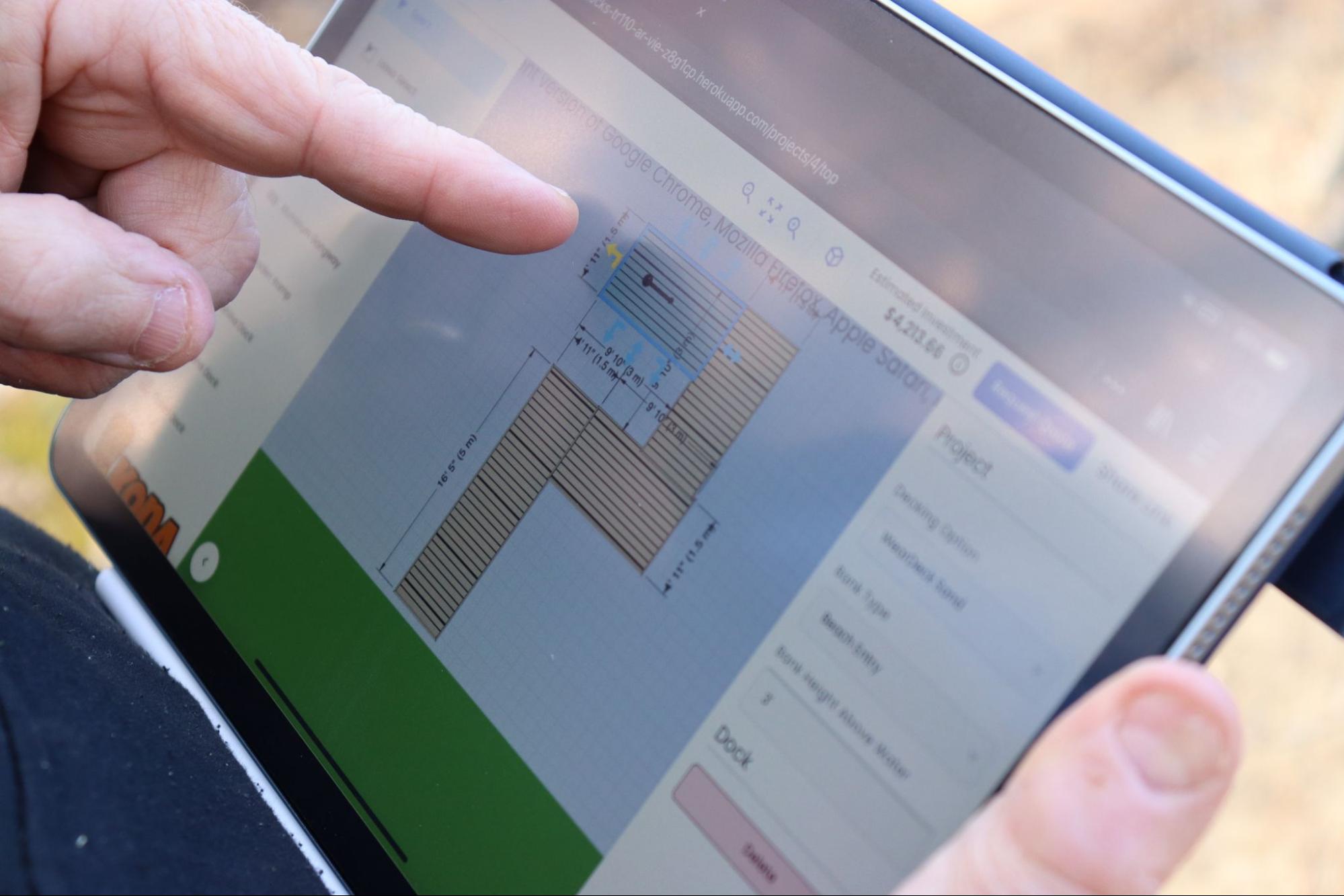 |