
DHTMLX vs. Ignite UI
| Product | Rating | Most Used By | Product Summary | Starting Price |
|---|---|---|---|---|
 DHTMLX | Score8.7 out of 10 | N/A | DHTMLX delivers versatile JavaScript/HTML5 libraries and UI widgets designed for building modern enterprise web apps of any complexity. With these out-of-the-box components, web developers can streamline their coding processes and integrate advanced functionality, to reduce development time. The actual DHTMLX product lineup comprises a range of web-based tools that can cover most of the contemporary business needs. DHTMLX | $79 one-time fee lowest cost single component |
 Ignite UI | Score7 out of 10 | N/A | New Jersey based Infragistics offers .NET controls. | $1,295 per year per user |
| DHTMLX | Ignite UI | |||||||||||||||
|---|---|---|---|---|---|---|---|---|---|---|---|---|---|---|---|---|
| Editions & Modules |
| No answers on this topic | ||||||||||||||
| Offerings |
| |||||||||||||||
| Entry-level Setup Fee | No setup fee | No setup fee | ||||||||||||||
| Additional Details | UI widgets are available standalone or "a la carte," or as part of bundles built around a theme (e.g. complete edition, scheduling components, planning components, etc.). | — | ||||||||||||||
| More Pricing Information | ||||||||||||||||
| DHTMLX | Ignite UI | |
|---|---|---|
| Considered Both Products | No answer on this topic | No answer on this topic |
| Key User Insights | ||
| Would buy again | ||
100% Would buy again 11 Answers | No answers on this topic | |
| Delivers good value for the price | ||
100% Delivers good value for the price 10 Answers | No answers on this topic | |
| Happy with the feature set | ||
100% Happy with the feature set 11 Answers | No answers on this topic | |
| Lived up to sales and marketing promises | ||
100% Lived up to sales and marketing promises 10 Answers | No answers on this topic | |
| Implementation went as expected | ||
100% Implementation went as expected 10 Answers | No answers on this topic | |
| DHTMLX | Ignite UI | |
|---|---|---|
| Small Businesses |  Syncfusion® Essential Studio® Score6.1 out of 10 | Syncfusion® Essential Studio® Score6.1 out of 10 |
| Medium-sized Companies |  Progress Telerik Score10 out of 10 | Progress Telerik Score10 out of 10 |
| Enterprises | Progress Telerik Score10 out of 10 | Progress Telerik Score10 out of 10 |
| All Alternatives | View all alternatives | View all alternatives |
| DHTMLX | Ignite UI | |
|---|---|---|
| Likelihood to Recommend | 8.6 | 10.0 |
| Usability | 8.0 | - |
| DHTMLX | Ignite UI | |
|---|---|---|
| Likelihood to Recommend |
|
|
| Pros |
|
|
| Cons |
|
|
| Usability |
| No answers on this topic |
| Alternatives Considered |
|
|
| Return on Investment |
|
|
| ScreenShots | DHTMLX Screenshots      | Ignite UI Screenshots 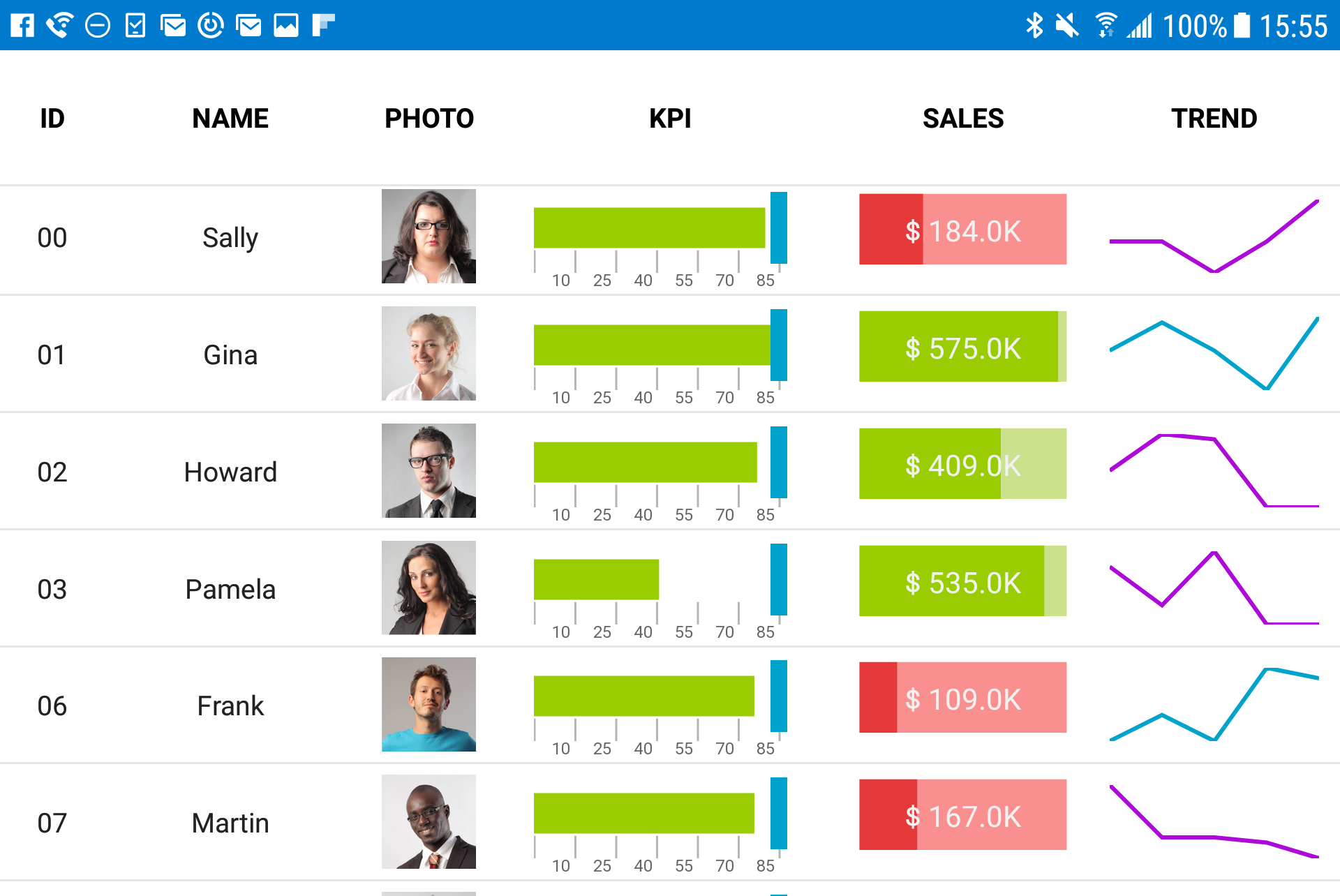 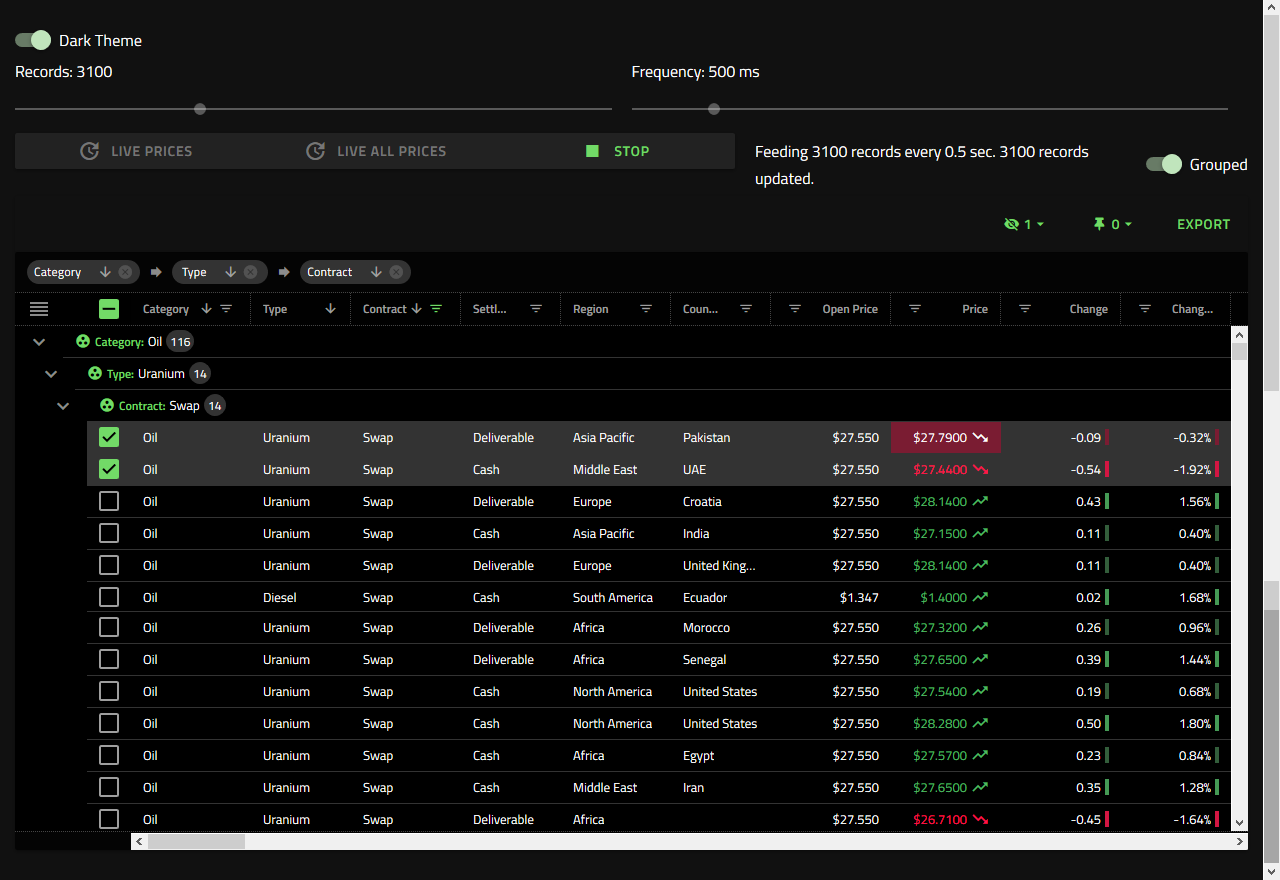 |


