Dashlane Password Manager vs. Devolutions Server

Overview
ProductRatingMost Used ByProduct SummaryStarting Price
Dashlane Password Manager
Score 8.9 out of 10
N/A
Dashlane is a credential manager that secures every credential, every user, and every employee device to proactively protect against breaches. Brands worldwide can use Dashlane to stay ahead of evolving threats.
$8
per month (billed annually) per seat
Devolutions Server
Score 9.0 out of 10
N/A
Devolutions Server (DVLS) is a self-hosted, centralized platform designed to manage shared accounts, credentials, and privileged access for businesses of all sizes. DVLS offers high-level security with advanced encryption, role-based access controls (RBAC), session auditing, and privileged session management. Its key differentiators include integration with Remote Desktop Manager and Devolutions Hub, as well as support for custom security policies and extensive compliance reporting. By enforcing…
$499.99
per year Up to 15 Named Users, 1 Instance, 1 Domain
Pricing
Dashlane Password ManagerDevolutions Server
Editions & Modules
Business
$8
per month (billed annually) per seat
Omnix™
Contact Sales
per year for organizations of 100+
Team Edition
$499.99
per year Up to 15 Named Users, 1 Instance, 1 Domain
Enterprise Edition
1,999.99
per year Up to 50 Named Users, 1-3 Instances, 1 Domain
Platinum Edition
Contact Sales
per year No User Limitations, 4+ Instances, 2+ Domains
Offerings
Pricing Offerings
Dashlane Password ManagerDevolutions Server
Free Trial
YesYes
Free/Freemium Version
YesYes
Premium Consulting/Integration Services
NoNo
Entry-level Setup FeeNo setup feeNo setup fee
Additional DetailsDevolutions Server is offered on a subscription-based model, ensuring that users receive ongoing updates and support. Pricing is based on the number of users and the specific features required, with optional add-ons for enhanced security, privileged access management, and integration capabilities.
More Pricing Information
Community Pulse
Dashlane Password ManagerDevolutions Server
Best Alternatives
Dashlane Password ManagerDevolutions Server
Small Businesses
RoboForm
RoboForm
Score 9.9 out of 10

No answers on this topic

Medium-sized Companies
1Password
1Password
Score 9.5 out of 10
ManageEngine ADManager Plus
Score 9.2 out of 10
Enterprises
KeePass
KeePass
Score 8.7 out of 10
BeyondTrust Endpoint Privilege Management
Score 9.8 out of 10
All AlternativesView all alternativesView all alternatives
User Ratings
Dashlane Password ManagerDevolutions Server
Likelihood to Recommend
9.2
(0 ratings)
9.8
(0 ratings)
Likelihood to Renew
9.1
(0 ratings)
10.0
(0 ratings)
Usability
8.8
(0 ratings)
-
(0 ratings)
Support Rating
5.9
(0 ratings)
-
(0 ratings)
User Testimonials
Dashlane Password ManagerDevolutions Server
Likelihood to Recommend
Dashlane Password Manager works really well for situations where we need to share access to client portals or government filing sites, since multiple people can log in without ever seeing the actual password and we can cut off access right away when it’s no longer needed. It is also great for onboarding and offboarding since new hires or interns can get the logins they need quickly and we don’t have to pass around spreadsheets. Another strong use case is meeting compliance expectations because it shows clients we are serious about security and password hygiene. Where it’s less useful is in environments that already use single sign-on since that already centralizes access and makes Dashlane Password Manager feel redundant. It can also be a little frustrating if you rely heavily on mobile since the autofill doesn’t always work smoothly across different apps.
Read full review
We love using Devolutions Server as our Privileged Access Management solution! We were able to use it initially for our Information Technology team and after that, we expanded the use to other teams outside of IT, like our Database Admins, etc. Integrating Devolutions Server with Remote Desktop Manager allows our Systems Admins & Engineers to support our environment without having to keep passwords in an Excel file or on Post-It notes! :)
Read full review
Pros
  • Ensuring secure & unique passwords created for each account.
  • Allowing the company to see a "security score" of how secure the team's password management is.
  • Sharing passwords securely between employees.
  • A "vault" for storing other secure information (notes, credit cards, etc.)
  • Free Hotspot Shield VPN included in our tier of accounts.
Read full review
  • Multiple way to access your data
  • Easy server management
  • Of course easy and secure access/storage of your data
Read full review
Cons
  • Initial setup was a little difficult.
  • User SSO invite and sign on would not work at first but this seems to have been improved/fixed.
  • The extension on websites doesn't work sometimes and will need to be refreshed if you open a new tab but have already logged in before.
Read full review
  • We would like to see some additional reporting options.
Read full review
Likelihood to Renew
It has served us very well until now and at the pricepoint it doesn't make us second guess our current relationship.
Read full review
I think that we will stick with this service for as long as possible.
Read full review
Usability
Dashlane Password Manager is great for the price. Some feature sets of competitors are lacking, but I'm happy with what we get for the spend. We are a small enough company that I can walk people through the steps, and it isn't something that comes up enough to complain about. Password generation, storage and use are all great.
Read full review
No answers on this topic
Support Rating
We've had no issues with Dashlane. I can't speak to their customer service because I have not personally needed to contact them. I guess that speaks about their product if we've not had any issues to reach out about. Great for supporting data/information on multiple platforms that are shared among team members.
Read full review
No answers on this topic
Alternatives Considered
I use Proton Pass in my personal life as part of the Proton suite of products, and it's a fantastic, lightweight, and robust service. I personally prefer supporting a solid, privacy, freedom focused company with my personal money, but as far as comparing goes, I'd say Dashlane wins the intuitive interface battle with ProtonPass (not that it's terrible), but ProtonPass wins for listening to customers and developing a dedicated desktop application. As for the comparison with LastPass, I think LastPass might nudge out Dashlane for the intuitive score, but they are practically both at the same level in every way. I'd be happy to use either one
Read full review
They don't have the same "Server" option as Devolutions, so you can only access data from the computer program.
Read full review
Return on Investment
  • We constantly preach security, Dashlane Password Manager has provided us a means to improve our security posture
  • Employees love the ease of use and the ability to keep all password in one place
  • Employees feel more secure as they are able to use Dashlane Password Manager for personal protection as well
Read full review
  • ROI was higher when I used the password server
  • The time to set up took a while since the importing from out password vault would not work properly
  • The server worked quickly reducing our response time
Read full review
ScreenShots

Dashlane Password Manager Screenshots

Screenshot of Password HealthScreenshot of Admin viewScreenshot of Mobile view toolsScreenshot of Home admin dashScreenshot of Webapp home

Devolutions Server Screenshots

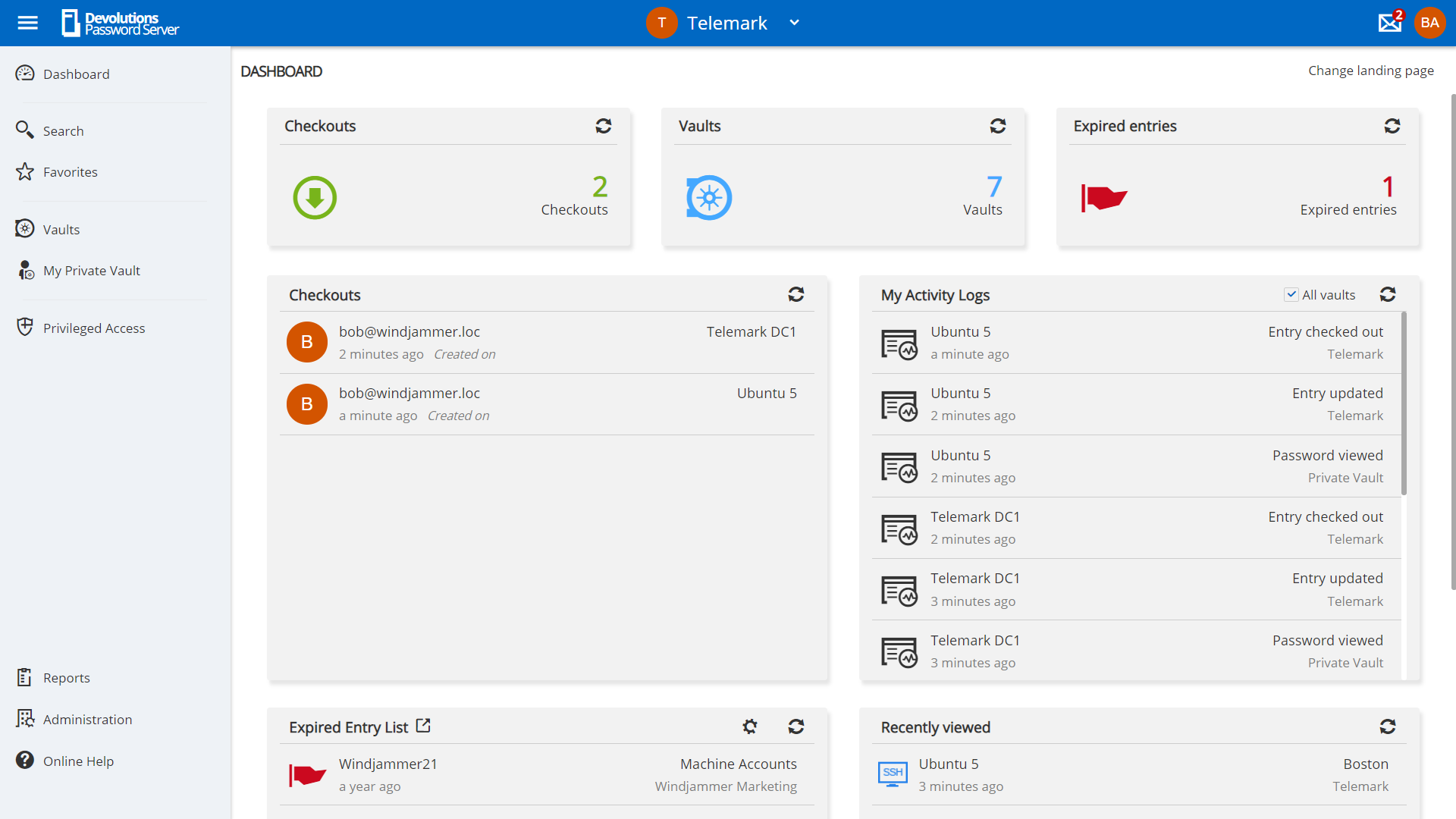
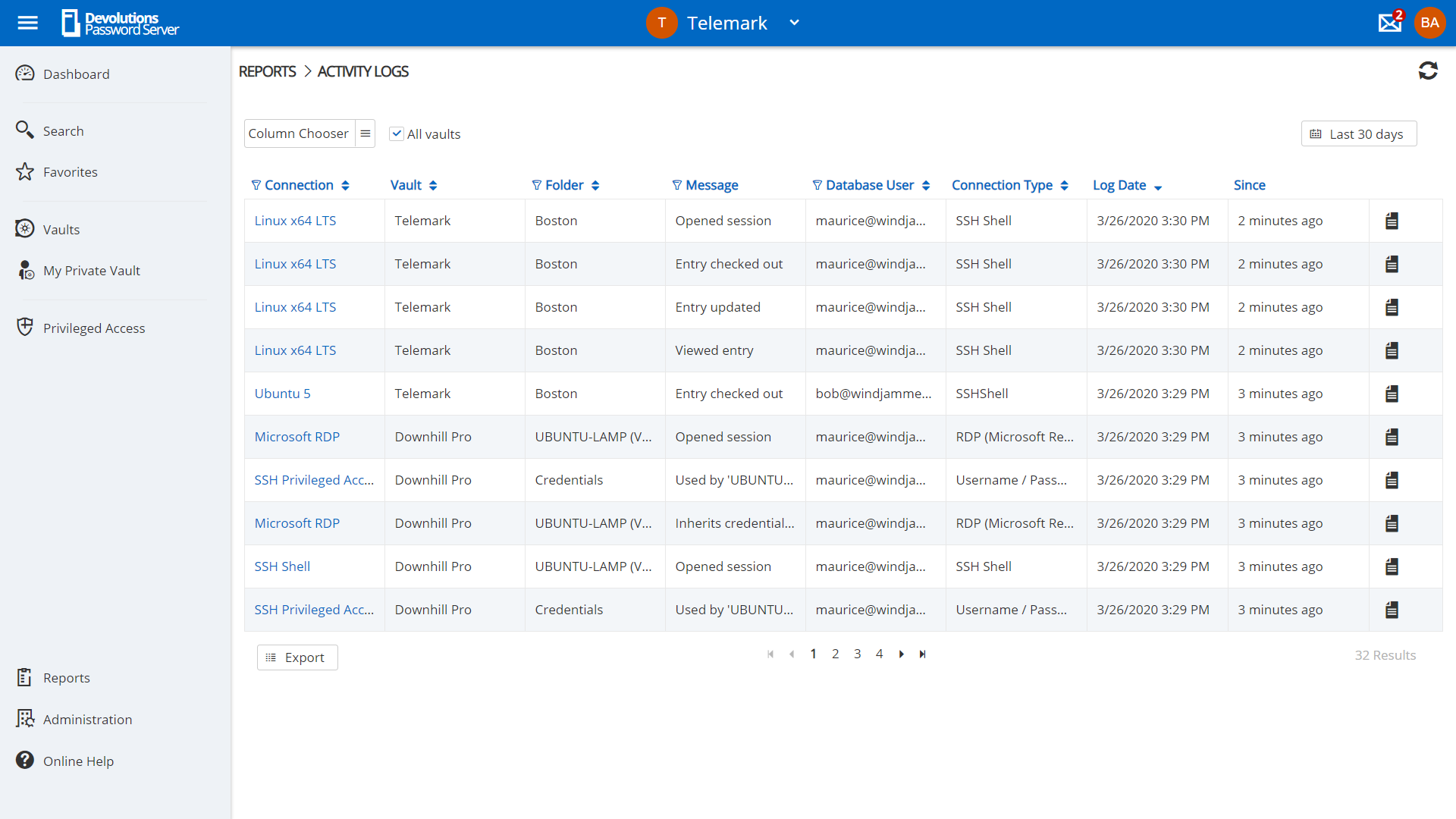
Screenshot of privilege account management in Devolutions Server.Screenshot of request management in Devolutions Server.Screenshot of Role-Based Access Control used to control access to critical assets.Screenshot of a view of account activities in the dashboard.Screenshot of an example of reporting and logging, to meet compliance needs.