
Device42 vs. Hyperview
| Product | Rating | Most Used By | Product Summary | Starting Price |
|---|---|---|---|---|
 Device42 | Score6.5 out of 10 | N/A | Device42 is a comprehensive, agentless discovery system for Hybrid IT. Device42 can continuously discover, map, and optimize infrastructure and applications across data centers and cloud, in order to provide an accurate views of the IT ecosystem. Device42 intelligently groups discovered workloads by application affinities, so as to reduce the effort required to create move groups, capturing all communications. The vendor boasts customers in more than 60 countries including Global 2000… | $1,449 1-1K IPs |
 Hyperview | N/A | Enterprise companies (1,001+ employees) | Hyperview’s cloud-based data center infrastructure management (DCIM) application empowers operations teams to optimize capacity of their data center infrastructure, aiming to lower costs and avoid unplanned outages. The application also aims to avoid being unnecessarily bloated, expensive, resource intensive, and complicated. Hyperview allows users to automatically discover (agentless) their network-connected IT assets to gain an accurate and up-to-date inventory of all their devices. All… | $100 per year 50 assets (minimum) |
| Device42 | Hyperview | |||||||||||||||
|---|---|---|---|---|---|---|---|---|---|---|---|---|---|---|---|---|
| Editions & Modules |
|
| ||||||||||||||
| Offerings |
| |||||||||||||||
| Entry-level Setup Fee | No setup fee | $1,800 one-time fee | ||||||||||||||
| Additional Details | Pricing for each customer requesting a SaaS installation/deployment is negotiated on a case by case basis, and depends on many factors | Customer can get started for $100 annually ( or minimum 50 assets). Optional add-on features are available like Connectivity (structured-cabling), ServiceNow CMDB Integration, and Full-Resolution Data Retention 180/365 Days. | ||||||||||||||
| More Pricing Information | ||||||||||||||||
| Device42 | Hyperview | |
|---|---|---|
| Considered Both Products | No answer on this topic | No answer on this topic |
| Key User Insights | ||
| Would buy again | ||
100% Would buy again 11 Answers | No answers on this topic | |
| Delivers good value for the price | ||
100% Delivers good value for the price 11 Answers | No answers on this topic | |
| Happy with the feature set | ||
100% Happy with the feature set 11 Answers | No answers on this topic | |
| Lived up to sales and marketing promises | ||
100% Lived up to sales and marketing promises 10 Answers | No answers on this topic | |
| Implementation went as expected | ||
89% Implementation went as expected 8 Answers | No answers on this topic | |
| Device42 | Hyperview | |
|---|---|---|
| Small Businesses | No answers on this topic | No answers on this topic |
| Medium-sized Companies |  Microsoft System Center Score9 out of 10 | Microsoft System Center Score9 out of 10 |
| Enterprises | Microsoft System Center Score9 out of 10 | Microsoft System Center Score9 out of 10 |
| All Alternatives | View all alternatives | View all alternatives |
| Device42 | Hyperview | |
|---|---|---|
| Likelihood to Recommend | 9.7 | - |
| Device42 | Hyperview | |
|---|---|---|
| Likelihood to Recommend |
| No answers on this topic |
| Pros |
| No answers on this topic |
| Cons |
| No answers on this topic |
| Alternatives Considered |
| No answers on this topic |
| Return on Investment |
| No answers on this topic |
| ScreenShots | Device42 Screenshots 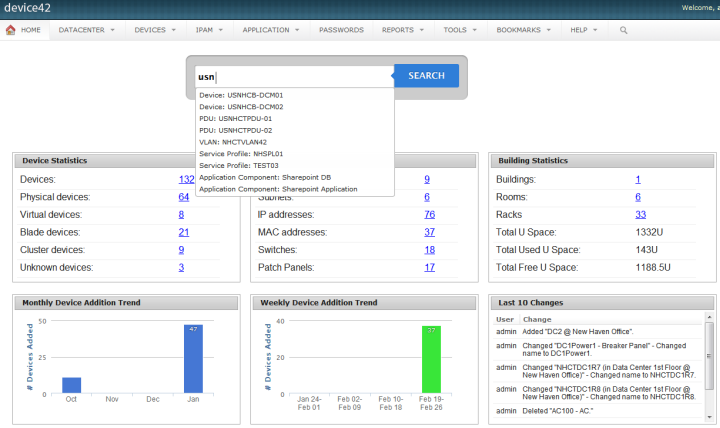 | Hyperview Screenshots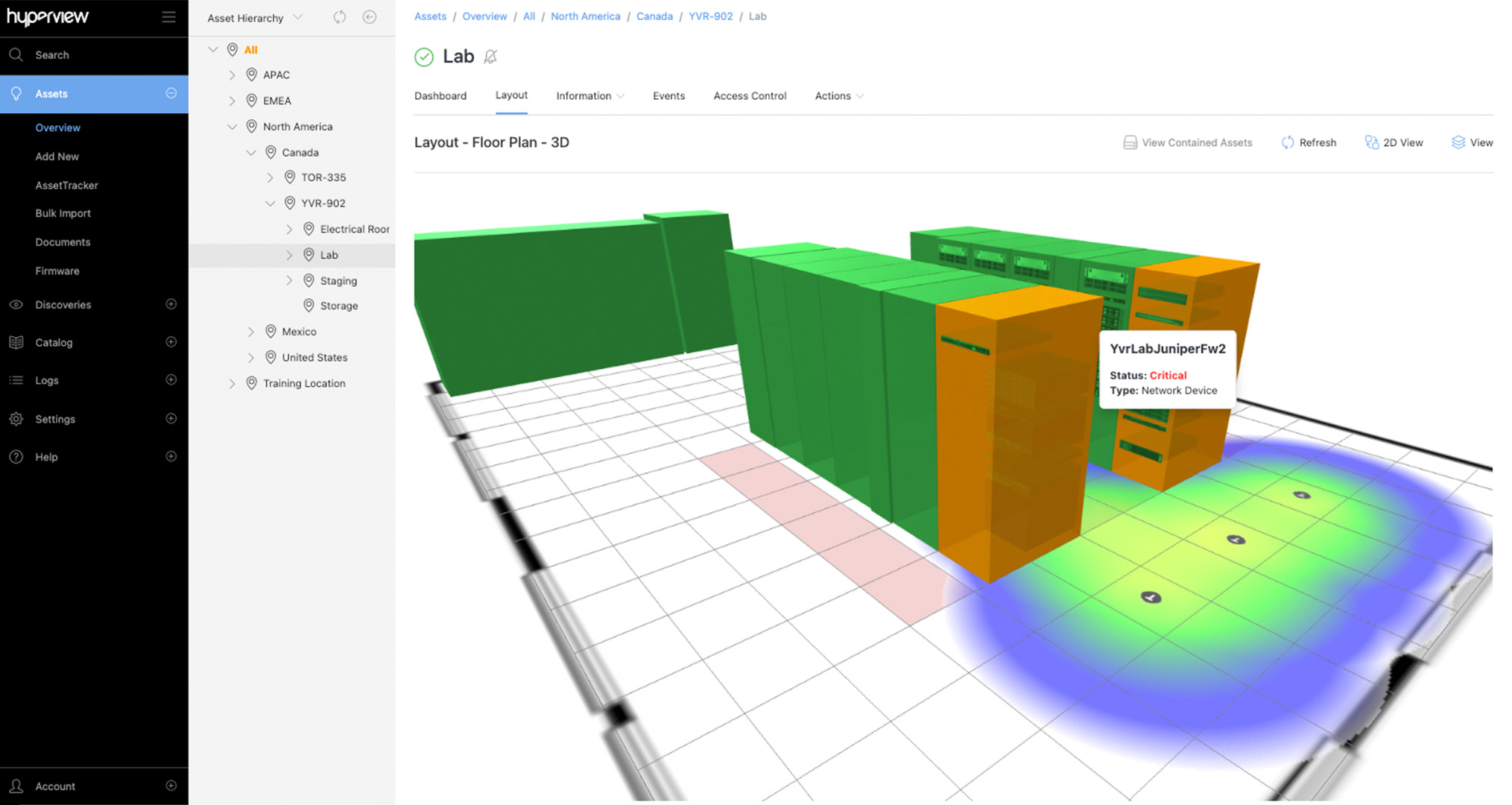 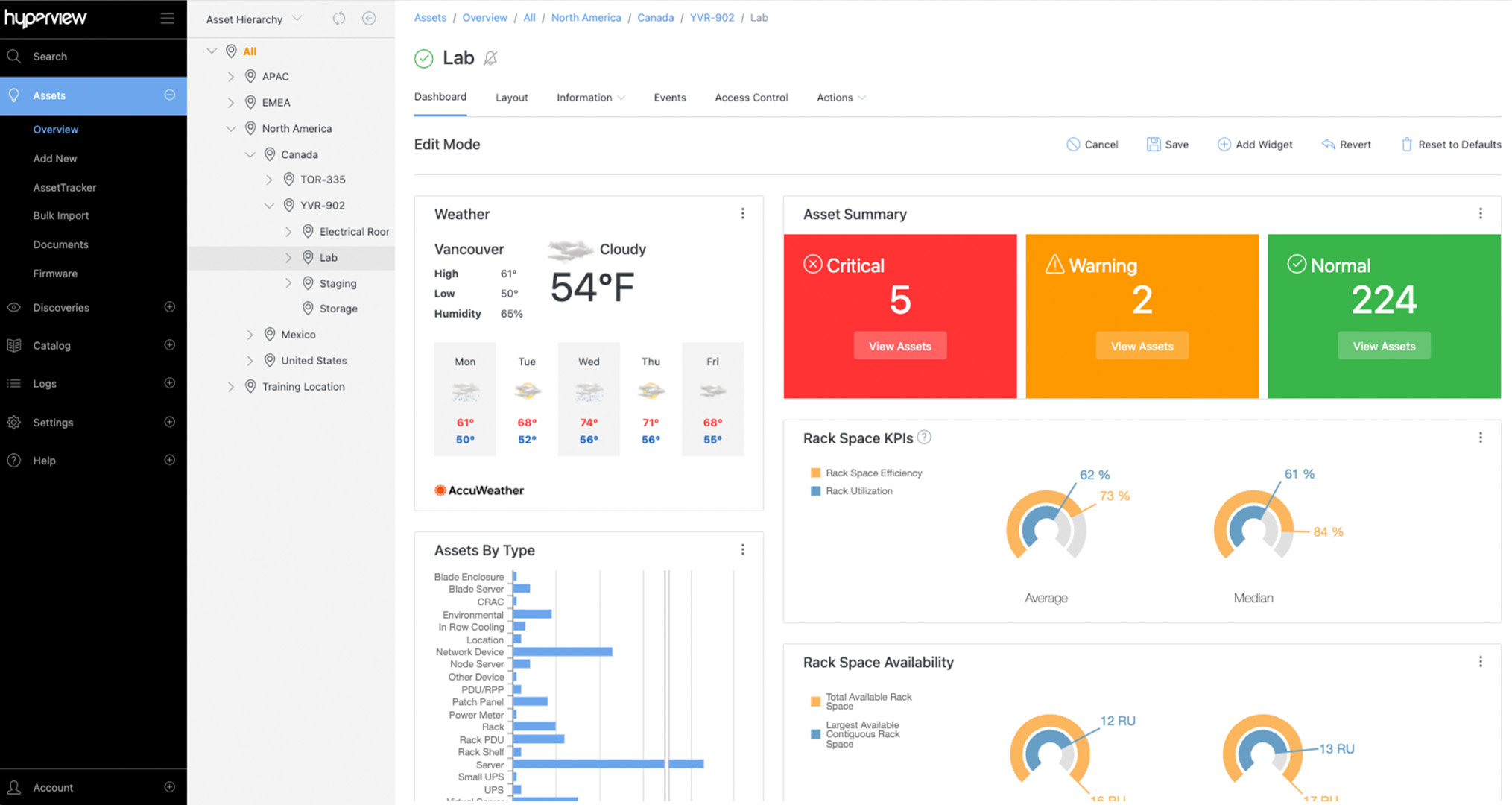 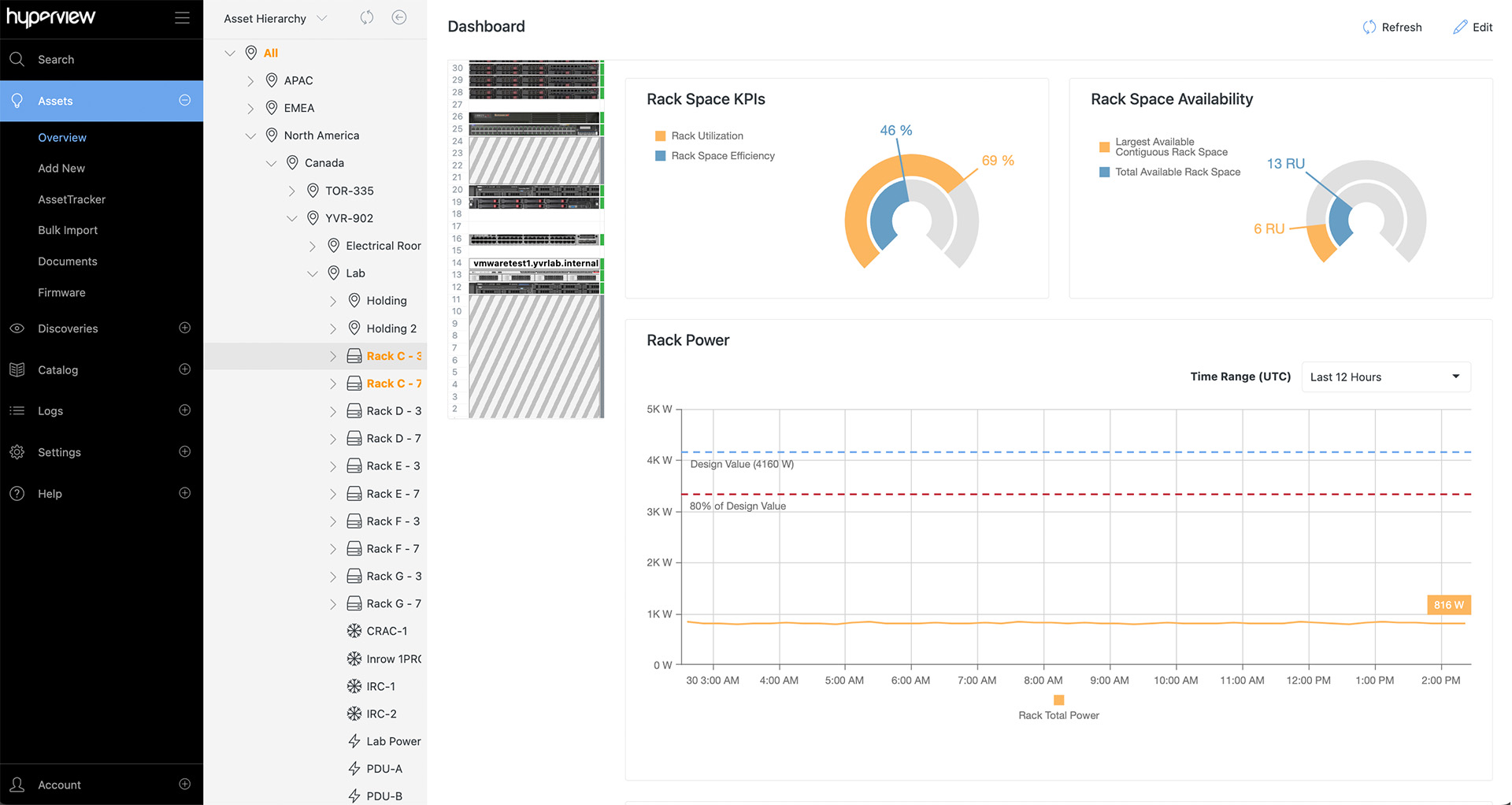  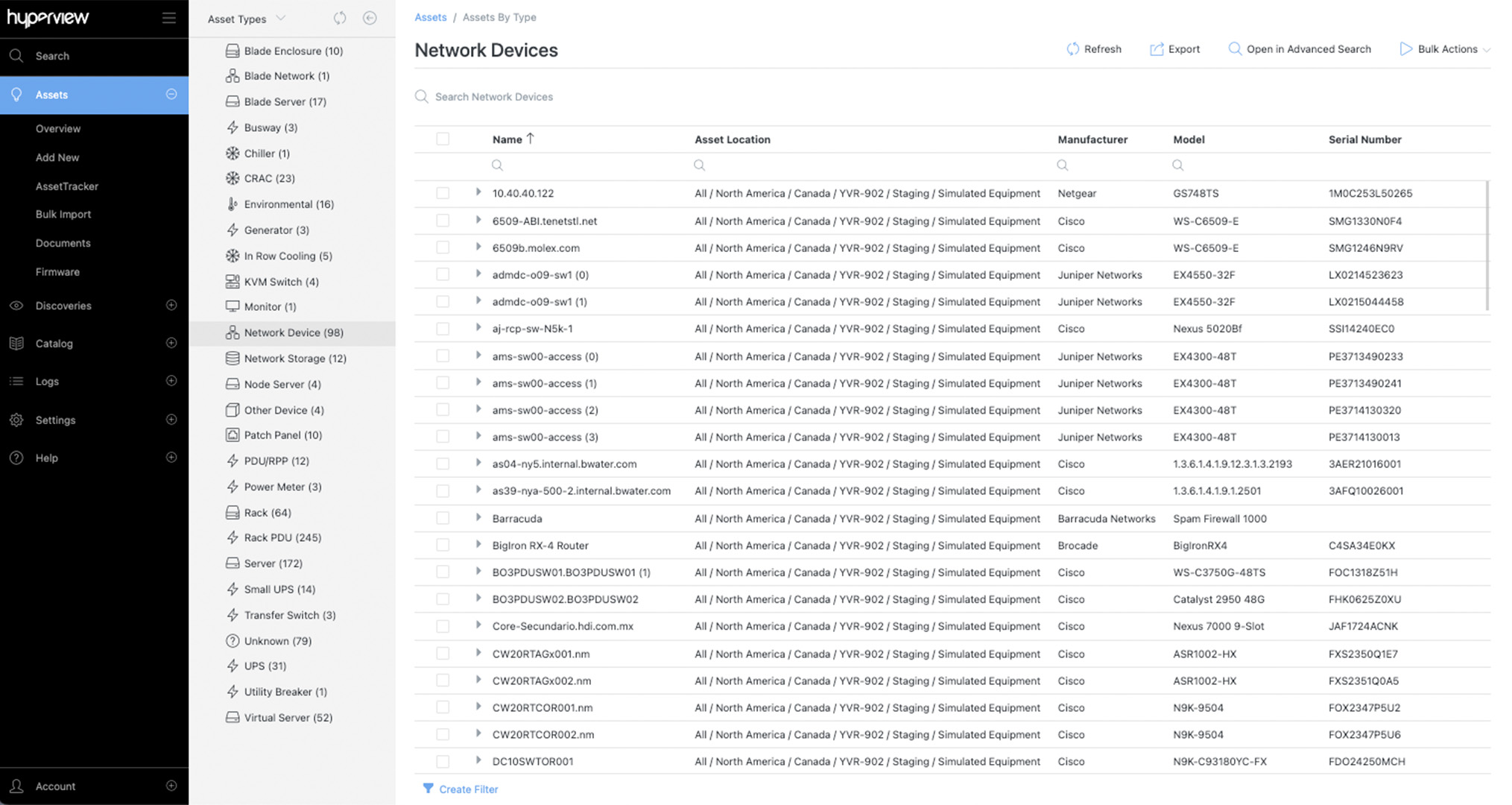  |

