
Devart Excel Add-ins vs. InterSystems IRIS
| Product | Rating | Most Used By | Product Summary | Starting Price |
|---|---|---|---|---|
 Devart Excel Add-ins | Score9 out of 10 | N/A | Devart Excel Add-ins allow you to use Excel capabilities to import, process, and analyze data from cloud applications and relational databases. The Excel Add-ins also allow users to make data changes and then save those changes back to the data source they were originally imported from. | $399.95 one-time fee |
 InterSystems IRIS | Score7.7 out of 10 | N/A | InterSystems IRIS is a complete cloud-first data platform that includes a multi-model transactional data management engine, an application development platform, and interoperability engine, and an open analytics platform. It is is the next generation of InterSystems' data management software. It includes… | N/A |
| Devart Excel Add-ins | InterSystems IRIS | |||||||||||||||
|---|---|---|---|---|---|---|---|---|---|---|---|---|---|---|---|---|
| Editions & Modules |
| No answers on this topic | ||||||||||||||
| Offerings |
| |||||||||||||||
| Entry-level Setup Fee | No setup fee | Optional | ||||||||||||||
| Additional Details | Purchases include a perpetual license and 1 year of subscription which includes the product updates and premium support. | — | ||||||||||||||
| More Pricing Information | ||||||||||||||||
| Devart Excel Add-ins | InterSystems IRIS | |
|---|---|---|
| Considered Both Products | No answer on this topic | No answer on this topic |
| Key User Insights | ||
| Would buy again | ||
No answers on this topic | 100% Would buy again 44 Answers | |
| Delivers good value for the price | ||
No answers on this topic | 100% Delivers good value for the price 39 Answers | |
| Happy with the feature set | ||
No answers on this topic | 98% Happy with the feature set 43 Answers | |
| Lived up to sales and marketing promises | ||
No answers on this topic | 100% Lived up to sales and marketing promises 32 Answers | |
| Implementation went as expected | ||
No answers on this topic | 100% Implementation went as expected 40 Answers | |
| Devart Excel Add-ins | InterSystems IRIS | |
|---|---|---|
| Small Businesses |  Skyvia Score9.9 out of 10 |  SingleStore Score7.5 out of 10 |
| Medium-sized Companies |  IBM InfoSphere Information Server Score8 out of 10 |  SAP HANA Cloud Score8.9 out of 10 |
| Enterprises |  SolarWinds Task Factory Score8.2 out of 10 |  SAP IQ Score10 out of 10 |
| All Alternatives | View all alternatives | View all alternatives |
| Devart Excel Add-ins | InterSystems IRIS | |
|---|---|---|
| Likelihood to Recommend | 8.0 | 7.4 |
| Likelihood to Renew | - | 8.2 |
| Usability | - | 8.2 |
| Support Rating | - | 7.4 |
| Implementation Rating | - | 8.2 |
| Devart Excel Add-ins | InterSystems IRIS | |
|---|---|---|
| Likelihood to Recommend |
|
|
| Pros |
|
|
| Cons |
|
|
| Usability | No answers on this topic |
|
| Support Rating | No answers on this topic |
|
| Implementation Rating | No answers on this topic |
|
| Alternatives Considered |
|
|
| Return on Investment |
|
|
| ScreenShots | Devart Excel Add-ins Screenshots  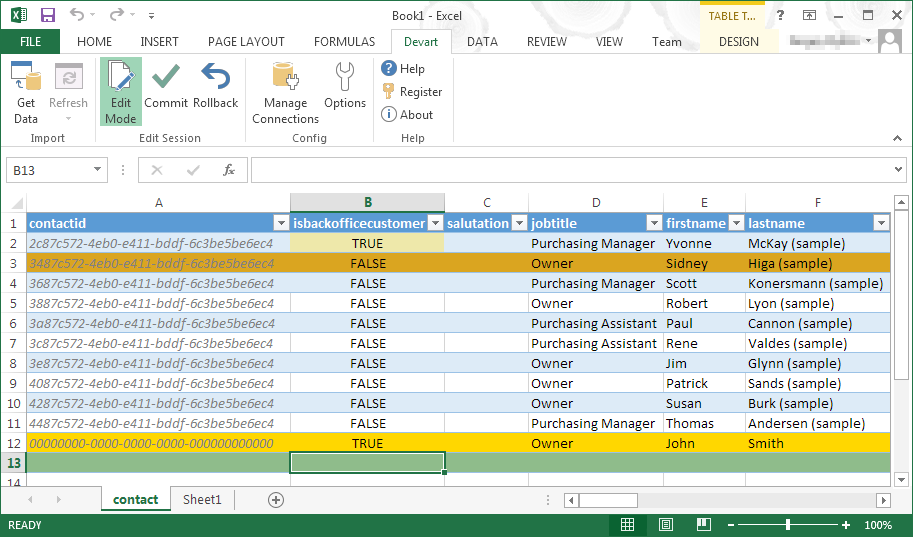 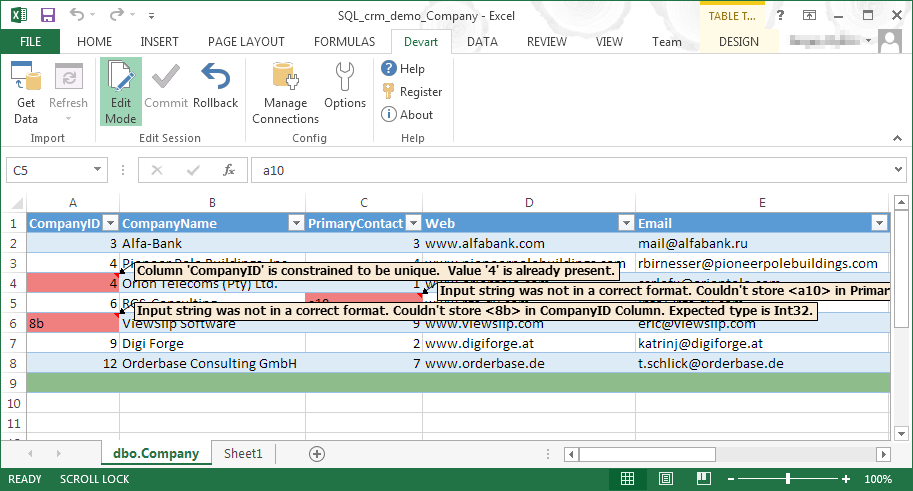 |


