
dbForge Studio (Edge) vs. KS DB Merge Tools for MySQL
| Product | Rating | Most Used By | Product Summary | Starting Price |
|---|---|---|---|---|
 dbForge Studio (Edge) | Score8 out of 10 | N/A | dbForge Studio is provided by Devart and is a universal front-end client for database management, administration and development. Devart's GUI tool provides utilities to compare, synchronize, and back up databases (e.g. MySQL, Oracle, SQL Server, PostgreSQL, etc.) with scheduling, and includes the possibility to analyze and report MySQL tables data. For example, dbForge Studio for MySQL works with any MariaDB database servers, and supports all MariaDB objects types. This solution enables users… | $9.95 per month |
 KS DB Merge Tools for MySQL | N/A | N/A | KS DB Merge Tools for MySQL is a diff and merge GUI tool for MySQL and MariaDB databases. This tool can be used to compare and sync both schema and data changes. The application has tabbed UI, there are several types of tabs responsible for particular application features and scope of tasks. The starting point is the Home tab - it is used to open databases and show summary about database schema and programming objects changes: table definitions, views, stored procedures and so on. From… | $80 one-time fee per user |
| dbForge Studio (Edge) | KS DB Merge Tools for MySQL | |||||||||||||||
|---|---|---|---|---|---|---|---|---|---|---|---|---|---|---|---|---|
| Editions & Modules |
|
| ||||||||||||||
| Offerings |
| |||||||||||||||
| Entry-level Setup Fee | No setup fee | No setup fee | ||||||||||||||
| Additional Details | — | Multi-user license price depends on the number of licensed users. Starting from 5-user license client is getting benefits comparing to a purchase of individual license for each employee. | ||||||||||||||
| More Pricing Information | ||||||||||||||||
| dbForge Studio (Edge) | KS DB Merge Tools for MySQL | |
|---|---|---|
| Considered Both Products | No answer on this topic | No answer on this topic |
| Key User Insights | ||
| Would buy again | ||
100% Would buy again 7 Answers | No answers on this topic | |
| Delivers good value for the price | ||
100% Delivers good value for the price 7 Answers | No answers on this topic | |
| Happy with the feature set | ||
100% Happy with the feature set 7 Answers | No answers on this topic | |
| Lived up to sales and marketing promises | ||
100% Lived up to sales and marketing promises 7 Answers | No answers on this topic | |
| Implementation went as expected | ||
100% Implementation went as expected 7 Answers | No answers on this topic | |
| dbForge Studio (Edge) | KS DB Merge Tools for MySQL | |||||||
|---|---|---|---|---|---|---|---|---|
| Database Development |
| |||||||
| dbForge Studio (Edge) | KS DB Merge Tools for MySQL | |
|---|---|---|
| Small Businesses |  DBeaver Score9.2 out of 10 | DBeaver Score9.2 out of 10 |
| Medium-sized Companies | DBeaver Score9.2 out of 10 | DBeaver Score9.2 out of 10 |
| Enterprises | DBeaver Score9.2 out of 10 | DBeaver Score9.2 out of 10 |
| All Alternatives | View all alternatives | View all alternatives |
| dbForge Studio (Edge) | KS DB Merge Tools for MySQL | |
|---|---|---|
| Likelihood to Recommend | 9.8 | - |
| Support Rating | 8.0 | - |
| dbForge Studio (Edge) | KS DB Merge Tools for MySQL | |
|---|---|---|
| Likelihood to Recommend |
| No answers on this topic |
| Pros |
| No answers on this topic |
| Cons |
| No answers on this topic |
| Support Rating |
| No answers on this topic |
| Alternatives Considered |
| No answers on this topic |
| Return on Investment |
| No answers on this topic |
| ScreenShots | dbForge Studio (Edge) Screenshots 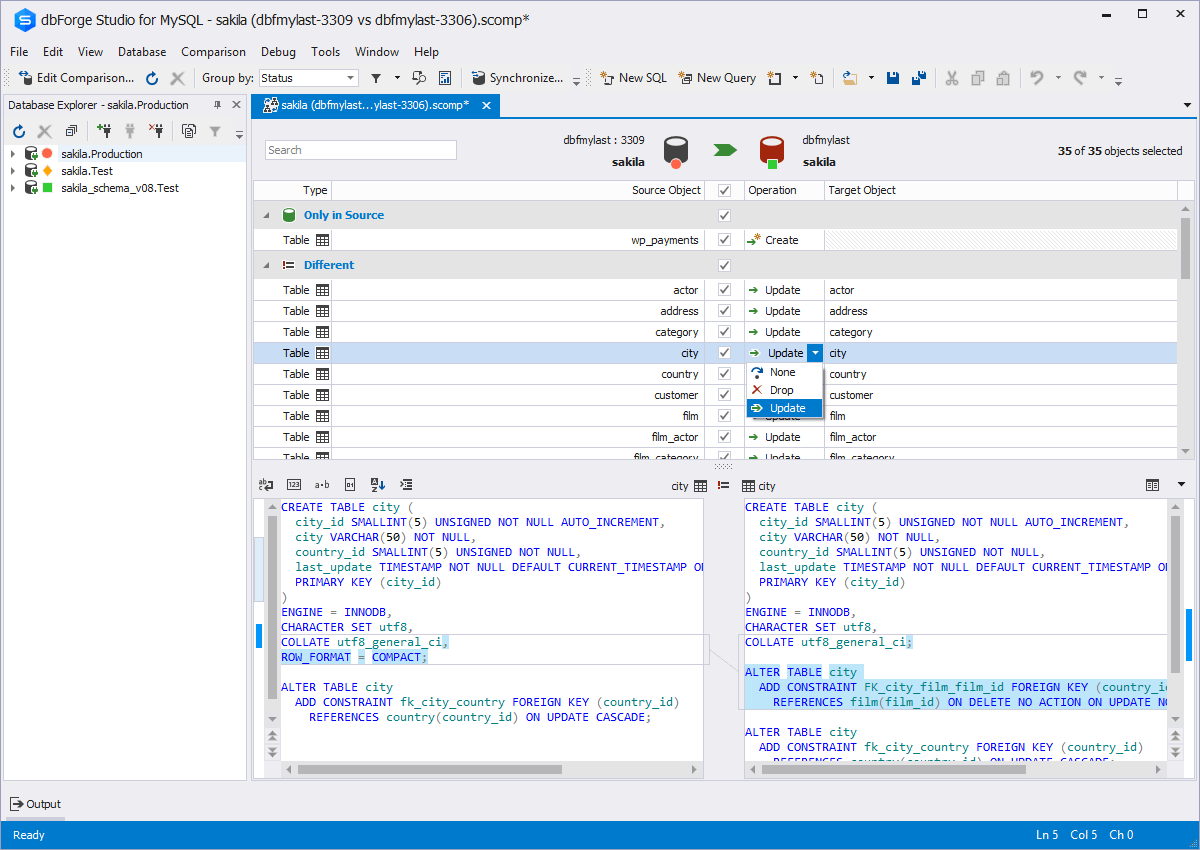  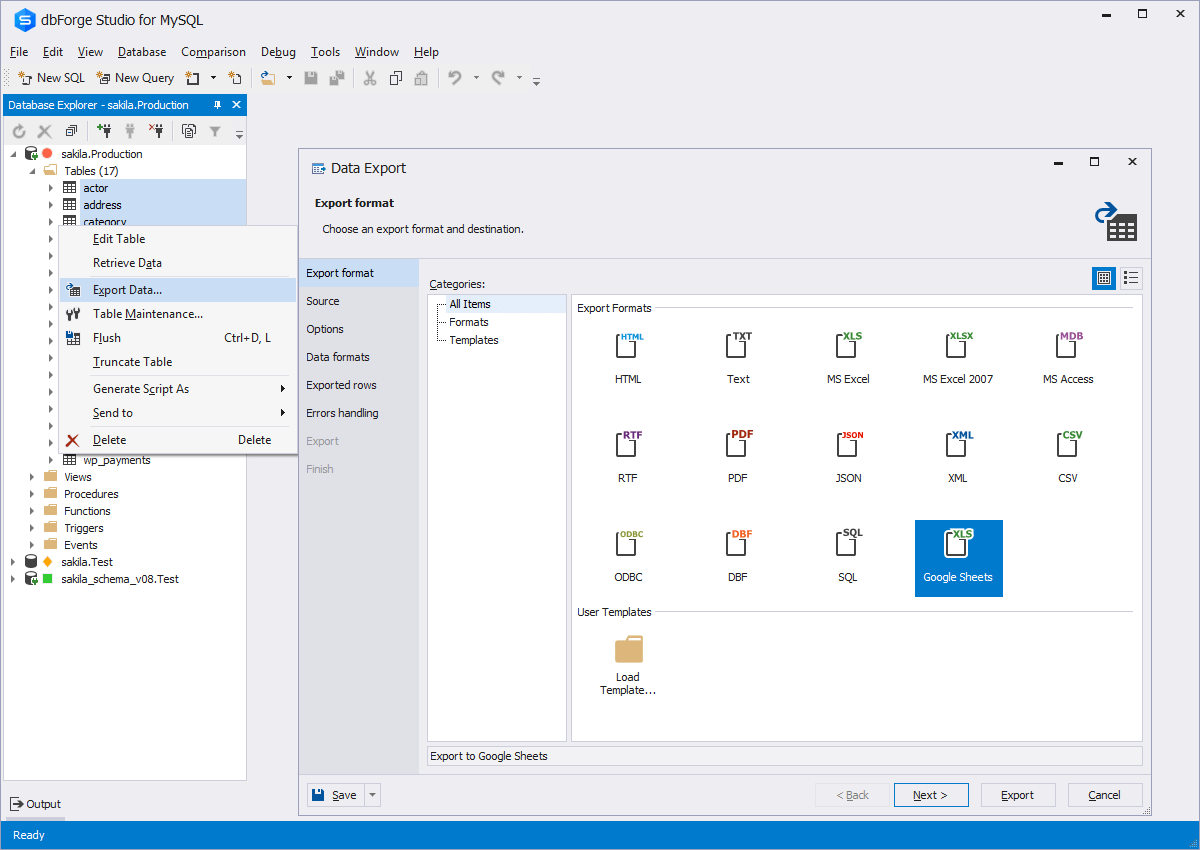   | KS DB Merge Tools for MySQL Screenshots      |



