
dbForge Studio (Edge) vs. IDERA SQL Admin Toolset
| Product | Rating | Most Used By | Product Summary | Starting Price |
|---|---|---|---|---|
 dbForge Studio (Edge) | Score8 out of 10 | N/A | dbForge Studio is provided by Devart and is a universal front-end client for database management, administration and development. Devart's GUI tool provides utilities to compare, synchronize, and back up databases (e.g. MySQL, Oracle, SQL Server, PostgreSQL, etc.) with scheduling, and includes the possibility to analyze and report MySQL tables data. For example, dbForge Studio for MySQL works with any MariaDB database servers, and supports all MariaDB objects types. This solution enables users… | $9.95 per month |
 IDERA SQL Admin Toolset | N/A | N/A | SQL Admin Toolset aims to provide 24 essential desktop tools for Microsoft SQL Server to save time by simplifying routine administrative and troubleshooting tasks. The vendor states users will reduce time spent on daily Microsoft SQL Server administration, easily run daily admin tasks across multiple Microsoft SQL Server instances, simplify migrating, consolidating, and creating Microsoft SQL Server instances, eliminate manual, time-consuming, and error-prone admin tasks, and simplify daily… | $316 per user with first year maintenance included |
| dbForge Studio (Edge) | IDERA SQL Admin Toolset | |||||||||||||||
|---|---|---|---|---|---|---|---|---|---|---|---|---|---|---|---|---|
| Editions & Modules |
|
| ||||||||||||||
| Offerings |
| |||||||||||||||
| Entry-level Setup Fee | No setup fee | No setup fee | ||||||||||||||
| Additional Details | — | — | ||||||||||||||
| More Pricing Information | ||||||||||||||||
| dbForge Studio (Edge) | IDERA SQL Admin Toolset | |
|---|---|---|
| Considered Both Products | No answer on this topic | No answer on this topic |
| Key User Insights | ||
| Would buy again | ||
100% Would buy again 7 Answers | No answers on this topic | |
| Delivers good value for the price | ||
100% Delivers good value for the price 7 Answers | No answers on this topic | |
| Happy with the feature set | ||
100% Happy with the feature set 7 Answers | No answers on this topic | |
| Lived up to sales and marketing promises | ||
100% Lived up to sales and marketing promises 7 Answers | No answers on this topic | |
| Implementation went as expected | ||
100% Implementation went as expected 7 Answers | No answers on this topic | |
| dbForge Studio (Edge) | IDERA SQL Admin Toolset | |||||||
|---|---|---|---|---|---|---|---|---|
| Database Development |
| |||||||
| dbForge Studio (Edge) | IDERA SQL Admin Toolset | |
|---|---|---|
| Small Businesses |  DBeaver Score9.2 out of 10 | DBeaver Score9.2 out of 10 |
| Medium-sized Companies | DBeaver Score9.2 out of 10 | DBeaver Score9.2 out of 10 |
| Enterprises | DBeaver Score9.2 out of 10 | DBeaver Score9.2 out of 10 |
| All Alternatives | View all alternatives | View all alternatives |
| dbForge Studio (Edge) | IDERA SQL Admin Toolset | |
|---|---|---|
| Likelihood to Recommend | 9.8 | - |
| Support Rating | 8.0 | - |
| dbForge Studio (Edge) | IDERA SQL Admin Toolset | |
|---|---|---|
| Likelihood to Recommend |
| No answers on this topic |
| Pros |
| No answers on this topic |
| Cons |
| No answers on this topic |
| Support Rating |
| No answers on this topic |
| Alternatives Considered |
| No answers on this topic |
| Return on Investment |
| No answers on this topic |
| ScreenShots | dbForge Studio (Edge) Screenshots 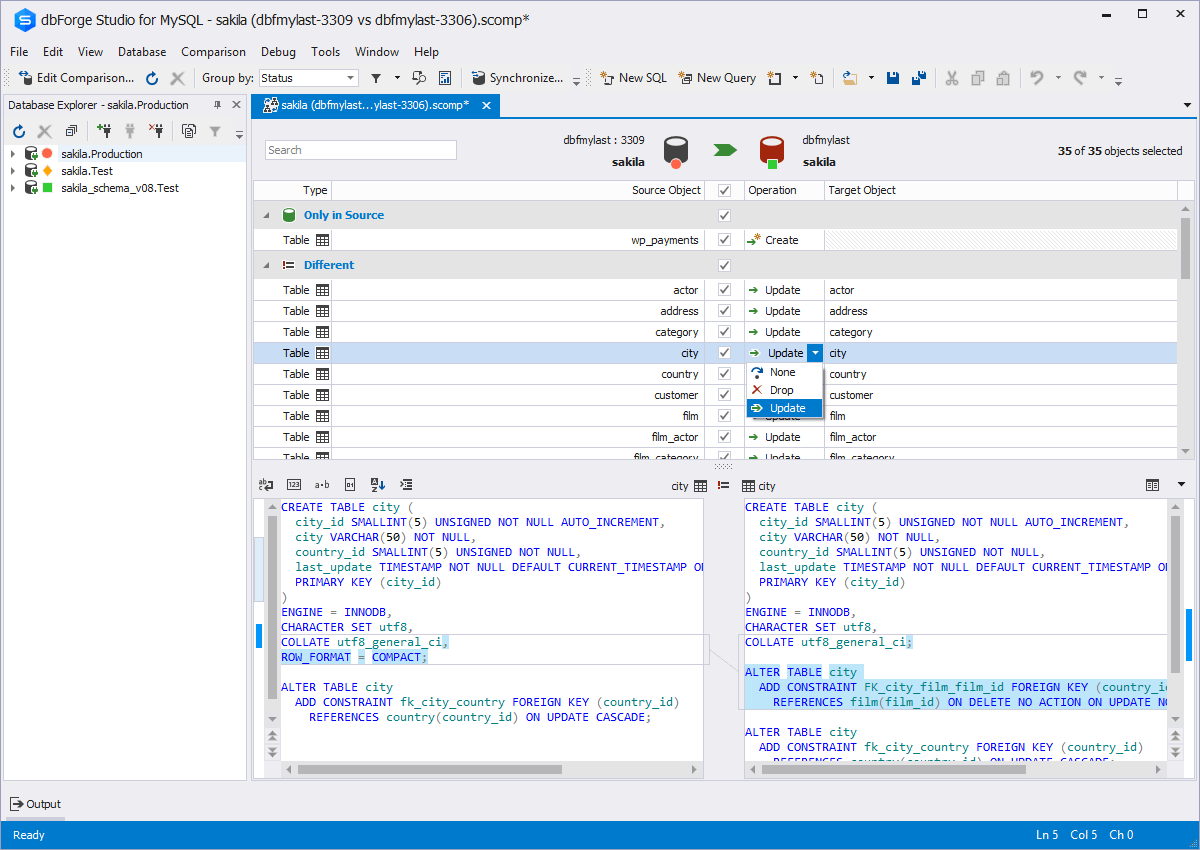  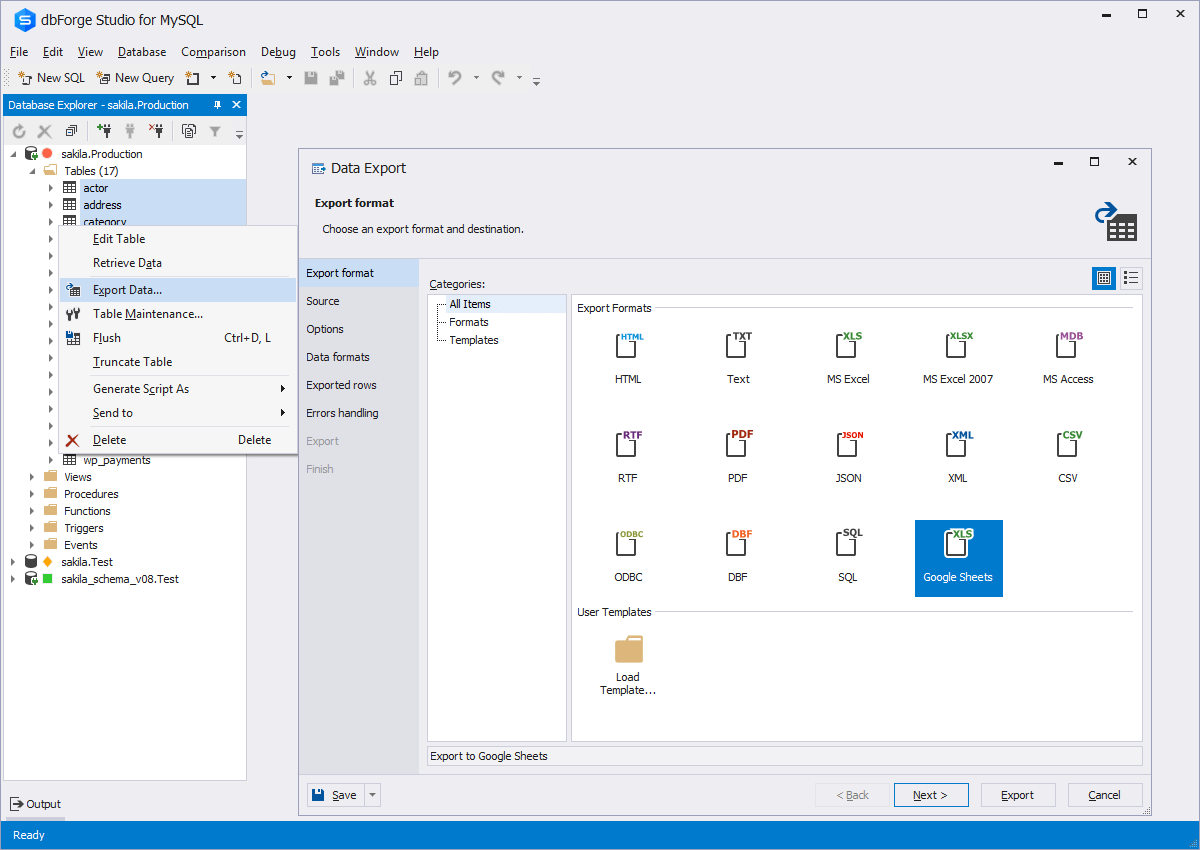   | IDERA SQL Admin Toolset Screenshots |



