dbForge Studio is provided by
Devart and is a universal front-end client for database
management, administration and development. Devart's GUI tool provides
utilities to compare, synchronize, and back up databases (e.g. MySQL, Oracle, SQL Server, PostgreSQL, etc.) with scheduling,
and includes the possibility to analyze and report MySQL tables data. For example, dbForge
Studio for MySQL works with any MariaDB database servers, and supports all
MariaDB objects types. This solution enables users…
$9.95
per month
DbSchema
Score 8.0 out of 10
N/A
N/A
N/A
Pricing
dbForge Studio (Edge)
DbSchema
Editions & Modules
Standard (subcription)
$9.95
per month
Professional (subscription)
$19.95
per month
Enterprise (subscription)
$29.95
per month
Standard (subcription)
$99.95
per year
Professional (subscription)
$179.95
per year
Standard
$199.95
Enterprise (subscription)
$229.95
per year
Professional
$349.95
Enterprise
$449.95
No answers on this topic
Offerings
Pricing Offerings
dbForge Studio (Edge)
DbSchema
Free Trial
Yes
Yes
Free/Freemium Version
Yes
No
Premium Consulting/Integration Services
No
No
Entry-level Setup Fee
No setup fee
No setup fee
Additional Details
—
—
More Pricing Information
Community Pulse
dbForge Studio (Edge)
DbSchema
Features
dbForge Studio (Edge)
DbSchema
Database Development
Comparison of Database Development features of Product A and Product B
dbForge Studio (Edge)
8.0
Ratings
6% below category average
DbSchema
7.0
Ratings
20% below category average
Database change management
8.00 Ratings
6.00 Ratings
Version control tools
00 Ratings
7.00 Ratings
Test data generation
00 Ratings
10.00 Ratings
Performance optimization tools
00 Ratings
3.00 Ratings
Schema maintenance
00 Ratings
9.00 Ratings
Database Administration
Comparison of Database Administration features of Product A and Product B
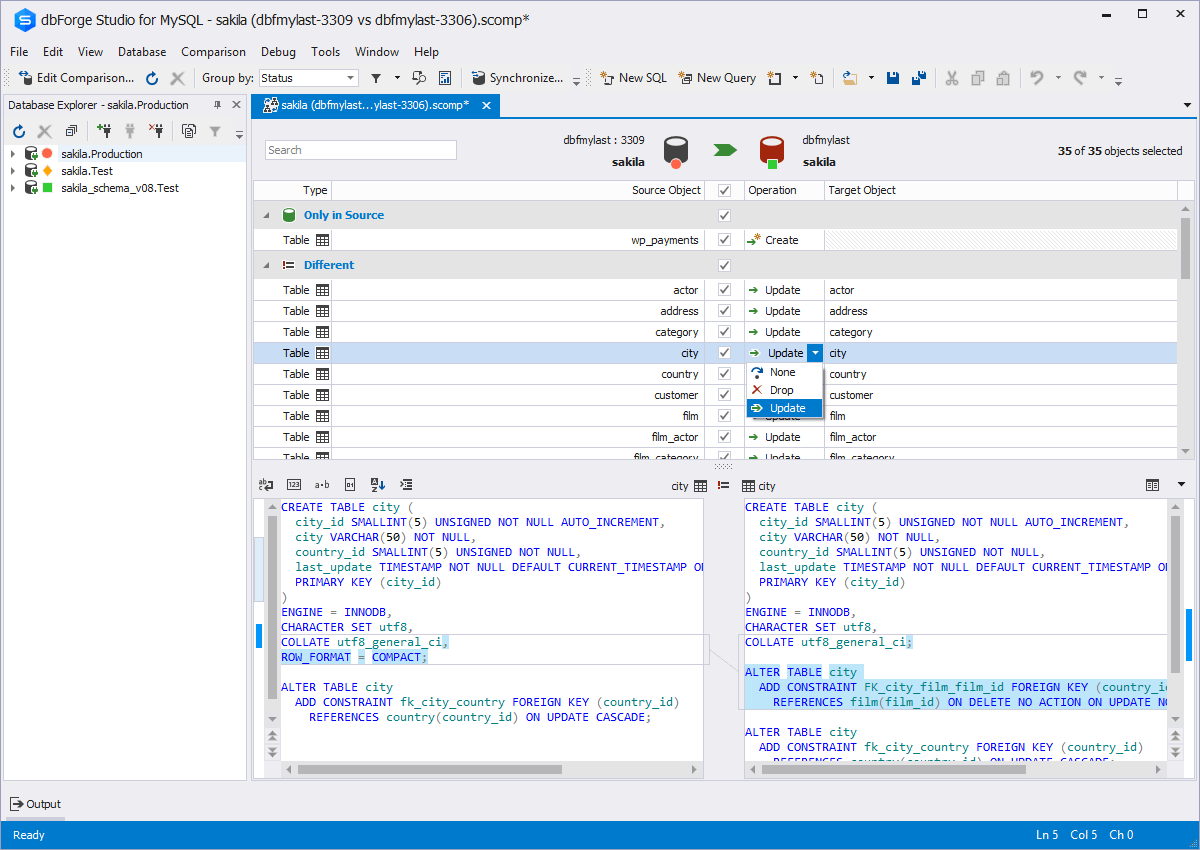
Whenever a user or DBA wants to compare schematics between two environments, dbForge is extremely helpful. This is useful during version or framework upgrades, a database upgrade, patch implementations, service package implementations, or any time to environments would be different. The time it would take to write and execute queries, and then compare is exponentially longer than it takes with dbForge, where this is done and you have an application that allows you to quickly identify incongruities.
[The] installation error I've already reported (ABARTN).xml [could use some improvement]. This has to do with Windows Defender (the default Windows anti-virus) not allowing the installation on the default installation directory of dbForge Studio [for SQL Server], thus the error. [With] the workaround, [I] was to disable the anti-virus for the duration of the installation, then turn it back on when the installation [was] been completed.
[I would like to see] better defined licensing models for larger teams (seated vs. name licenses).
Although experience here is limited, as only one question has been asked and answered promptly, the registration and licensing process was very smooth and professional. There are forums online that discuss dbForge issues, as well as a Facts and Questions section on dbForge's website, so product support does seem to exist if needed.
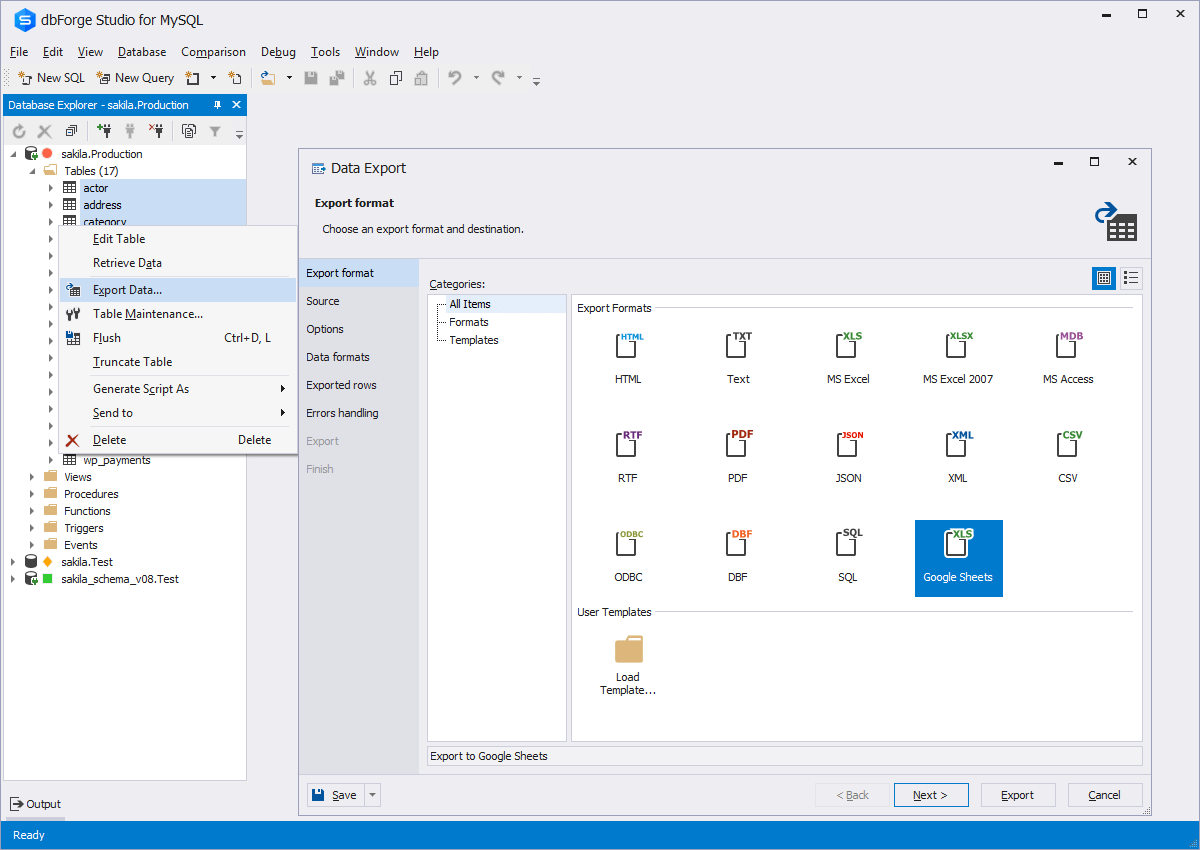
I would say that dbForge equals or beats most of the abilities of the other tools I evaluated at the time. dbForge had better support (Devart), and regular feature updates. dbForge has better tools for data comparison and import/export. The price tag is slightly higher, but renewals rates are pretty good. It's a quality tool that still is well worth the cost.
We perform better and faster syncing analysis between databases.
We update running mysql databases faster and more efficiently.
Especially with MySQL Workbench we had immense irritations due to all the crashes during the day. With dbForge Studio we finally had a power tool which is stable and does not crash constantly.