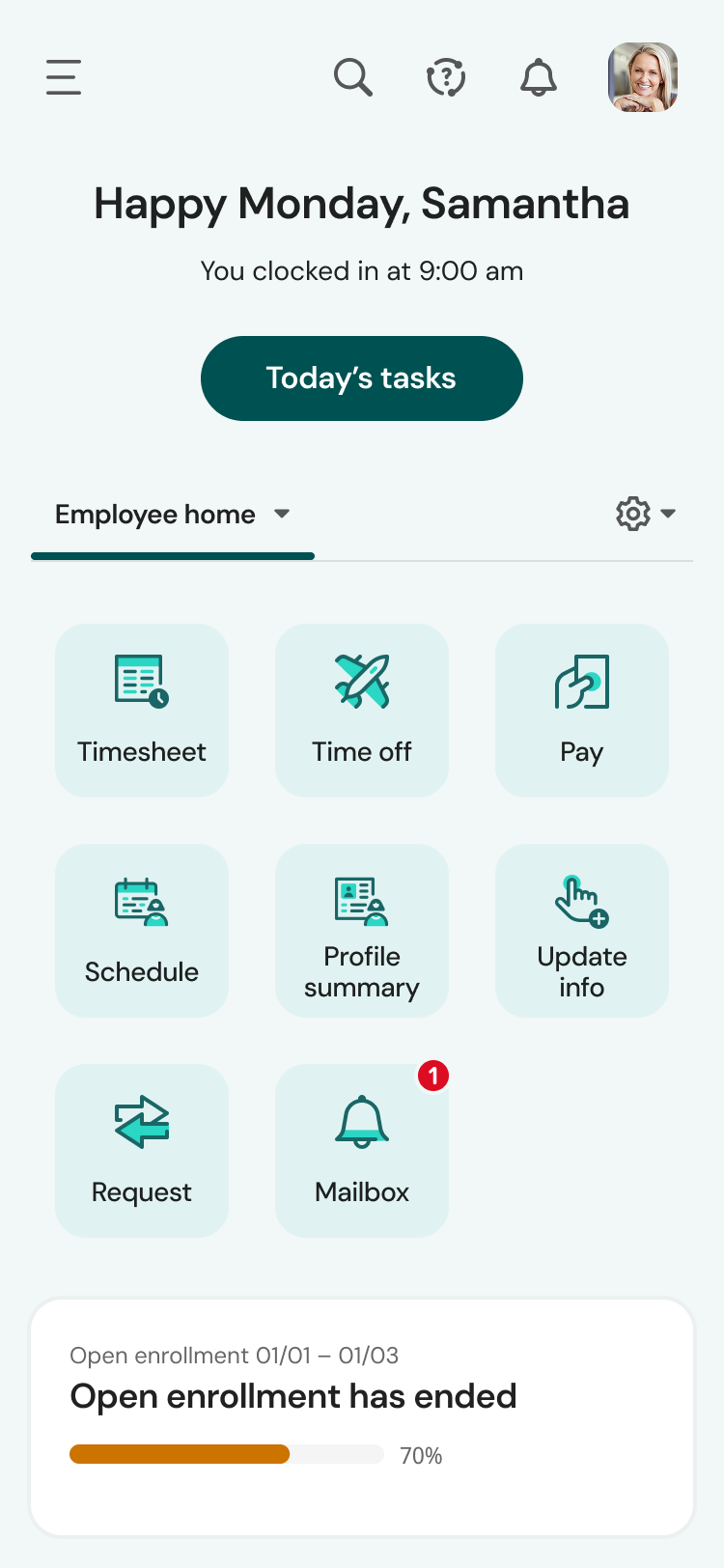
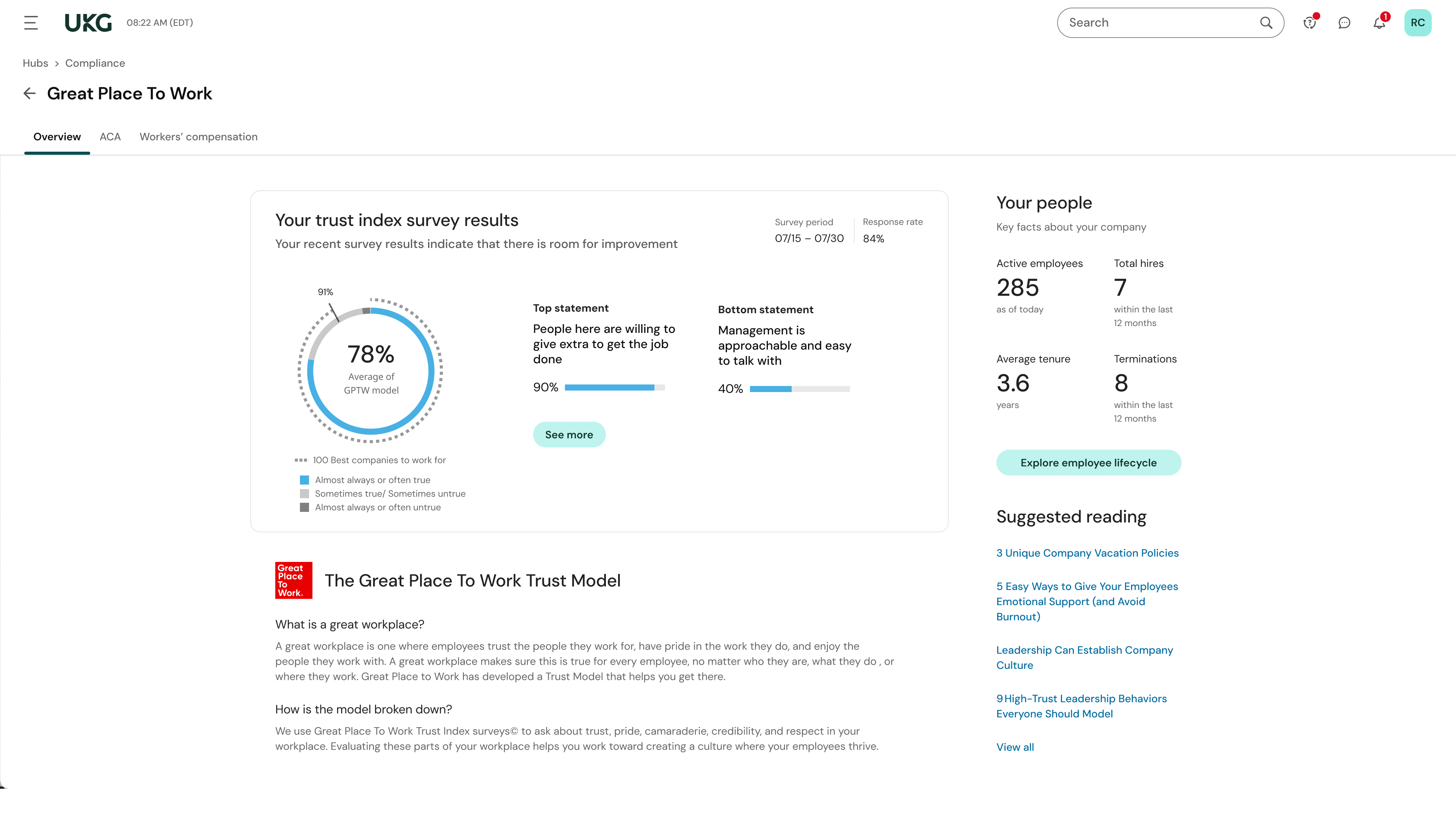
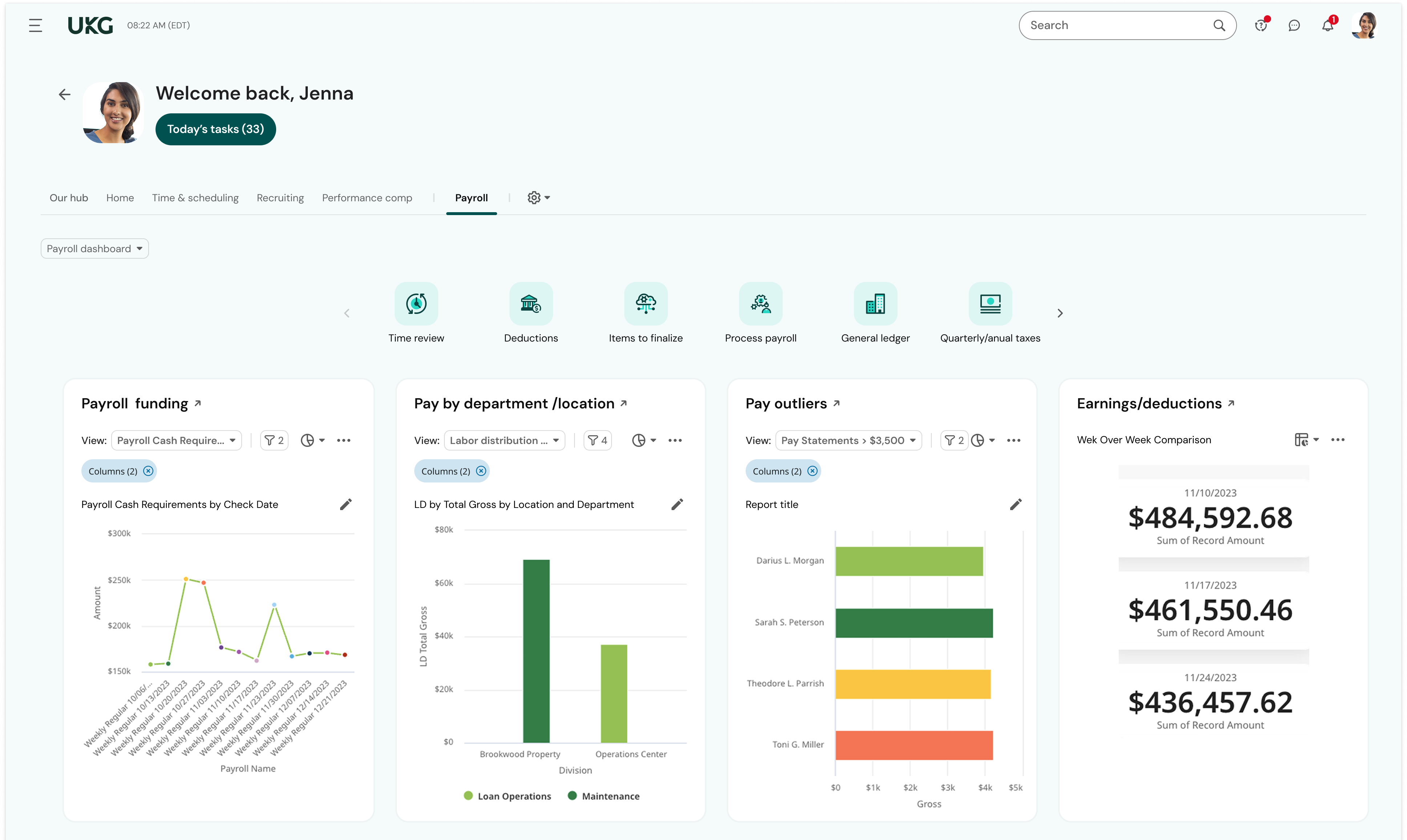
Dayforce Powerpay allows small businesses to pay and manage employees. It is used to simplify and automate payroll processes with automatic payroll calculations and remittances to the CRA and RQ, and streamlines payroll with connected time and attendance tracking to help ensure people are paid accurately.
N/A
UKG Ready
Score 9.0 out of 10
N/A
The UKG Ready® software suite is a centralized HCM solution designed for small to mid-sized businesses. It automates and streamlines HR, payroll, benefits, time, talent, and scheduling processes. UKG Ready's suite of tools offer actionable insights while helping to ensure compliance. Using AI, it draws on work, people, and culture data to boost efficiency and productivity. For example, UKG Ready streamlines core HR…
I like Dayforce's timesheet inputs. I like that there is both the rapid entry and the timesheet tabs. It's easy and quick, and it makes a lot of sense. I wish Dayforce would pay out RSP payments, rather than log them only. It would eliminate a step for us and make things faster. But it's only once per year, so not a huge issue.
The recruiting module has helped us to streamline the recruiting process from the candidate submitting an application to the candidate becoming and employee with the company. We have really enjoyed the recruiting module. The reporting option has presented some challenges when we export them. We spend extra time having to format the reports for company use
Ceridian Powerpay simplifies the payroll process, very little manual work involved during each payroll run.
Ceridian Powerpay is mostly an intuitive interface with easy to understand workflows to allow for multiple users to be able to use the system if required.
When you open a ticket, they research and test the answer before they contact you so they know it will work for you. There's no troubleshooting on the phone. All the work was done beforehand.
They are super knowledgeable and supportive. They are a pleasure to work with.
They are way ahead of the game when it comes to technology and innovation.
Powerpay exceeds my expectations: it's easy to use and does not 'eat' my time by wondering what the end result will be. I can see what each employee's pay statement will look like before I submit the payroll for processing. Monthly processing fees are not exorbitant and the service from support it top notch, quick and awesome when you need it! What's not to like? It's a terrific company to have on your side!
We have begun looking for other vendors to supply this products need as Kronos WFR cannot deliver the suite of applications which it should with this product. *6/5/17 Edit - We started the new year with a new application. WFR proved to be unable to correct the errors within the application. We are much happier with the new application as we can use it effectively.
Dayforce Powerpay has a great interface that makes it easy to navigate, easy to remit payroll, and easy to report after the fact. It has made overseeing and executing our payroll easier for me as an administrator, and our staff find their portal easy to navigate as well. The only thing that I find less desirable is that you need to start a payroll in order to make any adjustments to employees' information.
I like the payroll and HR functions for employee data and benefits management. However, we still have not implemented the ATS and performance management modules, and we need to get this rolling as soon as possible. I can't provide accurate feedback on all areas.
I have never experienced application errors or unplanned outages. I do know that I could phone Dayforce Powerpay and give them hours and other deductions and they would do the payroll and I could either have them deliver the completed payroll by courier (there are small extra charges for this) or I could download the completed payroll on pay day. I have also been able to complete payroll our payroll at home instead of at the office. Dayforce is very accessible by phone or online.
The system seems very stable. Being hosted in the cloud, we are vulnerable to internet speeds and busy times. The system has been down a couple times over the 3 months we have been live, but Kronos resolved the issues very quickly. To have access from a desktop, tablet, time clock, or phone app is one of the best features....users have almost NO REASON they can't clock in.
Pages online load in seconds. Click and it's instantly there! I have never had pages not loading properly or taking time to load. Payroll reports also downloads quickly. We do not interface Dayforce Powerpay with anything else
We were always told that Kronos was the best, but there are reports that we got out of ADP and other payroll providers that we cannot get out of Kronos. One example is a report of Productive/Non-productive hours by department. We also need the dollar amount associated with the hours. This is information that is required on our cost report and we were told that that report is unavailable. It is very frustrating when I can't get what I need.
Regardless the issue, the Customer Support team is offering outstanding services! When I am calling, the wait time is reasonable, and the team members will ensure you receive the right support in a timely manner, with politeness and kindness. If you reach out the team that it's a guarantee that your issue will be solved!
If I was only rating support itself that would be a 10. Every support case I have entered has been addressed efficiently and with the desired result. On the implementation and transition to support there were multiple issues that those doing the implementation or transition could not answer or workflows and various settings left undone only to be discovered later. We implemented 3 different modules and the expertise we got for each one varied widely.
Our in-person training was a hybrid. Live online training with an instructor. They were very knowledgeable of the product & the area they were training on. I asked several specific questions and if they didn't know the answer immediately they followed up after class.
I have used Powerpay before (at a previous employer) but a few years had elapsed. I had a quick online training session (less that 30 minutes) to recover basic knowledge and I was away. I still from time to time have to do something that i am not quite sure of and pick up the phone! Every one that works at Ceridian - now Dayforce - have been able to answer my question and tell me where to go in the program, click on what and do what I need to do. The support is out-of-this-world good!
Pretty good online training, you have many how to options and can watch them several times. It can be hard at times to dig through the amount of data online but can usually find what you are looking for. Also you can download documentation for setting up the profiles and policies.
I initiated the implementation. I answered all the questions I was asked, prepared the documentation and sent it off and it was done! Quickly, efficiently and done well!
Make sure the people who are doing the build have extensive knowledge on employment law and asking the right questions. I would bet that the people who helped with our builds did not read any of our employment contracts or ordinances; and when I asked questions about how other companies handled certain basic dictates from federal employment laws, they didn't have any idea what FMLA, FLSA, etc were.
Even though Quickbooks was cheaper, I would have to do more work, much more information added into the system and while I would pay less per pay run, there was a lot more work for me to do. I prefer to pay a little extra and spend my time making money instead of the headache of trying to submit everything. It may work well for those who use that program with everything else on a daily basis, but I don't and also did not want to learn a new system when I have something that works really well!
UKG is much easier to use and customize for our business needs. I enjoy that the time piece is directly connected with the payroll function. This is something that we didn't see when working with Paylocity. There was a manual time data upload that we needed to process into the Payroll function to process payroll. UKG has this setup and it's just a click of a button, so simple!
We have a small staff of less than 20 employees. We moved our payroll from a previous provided because of terrible and expensive service. Dayforce is much, much easier to use and costs about 30% less than the previous provider. Dayforce Powerpay also seem to have people that speaks clearly and are efficient in everything they do so that less time is wasted by phone calls that has you on hold for 3 hours!
The return on investment has been substantial for our company. Having a payroll system that calculates everything for you, processes important documents, and only takes minimal time and effort allows us to focus more time on running the business and generating revenue.
Instead of having a user spend half a day (or potentially a full day) processing payroll, it only takes a couple hours (obviously depending on how many employees need to be processed).