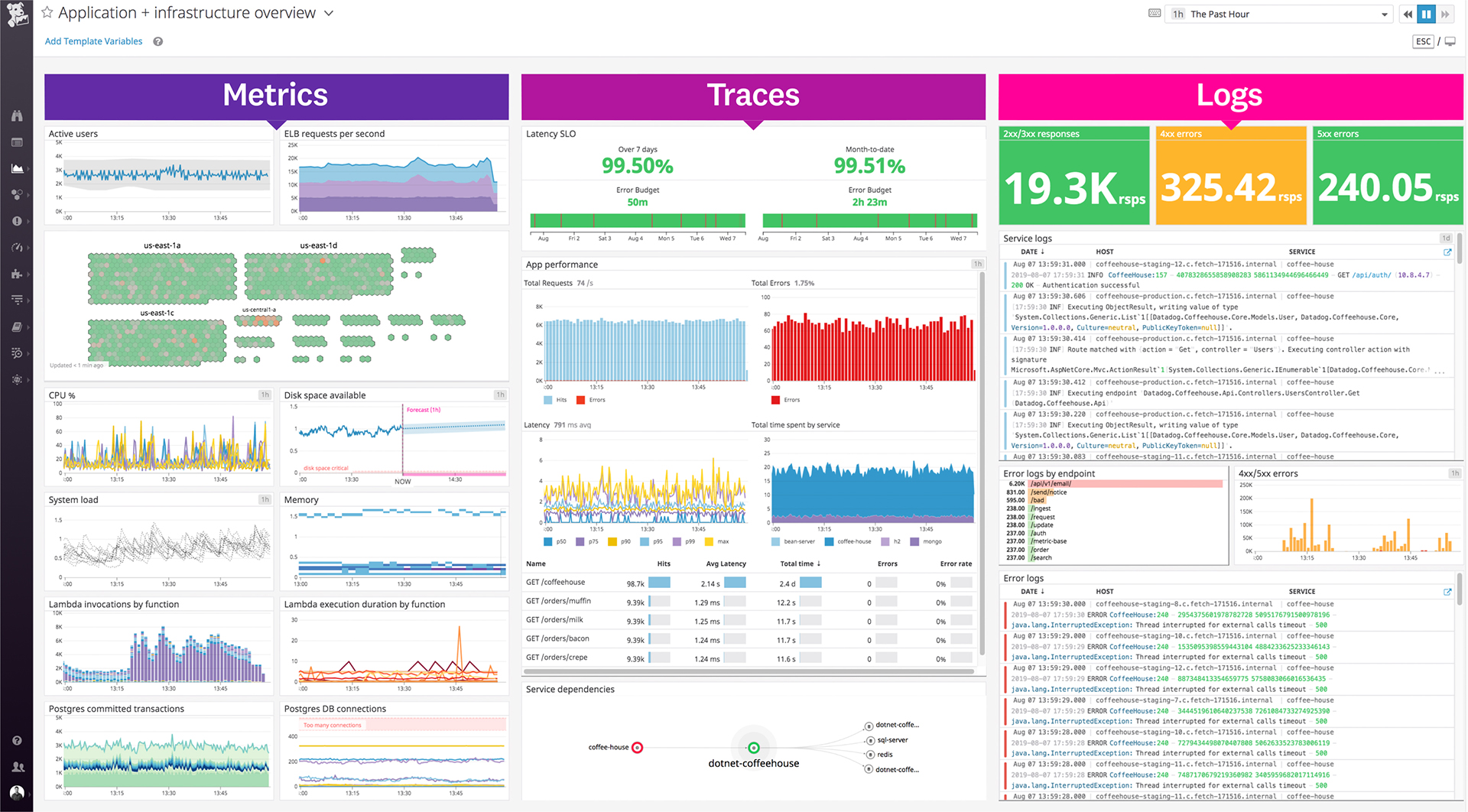
Datadog is a monitoring service for IT, Dev and Ops teams who write and run applications at scale, and want to turn the massive amounts of data produced by their apps, tools and services into actionable insight.
$1.27
per month (billed annually) per host
Graylog
Score 7.5 out of 10
N/A
Graylog, headquartered in Houston, offers their eponymous platform for centralized log management that helps users find meaning in data faster so as to take action immediately. Graylog is available via Enterprise and Cloud plans, but also has a Small Business Plan, and an Open (free) plan with limited features.
N/A
Pricing
Datadog
Graylog
Editions & Modules
Log Management
$1.27
per month (billed annually) per host
Infrastructure
$15.00
per month (billed annually) per host
Standard
$18
per month per host
Enterprise
$27
per month per host
DevSecOps Pro
$27
per month per host
APM
$31.00
per month (billed annually) per host
DevSecOps Enterprise
$41
per month per host
No answers on this topic
Offerings
Pricing Offerings
Datadog
Graylog
Free Trial
Yes
No
Free/Freemium Version
Yes
Yes
Premium Consulting/Integration Services
No
No
Entry-level Setup Fee
Optional
No setup fee
Additional Details
Discount available for annual pricing. Multi-Year/Volume discounts available (500+ hosts/mo).
A one-stop solution for everything you need. Multiple functionalities are tailored to meet specific business needs. Logs are essential for any business, and Datadog manages logs effectively. Rum sessions are something new to me and have given us a new perspective on how to reverse engineer issues that we see for our customers.
If you already have a basic understanding of Elasticsearch and/or MongoDB, Graylog will be a great fit when it comes to log aggregation. It will be a decent option even if you don't have any experience but have the time and willingness to roll up your sleeves that learning those tools will require. Graylog supports plugins to extend functionality for things like SNMP traps, telemetry collection, and solar flares. As is the case with most software with plugins, if the core functionality for which you are looking (i.e. not logging) is based on a plugin, Graylog probably isn't for you. The majority of the plugins in the marketplace are developed by third-parties looking to solve their specific use case so bug fixes and new features are not a given.
Alert windows cause lag in notifications (e.g. if the alert window is X errors in 1 hour, we won't get alerted until the end of the 1 hour range)
I would appreciate more supportive examples for how to filter and view metrics in the explorer
I would like a more clear interface for metrics that are missing in a time frame, rather than only showing tags/etc. for metrics that were collected within the currently viewed time frame
Datadog's user interface is quite friendly and easy to navigate. With menus clearly categorized, and ability to bookmark important dashboards, one can easily find what they're looking for. For dashboards, ability to move and resize visualizations and group them, is really helpful to organize dashboards. Automatic suggestions from Datadog for important visualizations based on the metrics and logs would provide another level of ease of use.
The support team usually gets it right. We did have a rather complicate issue setting up monitoring on a domain controller. However, they are usually responsive and helpful over chat. The downside would be I don’t think they have any phone support. If that is important to you this might not be a good fit.
I am still unhappy with the pricing model for the enterprise. Graylog competes against the likes of IBM and Splunk, but your still the new kid on the block. To price Graylog enterprise at 50k for 20GB ingest an unrealistic data. It would require multiple facets of Graylog to be stood up and only forward pruned logs to the paid version.
I selected Datadog because of its features and the wide range of integration support. As I already told it supports more that 600+ integrations which helps and organization to keep everything in a single place and also its AI feature which is reducing the time for root cause analysis. Its custom dashboards features which helps us to visualize the data in a more attractive way.
Azure Monitor is not exactly what I mean, but I couldn't find Azure Application Insights. Anyway, for a large organization, Azure makes more sense than using Graylog because a lot of logging will already be inside Azure. And you don't want to have two "central" logging locations. But Azure is chaos and highly "not intuitive." So for small and mid-size organizations, Graylog is still the better option.