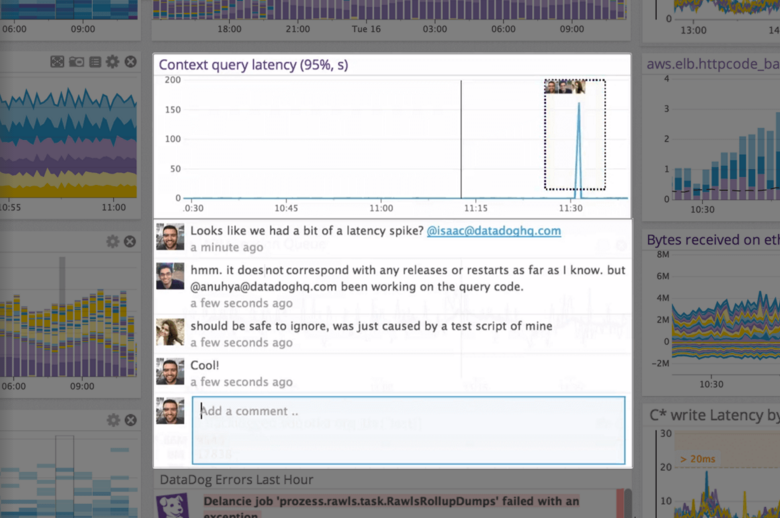
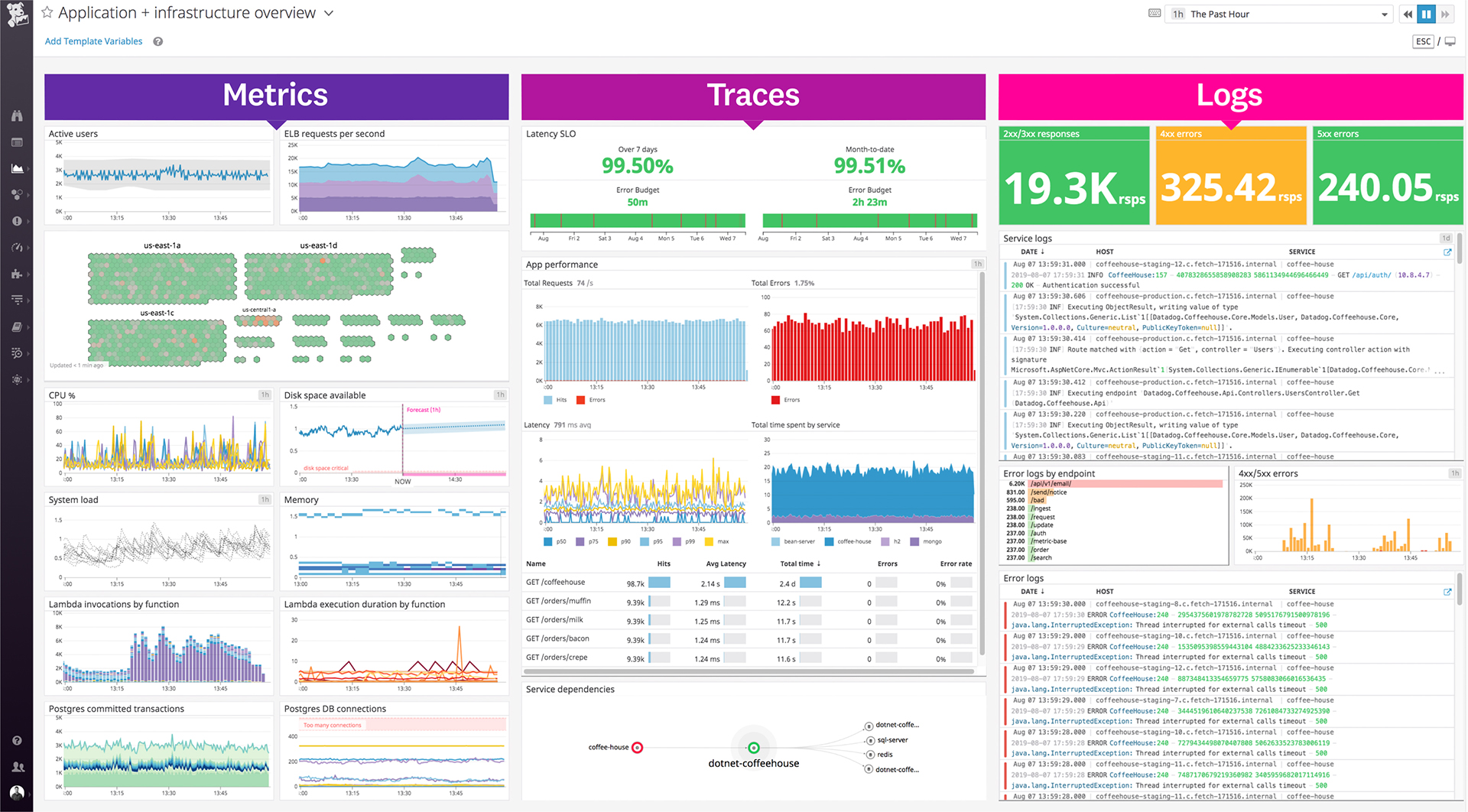
Datadog is a monitoring service for IT, Dev and Ops teams who write and run applications at scale, and want to turn the massive amounts of data produced by their apps, tools and services into actionable insight.
$1.27
per month (billed annually) per host
Firebase Crashlytics
Score 9.6 out of 10
N/A
Crashlytics is a mobile analytics tool which helps users find the exact line of code that their app crashed on, providing granular insight into mobile app performance and user experience. Crashlytics was acquired by Google in 2017 and is now offered as part of the Firebase product.
N/A
Pricing
Datadog
Firebase Crashlytics
Editions & Modules
Log Management
$1.27
per month (billed annually) per host
Infrastructure
$15.00
per month (billed annually) per host
Standard
$18
per month per host
Enterprise
$27
per month per host
DevSecOps Pro
$27
per month per host
APM
$31.00
per month (billed annually) per host
DevSecOps Enterprise
$41
per month per host
No answers on this topic
Offerings
Pricing Offerings
Datadog
Firebase Crashlytics
Free Trial
Yes
No
Free/Freemium Version
Yes
No
Premium Consulting/Integration Services
No
No
Entry-level Setup Fee
Optional
No setup fee
Additional Details
Discount available for annual pricing. Multi-Year/Volume discounts available (500+ hosts/mo).
A one-stop solution for everything you need. Multiple functionalities are tailored to meet specific business needs. Logs are essential for any business, and Datadog manages logs effectively. Rum sessions are something new to me and have given us a new perspective on how to reverse engineer issues that we see for our customers.
Firebase Crashlytics is a no-brainer if you are already using any of the other Firebase suite of products, as its integration is very easy if you are already using these in your app. If you have cross-platform Android, iOS, and macOS apps, you should also consider Firebase Crashlytics to provide a unified across your platforms. If your app is only on Android or only on Apple, then you may be better off remaining with the default Apple Developer or Google Play Developer Console crash collection experiences.
Alert windows cause lag in notifications (e.g. if the alert window is X errors in 1 hour, we won't get alerted until the end of the 1 hour range)
I would appreciate more supportive examples for how to filter and view metrics in the explorer
I would like a more clear interface for metrics that are missing in a time frame, rather than only showing tags/etc. for metrics that were collected within the currently viewed time frame
Datadog's user interface is quite friendly and easy to navigate. With menus clearly categorized, and ability to bookmark important dashboards, one can easily find what they're looking for. For dashboards, ability to move and resize visualizations and group them, is really helpful to organize dashboards. Automatic suggestions from Datadog for important visualizations based on the metrics and logs would provide another level of ease of use.
It is very easy for non-developer staff to use the Firebase Console and gather information for the development team. Developers will find it straightforward to integrate Firebase Crashlytics into new or existing codebases using Google's in-depth developer documentation. I cannot think of an easier cross-platform solution to use, and because of that I wish it supported more platforms!
The support team usually gets it right. We did have a rather complicate issue setting up monitoring on a domain controller. However, they are usually responsive and helpful over chat. The downside would be I don’t think they have any phone support. If that is important to you this might not be a good fit.
I selected Datadog because of its features and the wide range of integration support. As I already told it supports more that 600+ integrations which helps and organization to keep everything in a single place and also its AI feature which is reducing the time for root cause analysis. Its custom dashboards features which helps us to visualize the data in a more attractive way.
Compared it with Crittercism on a Xamarin project a while back and on that platform, Crittercism was the best. But on Android, Crashlytics is just a lot better in providing good stack traces and having a useful analytics console. It's pretty much the defacto standard on Android...everyone uses Crashlytics. It's even more common to use Crashlytics and the Firebase crash tracking; Firebase does track ANR's a lot better though.