
Dataddo vs. Dataloader.io
| Product | Rating | Most Used By | Product Summary | Starting Price |
|---|---|---|---|---|
 Dataddo | N/A | Mid-Size Companies (51-1,000 employees) | Dataddo is a fully-managed, no-code data integration platform that connects cloud-based applications and dashboarding tools, data warehouses, and data lakes. It offers 3 main products: - Data to Dashboards, which lets users send data from online sources straight to dashboarding apps like Tableau, Power BI, and Google Data Studio for insights in record time. A free version is available for this product. - Data Anywhere, which enables users to send data from any A to any… | $0 per month |
 Dataloader.io | Score10 out of 10 | N/A | Dataloader.io delivers a cloud based solution to import and export information from Salesforce. | $99 per month |
| Dataddo | Dataloader.io | |||||||||||||||
|---|---|---|---|---|---|---|---|---|---|---|---|---|---|---|---|---|
| Editions & Modules |
|
| ||||||||||||||
| Offerings |
| |||||||||||||||
| Entry-level Setup Fee | No setup fee | No setup fee | ||||||||||||||
| Additional Details | Data to Dashboards and Data Anywhere are both priced based on bundles of flows that can be billed monthly, or yearly for a discount. Data to Dashboards starts at $99 (billed yearly) for up to 10 data flows from any source to any dashboarding tool or Google Sheets. Data Anywhere starts at $99 (billed yearly) for up to 3 data flows from any A to any B—from apps to warehouses or dashboards (ETL, end to end), between warehouses (ETL), and from warehouses back into apps (reverse ETL). Headless Data Integration allows enterprises to build their own data products on top of the unified Dataddo API and get all integrations in one, with custom pricing. | — | ||||||||||||||
| More Pricing Information | ||||||||||||||||
| Dataddo | Dataloader.io | |
|---|---|---|
| Considered Both Products | No answer on this topic | No answer on this topic |
| Key User Insights | ||
| Would buy again | ||
No answers on this topic | 85% Would buy again 11 Answers | |
| Delivers good value for the price | ||
No answers on this topic | 92% Delivers good value for the price 11 Answers | |
| Happy with the feature set | ||
No answers on this topic | 92% Happy with the feature set 12 Answers | |
| Lived up to sales and marketing promises | ||
No answers on this topic | 86% Lived up to sales and marketing promises 6 Answers | |
| Implementation went as expected | ||
No answers on this topic | 78% Implementation went as expected 7 Answers | |
| Dataddo | Dataloader.io | |
|---|---|---|
| Small Businesses |  Skyvia Score9.9 out of 10 | No answers on this topic |
| Medium-sized Companies |  IBM InfoSphere Information Server Score8 out of 10 |  DemandTools Score9.8 out of 10 |
| Enterprises |  SolarWinds Task Factory Score8.2 out of 10 | DemandTools Score9.8 out of 10 |
| All Alternatives | View all alternatives | View all alternatives |
| Dataddo | Dataloader.io | |
|---|---|---|
| Likelihood to Recommend | - | 7.1 |
| Likelihood to Renew | - | 8.9 |
| Usability | - | 8.9 |
| Performance | - | 8.0 |
| Support Rating | - | 7.6 |
| Dataddo | Dataloader.io | |
|---|---|---|
| Likelihood to Recommend | No answers on this topic |
|
| Pros | No answers on this topic |
|
| Cons | No answers on this topic |
|
| Likelihood to Renew | No answers on this topic |
|
| Usability | No answers on this topic |
|
| Performance | No answers on this topic |
|
| Support Rating | No answers on this topic |
|
| Alternatives Considered | No answers on this topic |
|
| Return on Investment | No answers on this topic |
|
| ScreenShots | Dataddo Screenshots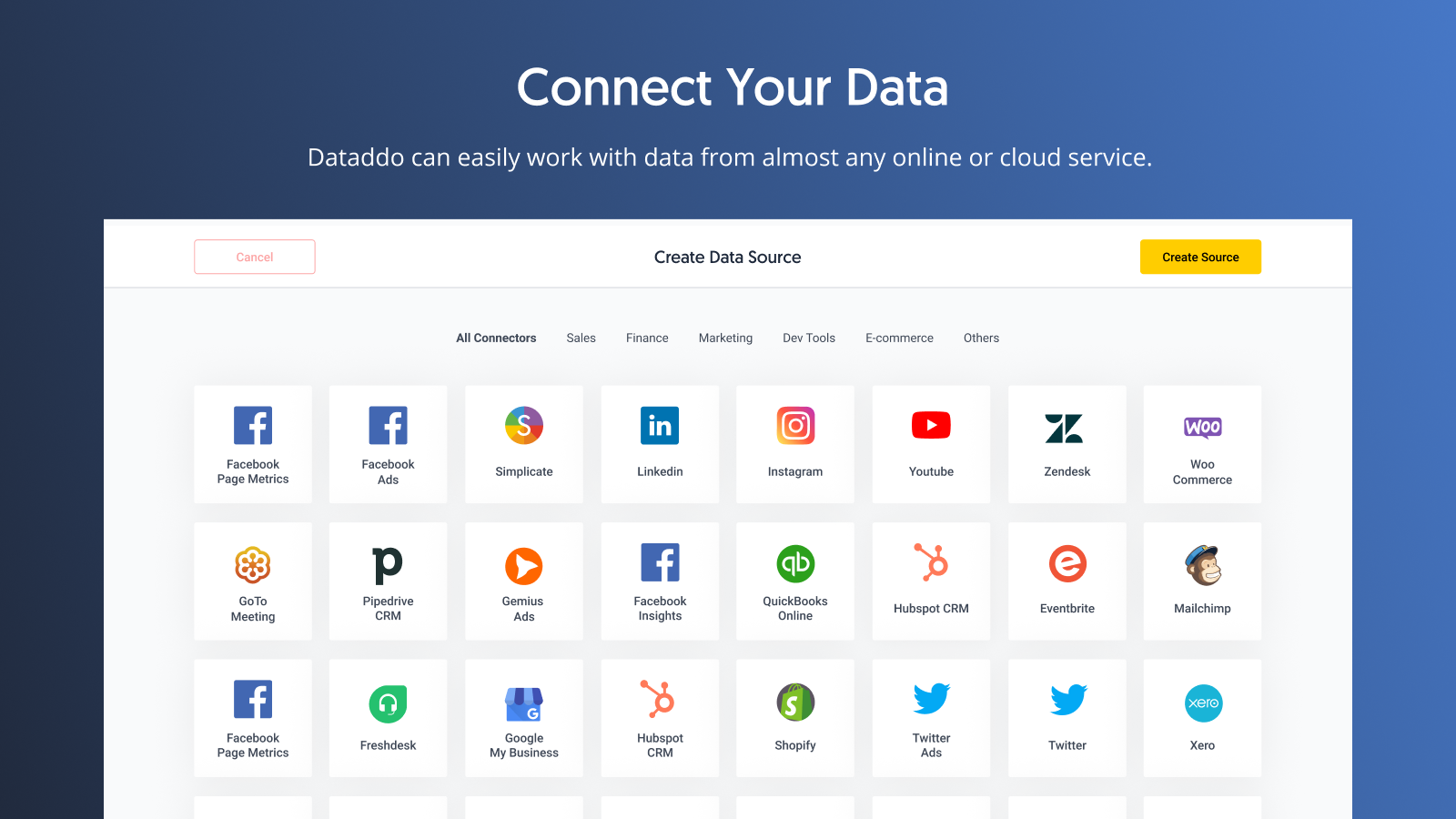  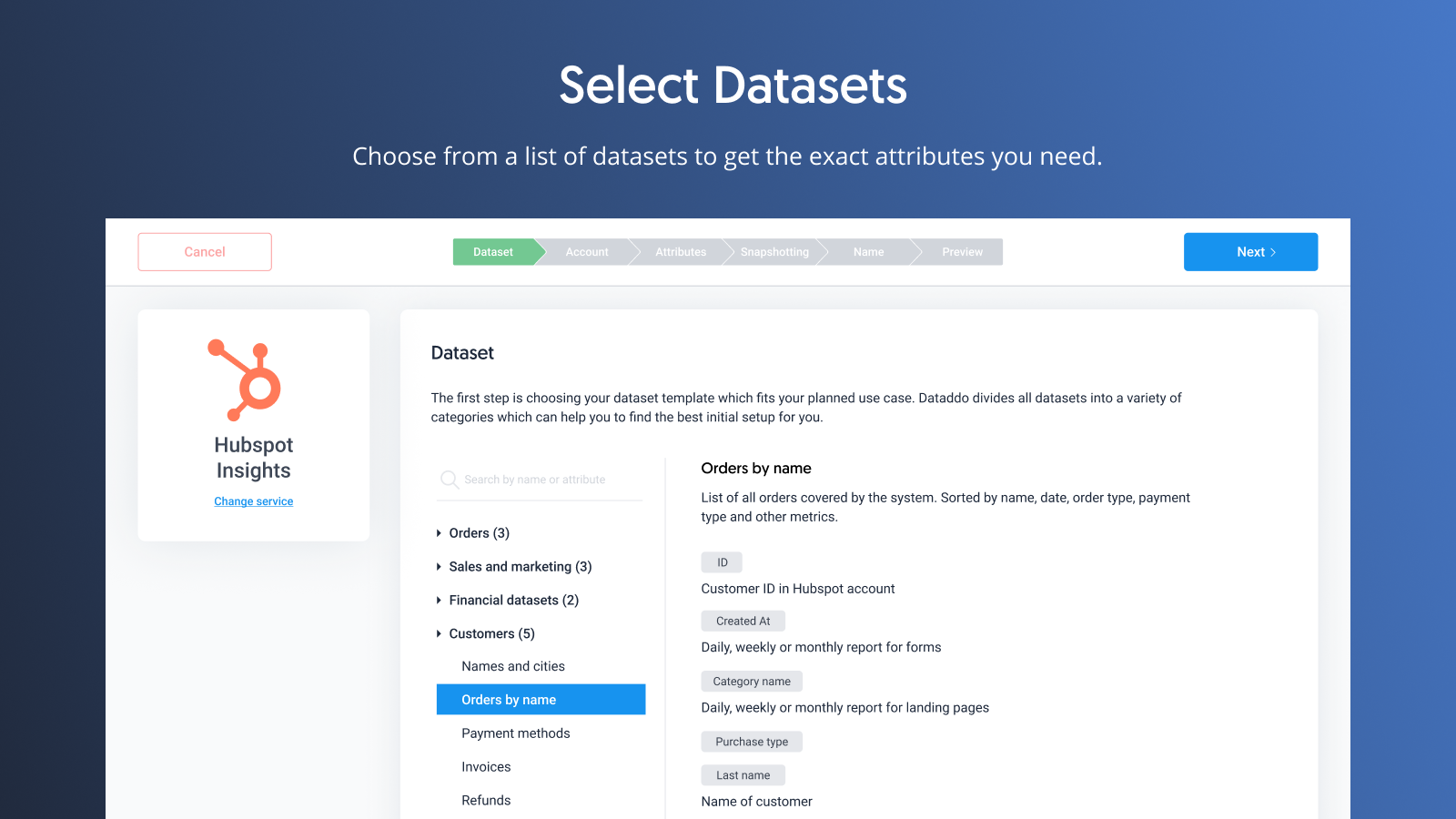 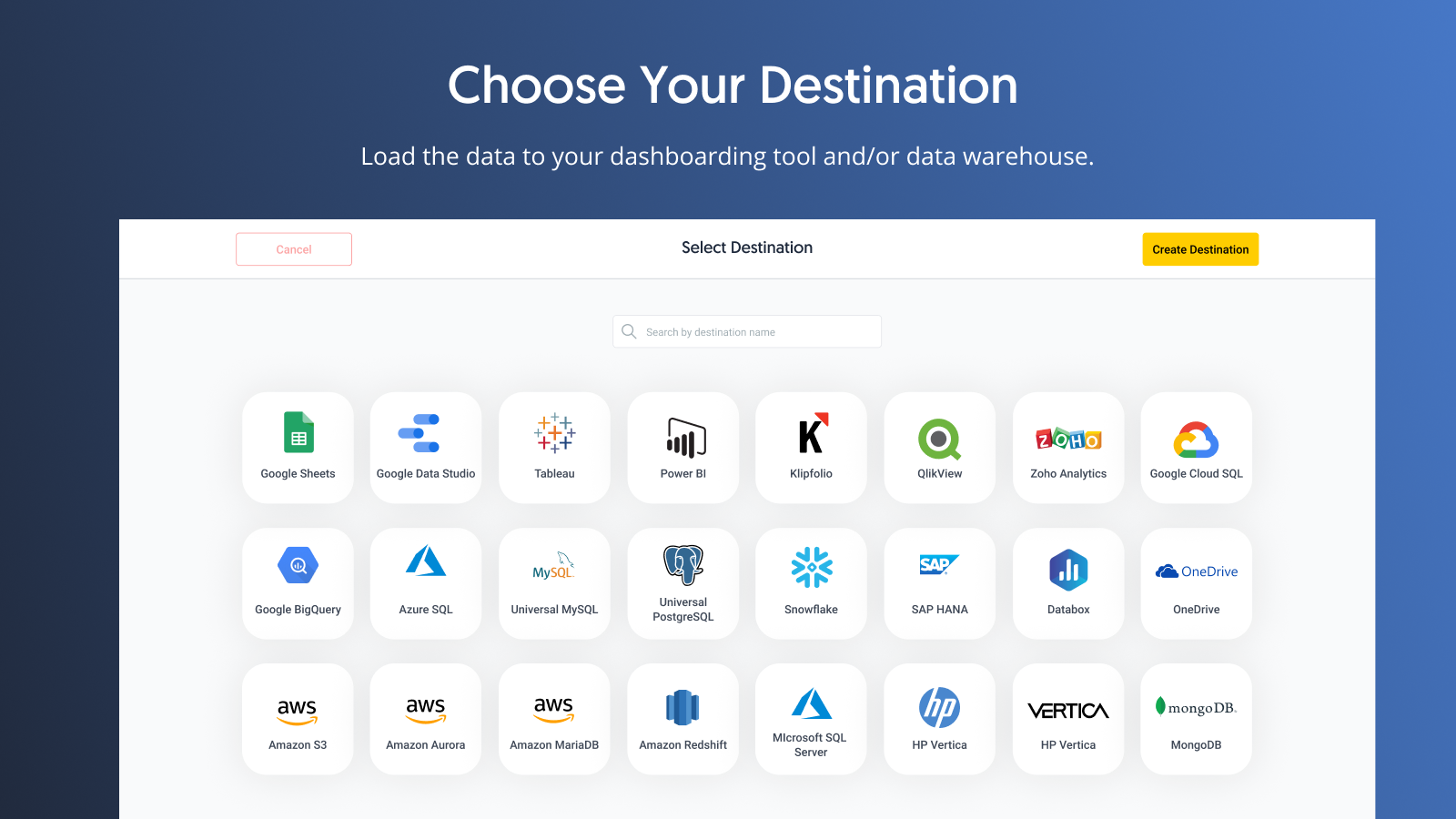 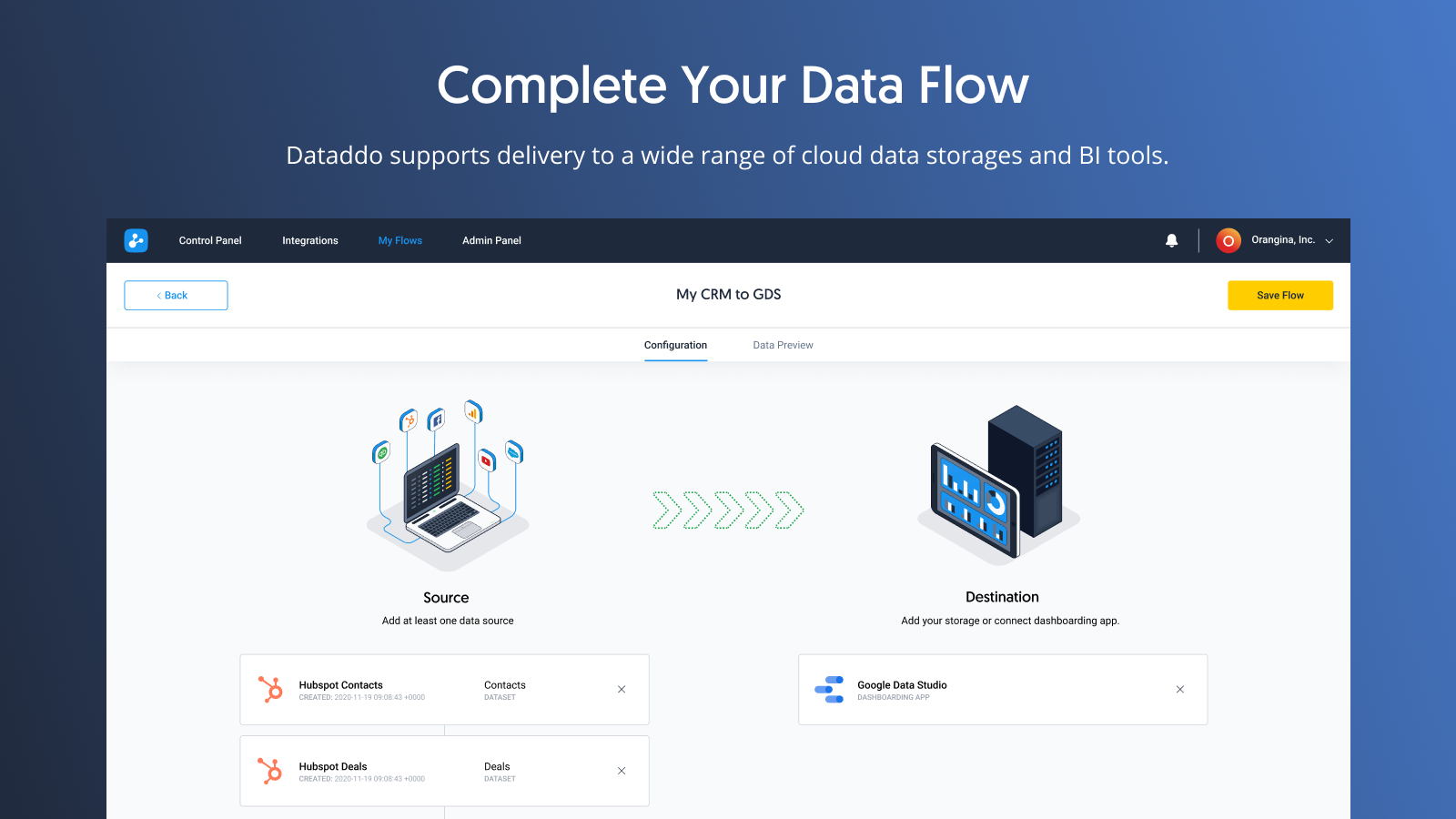 |


