
DashThis vs. Piano Analytics
| Product | Rating | Most Used By | Product Summary | Starting Price |
|---|---|---|---|---|
 DashThis | Score8.2 out of 10 | N/A | DashThis is a digital marketing reporting tool with no complicated "extra" stuff. DashThis integrates with over 30+ data sources, and also has a CSV File Manager that helps users add any other data they might want to include in dashboards. According to the vendor, customer support is a top priority. DashThis provides a dedicated member of their team that makes sure users are up and running in no time, and is always available to answer questions whenever needed. Prices are… | $38 per month |
 Piano Analytics | Score8 out of 10 | Mid-Size Companies (51-1,000 employees) | Piano Analytics, formerly AT Internet, provides digital analytics to help customers measure their audience, optimise their digital performance and create value. From data collection to exploration, activation, and the sharing of actionable insights, the Piano Analytics Suite is designed to provide reliable high-quality data to enhance decision-making company-wide. Adapted to e-commerce, media, finance/banking, and corporate websites & mobile apps, the vendor promises an easy-to-use solution… | $430 per server calls consumption |
| DashThis | Piano Analytics | |||||||||||||||
|---|---|---|---|---|---|---|---|---|---|---|---|---|---|---|---|---|
| Editions & Modules |
|
| ||||||||||||||
| Offerings |
| |||||||||||||||
| Entry-level Setup Fee | No setup fee | $430 per server calls consumption | ||||||||||||||
| Additional Details | — | — | ||||||||||||||
| More Pricing Information | ||||||||||||||||
| DashThis | Piano Analytics | |
|---|---|---|
| Considered Both Products | No answer on this topic | No answer on this topic |
| Key User Insights | ||
| Would buy again | ||
No answers on this topic | 93% Would buy again 26 Answers | |
| Delivers good value for the price | ||
No answers on this topic | 100% Delivers good value for the price 19 Answers | |
| Happy with the feature set | ||
No answers on this topic | 100% Happy with the feature set 28 Answers | |
| Lived up to sales and marketing promises | ||
No answers on this topic | 100% Lived up to sales and marketing promises 15 Answers | |
| Implementation went as expected | ||
No answers on this topic | 78% Implementation went as expected 14 Answers | |
| DashThis | Piano Analytics | |
|---|---|---|
| Small Businesses |  Agency Analytics Score9.9 out of 10 |  Amplitude Analytics Score8.3 out of 10 |
| Medium-sized Companies |  Supermetrics Score10 out of 10 | Amplitude Analytics Score8.3 out of 10 |
| Enterprises |  TrackMaven Score8.5 out of 10 | Amplitude Analytics Score8.3 out of 10 |
| All Alternatives | View all alternatives | View all alternatives |
| DashThis | Piano Analytics | |
|---|---|---|
| Likelihood to Recommend | 9.0 | 8.0 |
| Likelihood to Renew | - | 8.0 |
| Usability | - | 8.3 |
| Availability | - | 9.5 |
| Performance | - | 9.0 |
| Support Rating | 6.2 | 9.0 |
| In-Person Training | - | 5.0 |
| Implementation Rating | - | 8.0 |
| Configurability | - | 9.0 |
| Product Scalability | - | 8.0 |
| Vendor post-sale | - | 6.0 |
| Vendor pre-sale | - | 8.0 |
| DashThis | Piano Analytics | |
|---|---|---|
| Likelihood to Recommend |
|
|
| Pros |
|
|
| Cons |
|
|
| Likelihood to Renew | No answers on this topic |
|
| Usability | No answers on this topic |
|
| Reliability and Availability | No answers on this topic |
|
| Performance | No answers on this topic |
|
| Support Rating |
|
|
| In-Person Training | No answers on this topic |
|
| Online Training | No answers on this topic |
|
| Implementation Rating | No answers on this topic |
|
| Alternatives Considered |
|
|
| Scalability | No answers on this topic |
|
| Return on Investment |
|
|
| ScreenShots | DashThis Screenshots  | Piano Analytics Screenshots    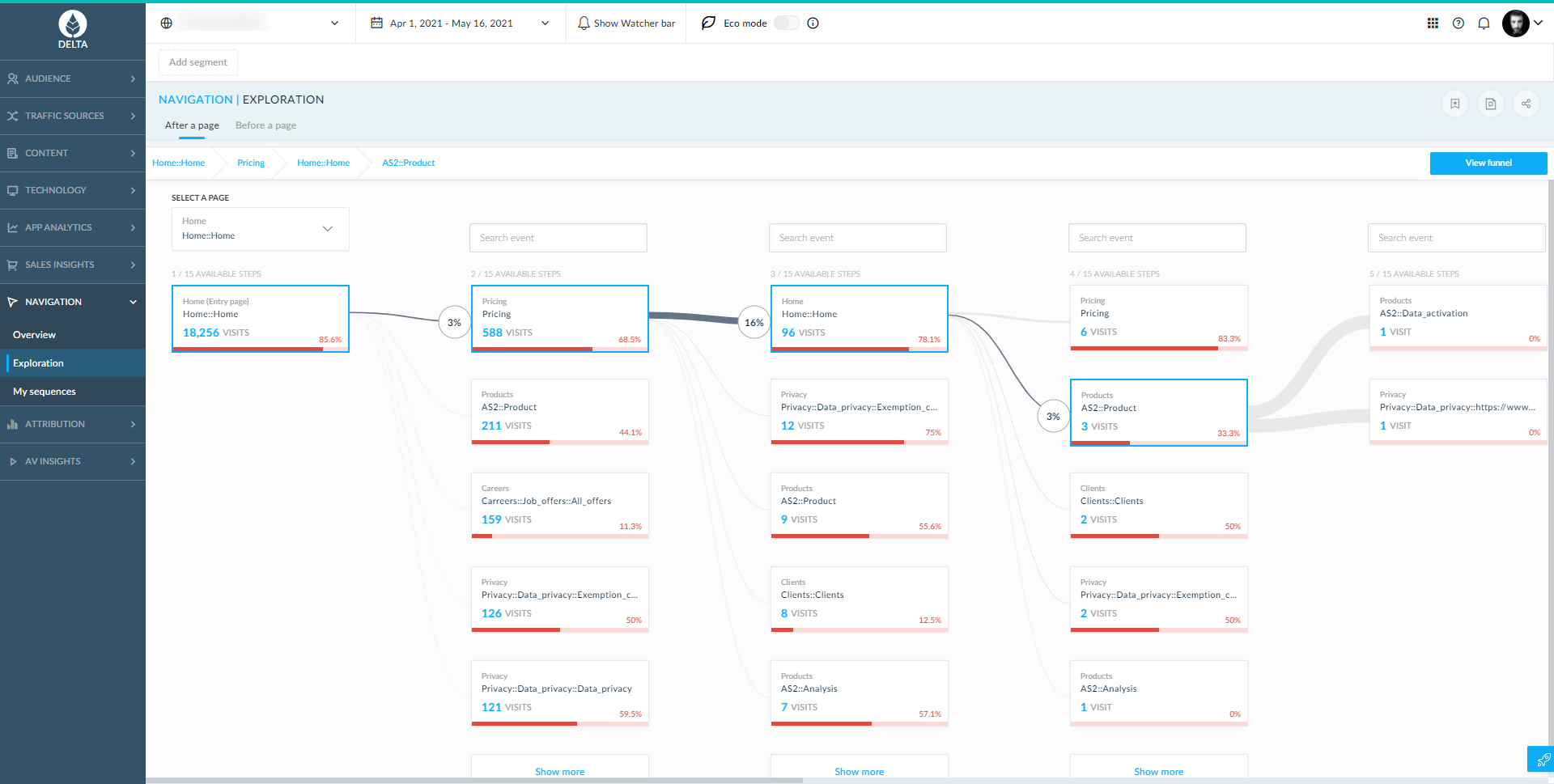  |





