SolarWinds Dameware Remote Support (DRS) vs. Getscreen.me

Overview
ProductRatingMost Used ByProduct SummaryStarting Price
SolarWinds Dameware Remote Support (DRS)
Score 7.3 out of 10
N/A
DameWare Remote Support from Austin IT company SolarWinds is remote administration software for the remote control of desktops, laptops, and servers behind or outside the firewall, allowing registry editing, restart services, logging activity, account and password management, and more. The mobile app also provides access from a phone or tablet. DameWare Remote Support licensing is per technician, the number of end-user remote machines is irrelevant; one technician may receive a license for…
$370
one-time fee
Getscreen.me
Score 9.7 out of 10
N/A
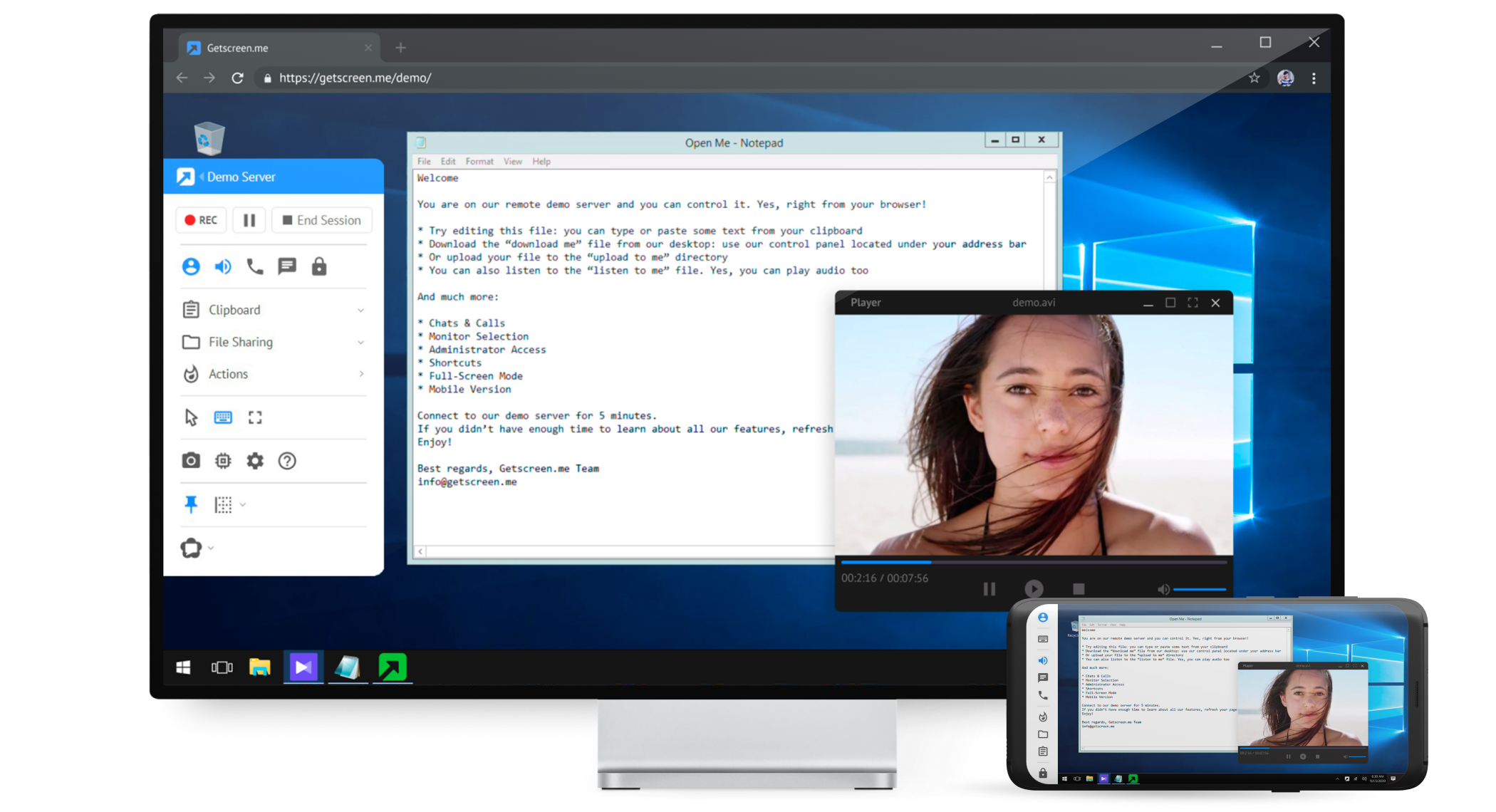
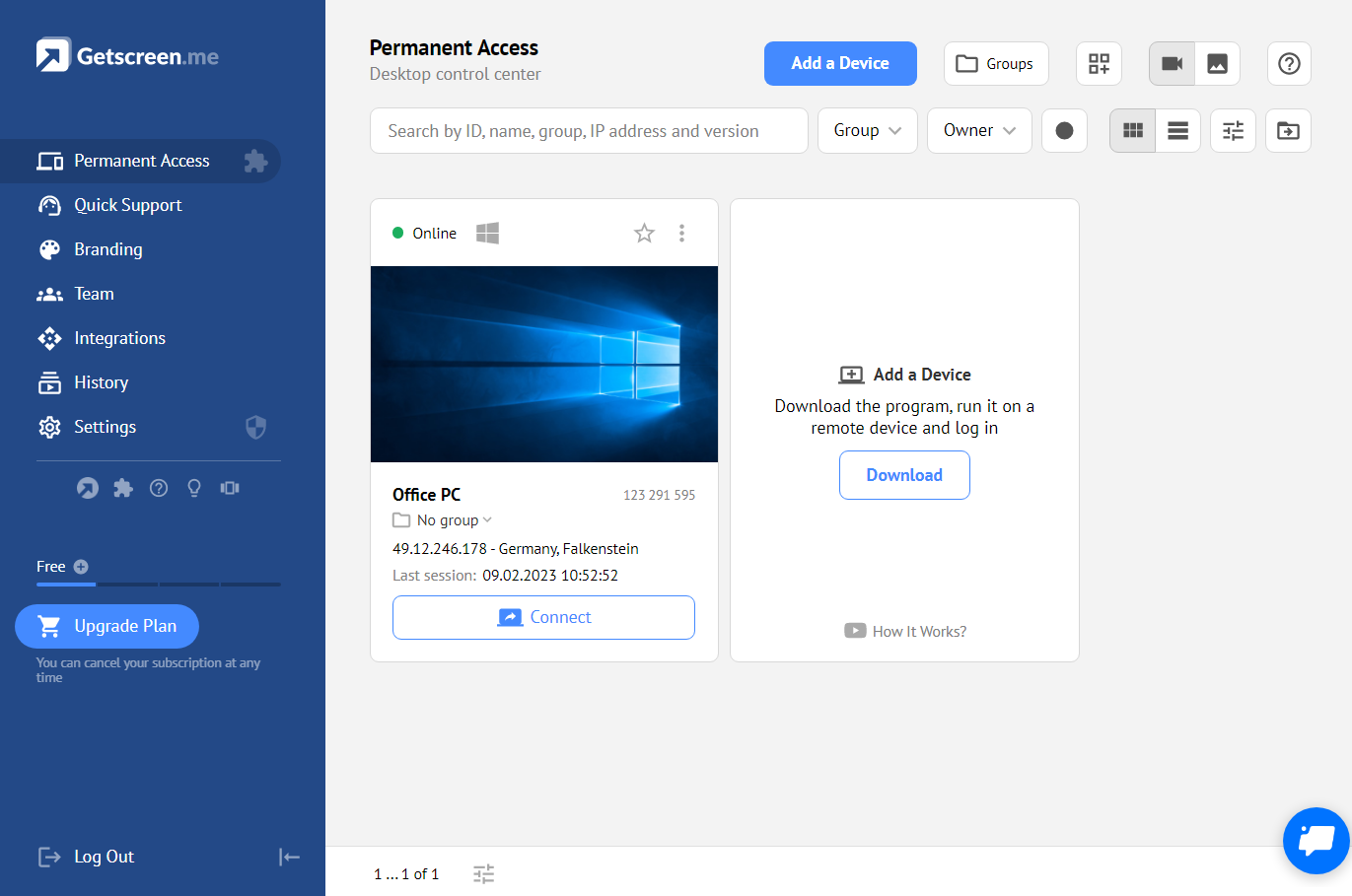
Getscreen.me is a cloud-based software for administration, technical support and remote work. Service provides remote desktop access from a browser, without any installation. It has permanent access and boasts quick support and instantaneous connection, with computers in the user's personal cabinet. The service works over the HTTPS protocol, which includes AES encryption.
$0
Pricing
SolarWinds Dameware Remote Support (DRS)Getscreen.me
Editions & Modules
Dameware Mini Remote Control
$370
one-time fee
Dameware Remote Support
$520
one-time fee
Free
$0
Standard
$5
per month per user, per device
Advanced
$8
per month per user, per device
Enterprise
$10
per month per user, per device
Offerings
Pricing Offerings
SolarWinds Dameware Remote Support (DRS)Getscreen.me
Free Trial
YesYes
Free/Freemium Version
NoYes
Premium Consulting/Integration Services
NoNo
Entry-level Setup FeeNo setup feeNo setup fee
Additional DetailsDameWare Remote Support and Mini Remote Control are licensed based on the number of technician users that use the software for remote administration. There are no limits or restrictions for the number of end-users supported or the number of remote endpoints/computers supported. As you buy higher counts of licenses, the per-seat pricing goes down giving you a reduced total price.16% discount with an annual subscription
More Pricing Information
Community Pulse
SolarWinds Dameware Remote Support (DRS)Getscreen.me
Features
SolarWinds Dameware Remote Support (DRS)Getscreen.me
Remote Administration
Comparison of Remote Administration features of Product A and Product B
SolarWinds Dameware Remote Support (DRS)
8.6
Ratings
6% above category average
Getscreen.me
9.2
Ratings
13% above category average
Screen sharing10.00 Ratings9.90 Ratings
File transfer10.00 Ratings9.90 Ratings
Instant message8.30 Ratings10.00 Ratings
Secure remote access with Smart Card authentication8.70 Ratings00 Ratings
Access to sleeping/powered-off computers9.00 Ratings8.00 Ratings
Over-the-Internet remote session8.50 Ratings9.80 Ratings
Initiate remote control from mobile9.00 Ratings6.50 Ratings
Remote management of servers & workstations9.10 Ratings00 Ratings
Remote Active Directory® management7.20 Ratings00 Ratings
Centralized management dashboard8.20 Ratings10.00 Ratings
Session record8.50 Ratings10.00 Ratings
Annotations7.90 Ratings00 Ratings
Monitoring and Alerts8.70 Ratings00 Ratings
Multi-platform remote control7.10 Ratings9.10 Ratings
Best Alternatives
SolarWinds Dameware Remote Support (DRS)Getscreen.me
Small Businesses
Getscreen.me
Getscreen.me
Score 9.7 out of 10
Remote Desktop Manager
Score 9.0 out of 10
Medium-sized Companies
Remote Desktop Manager
Score 9.0 out of 10
Remote Desktop Manager
Score 9.0 out of 10
Enterprises
Remote Desktop Manager
Score 9.0 out of 10
Remote Desktop Manager
Score 9.0 out of 10
All AlternativesView all alternativesView all alternatives
User Ratings
SolarWinds Dameware Remote Support (DRS)Getscreen.me
Likelihood to Recommend
8.3
(0 ratings)
9.1
(0 ratings)
Likelihood to Renew
9.0
(0 ratings)
9.9
(0 ratings)
Usability
9.0
(0 ratings)
10.0
(0 ratings)
Availability
9.0
(0 ratings)
-
(0 ratings)
Performance
8.5
(0 ratings)
-
(0 ratings)
Support Rating
5.0
(0 ratings)
10.0
(0 ratings)
In-Person Training
9.0
(0 ratings)
-
(0 ratings)
Online Training
9.0
(0 ratings)
-
(0 ratings)
Implementation Rating
5.0
(0 ratings)
10.0
(0 ratings)
Configurability
9.5
(0 ratings)
-
(0 ratings)
Ease of integration
9.5
(0 ratings)
-
(0 ratings)
Product Scalability
8.0
(0 ratings)
-
(0 ratings)
Vendor post-sale
9.5
(0 ratings)
-
(0 ratings)
Vendor pre-sale
9.5
(0 ratings)
-
(0 ratings)
User Testimonials
SolarWinds Dameware Remote Support (DRS)Getscreen.me
Likelihood to Recommend
I feel like this is a very robust solution that I would recommend to anyone who relies heavily on remote support. Most of the colleagues I work with already use SolarWinds products to one extent or the other. I feel the price for the solution is very fair and a good value for the product.
Read full review
It's well suited for IT employees who want to have an easy way to connect to other empoyees or customers. the quck conenct functionallity is easy to use and setup. Unfortunitly in germany some customers got slow internet and the performance from getscreen.me is not so great compaired to other remote desktop software.
Read full review
Pros
  • DameWare Remote Support allows us to connect to the desktop of a user very easily and quickly. It can be configured to use different levels of security making it both fast and secure.
  • DameWare Remote Support can be deployed to all computers in the environment quickly using the built in capabilities of DameWare.
  • DameWare provides the ability to get system information as well using the full client not the mini remote control. This is handy in finding running services, events logs, etc and all based on our AD structure.
Read full review
  • easy connection to new clients - both one time use and permanent
  • keep computers organized
  • support remote users from any device - even a cell phone with ease
  • multiple users with different subsets of computers
  • file sharing
  • block remote keyboard and mouse / monitor if needed
  • connection log
  • custom branding and personalized quick connection link
Read full review
Cons
  • Connecting to last session is not always the last session.
  • Saving your position in the Personal Host List would be helpful. I have a folder structure 3 levels deep and when I'm going through a list of computers it is frustrating to have to browse down through the same levels each time.
  • When connecting to a host, an entry is saved in Saved Host List (even duplicates). I would be nice to have an option to save or not save like a quick connect option.
  • DameWare Mobile has separate password than desktop and cannot be linked to Active Directory password like desktop.
Read full review
  • On a mac, better ability to trigger a hidden dock
  • Certain key commands don't work and only trigger the computer you're actually on, not the remote one.
  • Make it a little less IT focused and a bit more layman friendly with some naming and features.
Read full review
Likelihood to Renew
We like DRS for remote support and have been using it for several years. It has made it easy to support our on network users when "hands on" support is required. We currently don't use DRS to its fullest simply because there are other tools that are easier to use, for instance we use AD Manager Plus to handle our AD tasks. I've not found DRS to be all that intuitive to use for anything other than remote support with the Mini Remote Control.
Read full review
Value for money - Getscreen.me stands above the rest!
Read full review
Usability
It's effective and easy. It'll do what you want it to do as long as you don't expect the world. I expect it would be even better if you were a Solar Wind shop; for us this is the only thing we use from them, mainly due to price point on other components
Read full review
For what we need it to do, it just works. And I'm sure that we're not even using it to the full extent of what it's capable and designed to do. If we had the need, Getscreen.me has many more features that we could implement. If the need arises in the future, it's great knowing that we already have a tool to utilize.
Read full review
Reliability and Availability
Yes, always available.
Read full review
No answers on this topic
Performance
The application always seems responsive to me
Read full review
No answers on this topic
Support Rating
I use a Samsung mobile device; DameWare Mobile was working and then after an Android update it started crashing. I reported the issue to DameWare and worked with the technicians and developers to gather data for them to correct the issue. They quickly published a beta release for me to test (which corrected the crashes) and then published an update to the Google Play Store.
Read full review
When I did reach out at the early days of using Getscreen.me I got a pretty prompt response, and all of my questions were answered. Since then, I have never needed to contact support. This is a GOOD thing!
Read full review
In-Person Training
It was excellent
Read full review
No answers on this topic
Online Training
The videos were more than sufficient to learn the product
Read full review
No answers on this topic
Implementation Rating
It helps greatly if you know someone already using DameWare Remote Support. I was fortunate as my tech support guys were using it at their hospital and assisted me through the purchase, download and implementation of remote support. As well as, knowing how many licenses to purchase at the time. You have to make sure that anyone assisting in IT can have access to the program with their own license.
Read full review
Easy, fast and worked every time to date!
Read full review
Alternatives Considered
SCCM is pretty decent as a Remote Support tool, the main difference is that, as SCCM is much more, it takes long time to load and uses u lots of resources that are wasted if you only uses it to Remote. Dameware Remote Support is specialized software, so it is powerful enough for all your needs, while being light enough to barely make a dent on the system resources.
Read full review
While TeamViewer is a more mature/developed product. TeamViewer has more features and the interface is very similar but TeamViewer feels better. While TeamViewer currently takes the lead by a small margin for us, Getscreen.me is a very capable application for our needs. For the price/performance we prefer Getscreen.me.
Read full review
Scalability
You get an 8 because of the constant initial freeze on most connections. Takes a reconnect to have it work.
Read full review
No answers on this topic
Return on Investment
  • DameWare has allowed us to maintain our non-traditional approach to IT support. It allows our administrators to work from anywhere and has extended their reach to clients domestic and abroad.
  • Return on investment was realized as soon as we purchased the licenses. We don't have to maintain a large office space or overhead costs due to the flexibility it allows our administrators.
  • First call resolution has increased drastically since implementing DameWare company-wide. The user no longer has to wait to reproduce an error. We can screen share and view it as it happens and mitigate the issues.
Read full review
  • Cheap cost - I got it on Appsumo with no monthly fee.
  • The freedom to solve issues for transport companies given the high amount of data and control.
  • It works 100% of the time. There's never been any downtime from experience.
Read full review
ScreenShots

SolarWinds Dameware Remote Support (DRS) Screenshots

Screenshot of DameWare Remote Support Management ConsoleScreenshot of Remotely Connect to Windows, Linux, and Mac OS X ComputersScreenshot of Over-the-Internet Remote Session via Secure Proxy ServerScreenshot of Connect to Remote Computers from iOS and Android Mobile Devices

Getscreen.me Screenshots

Screenshot of Screenshot of Screenshot of Screenshot of Screenshot of Screenshot of