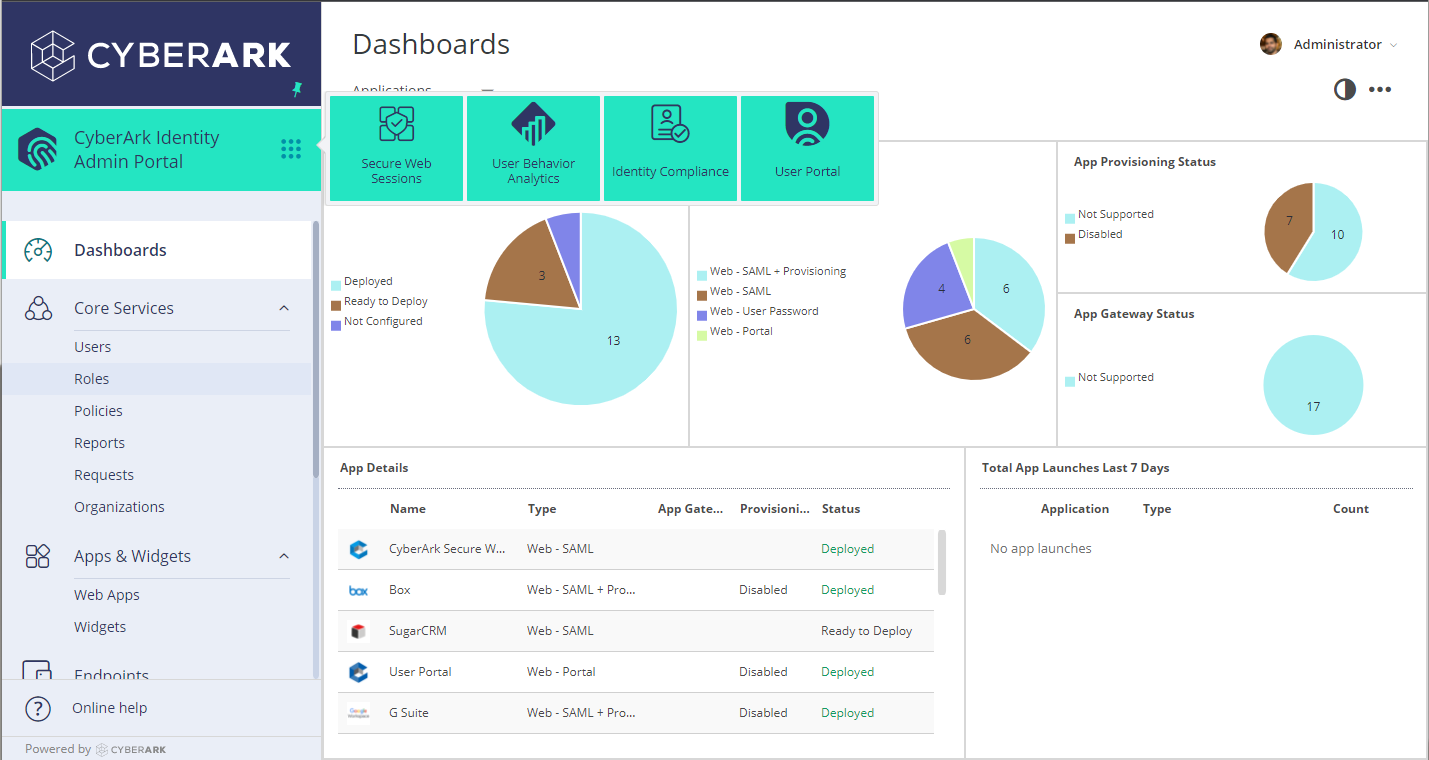
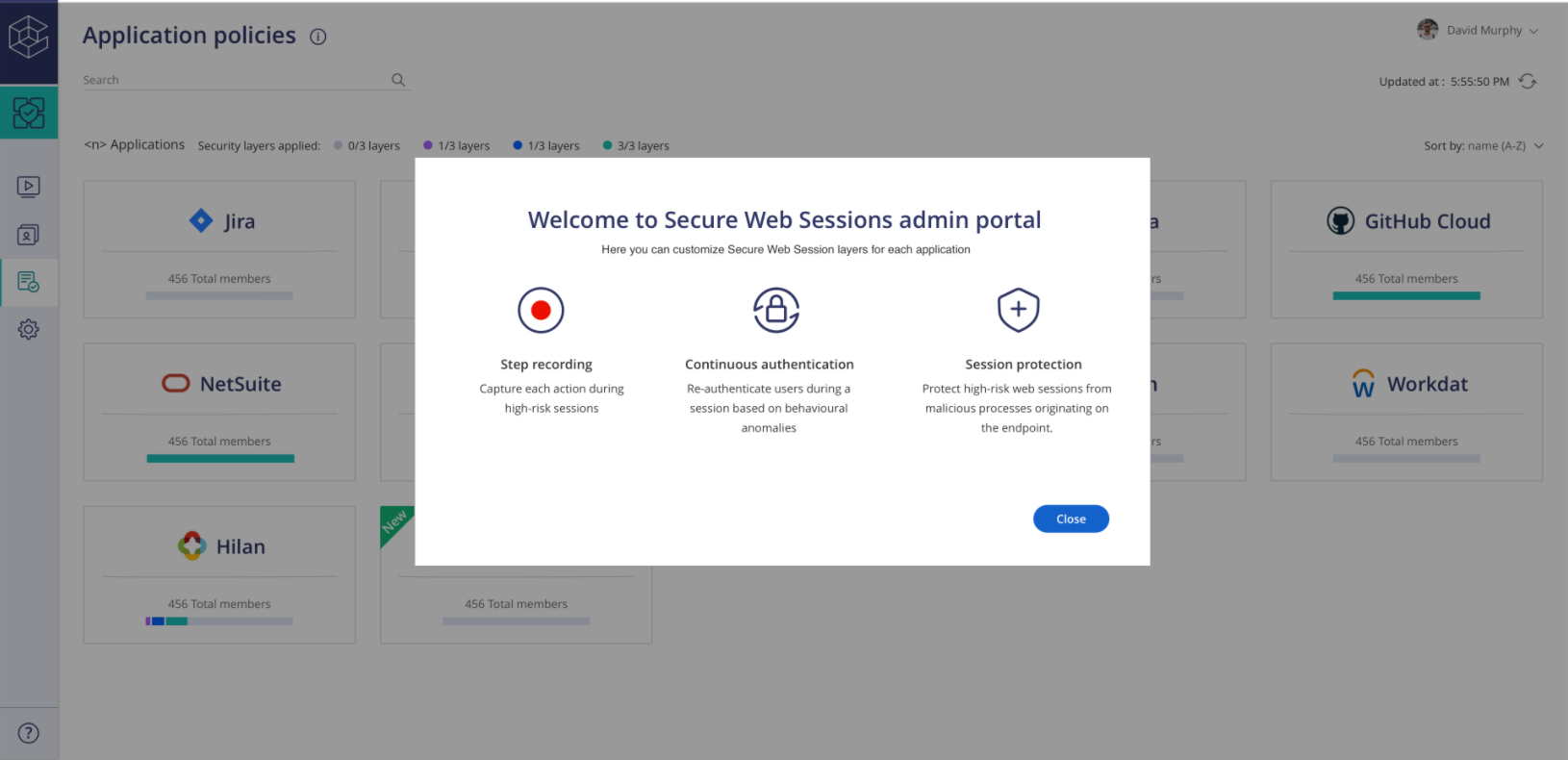
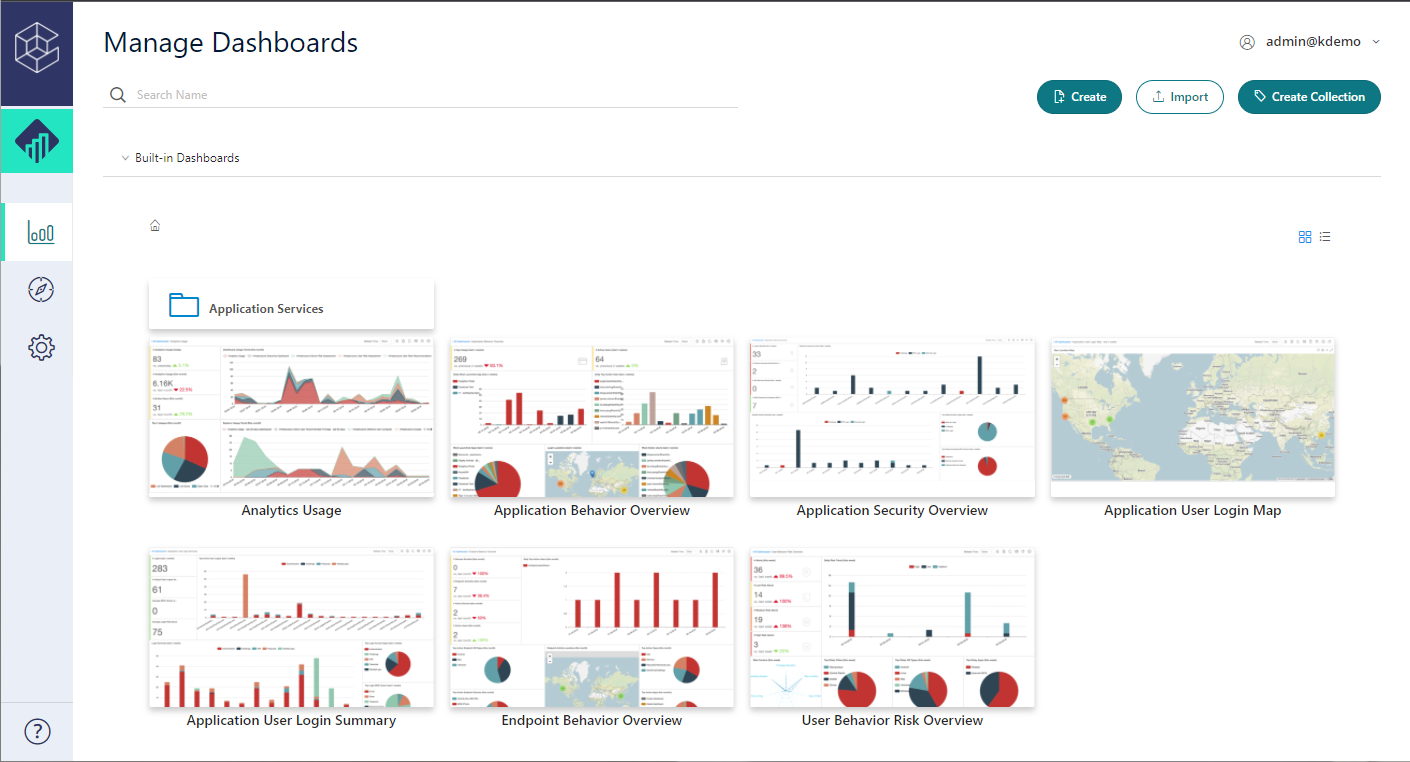
CyberArk Identity is a SaaS-delivered suite of solutions designed to simplify identity and access management in enterprises. CyberArk Identity unifies Workforce Access and Identity Management solutions in a single offering. Workforce Access capabilities include single sign-on, multi-factor authentication, session security, and credential management. Identity Management capabilities include lifecycle management, identity orchestration, and identity governance. With CyberArk Identity,…
N/A
WatchGuard AuthPoint
Score 9.1 out of 10
N/A
AuthPoint Total Identity Security provides businesses with a solution to protect user accounts and credentials. With
multi-factor authentication and dark web credential
monitoring, AuthPoint mitigates the risks associated with workforce credential
attacks. AuthPoint adds an extra layer of security by monitoring for
potential credential exposure in the dark web for both personal and corporate
accounts.
N/A
Pricing
CyberArk Workforce Identity
WatchGuard AuthPoint
Editions & Modules
No answers on this topic
No answers on this topic
Offerings
Pricing Offerings
CyberArk Workforce Identity
WatchGuard AuthPoint
Free Trial
Yes
Yes
Free/Freemium Version
No
Yes
Premium Consulting/Integration Services
No
No
Entry-level Setup Fee
No setup fee
No setup fee
Additional Details
—
—
More Pricing Information
Community Pulse
CyberArk Workforce Identity
WatchGuard AuthPoint
Features
CyberArk Workforce Identity
WatchGuard AuthPoint
Identity Management
Comparison of Identity Management features of Product A and Product B
Centrify Identity Service is well suited for nearly any organization, especially ones utilizing Active Directory for user management. It is especially well suited for organizations looking to reduce internal resource use, because it's easy to maintain and manage. Its features also allow you to free up resources previously dedicated to the provisioning and deprovisioning of Office 365/Salesforce users (as well as other applications).
While I cannot speak of the functionalities that we do not use, the 2nd factor authentication has been great. It's actually secure, I can control it all remotely, users don't mind the extra step, and management feels more at ease knowing that we have full access control. The VPN for remote connections is fast and stable, it stays connected during network oddities and has plenty of bandwidth.
Single Sign-on Integration is easy and complete configuration is UI driven with lots of help tips
RESTFul APIs for Multi-factor Authentication is easy to use and implement. Also, Centrify supports all new Security features for Multi Factor Authentication and hence you can easily select and configure different challenges based on the policies and roles for the user.
Lots of Built-in reports available for normal day to day auditing.
Works well with the free Authpoint client and the OpenVPN clinet.
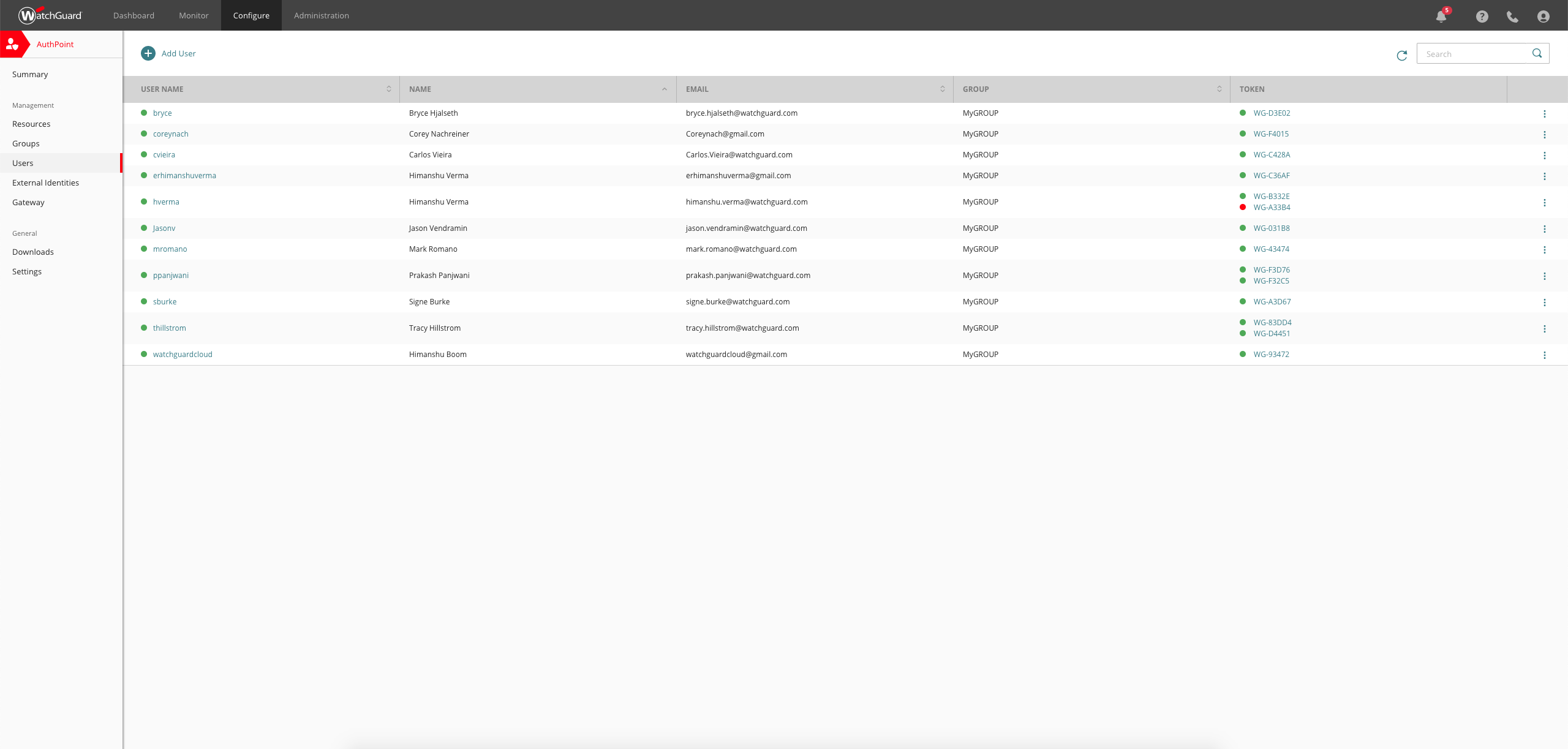
Token management is simple and hosted completely in the cloud to reduce overall complexity
Setup was simple and and staighforward
Suppports several authentication methods we have used both RADIUS and SAML effectively, but ADFS, IDP, RDWeb, and RESTful API, and other custom apps are supported.
Geofencing for RDP has been very useful as it is independant of our firewall geofencing. This is quite useful for organizations like us who do not Geofence at at the firewall level so as to provide global access to resources on the DMZ.
Occasionally, I get logged out of Gmail, sometimes in the middle of an email. I'm not sure why it happens, but I think it has something to do with timing out. Which is strange because I'm on email all day. Not sure why.
Integration with on-premise AD is not working, even after speaking with the support team, it could not get resolved. There is no better documentation on this topic as well
Integration with Azure AD is not supported without the presence of on-prem AD
Logs information is not precious, it provides a generic code in some cases, making it harder to troubleshoot.
The Watchguard AuthPoint App in AppStore has some issues, after it's activated there is no approval request being sent to the phone, and there is no way to troubleshoot this, the only way to make it work is by uninstalling the app and reinstalling it again.
Centrify is central to creating efficiency and safety for our clients and internally. To remove it would cause a massive disturbance in the lives of our employees and our clients.
We are very happy with Authpoint and see no reason to make any change to it. If only there was a policy to set minimum password strength requirements and to force users change their password every xx days, then it would be a 10!!!
After initial setup, it practically runs itself. Onboarding new users is fast and easy as it should be. The AuthPoint mobile app is small and simple to use. The only reason I do not give it a 10 is that I frequently get complaints from end users that the AuthPoint app is "constantly downloading". In fact, it's not downloading anything and that what the users are seeing in the app is a timer for the 6-digit code that changes every minute.
The support staff thus far has been very helpful. At times I feel they are driving the process forward without my intervention or constant reminder, which is nice to have in a company for a change. Most support seems to be a hassle but so far Centrify appears to treat your project as their own project.
WatchGuard support is always quick and reliable. They have urgency levels that you are able to select when creating your support ticket, and they respond in accordance to the severity that you have set. I have never had an issue with getting someone on the phone in the same business day, even for very low priority issues.
It was an Onsite demo at the ditributor with the benefits of Watchguard Authpoint. Was very nice to see the abilities of the product. This Demo was a few years back, since then Authpoint changed allot. It is very nice for partners that you can get this demo without any aditional cost.
We use the online training for all our employees. There are both sales and technical trainings available and there even is a technical certification. You can use this for the Watchguard Partner Program which can give you aditional benefits. Every now and then you have a webinar that discusses multiple Watchguard products.
the first time it takes more effort. It is helpful to already understand how each authentication type works. Then it's much easier to understand the MFA solution that you implement. It is useful to check the release notes from time to time and update the key parts of the Watchguard Authpoint. Authpoint Gateway, Logon App, RDWeb... Also, it's useful to set up notifications when something goes wrong or sometimes check the statistics of how many requests are being approved/denied, etc.
We started off using ADFS from Microsoft, which took most of a day to get fully functional and nearly a week to get fully optimized. The documentation was inconsistent with ADFS and there was no real support without opening a Microsoft Premier Support ticket. At the time, if you turned on Multi-Factor Authentication (MFA) for Office 365, it turned it on for everything without any granularity. Our Information Security department said that MFA was a requirement for offsite access to our email systems, but users didn't need MFA when onsite. We looked at Okta, OneLogin, and Centrify at the same time. Centrify was the only one that responded quickly and offered a free POC with support included. We tried to deploy the Okta solution on our own, but ran into issues due to some of our non-standard AD configuration. We never received a return call from OneLogin. The Centrify POC took about 15 minutes to complete for basic functionality and a couple of hours to work out the issues related to our environment. We have been very happy with the Centrify solution and went live with our POC.
WatchGuard AuthPoint is easier to manage on a company-wide scale than Google Authenticator. We do use AuthPoint in conjunction with the Microsoft Authenticator but for different services. WatchGuard also has other features available, like dark web monitoring and device management, should we decide to move further services over to WatchGuard, with Google Authenticator does not have
CyberArk Workforce Identity provides secure access to on-premises and cloud applications. The platform is highly scalable and works well for companies of any size.
I can classify and label data. Also keep track of activity in shared applications and data, to know exactly who accesses each of the files.
We currently have 300 users on Authpoint, and most of them use insecure passwords. Authpoint gives us peace of mind that we don't have to police individual employee passwords.
In line with the comment above, with so many people in our organization using insecure passwords, I'm sure that Authpoint has already saved us from many potential security breaches.
Security breaches can cost a lot of money. Preventing them saves the company money and helps to achieve our bottom line.