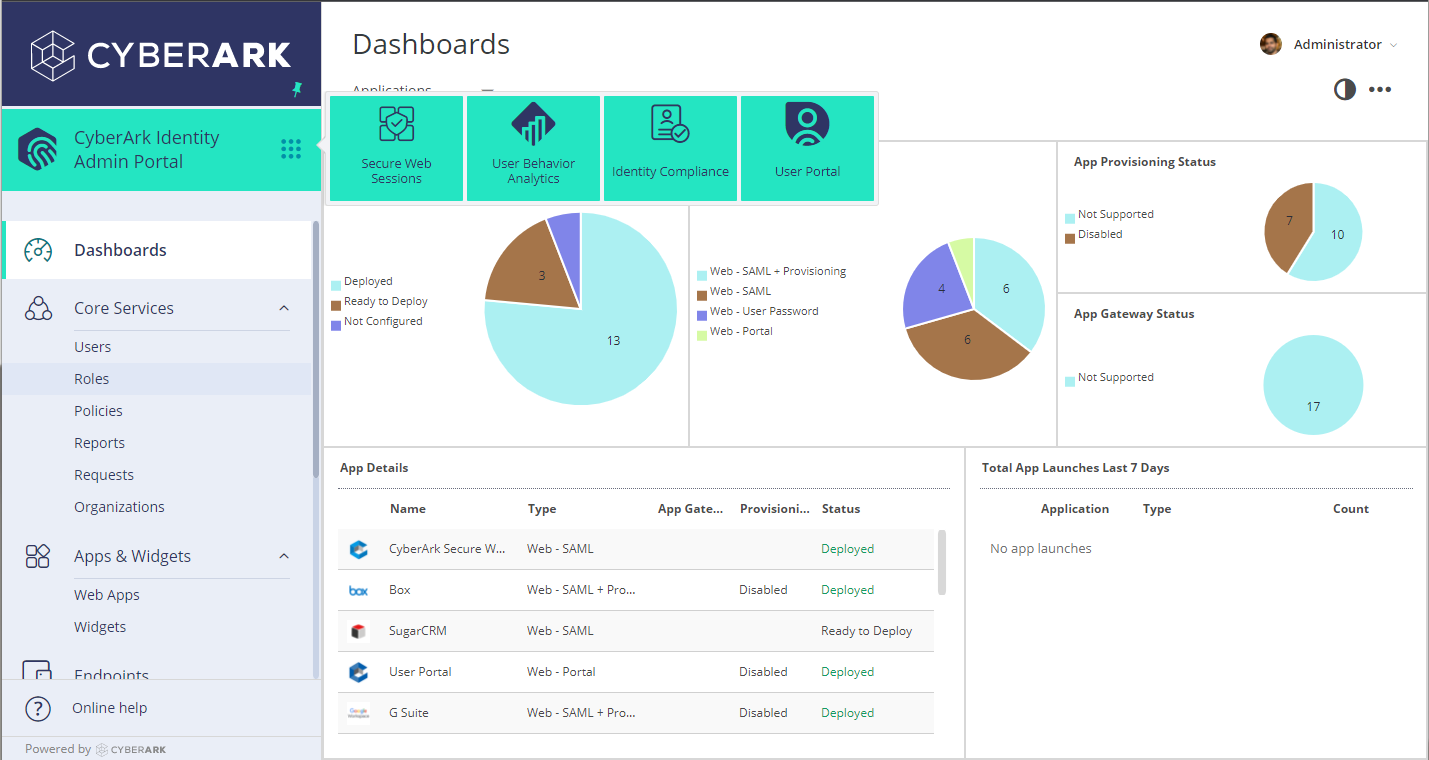
CyberArk Identity is a SaaS-delivered suite of solutions designed to simplify identity and access management in enterprises. CyberArk Identity unifies Workforce Access and Identity Management solutions in a single offering. Workforce Access capabilities include single sign-on, multi-factor authentication, session security, and credential management. Identity Management capabilities include lifecycle management, identity orchestration, and identity governance. With CyberArk Identity,…
N/A
SecurID
Score 9.0 out of 10
N/A
SecurID, a company and solution suite from RSA, is an identity and access management suite supporting access management, authentication, and identity governance.
$2
per year per user
Pricing
CyberArk Workforce Identity
SecurID
Editions & Modules
No answers on this topic
Cloud
$2
per year per user
Cloud Plus
$4
per year per user
Cloud Premier
$6
per year per user
Offerings
Pricing Offerings
CyberArk Workforce Identity
SecurID
Free Trial
Yes
Yes
Free/Freemium Version
No
No
Premium Consulting/Integration Services
No
No
Entry-level Setup Fee
No setup fee
No setup fee
Additional Details
—
—
More Pricing Information
Community Pulse
CyberArk Workforce Identity
SecurID
Features
CyberArk Workforce Identity
SecurID
Identity Management
Comparison of Identity Management features of Product A and Product B
Centrify Identity Service is well suited for nearly any organization, especially ones utilizing Active Directory for user management. It is especially well suited for organizations looking to reduce internal resource use, because it's easy to maintain and manage. Its features also allow you to free up resources previously dedicated to the provisioning and deprovisioning of Office 365/Salesforce users (as well as other applications).
Works well in a large organization with many employees and devices but may not work so well in smaller organizations due to alternatives that are cheaper and are already provided (such as Microsoft's Azure MFA). Using the soft token is easy and convenient. For a large environment, It has allowed us to have a single app used for authentication for all of our various users, and using the soft token is easy and convenient.
Single Sign-on Integration is easy and complete configuration is UI driven with lots of help tips
RESTFul APIs for Multi-factor Authentication is easy to use and implement. Also, Centrify supports all new Security features for Multi Factor Authentication and hence you can easily select and configure different challenges based on the policies and roles for the user.
Lots of Built-in reports available for normal day to day auditing.
RSA SecurID allows me to access network files from remote locations (hotels, other businesses, working from home). This allows me greater productivity and helps me with a work-life balance as I can work later at night or not get so backed up when I'm traveling.
RSA SecurID keeps information secure by limiting access to network files
RSA SecurID is easy to use with a soft token - one less item to carry around in my travel bag
Occasionally, I get logged out of Gmail, sometimes in the middle of an email. I'm not sure why it happens, but I think it has something to do with timing out. Which is strange because I'm on email all day. Not sure why.
Centrify is central to creating efficiency and safety for our clients and internally. To remove it would cause a massive disturbance in the lives of our employees and our clients.
Long story short, does the job. Can use company credentials to setup and access the account for SecurID. Easy to setup and implement. Doesn't have a high learning curve.
Using it very frequently, it's important that its straight forward and I do not have to go through unnecessary hoops to achieve something seemingly simple. Can setup using the company credentials and do not have to setup up a separate account. Setup was fast and easy. GUI is very straight forward and quick.
The support staff thus far has been very helpful. At times I feel they are driving the process forward without my intervention or constant reminder, which is nice to have in a company for a change. Most support seems to be a hassle but so far Centrify appears to treat your project as their own project.
Their support for onboarding and set-up is quite good. The only issues we tend to have are obtaining new user devices. These need to be planned ahead of time.
We started off using ADFS from Microsoft, which took most of a day to get fully functional and nearly a week to get fully optimized. The documentation was inconsistent with ADFS and there was no real support without opening a Microsoft Premier Support ticket. At the time, if you turned on Multi-Factor Authentication (MFA) for Office 365, it turned it on for everything without any granularity. Our Information Security department said that MFA was a requirement for offsite access to our email systems, but users didn't need MFA when onsite. We looked at Okta, OneLogin, and Centrify at the same time. Centrify was the only one that responded quickly and offered a free POC with support included. We tried to deploy the Okta solution on our own, but ran into issues due to some of our non-standard AD configuration. We never received a return call from OneLogin. The Centrify POC took about 15 minutes to complete for basic functionality and a couple of hours to work out the issues related to our environment. We have been very happy with the Centrify solution and went live with our POC.
RSA SecureID is still widely deployed and the de facto industry standard for 2nd factor authentication. Microsoft Azure offers alternative 2nd factor auth but the price was too high. We are still testing Citrix NetScaler offering with CloudBridge for 2nd factor auth and SMS code to user mobile device so it is yet to be seen as a viable alternative to RSA.
CyberArk Workforce Identity provides secure access to on-premises and cloud applications. The platform is highly scalable and works well for companies of any size.
I can classify and label data. Also keep track of activity in shared applications and data, to know exactly who accesses each of the files.