CyberArk Workforce Identity vs. ManageEngine ADManager Plus

Overview
ProductRatingMost Used ByProduct SummaryStarting Price
CyberArk Workforce Identity
Score 8.0 out of 10
N/A
CyberArk Identity is a SaaS-delivered suite of solutions designed to simplify identity and access management in enterprises. CyberArk Identity unifies Workforce Access and Identity Management solutions in a single offering. Workforce Access capabilities include single sign-on, multi-factor authentication, session security, and credential management. Identity Management capabilities include lifecycle management, identity orchestration, and identity governance. With CyberArk Identity,…N/A
ManageEngine ADManager Plus
Score 9.1 out of 10
N/A
ManageEngine ADManager Plus simplifies enterprise-wide Windows Active Directory management and reporting.
$595
per year 1 Domain & 2 help desk Technicians
Pricing
CyberArk Workforce IdentityManageEngine ADManager Plus
Editions & Modules
No answers on this topic
Standard
$595
per year 1 Domain & 2 help desk Technicians
Professional
$795
per year 1 Domain
Standard
$1,195
per year 1 Domain & 5 help desk Technicians
Professional
$1,795
per year 1 Domain & 2 help desk Technicians
Standard
$2,145
per year 1 Domain & 10 help desk Technicians
Standard
$3,345
per year 1 Domain & 20 help desk Technicians
Professional
$3,345
per year 1 Domain & 5 help desk Technicians
Professional
$5,395
per year 1 Domain & 10 help desk Technicians
Standard
$5995
per year 1 Domain & 50 help desk Technicians
Standard
$7795
per year 1 Domain & 100 help desk Technicians
Professional
$7,795
per year 1 Domain & 20 help desk Technicians
Standard
$10,795
per year 1 Domain & 200 help desk Technicians
Professional
$10,795
per year 1 Domain & 50 help desk Technicians
Standard
$11,995
per year 1 Domain & 500 help desk Technicians
Professional
$11,995
per year 1 Domain & 100 help desk Technicians
Professional
$15,595
per year 1 Domain & 200 help desk Technicians
Professional
$17,995
per year 1 Domain & 500 help desk Technicians
Standard
Free
per year 1 Domain
Offerings
Pricing Offerings
CyberArk Workforce IdentityManageEngine ADManager Plus
Free Trial
YesNo
Free/Freemium Version
NoYes
Premium Consulting/Integration Services
NoNo
Entry-level Setup FeeNo setup feeNo setup fee
Additional DetailsEach additional domain: Standard = $345. Professional = $595. These prices are for an annual license. ADManager Plus license is xml-based and supplied to you through e-mail. Each ADManager Plus license includes an administrator account by default.
More Pricing Information
Community Pulse
CyberArk Workforce IdentityManageEngine ADManager Plus
Features
CyberArk Workforce IdentityManageEngine ADManager Plus
Identity Management
Comparison of Identity Management features of Product A and Product B
CyberArk Workforce Identity
9.0
Ratings
11% above category average
ManageEngine ADManager Plus
8.7
Ratings
7% above category average
ID-Management Access Control9.00 Ratings9.00 Ratings
ID Management Single-Sign On (SSO)9.00 Ratings8.00 Ratings
Multi-Factor Authentication9.00 Ratings9.00 Ratings
Password Management9.00 Ratings8.50 Ratings
Account Provisioning and De-provisioning9.00 Ratings8.70 Ratings
ID Management Workflow Automation9.00 Ratings9.00 Ratings
ID Risk Management9.00 Ratings9.00 Ratings
Best Alternatives
CyberArk Workforce IdentityManageEngine ADManager Plus
Small Businesses
WatchGuard AuthPoint
Score 9.1 out of 10
WatchGuard AuthPoint
Score 9.1 out of 10
Medium-sized Companies
OneLogin by One Identity
Score 9.6 out of 10
OneLogin by One Identity
Score 9.6 out of 10
Enterprises
OneLogin by One Identity
Score 9.6 out of 10
OneLogin by One Identity
Score 9.6 out of 10
All AlternativesView all alternativesView all alternatives
User Ratings
CyberArk Workforce IdentityManageEngine ADManager Plus
Likelihood to Recommend
9.0
(0 ratings)
9.5
(0 ratings)
Likelihood to Renew
10.0
(0 ratings)
10.0
(0 ratings)
Usability
-
(0 ratings)
9.0
(0 ratings)
Availability
-
(0 ratings)
10.0
(0 ratings)
Performance
-
(0 ratings)
10.0
(0 ratings)
Support Rating
9.0
(0 ratings)
10.0
(0 ratings)
Product Scalability
-
(0 ratings)
9.0
(0 ratings)
Vendor post-sale
-
(0 ratings)
10.0
(0 ratings)
Vendor pre-sale
-
(0 ratings)
10.0
(0 ratings)
User Testimonials
CyberArk Workforce IdentityManageEngine ADManager Plus
Likelihood to Recommend
Centrify Identity Service is well suited for nearly any organization, especially ones utilizing Active Directory for user management. It is especially well suited for organizations looking to reduce internal resource use, because it's easy to maintain and manage. Its features also allow you to free up resources previously dedicated to the provisioning and deprovisioning of Office 365/Salesforce users (as well as other applications).
Read full review
Any environment that runs on AD needs ADManager Plus. They have already built-in 95% of the queries and reports you will need. It provides a great window into your AD environment. The interface is very intuitive and for any reports or queries that aren't already packaged the product makes them easy to build
Read full review
Pros
  • Single Sign-on Integration is easy and complete configuration is UI driven with lots of help tips
  • RESTFul APIs for Multi-factor Authentication is easy to use and implement. Also, Centrify supports all new Security features for Multi Factor Authentication and hence you can easily select and configure different challenges based on the policies and roles for the user.
  • Lots of Built-in reports available for normal day to day auditing.
Read full review
  • Bulk user creating/de-provisioning user, all bulk operations
  • Reporting on many items, group membership, password expiration, etc.
  • Works well with active directory and Google integration.
  • Easy to use interface.
  • Mobile app.
Read full review
Cons
  • Occasionally, I get logged out of Gmail, sometimes in the middle of an email. I'm not sure why it happens, but I think it has something to do with timing out. Which is strange because I'm on email all day. Not sure why.
Read full review
  • Reports can be hard to get what you need...sometimes they include fields that you don't need.
  • The automation feature broke after an update and our complex automations stopped working.
Read full review
Likelihood to Renew
Centrify is central to creating efficiency and safety for our clients and internally. To remove it would cause a massive disturbance in the lives of our employees and our clients.
Read full review
We are very satfisfied with the software and when time permits, we hope to explore additional features we are not using. It has a lot of we ae not currently using due to staffing shortages.
Read full review
Usability
No answers on this topic
The slick interface coupled with the prepackaged reports and queries, and the ability to sort and export that data makes the product great
Read full review
Performance
No answers on this topic
Yes, it loads very quickly and moving between pages is very fast
Read full review
Support Rating
The support staff thus far has been very helpful. At times I feel they are driving the process forward without my intervention or constant reminder, which is nice to have in a company for a change. Most support seems to be a hassle but so far Centrify appears to treat your project as their own project.
Read full review
Support for this software is not the greatest. If the software is not completely down, it can take up to a day to get a response back. However, once they do contact you they are friendly and helpful.
Read full review
Alternatives Considered
We started off using ADFS from Microsoft, which took most of a day to get fully functional and nearly a week to get fully optimized. The documentation was inconsistent with ADFS and there was no real support without opening a Microsoft Premier Support ticket. At the time, if you turned on Multi-Factor Authentication (MFA) for Office 365, it turned it on for everything without any granularity. Our Information Security department said that MFA was a requirement for offsite access to our email systems, but users didn't need MFA when onsite. We looked at Okta, OneLogin, and Centrify at the same time. Centrify was the only one that responded quickly and offered a free POC with support included. We tried to deploy the Okta solution on our own, but ran into issues due to some of our non-standard AD configuration. We never received a return call from OneLogin. The Centrify POC took about 15 minutes to complete for basic functionality and a couple of hours to work out the issues related to our environment. We have been very happy with the Centrify solution and went live with our POC.
Read full review
We did not research any other applications. ADManager Plus was the first that appeared in our search. After a demo with their sales team, it was apparent that this was the application we wanted. The price was perfect too. We ordered it right away and implemented it within a couple of weeks.
Read full review
Scalability
No answers on this topic
We are currently deploying on 1 department
Read full review
Return on Investment
  • CyberArk Workforce Identity provides secure access to on-premises and cloud applications. The platform is highly scalable and works well for companies of any size.
  • I can classify and label data. Also keep track of activity in shared applications and data, to know exactly who accesses each of the files.
Read full review
  • It has a positive impact in our business in terms of resource and time management.
  • It is reducing our time to resolve a user, password, group and mailbox related queries.
  • It is reducing our time in bulk modification.
  • It is helping us in the Auditing as it can generate multiple types of reports in just a few clicks.
Read full review
ScreenShots

CyberArk Workforce Identity Screenshots
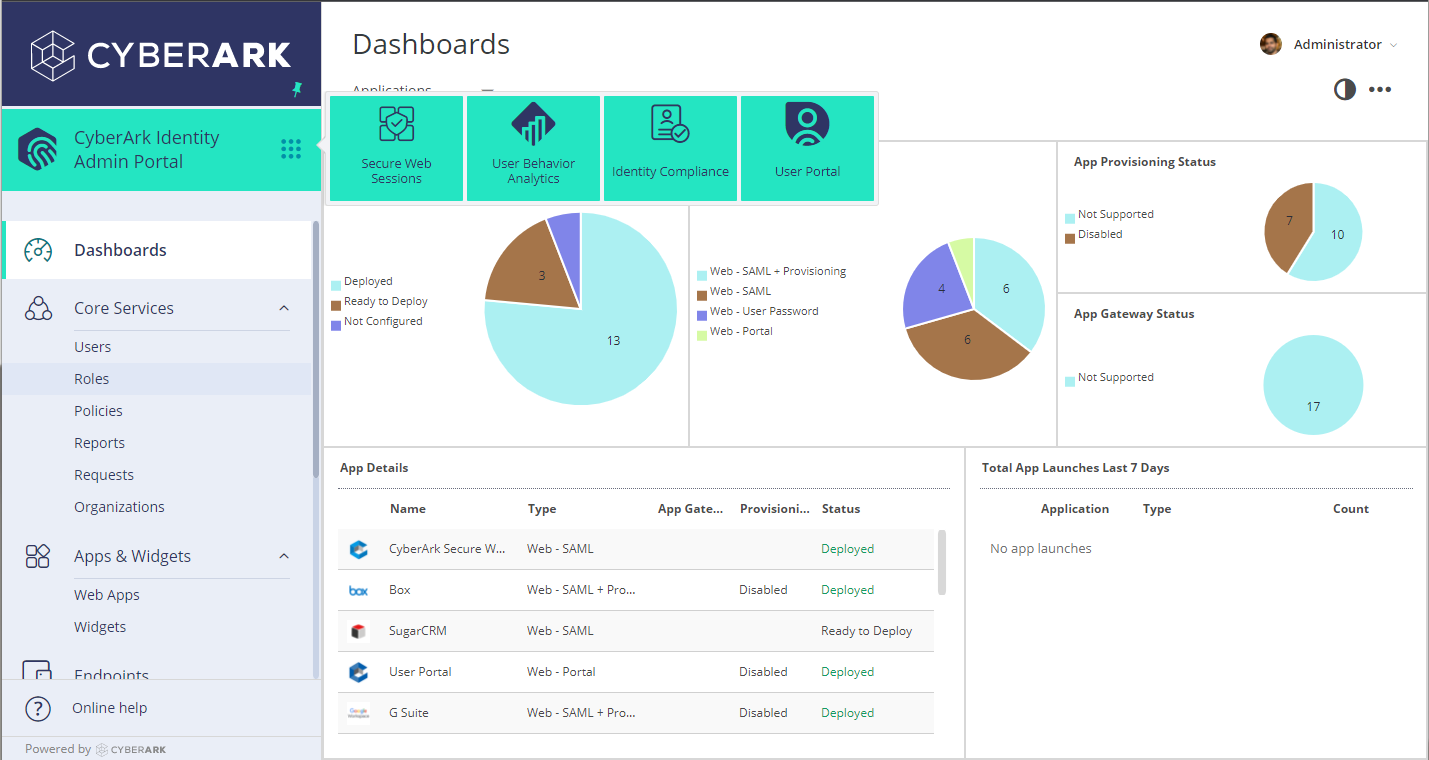
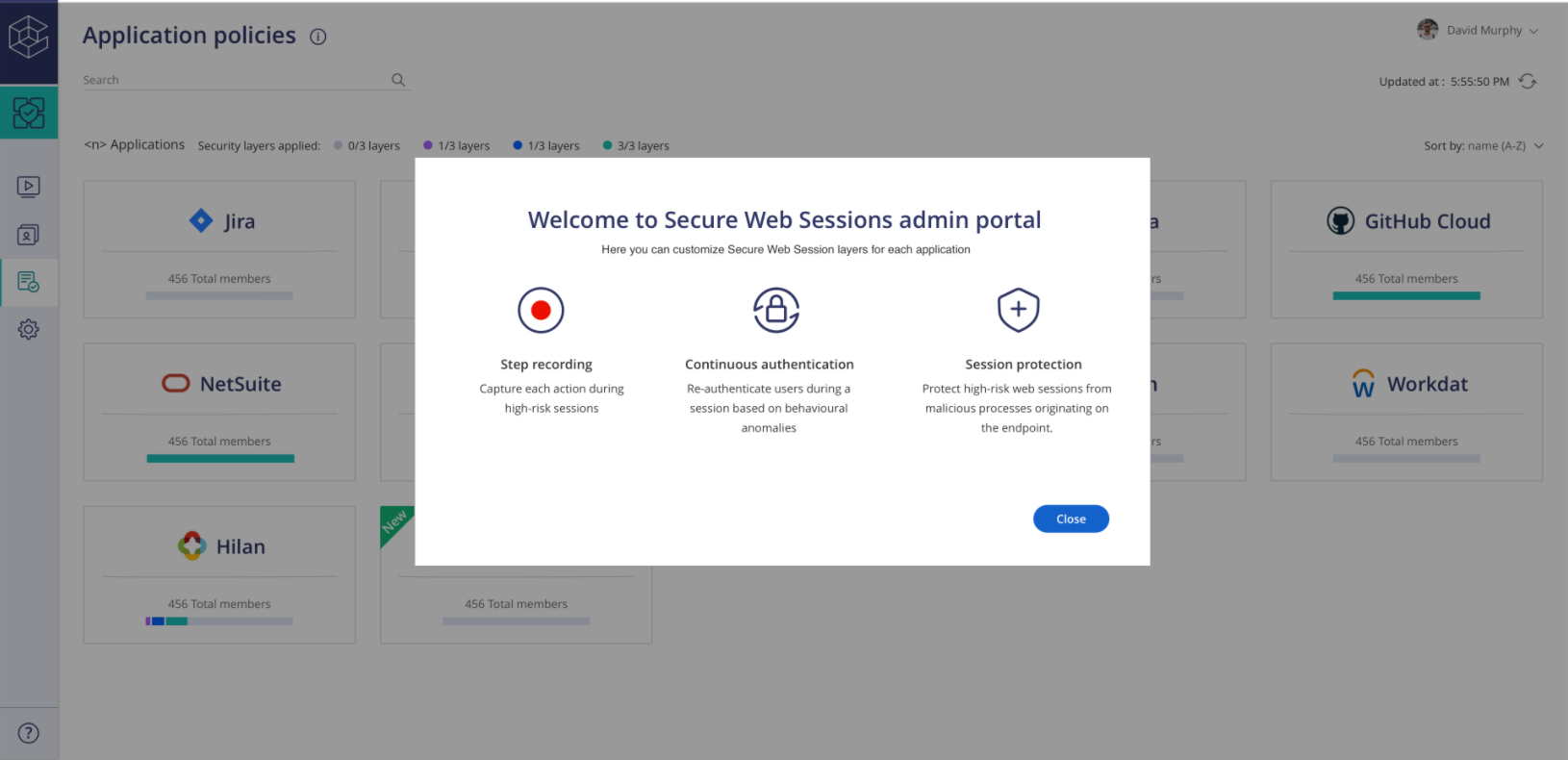
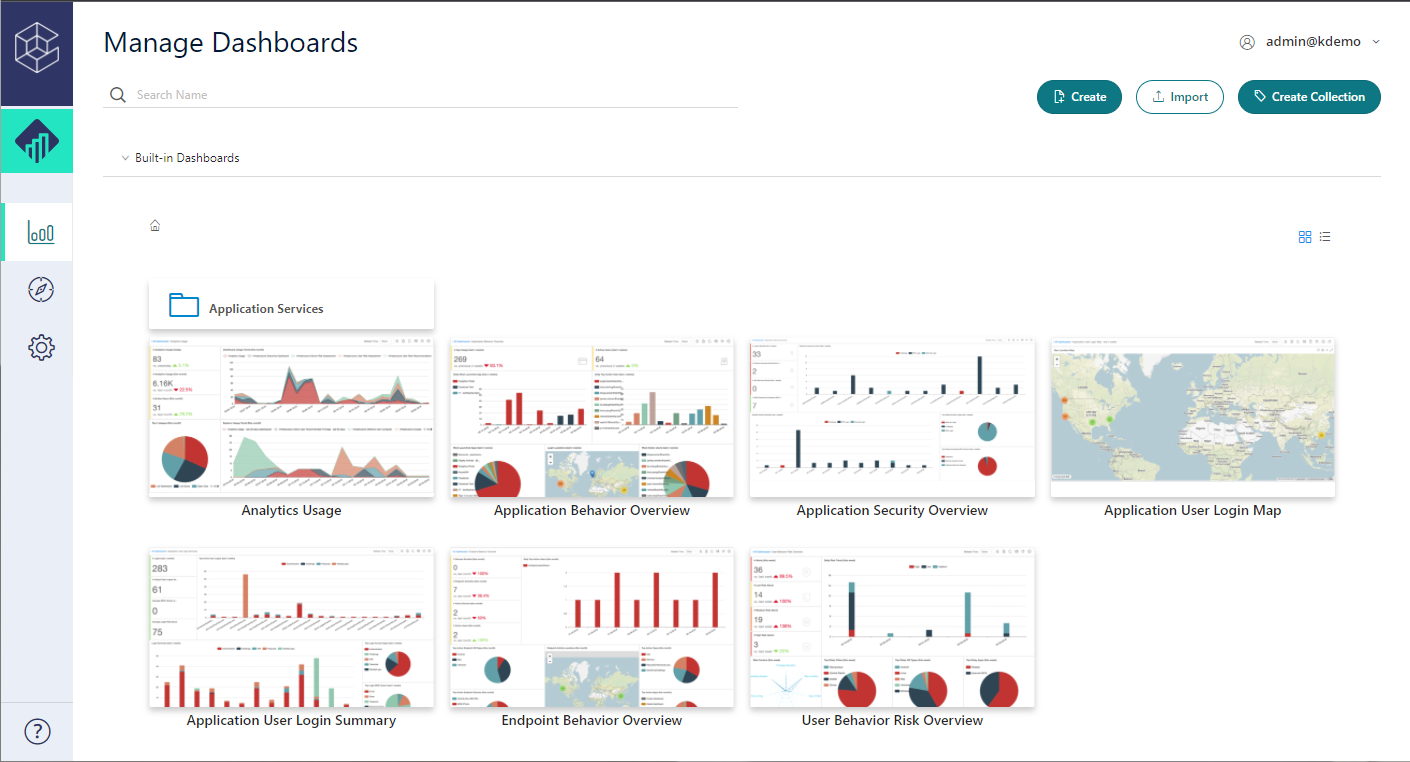
Screenshot of Admin PortalScreenshot of Identity LoginScreenshot of SWS PortalScreenshot of UBA PortalScreenshot of User Portal