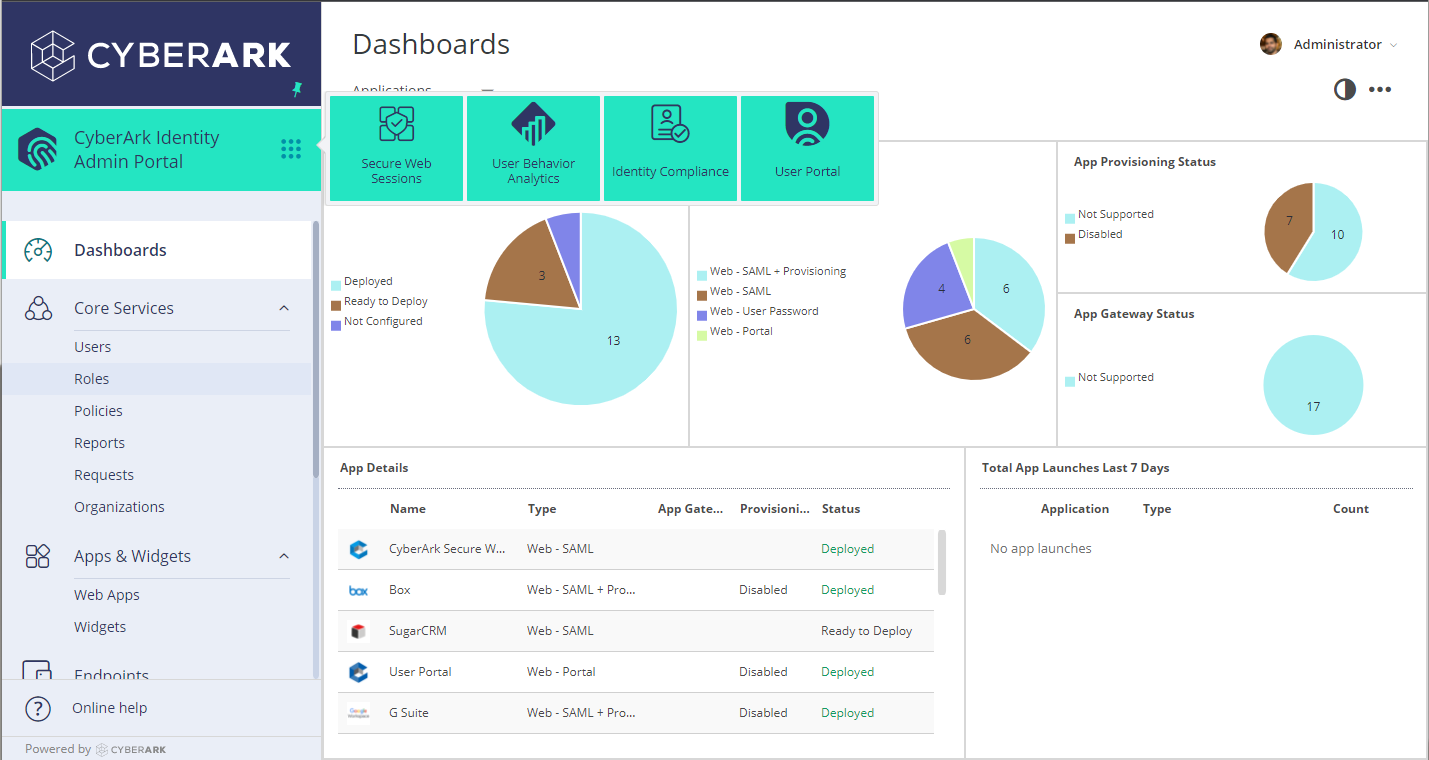
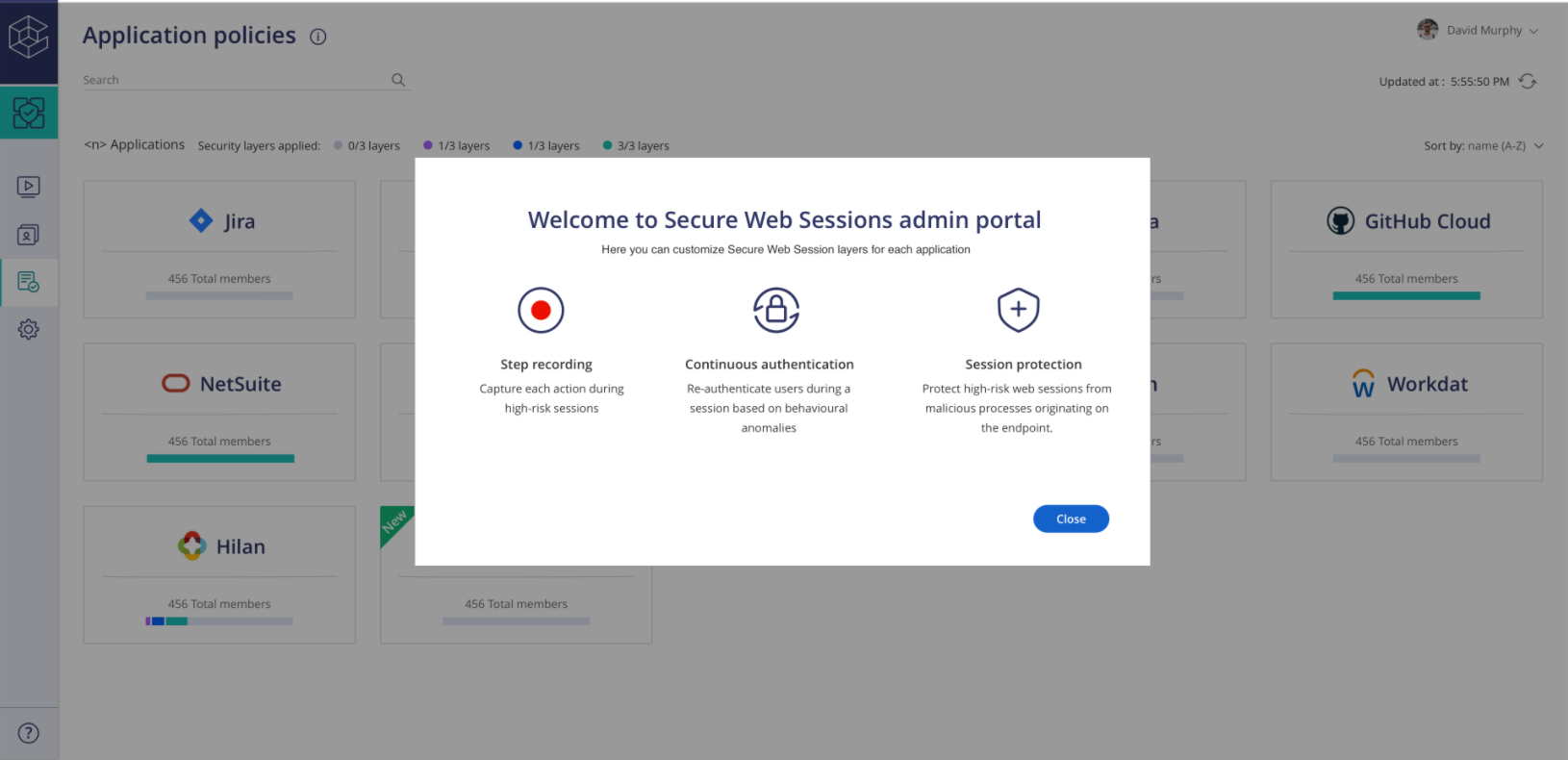
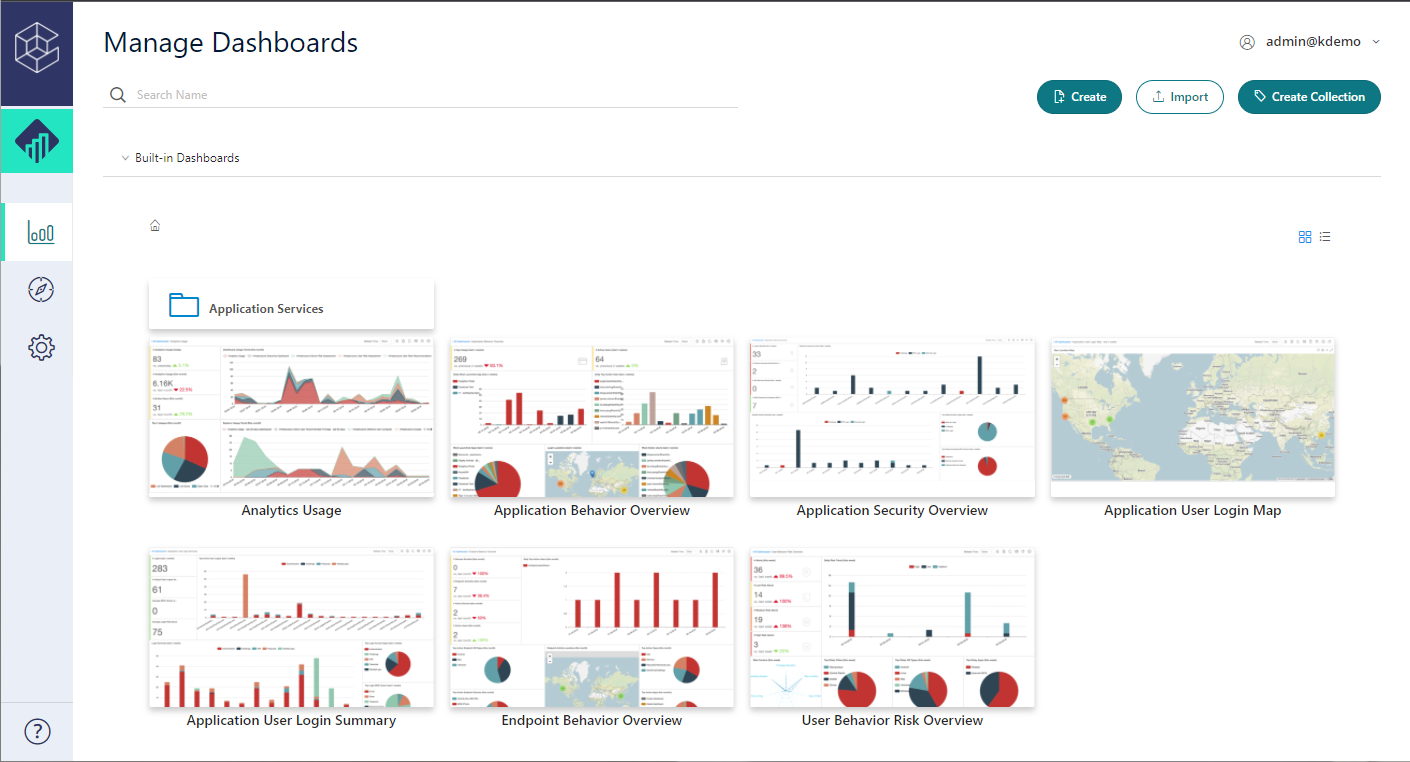
CyberArk Identity is a SaaS-delivered suite of solutions designed to simplify identity and access management in enterprises. CyberArk Identity unifies Workforce Access and Identity Management solutions in a single offering. Workforce Access capabilities include single sign-on, multi-factor authentication, session security, and credential management. Identity Management capabilities include lifecycle management, identity orchestration, and identity governance. With CyberArk Identity,…
N/A
Google Authenticator
Score8.1 out of 10
N/A
Google Authenticator is a mobile authentication app.
Centrify is a great solution for anyone looking to start using Office 365. It is also a great solution for anyone wanting to provide their users with an SSO solution using OAUTH, Federation, or SAML for any hosted service. If you are looking to use Centrify for MDM but you aren't using a hosted/hybrid email solution such as Office 365, there are better on-premise options that should be explored.
A de minimis incentive was given to thank the reviewer for their time. The incentive was not used to bias or drive a particular response, nor was the incentive contingent on a positive endorsement. More Info
Logging into my work accounts is where Google Authenticator works best. Also, I had a personal account get hacked. I had an account created to book hotels, but someone was constantly resetting my password. To prevent further hacking attempts, I set up Google Authenticator. I do not believe it would be appropriate for banking accounts.
A de minimis incentive was given to thank the reviewer for their time. The incentive was not used to bias or drive a particular response, nor was the incentive contingent on a positive endorsement. More Info
A de minimis incentive was given to thank the reviewer for their time. The incentive was not used to bias or drive a particular response, nor was the incentive contingent on a positive endorsement. More Info
A de minimis incentive was given to thank the reviewer for their time. The incentive was not used to bias or drive a particular response, nor was the incentive contingent on a positive endorsement. More Info
Occasionally, I get logged out of Gmail, sometimes in the middle of an email. I'm not sure why it happens, but I think it has something to do with timing out. Which is strange because I'm on email all day. Not sure why.
A de minimis incentive was given to thank the reviewer for their time. The incentive was not used to bias or drive a particular response, nor was the incentive contingent on a positive endorsement. More Info
I once performed a factory reset of my smartphone which had Google Authenticator. I didn't have a backup for the device. When I restored my phone with the same google account, I was not able to restore the authenticator app settings. I had to add all the keys back into the app to use it. This is cumbersome, but I understand it is set up this way for security reasons.
I don't like the ease with which it lets you delete a key. If I accidentally delete a key, I am doomed to get my 2FA key reset, unless I still have the QR code saved somewhere.
A de minimis incentive was given to thank the reviewer for their time. The incentive was not used to bias or drive a particular response, nor was the incentive contingent on a positive endorsement. More Info
Centrify is central to creating efficiency and safety for our clients and internally. To remove it would cause a massive disturbance in the lives of our employees and our clients.
A de minimis incentive was given to thank the reviewer for their time. The incentive was not used to bias or drive a particular response, nor was the incentive contingent on a positive endorsement. More Info
A de minimis incentive was given to thank the reviewer for their time. The incentive was not used to bias or drive a particular response, nor was the incentive contingent on a positive endorsement. More Info
It's as easy as opening the app and what I need it for is there. I don't have to fumble with other accounts or getting something else to open it for me. I have all the access that I need for the use of the app within seconds and I can get access to the info that I need.
A de minimis incentive was given to thank the reviewer for their time. The incentive was not used to bias or drive a particular response, nor was the incentive contingent on a positive endorsement. More Info
A de minimis incentive was given to thank the reviewer for their time. The incentive was not used to bias or drive a particular response, nor was the incentive contingent on a positive endorsement. More Info
The support staff thus far has been very helpful. At times I feel they are driving the process forward without my intervention or constant reminder, which is nice to have in a company for a change. Most support seems to be a hassle but so far Centrify appears to treat your project as their own project.
A de minimis incentive was given to thank the reviewer for their time. The incentive was not used to bias or drive a particular response, nor was the incentive contingent on a positive endorsement. More Info
I have found Google’s support to be hit or miss. There are times when they are very responsive, and I get my issue resolved quickly, and there are times where a response from them takes weeks. There is no in-between. But my support experience with this particular product is nonexistent because I have not had a problem with it yet. Hopefully, we do not have any problems with it either.
A de minimis incentive was given to thank the reviewer for their time. The incentive was not used to bias or drive a particular response, nor was the incentive contingent on a positive endorsement. More Info
A de minimis incentive was given to thank the reviewer for their time. The incentive was not used to bias or drive a particular response, nor was the incentive contingent on a positive endorsement. More Info
Centrify offered us more for our money by being more than just an SSO platform. There were several other features included such as MDM and MFA. This started other initiatives for us and felt the other solutions we evaluated would not have been able to provide.
A de minimis incentive was given to thank the reviewer for their time. The incentive was not used to bias or drive a particular response, nor was the incentive contingent on a positive endorsement. More Info
First, Google Authenticator meets the security requirements which should be considered "table stakes". Second, simplicity is critical. Many users don' understand why they are setting up MFA (or they just don't care), and so adding additional complications to their day-to-day is always challenging. When it is simple, it makes life a lot easier. Finally, trust (due to the brand name recognition, primarily) removes any notion of "what is this?" that the user may have from being required to install something on their personal device for work purposes.
A de minimis incentive was given to thank the reviewer for their time. The incentive was not used to bias or drive a particular response, nor was the incentive contingent on a positive endorsement. More Info
A de minimis incentive was given to thank the reviewer for their time. The incentive was not used to bias or drive a particular response, nor was the incentive contingent on a positive endorsement. More Info
CyberArk Workforce Identity provides secure access to on-premises and cloud applications. The platform is highly scalable and works well for companies of any size.
I can classify and label data. Also keep track of activity in shared applications and data, to know exactly who accesses each of the files.
A de minimis incentive was given to thank the reviewer for their time. The incentive was not used to bias or drive a particular response, nor was the incentive contingent on a positive endorsement. More Info
More secure data = less worried about a data breach.
Takes longer to log in, and if I don't have my phone then I have to go looking for it, so it really makes it so that you can't be without your phone, which in certain instances is annoying or not possible and can hold up work time.
Everyone is willing to use the same program because everyone likes Google—makes it easier to manage.
A de minimis incentive was given to thank the reviewer for their time. The incentive was not used to bias or drive a particular response, nor was the incentive contingent on a positive endorsement. More Info