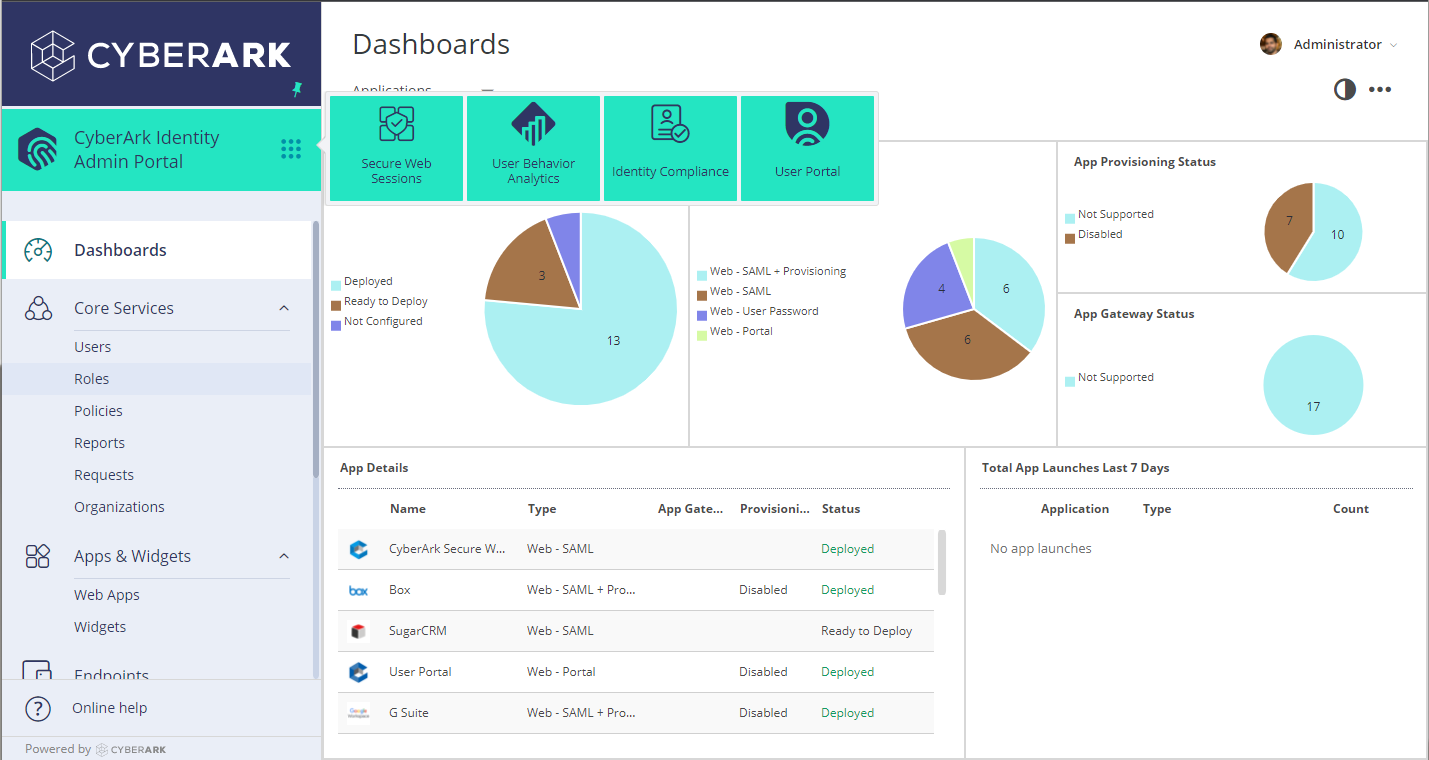
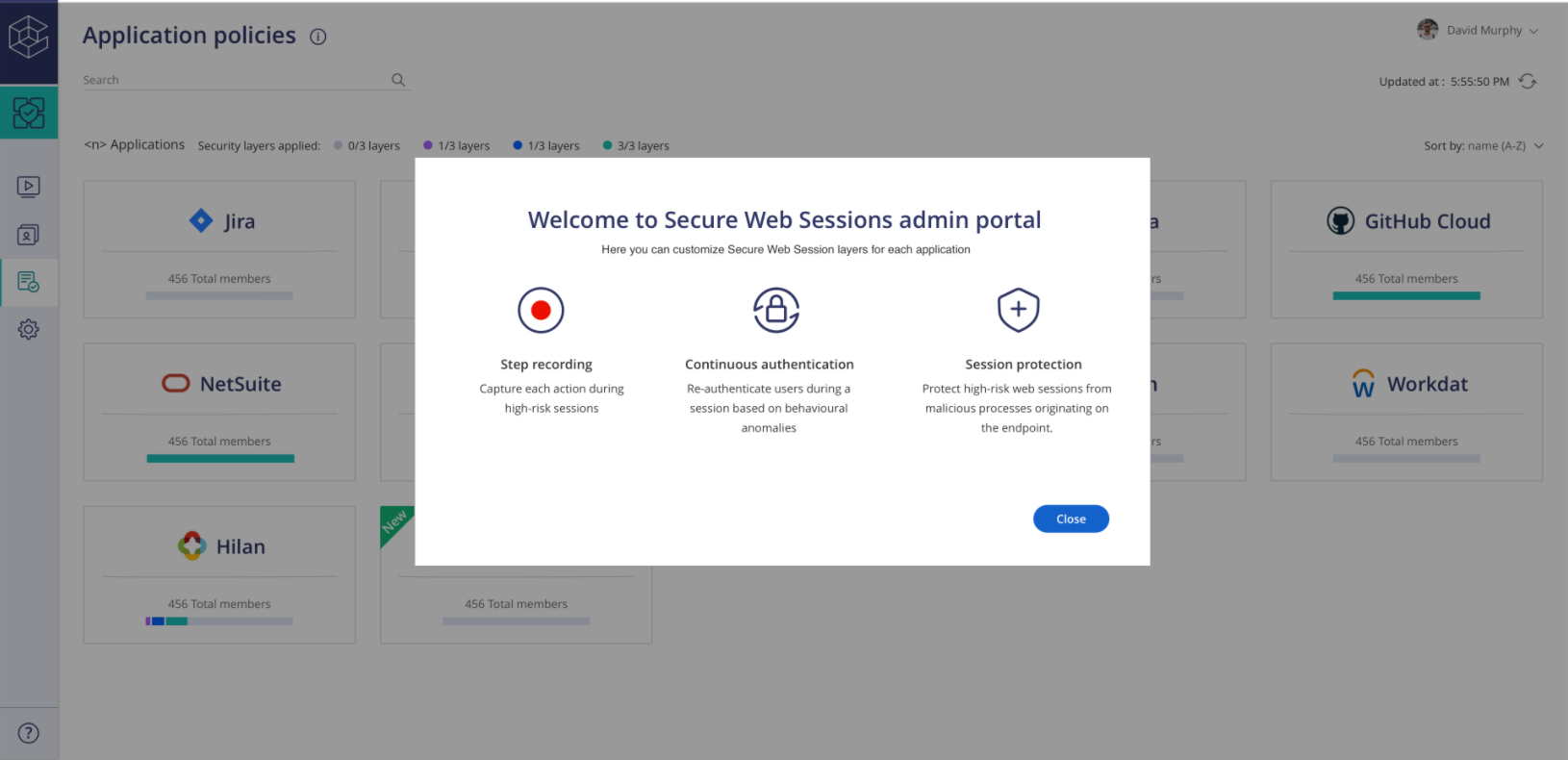
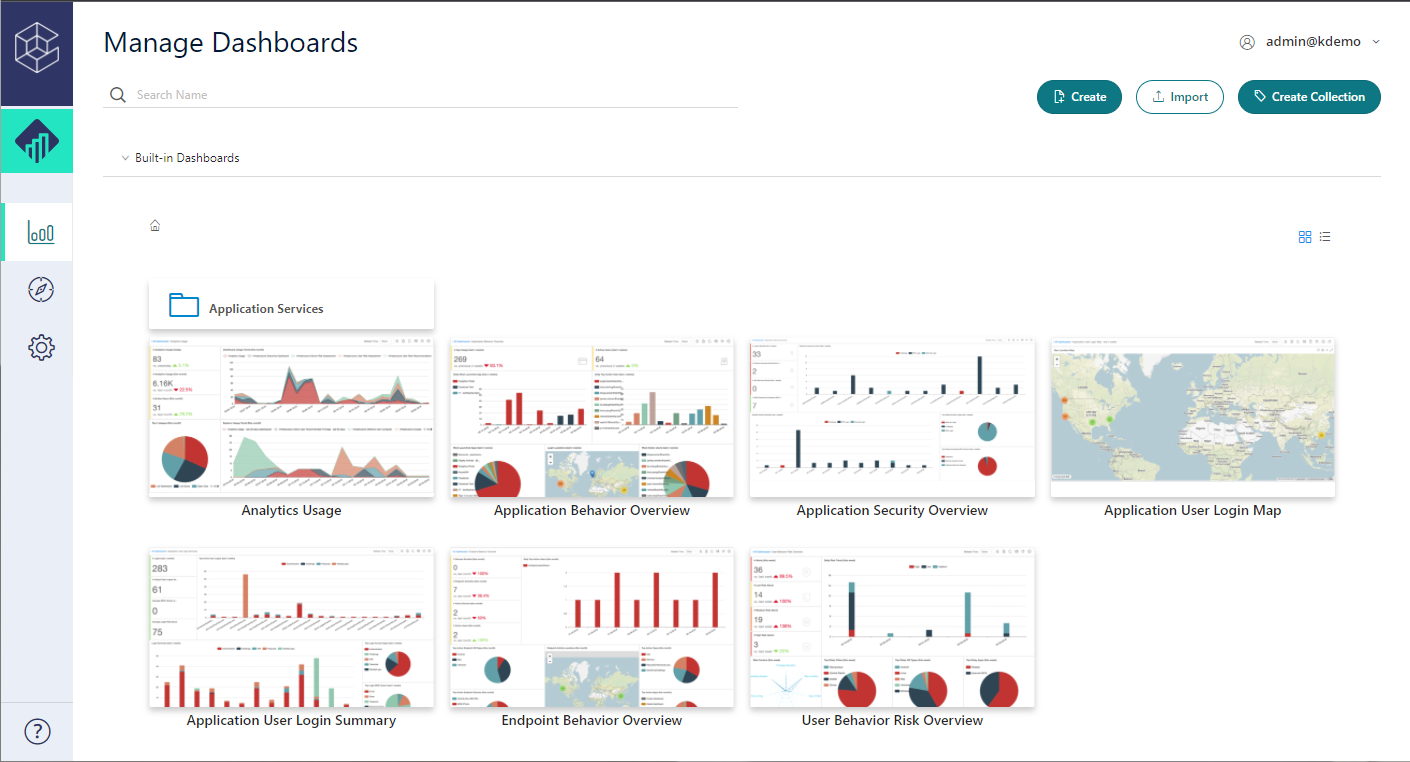
CyberArk Identity is a SaaS-delivered suite of solutions designed to simplify identity and access management in enterprises. CyberArk Identity unifies Workforce Access and Identity Management solutions in a single offering. Workforce Access capabilities include single sign-on, multi-factor authentication, session security, and credential management. Identity Management capabilities include lifecycle management, identity orchestration, and identity governance. With CyberArk Identity,…
N/A
Dashlane Password Manager
Score 8.9 out of 10
N/A
Dashlane is a credential manager that secures every credential, every user, and every employee device to proactively protect against breaches. Brands worldwide can use Dashlane to stay ahead of evolving threats.
$8
per month (billed annually) per seat
Pricing
CyberArk Workforce Identity
Dashlane Password Manager
Editions & Modules
No answers on this topic
Business
$8
per month (billed annually) per seat
Omnix™
Contact Sales
per year for organizations of 100+
Offerings
Pricing Offerings
CyberArk Workforce Identity
Dashlane Password Manager
Free Trial
Yes
Yes
Free/Freemium Version
No
Yes
Premium Consulting/Integration Services
No
No
Entry-level Setup Fee
No setup fee
No setup fee
Additional Details
—
—
More Pricing Information
Community Pulse
CyberArk Workforce Identity
Dashlane Password Manager
Features
CyberArk Workforce Identity
Dashlane Password Manager
Identity Management
Comparison of Identity Management features of Product A and Product B
Centrify Identity Service is well suited for nearly any organization, especially ones utilizing Active Directory for user management. It is especially well suited for organizations looking to reduce internal resource use, because it's easy to maintain and manage. Its features also allow you to free up resources previously dedicated to the provisioning and deprovisioning of Office 365/Salesforce users (as well as other applications).
Dashlane Password Manager works really well for situations where we need to share access to client portals or government filing sites, since multiple people can log in without ever seeing the actual password and we can cut off access right away when it’s no longer needed. It is also great for onboarding and offboarding since new hires or interns can get the logins they need quickly and we don’t have to pass around spreadsheets. Another strong use case is meeting compliance expectations because it shows clients we are serious about security and password hygiene. Where it’s less useful is in environments that already use single sign-on since that already centralizes access and makes Dashlane Password Manager feel redundant. It can also be a little frustrating if you rely heavily on mobile since the autofill doesn’t always work smoothly across different apps.
Single Sign-on Integration is easy and complete configuration is UI driven with lots of help tips
RESTFul APIs for Multi-factor Authentication is easy to use and implement. Also, Centrify supports all new Security features for Multi Factor Authentication and hence you can easily select and configure different challenges based on the policies and roles for the user.
Lots of Built-in reports available for normal day to day auditing.
Occasionally, I get logged out of Gmail, sometimes in the middle of an email. I'm not sure why it happens, but I think it has something to do with timing out. Which is strange because I'm on email all day. Not sure why.
Centrify is central to creating efficiency and safety for our clients and internally. To remove it would cause a massive disturbance in the lives of our employees and our clients.
Dashlane Password Manager is great for the price. Some feature sets of competitors are lacking, but I'm happy with what we get for the spend. We are a small enough company that I can walk people through the steps, and it isn't something that comes up enough to complain about. Password generation, storage and use are all great.
The support staff thus far has been very helpful. At times I feel they are driving the process forward without my intervention or constant reminder, which is nice to have in a company for a change. Most support seems to be a hassle but so far Centrify appears to treat your project as their own project.
We've had no issues with Dashlane. I can't speak to their customer service because I have not personally needed to contact them. I guess that speaks about their product if we've not had any issues to reach out about. Great for supporting data/information on multiple platforms that are shared among team members.
We started off using ADFS from Microsoft, which took most of a day to get fully functional and nearly a week to get fully optimized. The documentation was inconsistent with ADFS and there was no real support without opening a Microsoft Premier Support ticket. At the time, if you turned on Multi-Factor Authentication (MFA) for Office 365, it turned it on for everything without any granularity. Our Information Security department said that MFA was a requirement for offsite access to our email systems, but users didn't need MFA when onsite. We looked at Okta, OneLogin, and Centrify at the same time. Centrify was the only one that responded quickly and offered a free POC with support included. We tried to deploy the Okta solution on our own, but ran into issues due to some of our non-standard AD configuration. We never received a return call from OneLogin. The Centrify POC took about 15 minutes to complete for basic functionality and a couple of hours to work out the issues related to our environment. We have been very happy with the Centrify solution and went live with our POC.
I use Proton Pass in my personal life as part of the Proton suite of products, and it's a fantastic, lightweight, and robust service. I personally prefer supporting a solid, privacy, freedom focused company with my personal money, but as far as comparing goes, I'd say Dashlane wins the intuitive interface battle with ProtonPass (not that it's terrible), but ProtonPass wins for listening to customers and developing a dedicated desktop application. As for the comparison with LastPass, I think LastPass might nudge out Dashlane for the intuitive score, but they are practically both at the same level in every way. I'd be happy to use either one
CyberArk Workforce Identity provides secure access to on-premises and cloud applications. The platform is highly scalable and works well for companies of any size.
I can classify and label data. Also keep track of activity in shared applications and data, to know exactly who accesses each of the files.