
CTK Email Parser vs. Mailbutler
CTK Email Parser vs. Mailbutler
| Product | Rating | Most Used By | Product Summary | Starting Price |
|---|---|---|---|---|
 CTK Email Parser | N/A | CTK Email Parser is an email management tool for Salesforce users. It gives users: Automated Data Extraction: CTK extracts critical information from emails and attachments, reducing processing time. Data Accuracy: CTK ensures records are consistently accurate with automation. Streamlined Workflows: CTK's automation liberates time. Tailored Parsing Rules: Customized parsing rules to extract specific… | N/A | |
 Mailbutler | N/A | Mailbutler is an email extension designed to help professionals and teams manage their emails better and improve customer relations. | $4.95 |
| CTK Email Parser | Mailbutler | |||||||||||||||
|---|---|---|---|---|---|---|---|---|---|---|---|---|---|---|---|---|
| Editions & Modules | No answers on this topic |
| ||||||||||||||
| Offerings |
| |||||||||||||||
| Entry-level Setup Fee | No setup fee | No setup fee | ||||||||||||||
| Additional Details | — | — | ||||||||||||||
| More Pricing Information | ||||||||||||||||
| CTK Email Parser | Mailbutler |
|---|
| CTK Email Parser | Mailbutler | |
|---|---|---|
| Likelihood to Recommend | - (0 ratings) | 8.0 (0 ratings) |
| Support Rating | - (0 ratings) | 8.0 (0 ratings) |
| CTK Email Parser | Mailbutler | |
|---|---|---|
| Likelihood to Recommend |  No answers on this topic | 
|
| Pros | No answers on this topic |
|
| Cons | No answers on this topic |
|
| Support Rating | No answers on this topic |
|
| Alternatives Considered | No answers on this topic |
|
| Return on Investment | No answers on this topic |
|
| ScreenShots | CTK Email Parser Screenshots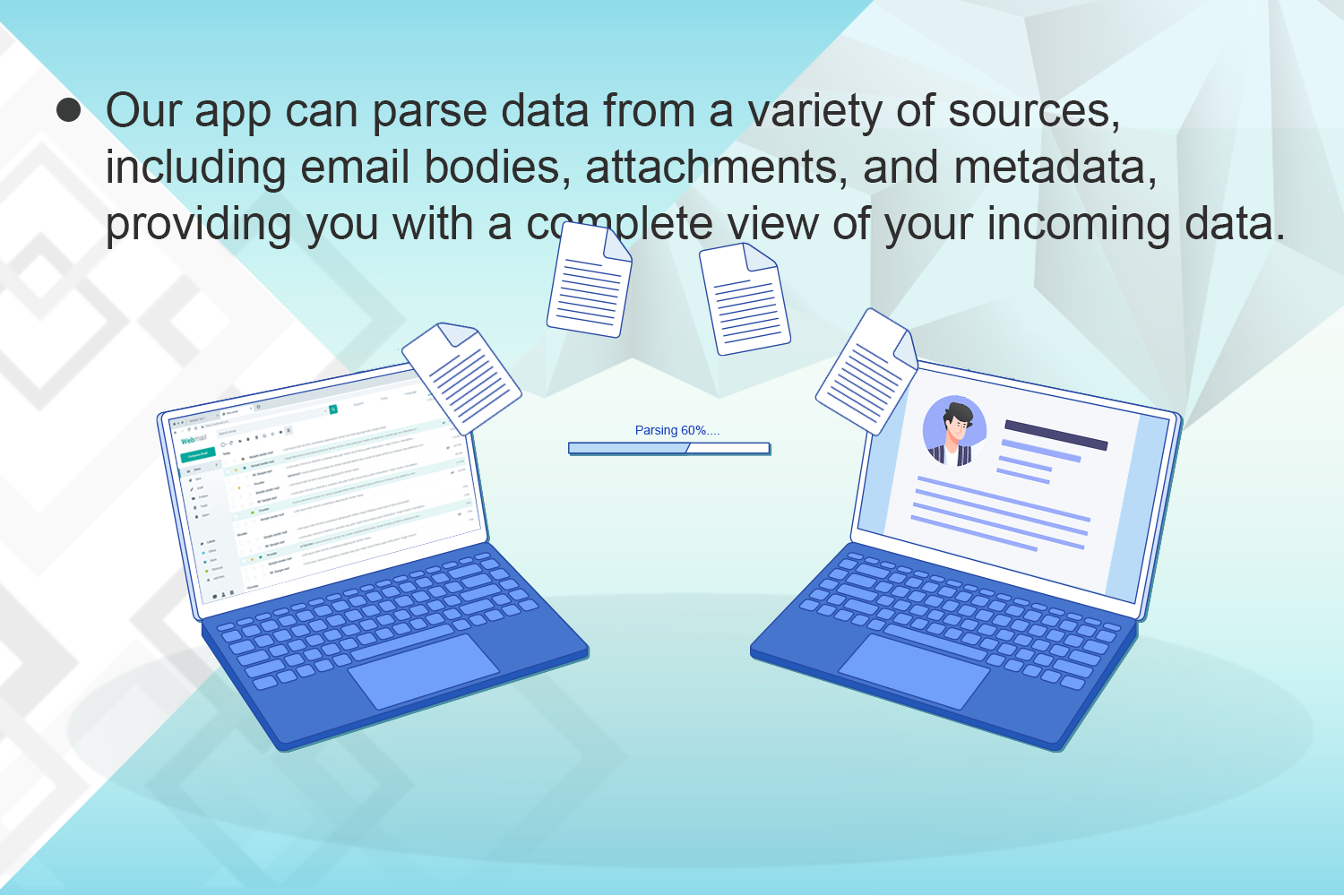 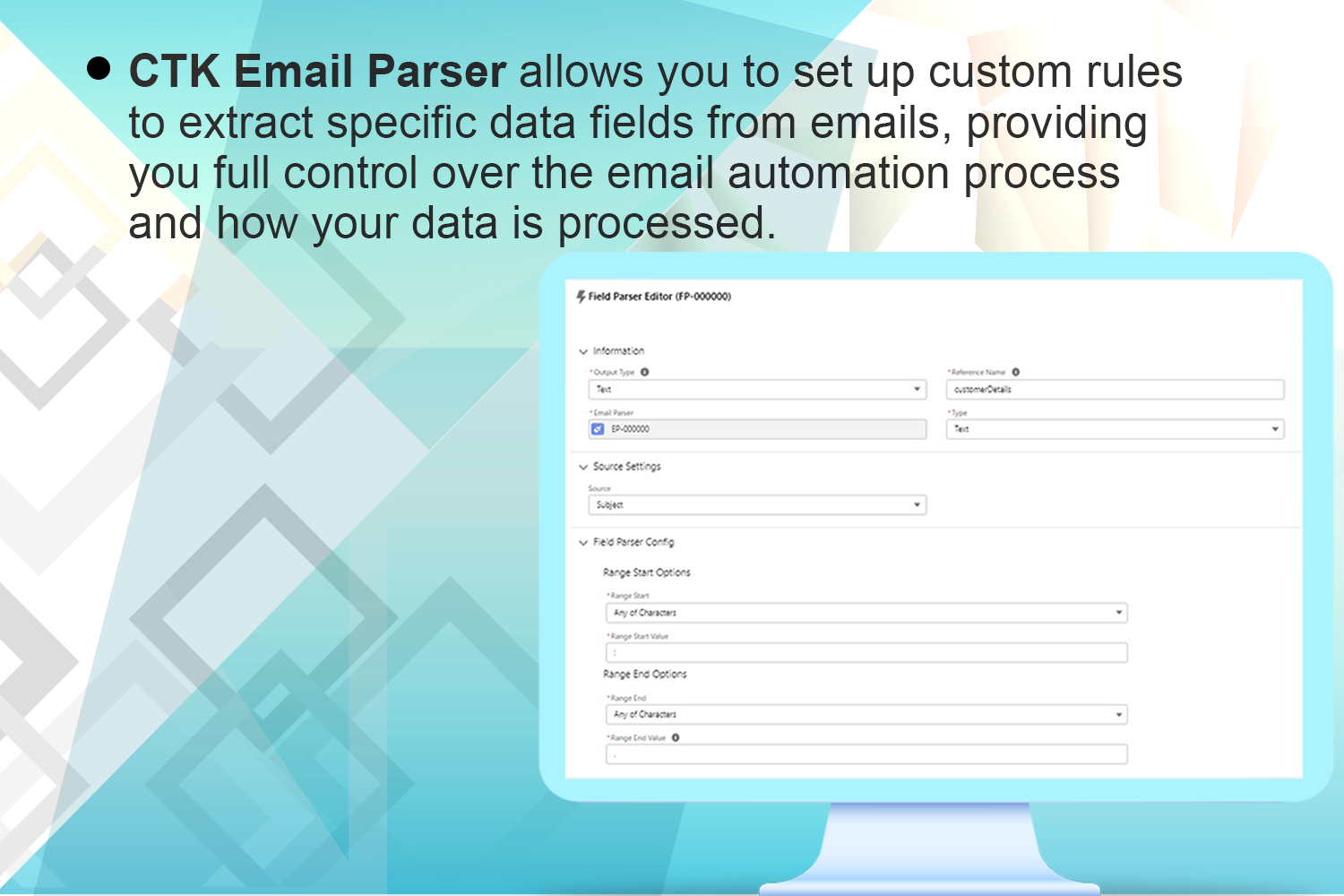 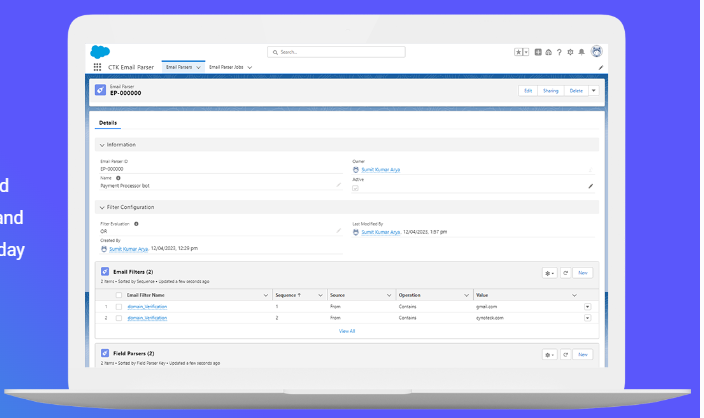 | Mailbutler Screenshots   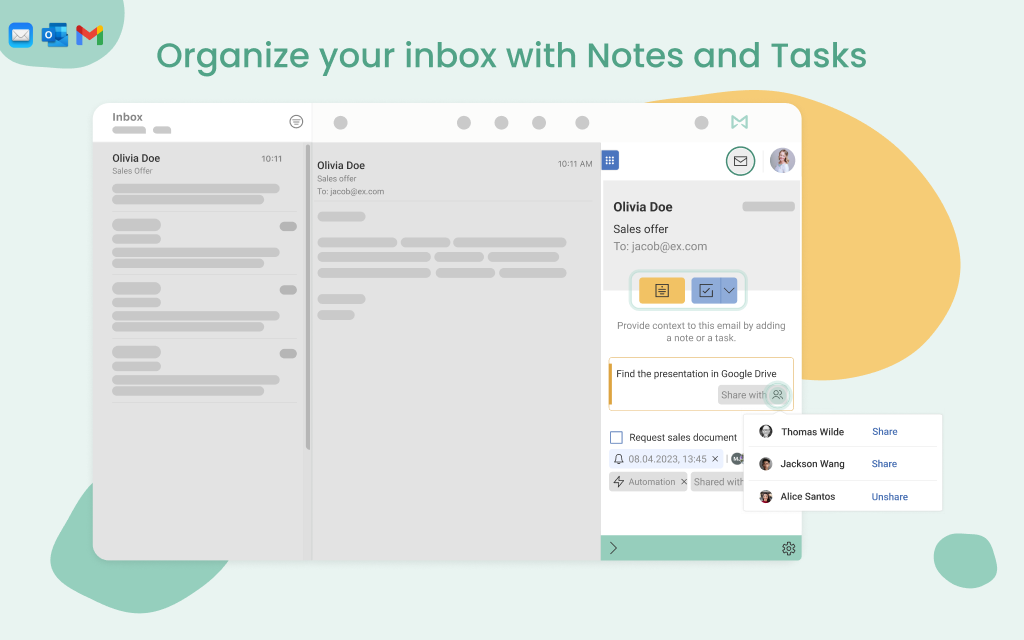  |