CRM.COM vs. Salesforce Revenue Cloud

Overview
ProductRatingMost Used ByProduct SummaryStarting Price
CRM.COM
Score 0.0 out of 10
Enterprise companies (1,001+ employees)
CRM.COM is an enterprise level Subscription Billing and eWallet-based Rewards SaaS platform that powers the membership economy and allows the brand to shift the customer relationship from transactional to membership. CRM.COM powers the technology and business model required to run the membership model, providing 4 products that can be set up as a stepped journey: Identity Management: Onboarding and customer management with omni channel self service…
$0.03
per month per subscriber
Salesforce Revenue Cloud
Score 8.8 out of 10
Mid-Size Companies (51-1,000 employees)
Salesforce Revenue Cloud (formerly Salesforce CPQ or SteelBrick) is built and delivered on the Salesforce Platform and Salesforce1 Mobile App which enables users to create accurate sales quotes quickly and submit error-free orders on the fly from any device.
$30
Per User per Month
Pricing
CRM.COMSalesforce Revenue Cloud
Editions & Modules
No answers on this topic
Basic
$30
Per User per Month
Professional
$50
Per User per Month
Enterprise
$75
Per User per Month
Offerings
Pricing Offerings
CRM.COMSalesforce Revenue Cloud
Free Trial
YesYes
Free/Freemium Version
NoNo
Premium Consulting/Integration Services
YesYes
Entry-level Setup FeeOptionalOptional
Additional DetailsThe CRM.COM SaaS Pricing is on a monthly basis plus some one-off set up fees (if required) based on the project's requirements and complexity. The monthly fees are per-subscriber per and can differ according to the selected add-ons, wallet fees (if any) and number of active subscribers.
More Pricing Information
Community Pulse
CRM.COMSalesforce Revenue Cloud
Features
CRM.COMSalesforce Revenue Cloud
CPQ
Comparison of CPQ features of Product A and Product B
CRM.COM
-
Ratings
Salesforce Revenue Cloud
7.7
32 Ratings
12% below category average
Quote sharing/sending00 Ratings7.931 Ratings
Product configuration00 Ratings5.132 Ratings
Configuration options00 Ratings5.130 Ratings
Pricing rules00 Ratings8.029 Ratings
Price adjustment00 Ratings8.031 Ratings
Purchase history and open contracts00 Ratings9.024 Ratings
Guided selling/Sales portal00 Ratings6.020 Ratings
CPQ reporting & analytics00 Ratings8.924 Ratings
CPQ-CRM integration00 Ratings9.929 Ratings
Attachments to quotes00 Ratings9.031 Ratings
Order capturing00 Ratings8.014 Ratings
Best Alternatives
CRM.COMSalesforce Revenue Cloud
Small Businesses
WooCommerce Subscriptions
Score 8.1 out of 10
QuoteWerks
QuoteWerks
Score 9.4 out of 10
Medium-sized Companies
Sage Intacct
Sage Intacct
Score 8.6 out of 10
QuoteWerks
QuoteWerks
Score 9.4 out of 10
Enterprises
Salesforce Revenue Cloud
Score 8.8 out of 10
SAP Sales Cloud
SAP Sales Cloud
Score 8.3 out of 10
All AlternativesView all alternativesView all alternatives
User Ratings
CRM.COMSalesforce Revenue Cloud
Likelihood to Recommend
-
(0 ratings)
8.0
(48 ratings)
Likelihood to Renew
-
(0 ratings)
9.1
(1 ratings)
Usability
-
(0 ratings)
8.6
(3 ratings)
Availability
-
(0 ratings)
9.1
(1 ratings)
Performance
-
(0 ratings)
8.2
(1 ratings)
Support Rating
-
(0 ratings)
7.9
(12 ratings)
Product Scalability
-
(0 ratings)
8.2
(1 ratings)
User Testimonials
CRM.COMSalesforce Revenue Cloud
Likelihood to Recommend
CRM.COM
No answers on this topic
Salesforce
What I like best is the ease of use to be able to track all opportunities and quotes in my daily sales tracker I also like the fact that you can reorganize the view for your opportunities. For instance, it is very similar to a spreadsheet where you can filter them by date, dollar amount, name, and several other ways. I found this to be less appropriate when we have to do multiple roles while assigning one task to multiple users. Column resizing within the Quote Line Editor is not supported in the Salesforce mobile app.
Read full review
Pros
CRM.COM
No answers on this topic
Salesforce
  • Salesforce CPQ easily maps to standard and custom fields within the opportunity in SFDC, allowing you to avoid time spent duplicating effort or copying and pasting deal criteria.
  • Salesforce CPQ connects directly to pre-determined price book, making it very easy to provide a proposal based on standard cost and/or add discounts to standard cost and reflect those reductions on the order form as appropriate.
  • Salesforce CPQ provides the ability for administrators to configure workflows for approval based on certain discount %'s on the standard cost, offering a quick and easy way to route automatically through the organization for approval.
Read full review
Cons
CRM.COM
No answers on this topic
Salesforce
  • Our Salesforce is very messy, which tells me it's not super easy to clean up.
  • I always have a really hard time removing a contacts from an account - it seems like you can't simply remove the relationship so we have lots of people named DO NOT CONTACT or things of that nature.
  • Sometimes when saving it doesn't seem like things actually save.
Read full review
Likelihood to Renew
CRM.COM
No answers on this topic
Salesforce
The company is very easy to work with and is growing by leaps and bounds. We do not anticipate switching vendors anytime in the near future
Read full review
Usability
CRM.COM
No answers on this topic
Salesforce
After the initial set up, end users who are not the most tech savy are generally finding it easy to navigate
Read full review
Support Rating
CRM.COM
No answers on this topic
Salesforce
There have been some issues with multi-year pricing of certain products and services which we have been assured will be resolved but I guess are still underway, the support team apart from this has not been needed much and in the rare scenarios, it has been needed the resolutions of conflicts has been prompt and quick, so the overall support would have my high regards for being so helpful and customer-oriented so as to assure good performance of their toolset and customer satisfaction.
Read full review
Alternatives Considered
CRM.COM
No answers on this topic
Salesforce
There is no comparison to a fully functional instance of CPQ. Nothing comes close due to the amount of customization and ease of use that CPQ offers once it's fully built out. Other solutions may be easier to build or administer, but for the users and business needs, CPQ is the best solution possible.
Read full review
Return on Investment
CRM.COM
No answers on this topic
Salesforce
  • Salesforce CPQ has helped a lot with overall visibility to the quote to order process. Reps have more insight into the business and the business has more insight into Sales Rep interactions. This makes troubleshooting issues much easier.
  • Our reporting capabilities have improved immensely. The ability to easily create fields allows you to capture new data points very easily.
  • Communication in Salesforce CPQ and Salesforce, in general, is a big improvement for our business. The ability to have a chatter feed on any object is very helpful. This can also be used for feed tracking to give some basic change management controls/history.
Read full review
ScreenShots

CRM.COM Screenshots

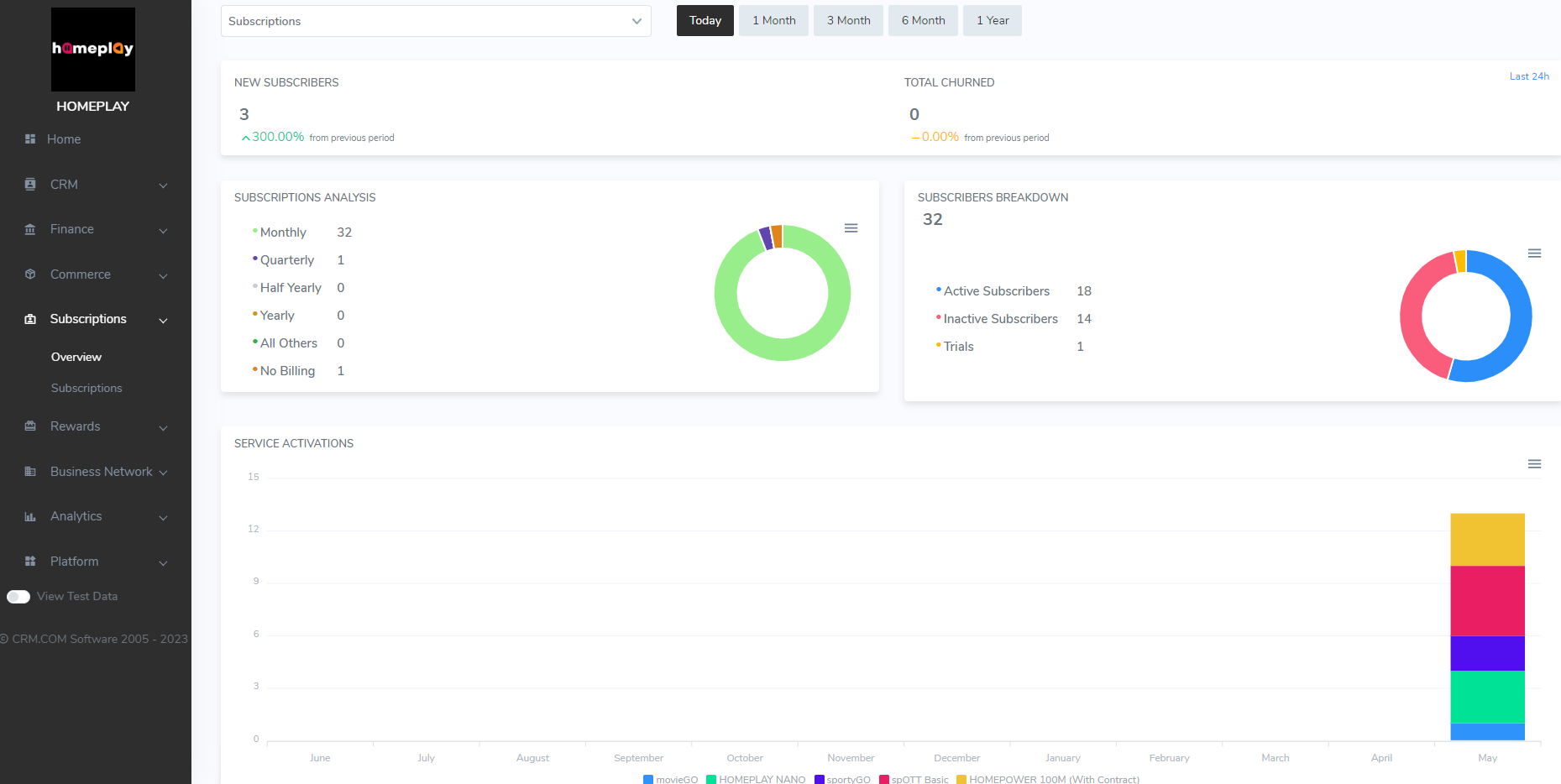
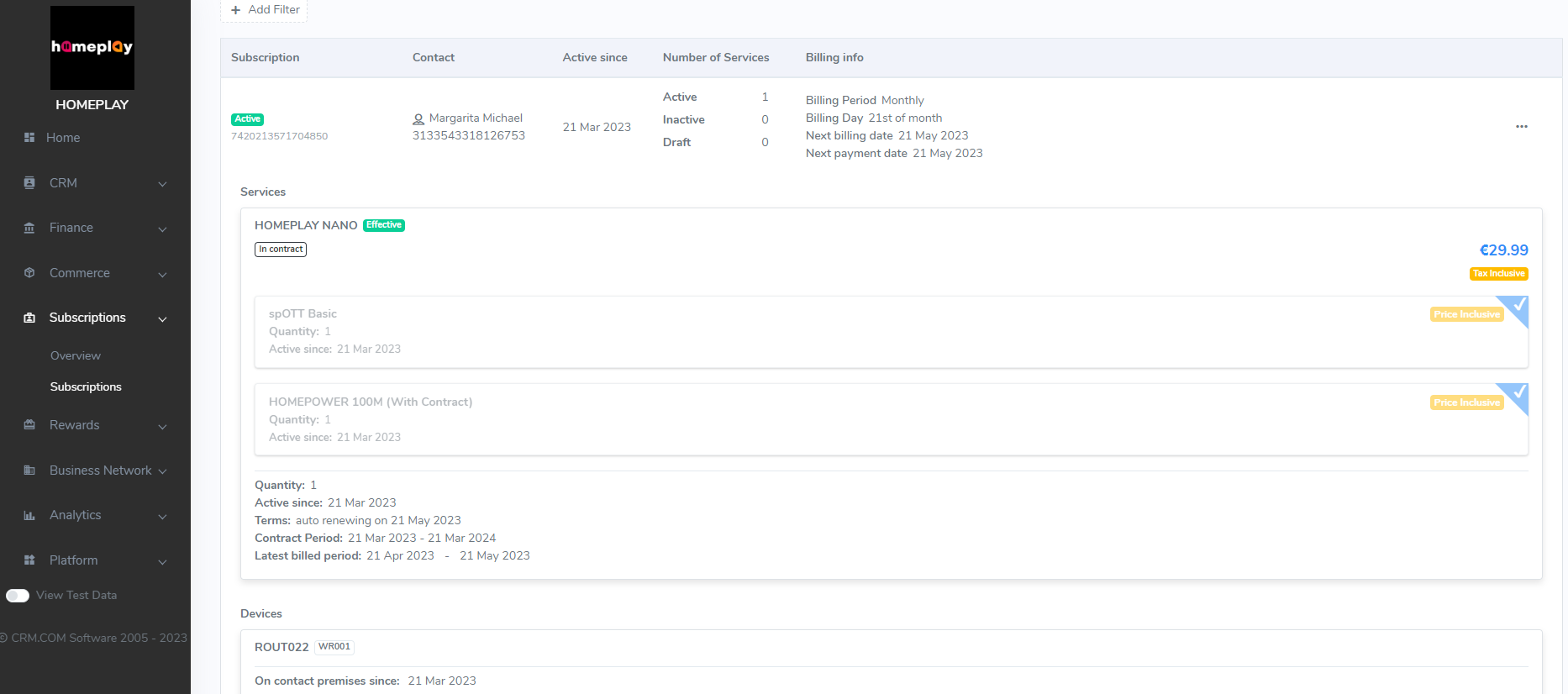
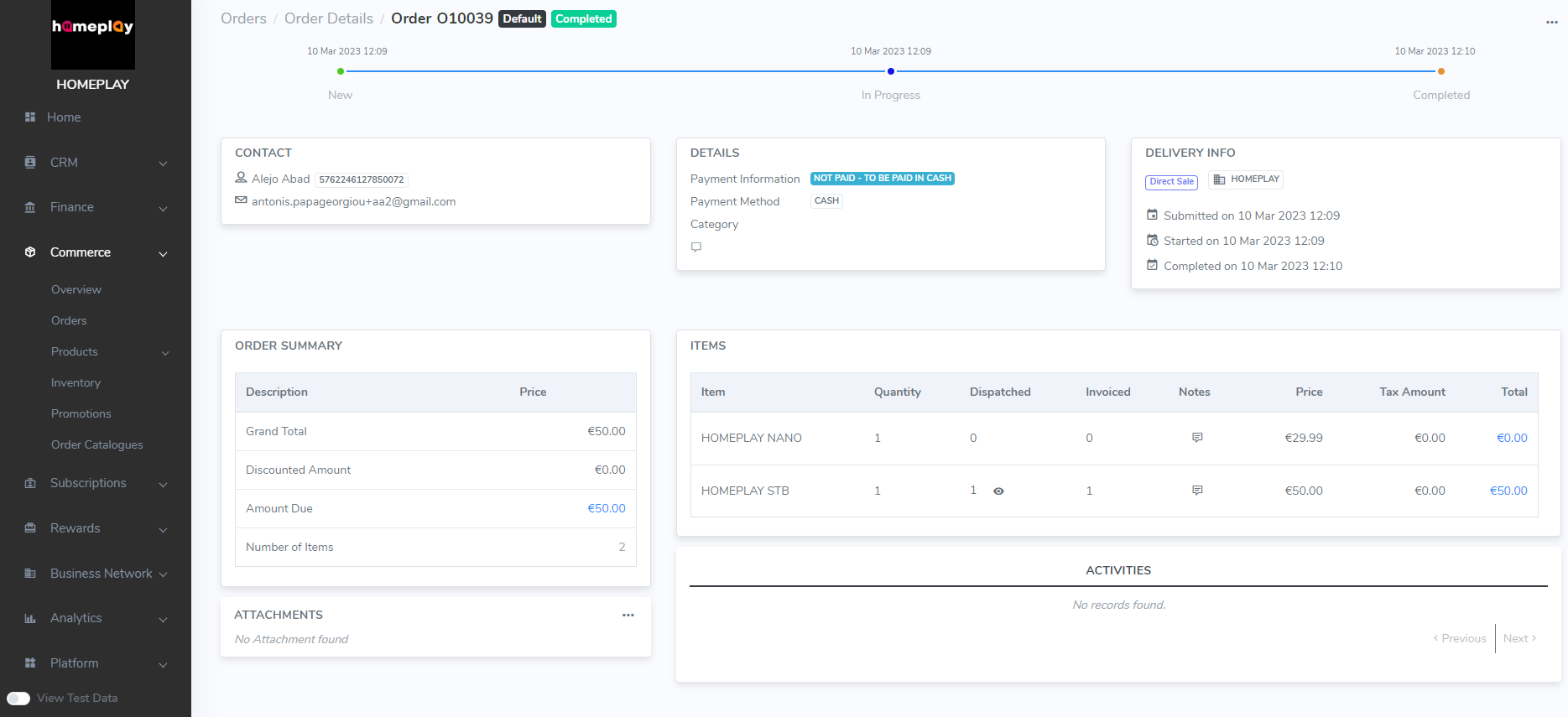
Screenshot of CRM.COM Subscriptions OverviewScreenshot of CRM.COM Product CatalogueScreenshot of CRM.COM SubscriptionsScreenshot of CRM.COM OrdersScreenshot of CRM.COM Promotions

Salesforce Revenue Cloud Screenshots

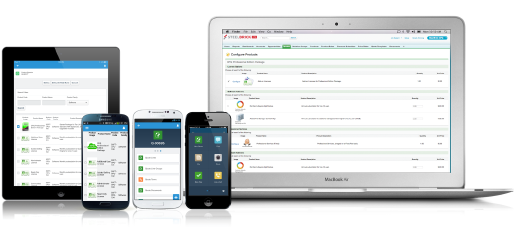
Screenshot of Configure. Price. Quote. Anytime, anywhere, on any device.